
Introduction
The Shark PowerDetect Cordless Stick Vacuum, Model IP1255, is engineered for powerful and intelligent whole-home cleaning. This manual provides essential information for the proper setup, operation, and maintenance of your vacuum cleaner, ensuring optimal performance and longevity. Featuring powerful suction, HEPA filtration, and a redesigned DuoClean Detect nozzle, this vacuum is designed for effective cleaning across various floor types and for tackling pet hair.
Safety Information
Please read all instructions carefully before using your Shark PowerDetect Cordless Stick Vacuum. Keep this manual for future reference. Always ensure the vacuum is unplugged before performing any maintenance or cleaning. Do not operate the vacuum with a damaged cord or plug. Keep hair, loose clothing, fingers, and all parts of the body away from openings and moving parts. Use only as described in this manual. Keep out of reach of children.
What's in the Box
Your Shark PowerDetect Cordless Stick Vacuum comes with the following components:
- PowerDetect Cordless Stick Vacuum (Handheld Unit)
- MultiFLEX Wand
- DuoClean Detect Nozzle
- Battery & Charging Cord
- Crevice Tool
- FurFins Tool

Setup
- Assembly: Connect the MultiFLEX wand to the handheld vacuum unit until it clicks securely. Then, attach the DuoClean Detect nozzle to the bottom of the MultiFLEX wand, ensuring it clicks into place.
- Charging: Plug the charging cord into the battery port on the handheld unit. Allow approximately 4 hours for a full charge. The battery life is up to 70 minutes in ECO mode.

Operating Instructions
PowerDetect Technology
The PowerDetect system intelligently senses and reacts to your home environment. It automatically boosts suction power when it detects hidden dirt, edges, different floor types, and changes in cleaning direction, optimizing performance for a deeper clean.
DuoClean Detect Nozzle
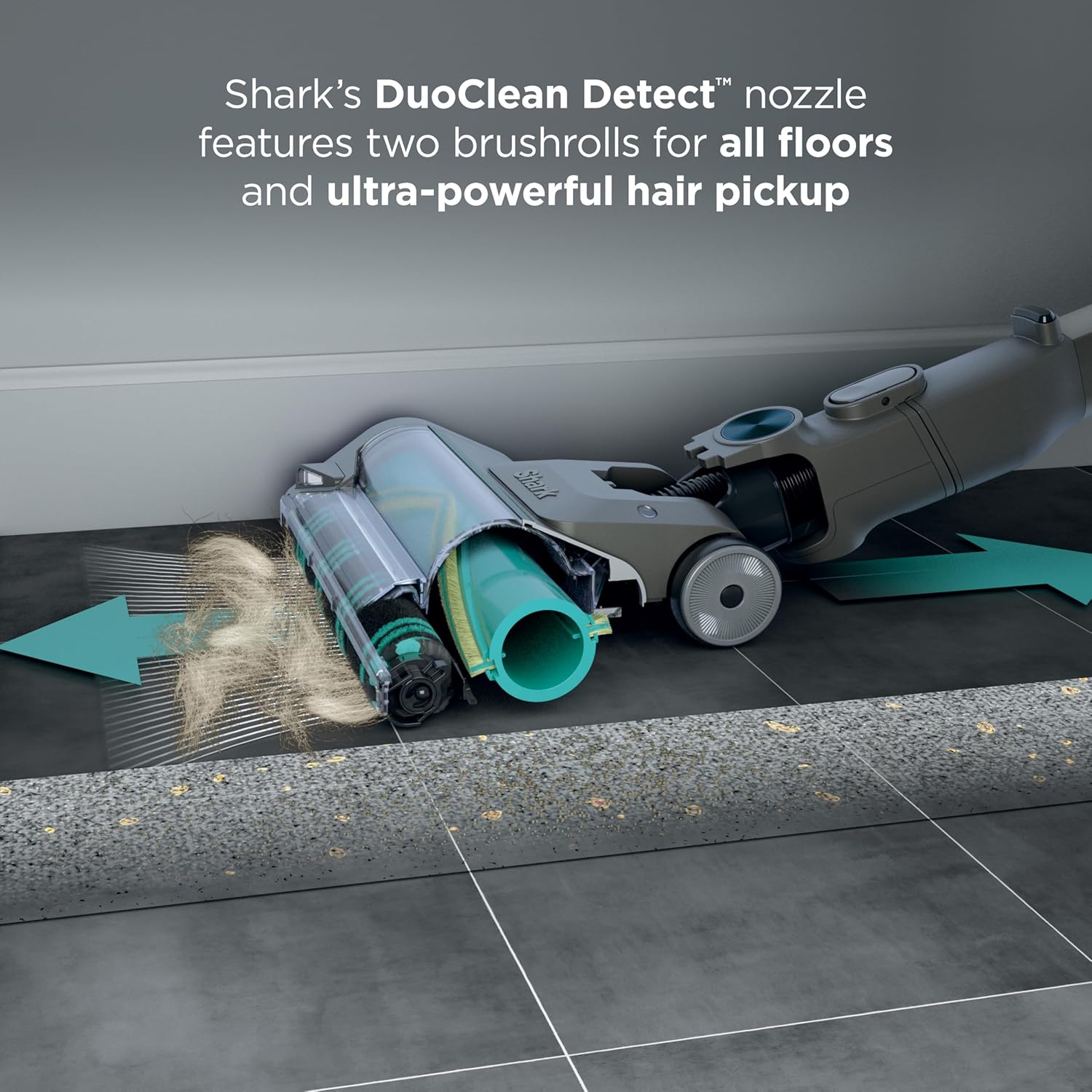
The redesigned DuoClean Detect nozzle features two brushrolls for all floor types, providing powerful hair pickup. Its DirectionDetect technology allows for debris pickup in both forward and reverse passes, enabling faster and more efficient cleaning.

MultiFLEX Technology
The MultiFLEX wand allows you to bend the vacuum to easily reach under furniture without bending over. It also provides a compact storage solution by folding the wand for convenient upright storage.

Above-Floor Cleaning
Detach the wand and nozzle to convert the unit into a lightweight handheld vacuum. This mode is ideal for cleaning hard-to-reach spots, upholstery, and car interiors.
Accessories Usage
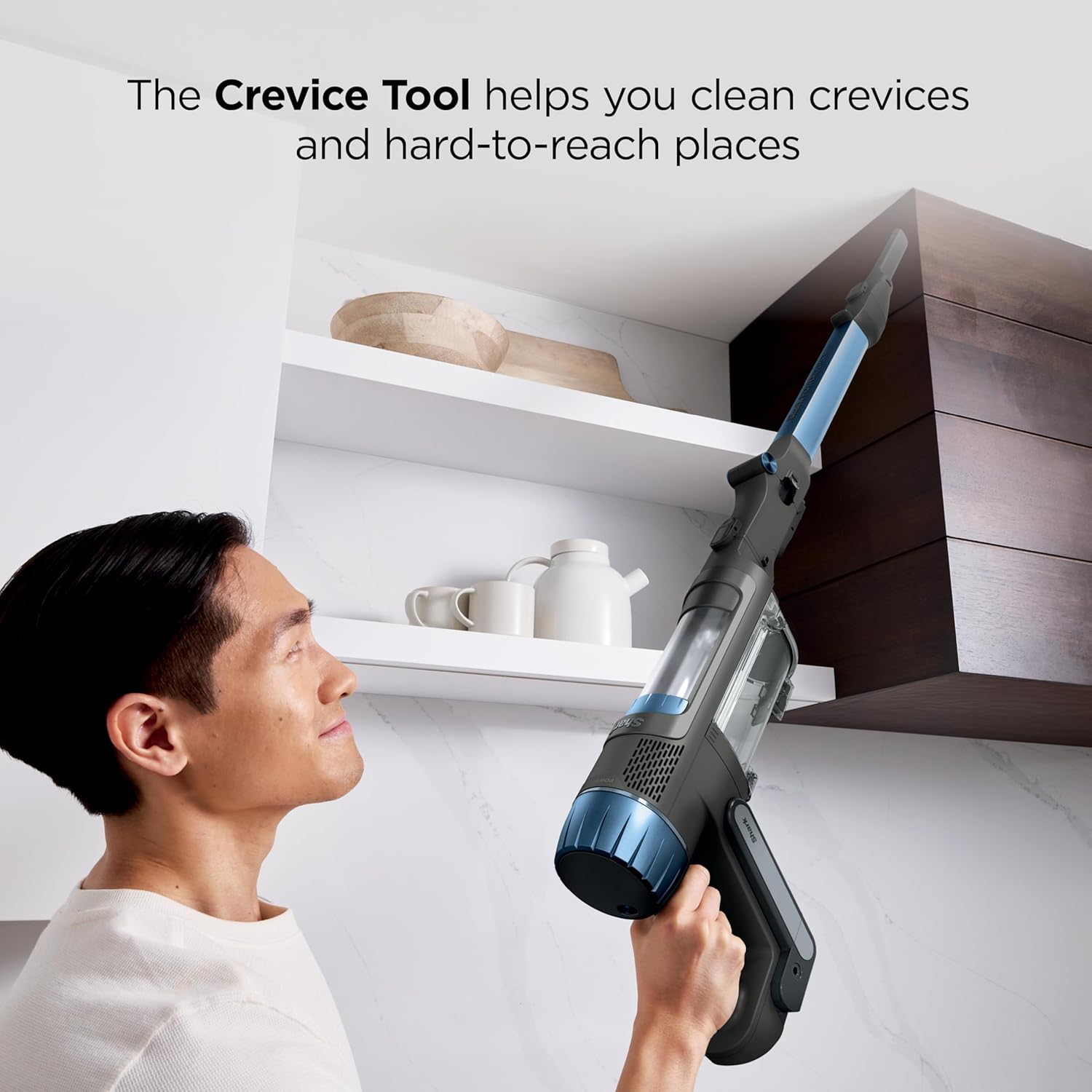
- Crevice Tool: Use for cleaning tight spaces, corners, and along edges.
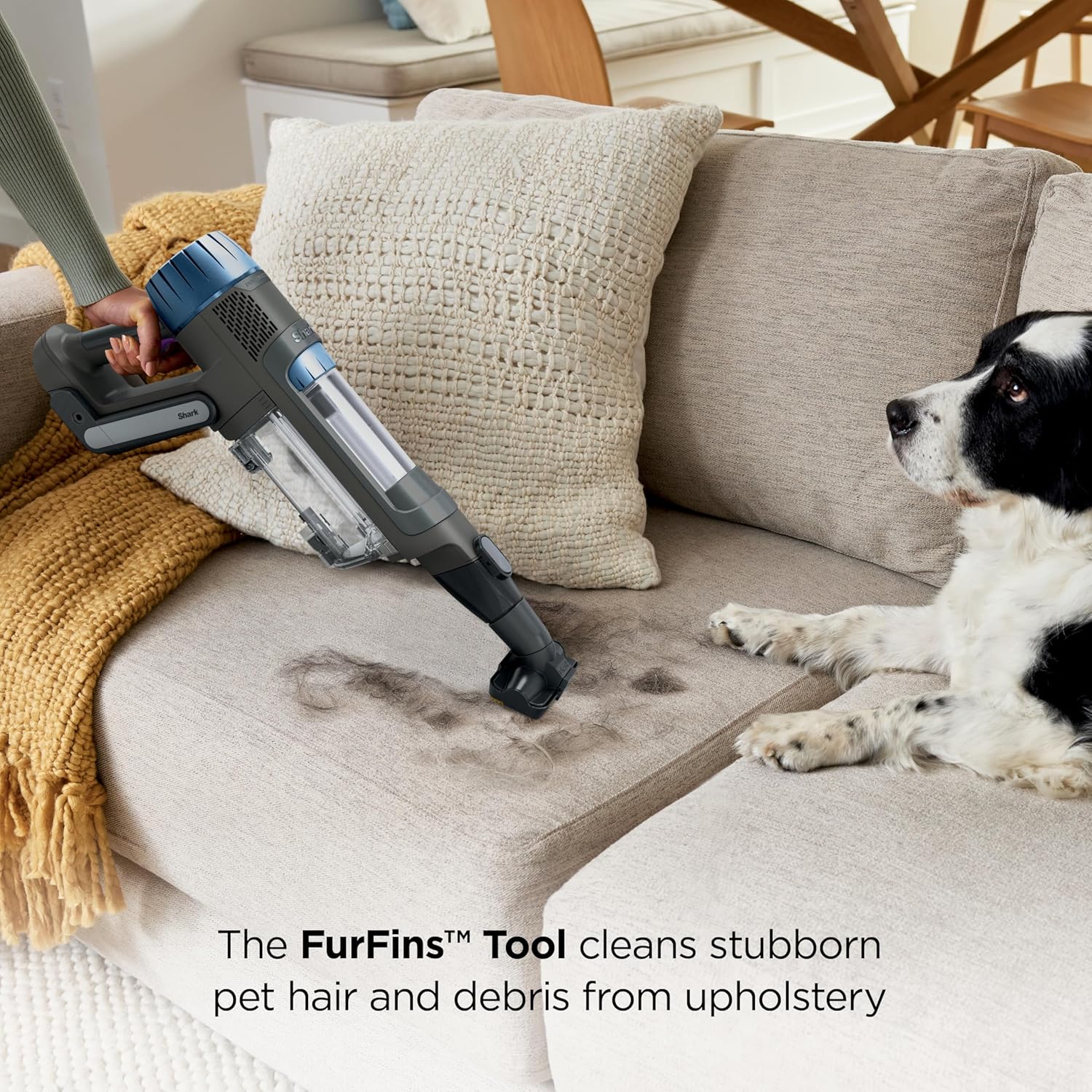
- FurFins Tool: Designed to effectively remove stubborn pet hair and debris from upholstery, carpets, and other fabric surfaces.

Maintenance
Emptying the Dust Cup
To empty the dust cup, detach the handheld unit from the wand. Position the dust cup over a trash receptacle and press the release button to open the bottom flap, allowing debris to fall out. Close the flap securely after emptying.
Cleaning the Brushrolls
The DuoClean Detect nozzle features anti-hair wrap technology to minimize hair tangles. Periodically inspect the brushrolls for any trapped debris or hair. If necessary, carefully remove any obstructions. Refer to the full owner's guide for detailed cleaning instructions.
Filter Maintenance
The vacuum is equipped with HEPA filtration. Regularly check and clean the filters to maintain optimal suction and air quality. Rinse filters with water and allow them to air dry completely before reinserting.
Troubleshooting
- Vacuum not turning on: Ensure the battery is fully charged and correctly inserted.
- Loss of suction: Check the dust cup for fullness, clean filters, and inspect the nozzle and wand for blockages.
- Brushrolls not spinning: Ensure the vacuum is on a suitable floor setting and check for any obstructions in the nozzle.
Specifications
| Feature | Detail |
|---|---|
| Brand | Shark |
| Model Name | PowerDetect Cordless Stick Vacuum |
| Model Number | IP1255 |
| Special Features | Cordless, HEPA, Headlight, High Power, Lightweight |
| Filter Type | HEPA Filter |
| Is Cordless? | Yes |
| Capacity | 0.74 Quarts |
| Wattage | 450 watts |
| Charging Time | 4 Hours |
| Battery Life | 70 minutes (in ECO mode) |
| Item Weight | 7.96 pounds |
| Product Dimensions | 10.25"L x 15.5"W x 45.64"H |
Warranty and Support
For warranty information or product support, please refer to the warranty card included with your purchase or visit the official Shark website. Contact customer service for assistance with any issues not covered in this manual.


