
Introduction
Welcome to the ARCCTV Q4 Wireless Outdoor Security Camera System. This comprehensive 4-camera kit provides advanced surveillance with 4MP Ultra HD resolution, 360° pan & tilt capabilities, and solar-powered operation for a truly wire-free experience. With local storage and smart features, it's designed to offer reliable home security without monthly fees.
What's in the Box
Please check the contents of your package to ensure all items are present:
- 1 × Base Station
- 4 × Surveillance Camera + Bracket
- 4 × Stainless Steel Screw Pack (5+5 for Camera Bracket)
- 4 × Solar Panel + Bracket
- 4 × Stainless Steel Screw Set (3+3 for Solar Panel Bracket)
- 2 × Bracket Positioning Stickers
- 1 × USB Data Cable
- 1 × 5V 1A Power Supply
- 1 × User Manual (this document)
- 1 × 1m Network Cable

Image: The complete ARCCTV Q4 system, showing the four wireless cameras with integrated solar panels and the central home base station.
Product Features
- 4MP Ultra HD Resolution: Crystal-clear 2560×1440p video, 2X sharper than 1080p.

Image: Detailed view of the camera's lens, emphasizing its 4-megapixel resolution for clear imaging.
- Enhanced Night Vision: Vibrant color night vision in low light and 33ft infrared night vision in complete darkness.
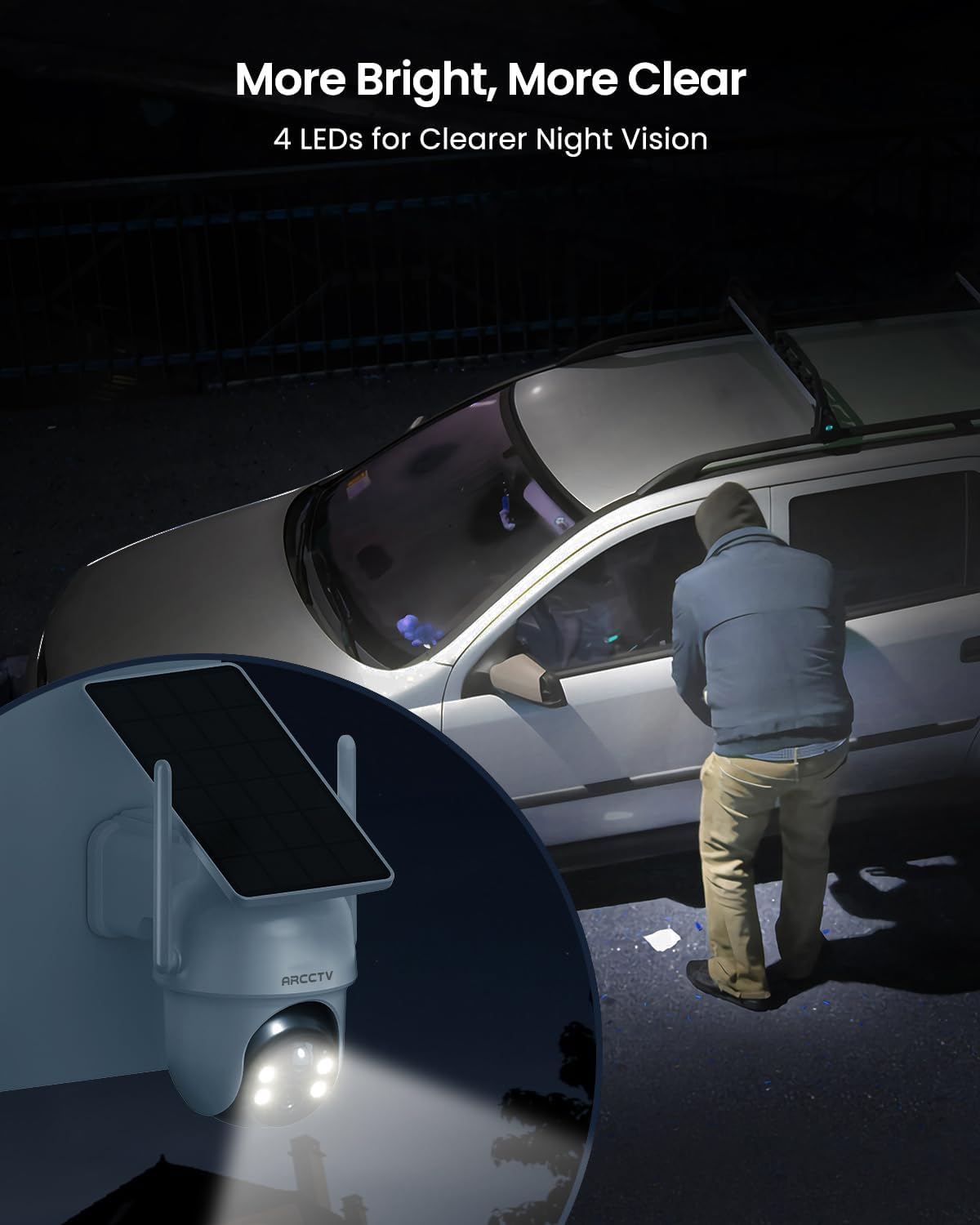
Image: The camera's powerful LEDs providing clear night vision, enhancing visibility in dark environments.
- 360° Pan-Tilt Coverage: Remote control for 355° horizontal and 90° vertical rotation, eliminating blind spots.
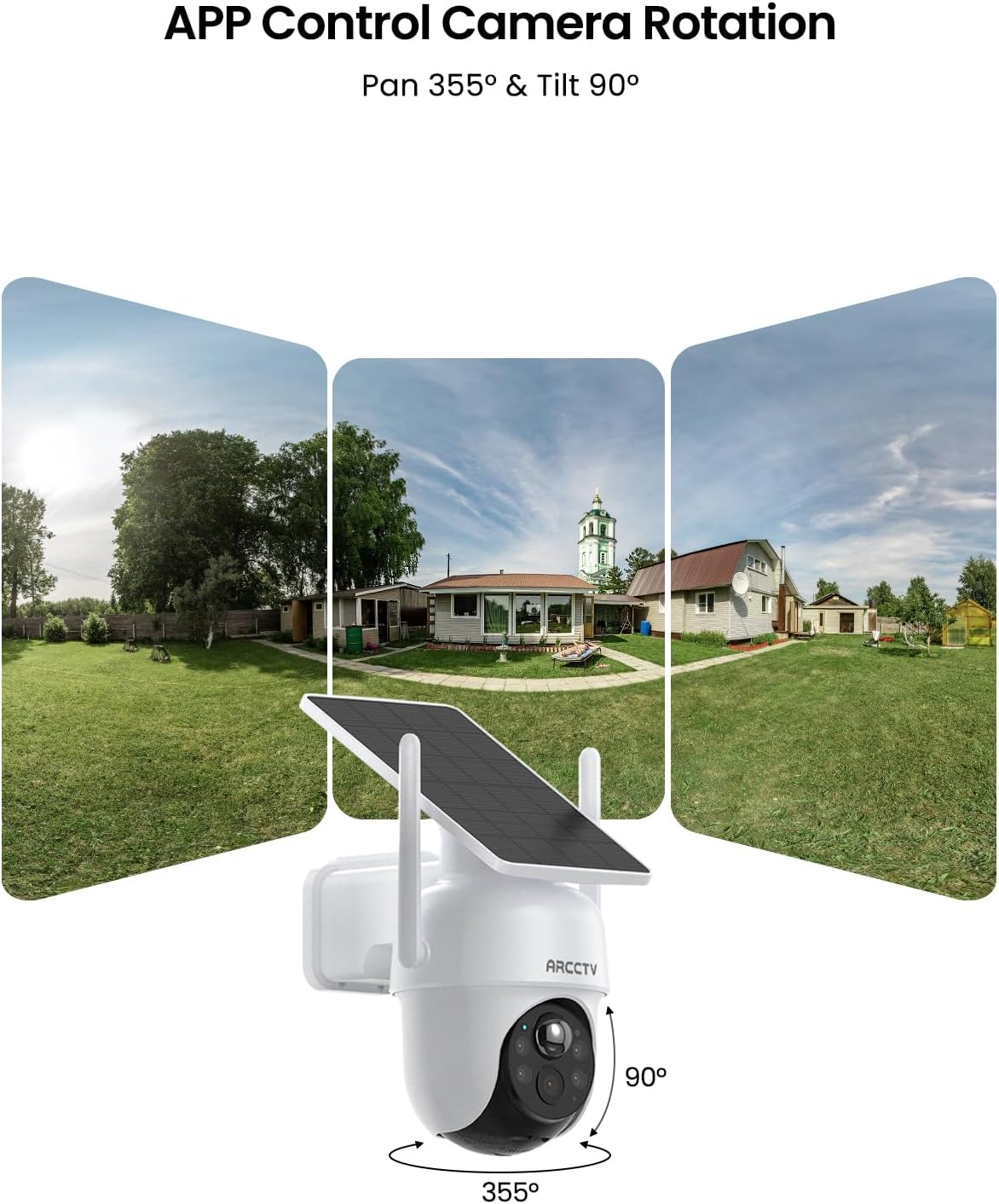
Image: Illustration of the camera's pan and tilt functionality, demonstrating its wide coverage area.
- Centralized Home Base with 64GB Storage: Secure local recording with expandable storage up to 256GB, no monthly fees.
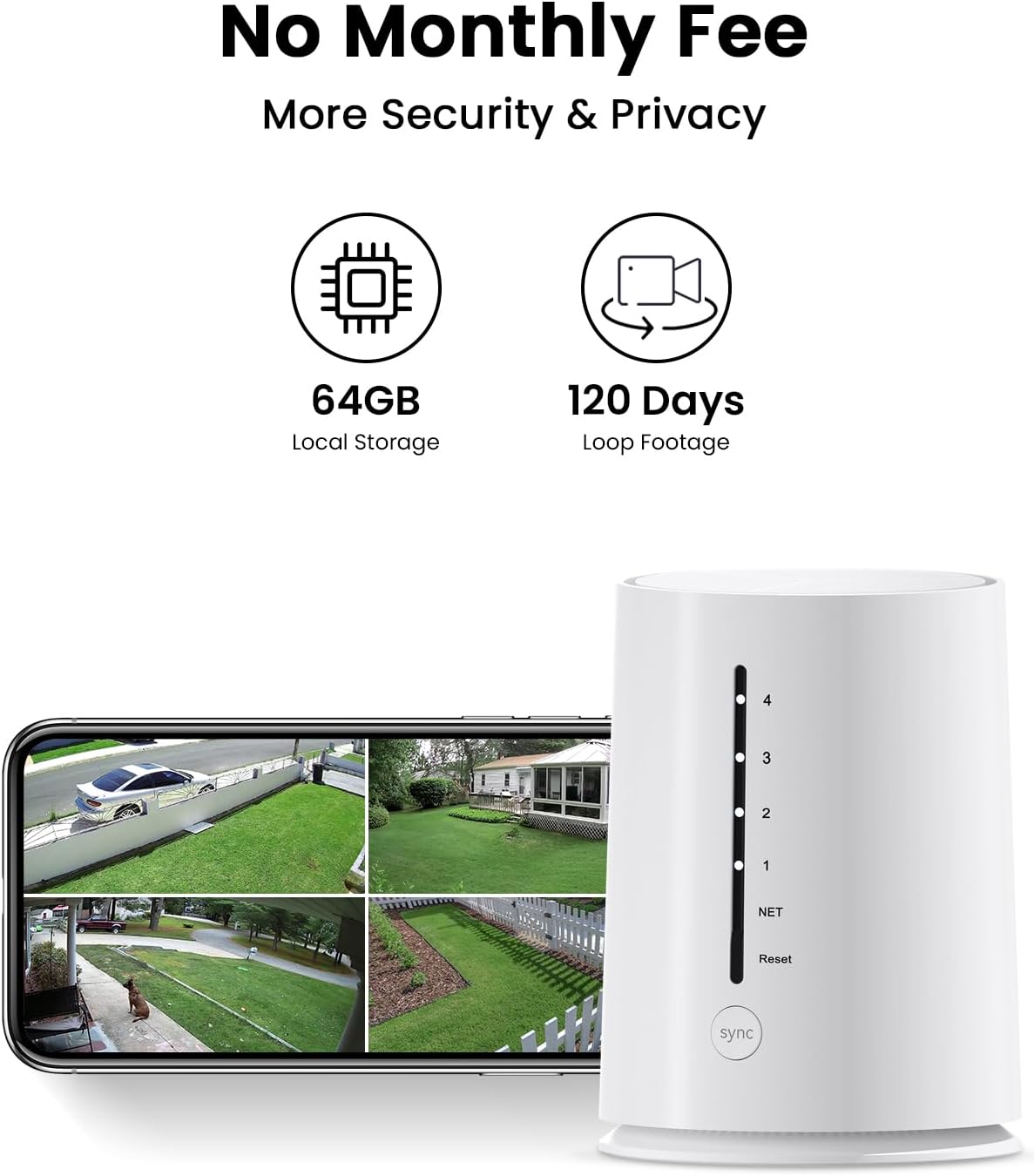
Image: The home base station and a smartphone showing the multi-camera live view, highlighting local storage and no monthly fees.
- Solar-Powered & 100% Wire-Free: High-efficiency solar panel for continuous charging, 60+ days battery backup.
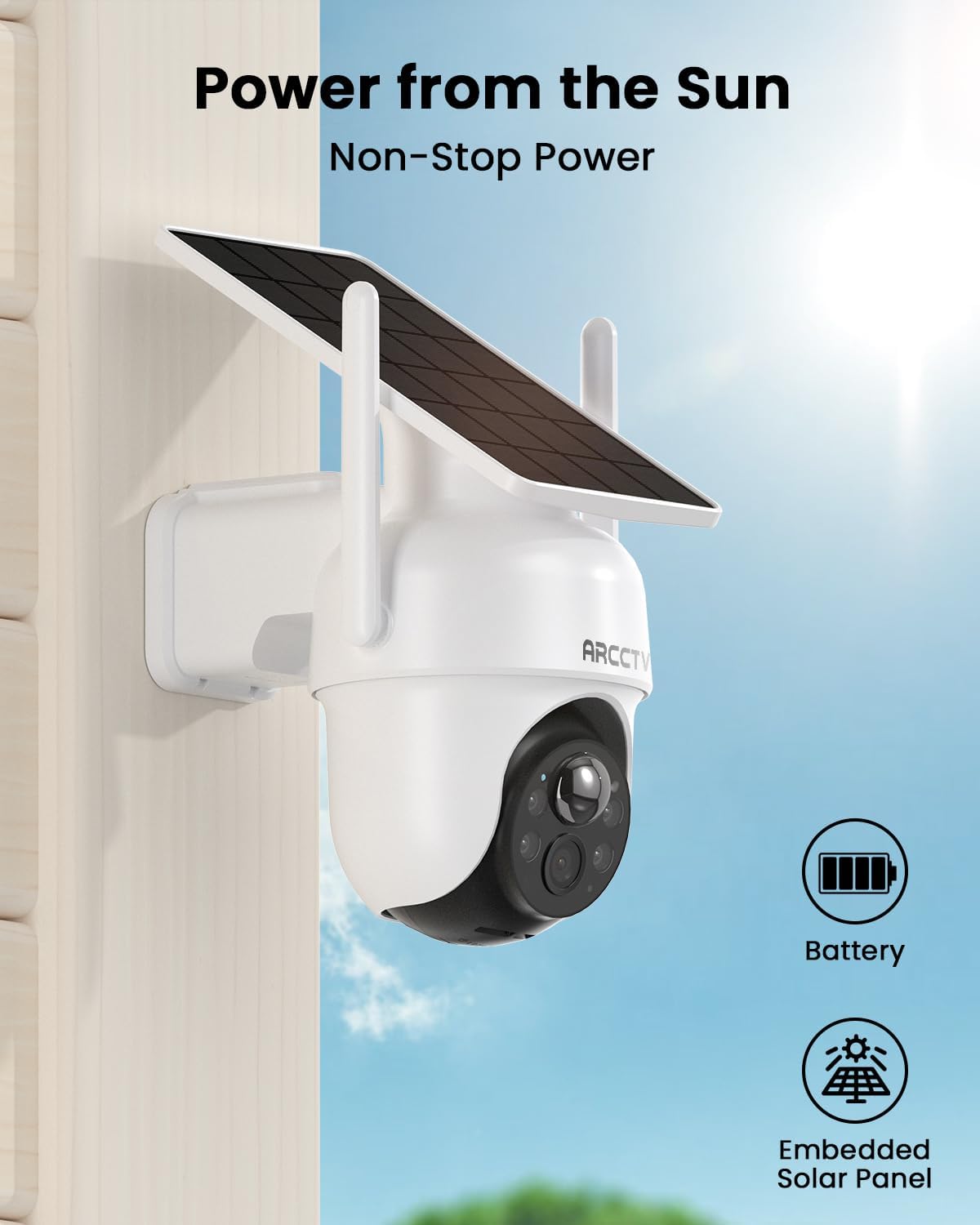
Image: A camera mounted outdoors, showcasing its solar panel for continuous power from the sun.
- Two-Way Audio: Built-in microphone and speaker for remote communication.
- Smart Home Integration: Works with Alexa and Google Assistant for voice control.
- IP65 Waterproof Rating: Reliable performance in various weather conditions (-4°F to 122°F).
Setup Guide
1. Initial Charging & Placement
Before installation, ensure all cameras are fully charged using the provided USB cable and power supply. While solar panels provide continuous charging, an initial charge ensures optimal performance from the start. Position cameras in areas with ample sunlight exposure for the solar panel.
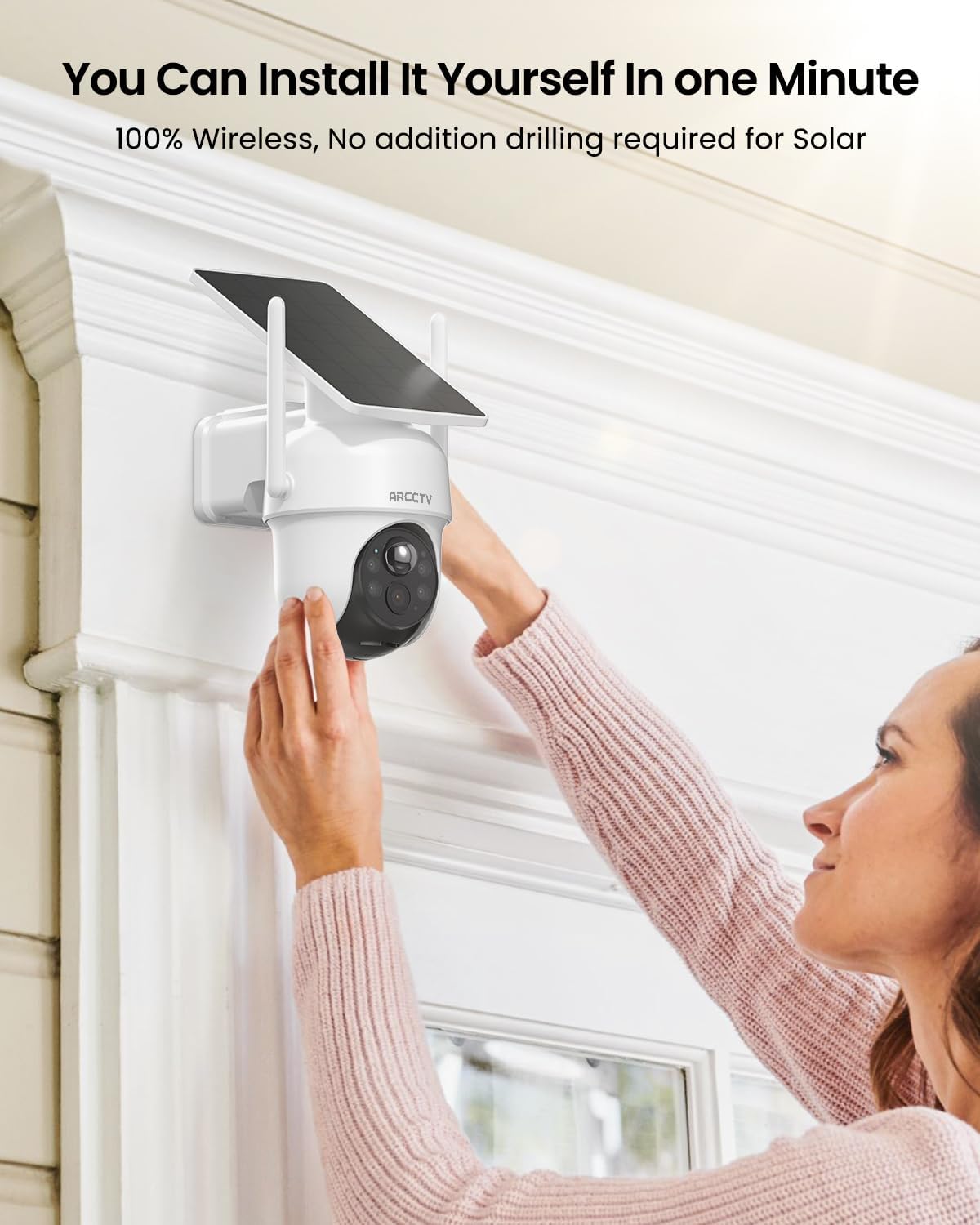
Image: Demonstrates the ease of installing the wire-free camera system.
2. Base Station Setup
- Connect the Base Station to power using the provided power supply.
- Connect the Base Station to your home router using the included Ethernet cable for initial setup, or follow the app instructions for Wi-Fi connection.
- Ensure the Base Station is placed centrally to maximize wireless range to all cameras.
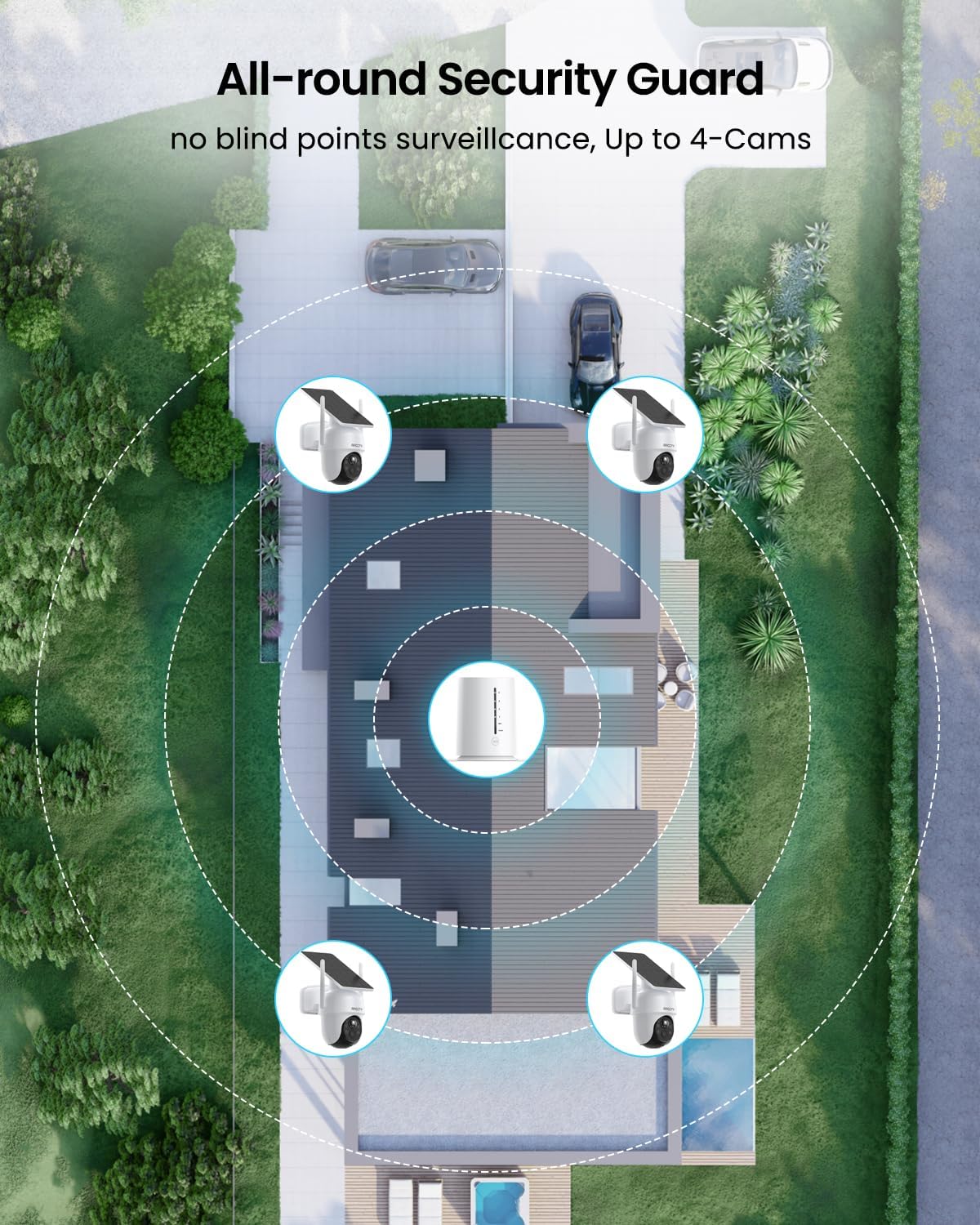
Image: Illustrates optimal placement of the base station for comprehensive camera coverage around a property.
3. Camera Mounting
Use the provided mounting brackets, screws, and positioning stickers to securely install each camera in your desired outdoor locations. Ensure the solar panel is oriented to receive maximum direct sunlight throughout the day.
4. App Installation and Pairing
- Download the official ARCCTV app from your smartphone's app store (iOS or Android).
- Follow the in-app instructions to create an account and add your Base Station.
- The cameras are pre-paired with the Base Station. Once the Base Station is online, the cameras should automatically connect. If not, refer to the app's pairing guide.
Operating Instructions
1. Live View
Open the ARCCTV app to view live feeds from all four cameras simultaneously on one screen. Tap on any camera view to expand it to full screen for a more detailed look.
Image: A smartphone displaying a quad-view of live surveillance footage from the four cameras.
2. Pan & Tilt Control
In full-screen live view, use the on-screen controls to remotely pan the camera 355° horizontally and tilt it 90° vertically to adjust your viewing angle.
3. Two-Way Audio
Tap the microphone icon in the app's live view to speak through the camera's speaker. This feature allows you to communicate with visitors or deter intruders.
4. Recording & Playback
The system records events triggered by motion detection to the 64GB local storage in the Base Station. Access recorded footage through the app's playback section. You can review, download, or share clips.
5. Night Vision Modes
The cameras automatically switch between color night vision (in low light) and infrared night vision (in complete darkness) to provide clear images 24/7.
Maintenance
- Clean Lenses: Periodically wipe camera lenses with a soft, damp cloth to ensure clear image quality.
- Solar Panel Cleaning: Keep solar panels free of dust, dirt, and snow to maintain charging efficiency.
- Battery Monitoring: Monitor battery levels via the app and ensure cameras receive adequate sunlight for charging.
- Firmware Updates: Regularly check the app for firmware updates to ensure optimal performance and security.
Troubleshooting
| Problem | Possible Solution |
|---|---|
| Camera not connecting to Base Station | Ensure Base Station is powered on and connected to the internet. Check camera battery level. Try re-pairing the camera via the app if necessary. Reduce distance between camera and Base Station. |
| Poor video quality | Check internet connection speed. Clean the camera lens. Ensure there are no obstructions in the camera's field of view. |
| Battery not charging | Ensure solar panel is clean and receiving direct sunlight. Check ambient temperature (extreme cold/heat can affect charging). Try charging directly with USB cable. |
| Motion detection not working | Check motion detection settings in the app. Ensure camera is positioned correctly to capture motion in the desired area. |
| Two-way audio issues | Check app volume settings. Ensure microphone and speaker on camera are not obstructed. Check network stability. |
Specifications
- Brand: ARCCTV
- Model: Q4
- Connectivity Technology: Wireless
- Video Capture Resolution: 1440p (4MP, 2560×1440)
- Special Features: Night Vision, PTZ Control (Pan 355°, Tilt 90°), Two-Way Audio
- Number of Channels: 4
- Memory Storage Capacity: 64 GB (expandable to 256GB)
- Power Source: Battery Powered & Solar Powered
- Item Dimensions (L x W x H): 8 x 5 x 5.12 inches
- Recommended Uses: Outdoor
- Compatible Devices: Smartphones (iOS/Android)
- Night Vision Range: 33 Feet
- Recording Mode: Event-triggered
- Optical Sensor Technology: CMOS
- Operating Temperature: -4°F to 122°F (-20°C to 50°C)
- Waterproof Rating: IP65
Official Product Video
Video: An official overview of the ARCCTV Home Security Camera System, demonstrating its features and ease of use.
Warranty and Support
For warranty information and technical support, please refer to the official ARCCTV website or contact their customer service directly. Details can typically be found on the product packaging or the manufacturer's official online channels.
Manufacturer: Shenzhen Anran Security Technology Co.,Ltd
First Available Date: May 27, 2025


