
1. Setup
This section provides instructions for setting up your IROK Mer68 mechanical keyboard.
1.1 Unboxing Contents
Carefully unpack the box and ensure all items are present:
- IROK Mer68 Mechanical Keyboard
- USB-C Cable
- Keycap Puller
- Extra Switches (approximately 3)
- Dust Cover
1.2 Connecting the Keyboard
Connect the provided USB-C cable to the keyboard and then to an available USB port on your computer (Laptop or PC). The keyboard is wired for a stable connection.
1.3 Driver Installation
The IROK Mer68 gaming keyboard supports Web Driver & One-stop HUB Drive for configuration and customization. Please visit the official IROK website for the latest drivers and software to unlock full functionality.

Figure 1: IROK Mer68 Mechanical Keyboard connected to a computer.
Video 1: Official IROK Mer68 wired keyboard overview, demonstrating features and design.
2. Operating Instructions
Understand the key features and how to operate your IROK Mer68 keyboard.
2.1 Key Layout and Performance
The Mer68 features a compact 68-key layout, integrating essential keys in a smaller footprint. It is equipped with advanced magnetic switches utilizing the second-generation GTURBO magnetic axis algorithm and a high-speed flagship MCU.
- Polling Rate: 8KHZ for seamless and lag-free input.
- Latency: As low as 0.125MS for rapid response.
- Single-Key Scan Rate: 256KHZ for precise and stable gaming.
- Rapid Trigger (RT): 0.004MM with 0.001mm step for swift actions and instant stops.

Figure 2: Flagship MCU Chip for enhanced performance.

Figure 3: Low latency performance of the keyboard.

Figure 4: High single-key scan rate for precision.
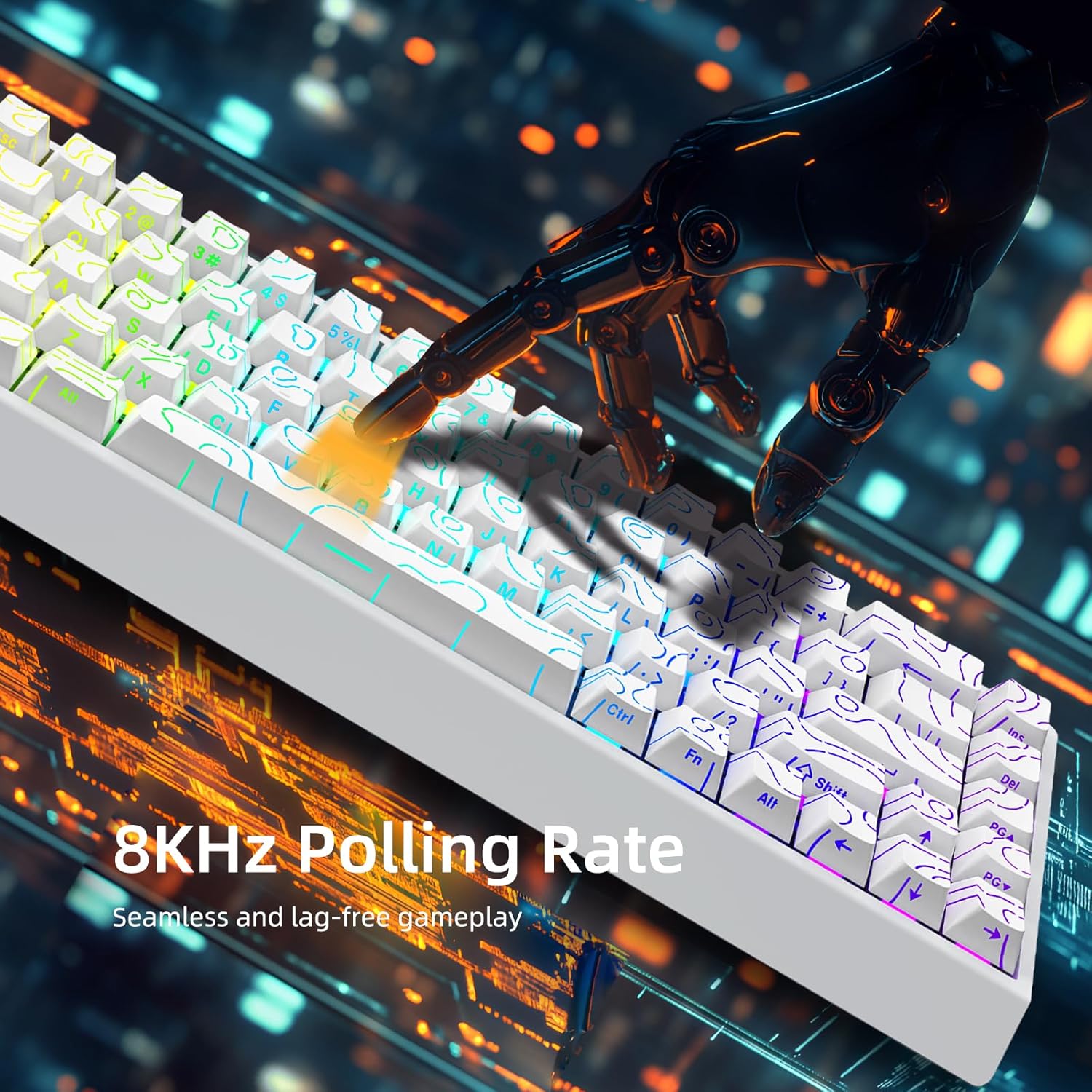
Figure 5: 8KHZ Polling Rate for responsive gameplay.
2.2 Customization and Lighting
The IROK Mer68 offers extensive customization options:
- MIX Function: All magnetic switches and keycaps can be freely replaced, allowing for a personalized typing experience without soldering.
- ARGB Lighting: Features an independent IC 500HZ High Refresh Rate ARGB lamp, providing rich colors and enhanced eye protection.
- Adjustable Height: The keyboard includes slants on the back to adjust its height for ergonomic comfort.
To change ARGB lighting effects, hold the Fn key and press the left bracket key ([) to cycle through various colors and patterns.

Figure 6: Customizable ARGB backlighting.

Figure 7: All Magnetic Switch Mix Function for customization.
3. Maintenance
Proper maintenance ensures the longevity and optimal performance of your keyboard.
3.1 Cleaning
Regularly clean your keyboard to prevent dust and debris buildup. Use a soft, dry cloth for the surface. For deeper cleaning, you may remove keycaps using the provided keycap puller and use compressed air to clear dust from beneath the switches.
3.2 Switch and Keycap Replacement
The hot-swappable design allows for easy replacement of switches and keycaps. Use the keycap puller to gently remove keycaps. If a switch needs replacement, carefully pull it out and insert a new one. Ensure the new switch is properly aligned before pressing it into place.
3.3 Storage
When not in use, place the provided dust cover over the keyboard to protect it from dust and spills.
4. Troubleshooting
If you encounter issues with your IROK Mer68 keyboard, refer to the following common solutions.
4.1 Keyboard Not Responding
- Ensure the USB-C cable is securely connected to both the keyboard and your computer.
- Try connecting the keyboard to a different USB port on your computer.
- Test the keyboard on another computer to determine if the issue is with the keyboard or the computer.
- Restart your computer.
4.2 Lighting Issues
- Ensure the keyboard is properly powered.
- Cycle through lighting modes using Fn + [ to see if the lights respond.
- Check the driver software for lighting settings and ensure they are configured correctly.
4.3 Sticky or Unresponsive Keys
- Remove the keycap using the keycap puller.
- Inspect the switch for any debris or foreign objects. Clean if necessary.
- If the switch is damaged, replace it with one of the extra switches provided.
5. Specifications
Detailed technical specifications for the IROK Mer68 Mechanical Keyboard.
| Feature | Detail |
|---|---|
| Brand | IROK |
| Model Name | Mer68 |
| Number of Keys | 68 |
| Keyboard Description | Mechanical |
| Switch Type | Magnetic |
| Connectivity Technology | USB-C (Wired) |
| Polling Rate | 8KHZ |
| Latency | As low as 0.125MS |
| Single-Key Scan Rate | 256KHZ |
| Rapid Trigger (RT) Accuracy | 0.004MM (0.001MM step) |
| Keyboard Backlighting | ARGB (500HZ High Refresh Rate) |
| Special Features | Backlit, Customizable Display Keys, Ergonomic, Hot-Swappable |
| Compatible Devices | Laptop, PC (Windows OS Family) |
| Product Dimensions | 12"L x 5"W x 2"H |
| Item Weight | 0.75 Kilograms |
| Enclosure Material | Plastic |
| Included Accessories | USB Cable, Keycap Puller |
6. Warranty
The IROK Mer68 Mechanical Keyboard comes with a one-year warranty from the date of purchase. Please retain your proof of purchase for warranty claims. For detailed warranty terms and conditions, refer to the official IROK website or contact customer support.
7. Support
For further assistance, technical support, or driver downloads, please visit the official IROK website or contact their customer service.
- Official IROK Store: Visit the IROK Store on Amazon
- Driver Software: Utilize the Web Driver & One-stop HUB Drive for keyboard customization and updates.