
1. Product Overview
This GT POWER AC Adapter is designed to provide power to the Onn 100162751 24" Monitor. It features built-in circuit protection, including over voltage protection (OVP), over current output protection (OCP), and short circuit output protection (SCP), to ensure safe and reliable operation.
The adapter includes a 59-inch heavy-duty cable for flexible placement.

Image 1.1: GT POWER AC Adapter. This image shows the main power adapter unit with its standard two-prong plug and the attached coiled power cable.
2. Setup Instructions
Follow these steps to properly set up your AC adapter:
- Unpack the Adapter: Carefully remove the AC adapter from its packaging. Inspect it for any visible damage.
- Connect to Monitor: Locate the power input port on your Onn 100162751 24" Monitor. Insert the barrel connector of the AC adapter cable firmly into this port. Ensure a snug fit.
- Connect to Power Outlet: Plug the AC adapter's two-prong plug into a standard 110V AC wall outlet. Ensure the outlet is easily accessible and not overloaded.
- Verify Power: Once connected, your monitor should receive power. Check the monitor's power indicator light to confirm.

Image 2.1: Barrel connector. This image displays the barrel-shaped connector at the end of the adapter cable, which plugs into the monitor.
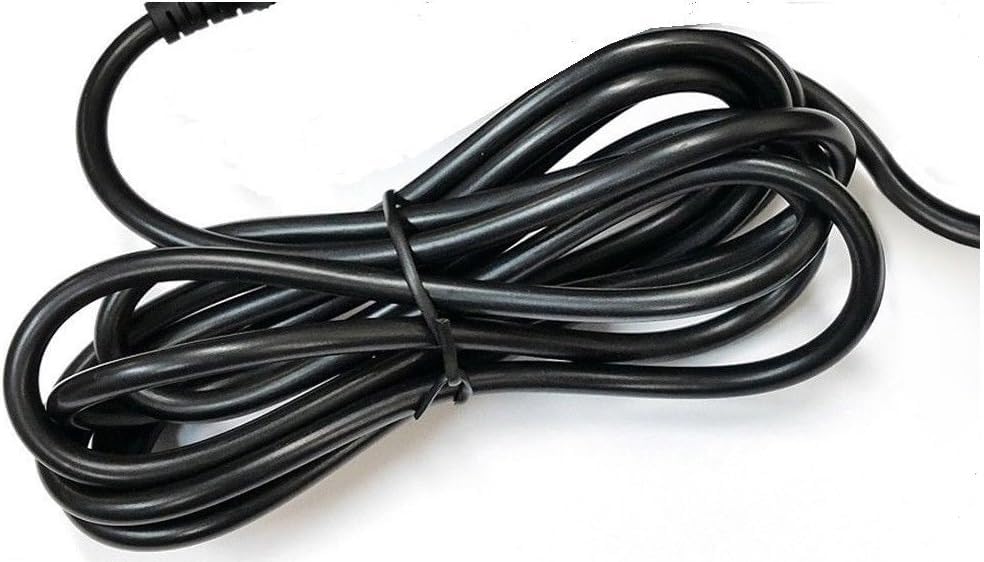
Image 2.2: Adapter plugged in. This image shows the AC adapter unit with its plug ready to be inserted into a wall socket.
Important: Use only with compatible devices as specified. Using an incompatible adapter may cause damage.
3. Operating Instructions
The GT POWER AC Adapter operates automatically once connected. It converts the AC wall current to the DC voltage required by your Onn 100162751 24" Monitor.
- Power On/Off: The adapter provides continuous power when plugged in. Use your monitor's power button to turn the monitor on or off.
- Stable Power: The adapter is designed to deliver stable power. If you experience flickering or power interruptions with your monitor, ensure all connections are secure.
4. Maintenance and Care
Proper care will extend the life of your AC adapter:
- Keep Dry: Do not expose the adapter to water, moisture, or high humidity.
- Clean Gently: Disconnect the adapter from the power outlet before cleaning. Use a soft, dry cloth to wipe the exterior. Do not use liquid cleaners or solvents.
- Avoid Physical Damage: Do not drop, bend, or crush the adapter or its cable. Avoid placing heavy objects on the cable.
- Proper Storage: When not in use, store the adapter in a cool, dry place. Avoid tightly coiling the cable to prevent damage.
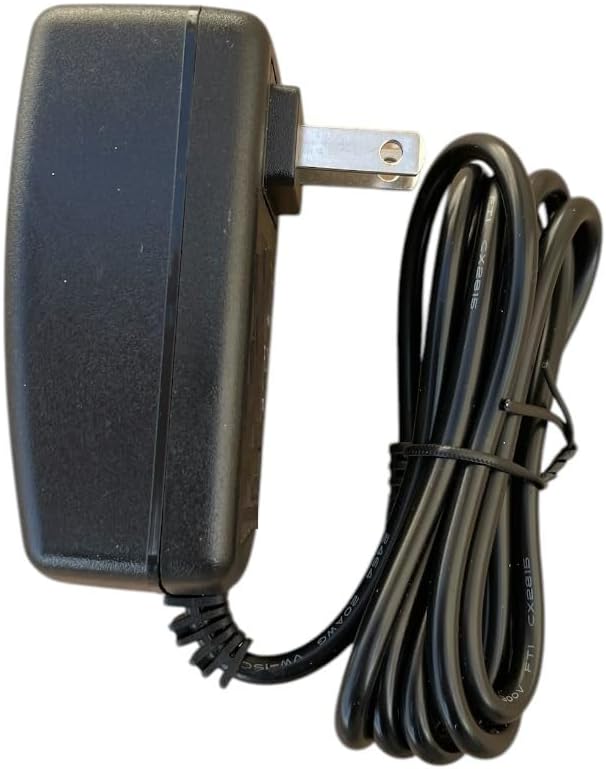
Image 4.1: Adapter cable. This image shows the power cable of the adapter, emphasizing the importance of proper handling and storage.
5. Troubleshooting
If you encounter issues with your AC adapter, refer to the following common problems and solutions:
| Problem | Possible Cause | Solution |
|---|---|---|
| Monitor not receiving power. |
|
|
| Monitor power flickers. |
|
|
| Adapter feels unusually hot. |
|
|
If these steps do not resolve the issue, contact customer support.
6. Product Specifications
| Feature | Detail |
|---|---|
| Brand | GT POWER |
| Model Number | 109 |
| Compatible Devices | Onn 100162751 24" Monitor |
| Input Voltage | 110 Volts (AC) |
| Output Voltage | 12 Volts (DC) |
| Output Current | 3 Amps |
| Connector Type | Barrel |
| Cable Length | 59 inches |
| Special Features | Over Voltage Protection (OVP), Over Current Output Protection (OCP), Short Circuit Output Protection (SCP) |
| Color | Black |
7. Warranty Information
This GT POWER AC Adapter comes with a One Year Warranty from the date of purchase. This warranty covers manufacturing defects under normal use.
Additionally, a 30 Days Money Back guarantee is offered. Please retain your proof of purchase for warranty claims.
The warranty does not cover damage caused by misuse, accident, unauthorized modification, or improper installation.
8. Customer Support
For technical assistance, warranty claims, or further inquiries regarding your GT POWER AC Adapter, please refer to the seller's contact information on your purchase platform or documentation.
When contacting support, please have your product model number (109) and purchase details readily available.


