1. Introduction
This manual provides detailed instructions for the safe and effective use of your OLIGHT i3E EOS and i3T 2 EOS flashlights. Please read this manual thoroughly before operating the devices and retain it for future reference.
2. Product Overview
OLIGHT i3E EOS Flashlight
The i3E EOS is a compact, mono-output LED keychain flashlight designed for everyday carry. It features a PMMA TIR lens for a soft, balanced beam.
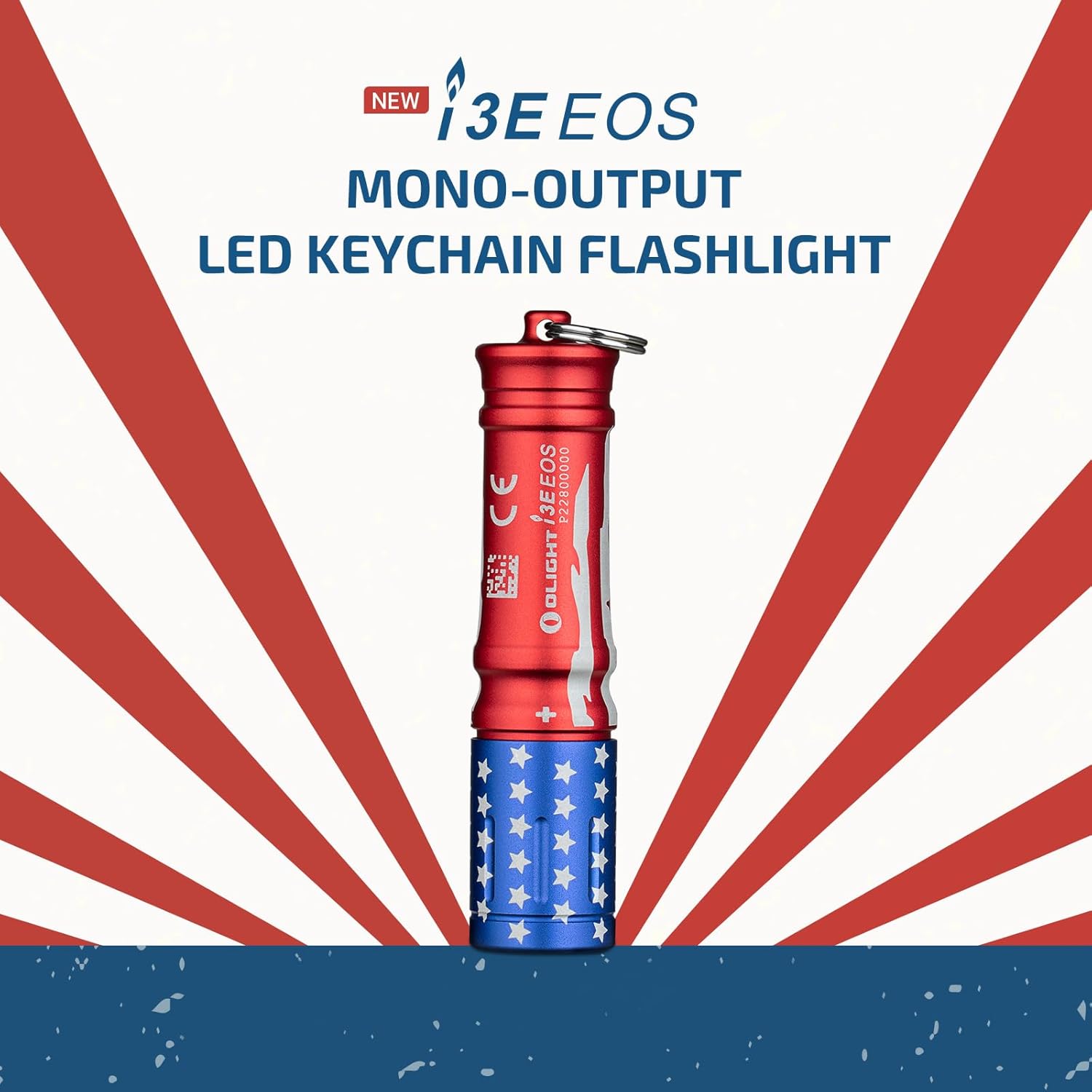
Image: The OLIGHT i3E EOS flashlight, showcasing its compact design and keychain attachment.
Key Features (i3E EOS):
- Mono-output: Provides a single, consistent brightness level.
- Compact Size: Miniature, pinkie-sized for easy portability.
- Durable: IPX8 rated for water resistance.
- Power Source: Operates on one AAA battery.
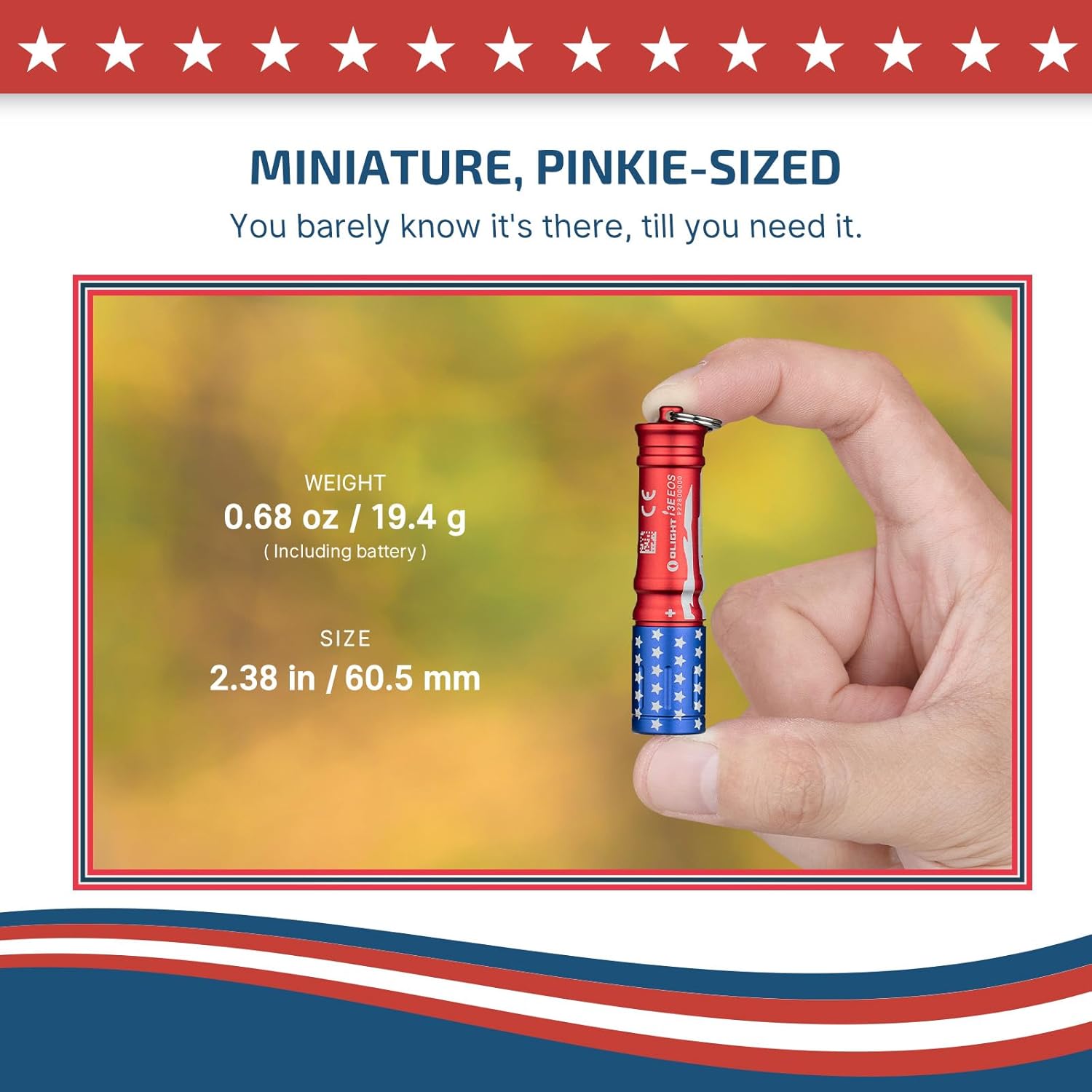
Image: A hand holding the OLIGHT i3E EOS, illustrating its small size (2.38 inches / 60.5 mm) and light weight (0.68 oz / 19.4 g including battery).
OLIGHT i3T 2 EOS Flashlight
The i3T 2 EOS is a compact handheld flashlight offering multiple brightness levels and an improved design for everyday use.

Image: A person using the OLIGHT i3T 2 EOS flashlight outdoors at night, demonstrating its illumination capabilities.
Key Features (i3T 2 EOS):
- Multiple Brightness Levels: Offers both constant and momentary-on options.
- Flexible Battery Options: Compatible with AAA alkaline or rechargeable batteries.
- Extended Runtime: Improved battery life compared to previous models.
- Improved Pocket Clip: Designed for more concealed carry and secure attachment.
3. Setup
Battery Installation
Both flashlights use a single AAA battery. Ensure correct polarity when inserting the battery.
- Unscrew the tail cap of the flashlight.
- For i3E EOS: Remove the plastic wrapper from the included AAA battery before insertion.
- Insert one AAA battery with the positive (+) end facing towards the head of the flashlight.
- Screw the tail cap back on tightly to ensure proper contact and water resistance.
Note: The i3T 2 EOS is compatible with both AAA alkaline batteries and rechargeable AAA batteries. Using a rechargeable battery can boost its maximum output.
4. Operation
OLIGHT i3E EOS
The i3E EOS is a twist-operated flashlight.
- To Turn On: Twist the head of the flashlight clockwise until the light illuminates.
- To Turn Off: Twist the head of the flashlight counter-clockwise until the light turns off.
OLIGHT i3T 2 EOS
The i3T 2 EOS features a tail switch for operation and mode selection.
- Momentary On: Half-press the tail switch. Release to turn off.
- Constant On/Off: Fully press the tail switch until it clicks to turn the light on or off.
- Mode Selection: When the light is on, quickly turn it off and on again (within 0.5 seconds) to cycle between low and high brightness modes. The flashlight will initially power on in your preferred low or high mode, depending on the last setting.

Image: The OLIGHT i3T 2 EOS flashlight with its clip attached to a hat brim, demonstrating hands-free use. An exploded view shows the flashlight components and the secure clip attachment.
5. Maintenance
- Battery Replacement: Replace the AAA battery when the light becomes dim or stops functioning. Always use high-quality batteries.
- Cleaning: Clean the flashlight body with a soft, damp cloth. Do not use abrasive cleaners or solvents.
- O-rings: Periodically check the O-rings for wear and tear. Lubricate them with silicone grease if necessary to maintain water resistance. Replace damaged O-rings promptly.
- Storage: If storing the flashlight for an extended period, remove the battery to prevent leakage and damage.
6. Troubleshooting
| Problem | Possible Cause | Solution |
|---|---|---|
| Flashlight does not turn on. | Battery is dead or inserted incorrectly. Plastic wrapper on i3E EOS battery not removed. Loose tail cap. | Replace battery, ensure correct polarity. Remove plastic wrapper. Tighten tail cap. |
| Light is dim or flickers. | Low battery power. Loose connections. Dirty contacts. | Replace battery. Ensure tail cap is tight. Clean battery contacts with a cotton swab. |
| Water ingress. | Damaged or improperly seated O-rings. Tail cap not fully tightened. | Check and replace O-rings if damaged. Ensure tail cap is securely tightened. |
7. Specifications
OLIGHT i3E EOS
- Brightness: Up to 90 lumens
- Beam Distance: 44 meters
- Lifespan: Up to 60,000 hours (LED)
- Waterproof Rating: IPX8
- Power Source: 1 x AAA battery
- Weight: 0.68 oz / 19.4 g (including battery)
- Dimensions: 2.38 in / 60.5 mm (length)
OLIGHT i3T 2 EOS
- Brightness: Up to 200 lumens (300 lumens with rechargeable battery)
- Modes: Low, High (constant and momentary-on)
- Power Source: 1 x AAA alkaline battery or rechargeable AAA battery
- Runtime: Up to 21 hours (with 1.5V AAA Alkaline Battery)
- Surface Temperature: Maintained below 45°C during prolonged use

Image: A graph comparing the maximum runtime of the i3T (16 hours) and i3T 2 (21 hours) with a 1.5V AAA alkaline battery, highlighting the extended battery life of the i3T 2.
8. Warranty and Support
For warranty information, product support, or service inquiries, please refer to the official OLIGHT website or contact their customer service directly. Keep your purchase receipt for warranty claims.