
KATVR KAT Walk C 2 Core
KAT Walk C2 CORE VR Treadmill User Manual
Model: KAT Walk C 2 Core | Brand: KATVR
Introduction
The KAT Walk C2 CORE is an omnidirectional VR treadmill designed to provide an immersive and natural locomotion experience in virtual reality environments. It allows users to walk, run, and move freely in 360 degrees within VR games and applications, enhancing realism and reducing motion sickness. This manual provides essential information for the safe and effective use of your KAT Walk C2 CORE VR Treadmill.
Safety Information
Please read all safety warnings and instructions carefully before using the KAT Walk C2 CORE. Failure to follow these instructions may result in injury or damage to the device.
- Ensure the device is placed on a stable, level surface.
- Maintain a clear area around the treadmill to prevent collisions.
- Always use the provided safety harness to prevent falls.
- Do not exceed the maximum weight limit (if specified, not in input).
- Keep children and pets away from the device during operation.
- Consult a physician before starting any new exercise regimen, especially if you have pre-existing health conditions.
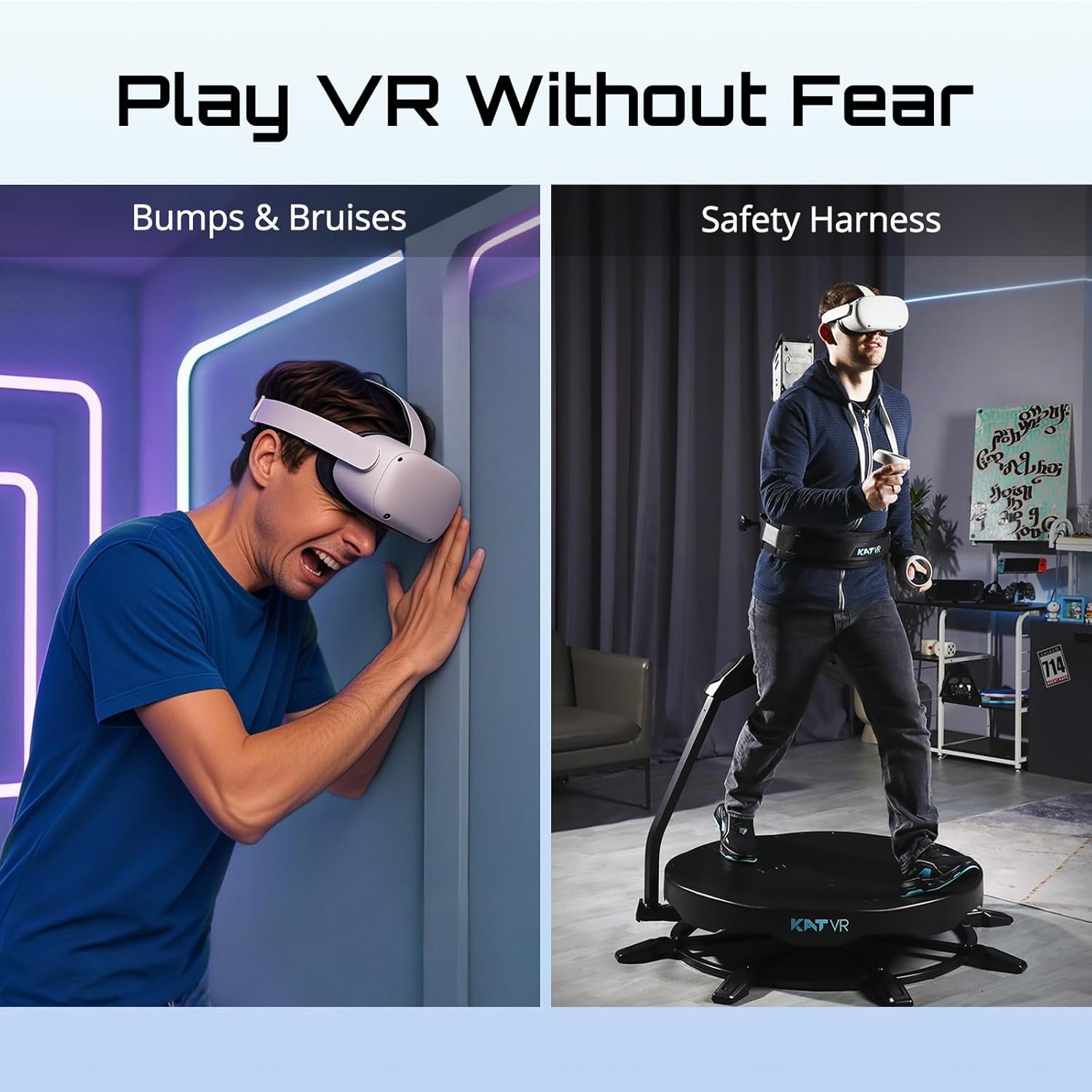
Image: The KAT Walk C2 CORE with its safety harness helps prevent physical collisions and enhances safety during VR gameplay, contrasting with the potential for bumps and bruises when playing VR without such equipment.
Package Contents
Upon opening your KAT Walk C2 CORE package, please verify that all the following components are included:
- KAT Walk C2 CORE VR Treadmill unit
- KAT VR Shoes (specific size based on order)
- KAT Nexus adapter
- Assembly hardware and tools (if applicable)
- Power adapter
- User Manual (this document)

Image: The complete package contents of the KAT Walk C2 CORE, including the treadmill, specialized VR shoes, and the KAT Nexus connectivity device.
Setup Guide
1. Assembly
The KAT Walk C2 CORE requires assembly. While the process is manageable, attention to detail is crucial. Follow the step-by-step instructions provided in the separate assembly guide included with your package. Ensure all parts are correctly identified and securely fastened. Although some diagrams may be challenging, the overall assembly is intuitive with patience.
2. Initial Software Setup (KAT Gateway)
For the first-time setup and configuration, a Windows 10+ PC is required. Connect your KAT Walk C2 CORE to your PC via the provided cables. Download and install the KAT Gateway software from the official KATVR website. This software facilitates calibration and initial pairing with your VR headset.
3. Connectivity and Pairing
The KAT Walk C2 CORE offers broad compatibility:
- SteamVR Headsets (e.g., HTC Vive, Valve Index): Connect directly via your PC setup.
- Standalone Headsets (e.g., Meta Quest 2, 3, Pro): Use the included KAT Nexus adapter for wireless gameplay. Ensure the KAT Nexus is properly paired with both your headset and the KAT Walk C2 CORE as per the Nexus instructions.
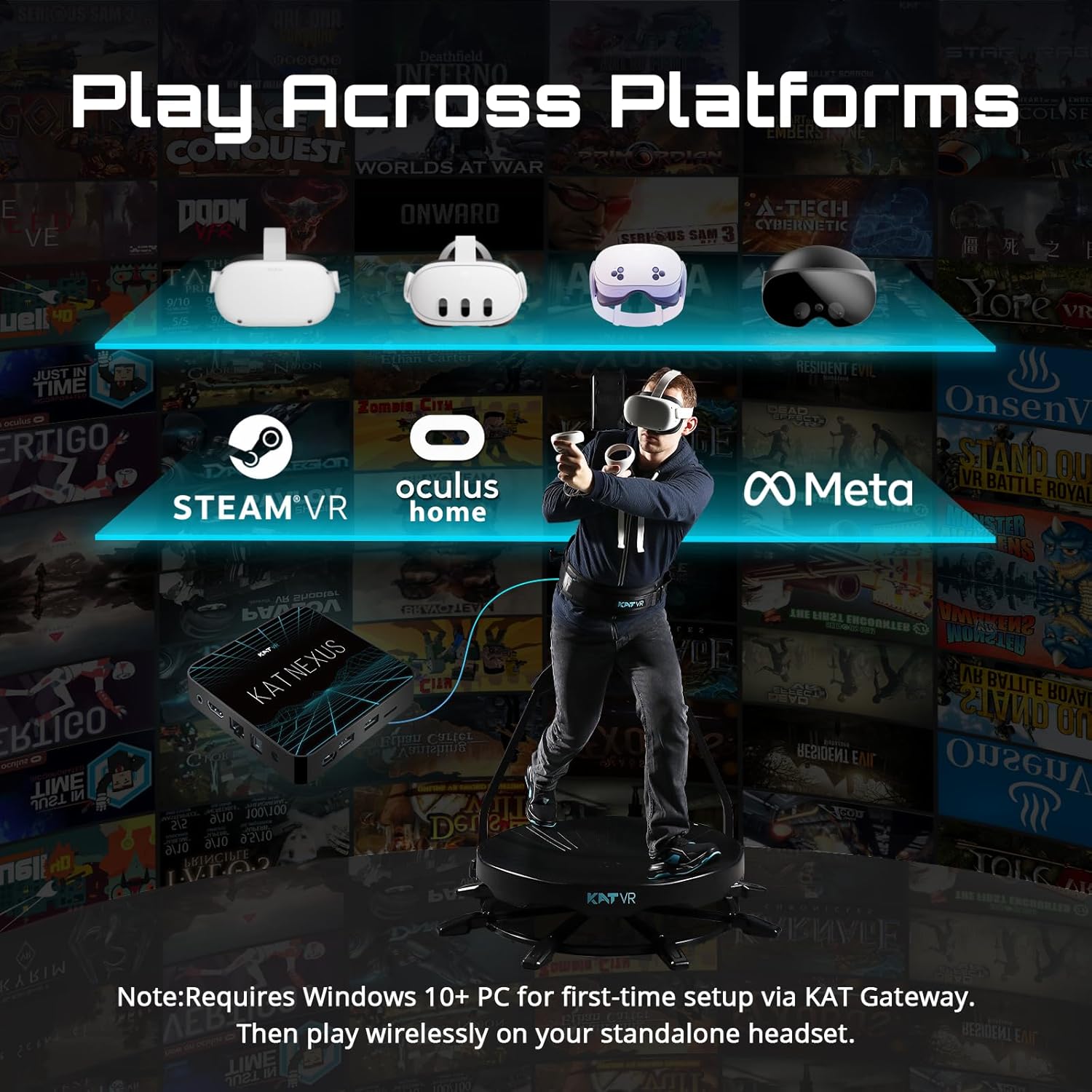
Image: The KAT Walk C2 CORE supports various VR platforms, including SteamVR and Oculus Home directly, and standalone headsets like Meta Quest via the KAT Nexus adapter.

Image: The KAT Nexus enables universal compatibility with free-locomotion games across multiple VR platforms, including Meta Quest, PlayStation VR, Pico, Vive, SteamVR, and Oculus Home.
Operating Instructions
1. Wearing the Equipment
Put on the specialized KAT VR shoes. These shoes are designed to facilitate smooth, omnidirectional movement on the treadmill surface. Secure the safety harness around your waist and attach it to the treadmill's support structure. Ensure the harness is snug but comfortable, allowing for full range of motion while providing necessary support.
2. Engaging in VR
Once connected and calibrated, step onto the treadmill platform. The low-friction surface combined with the specialized shoes allows for natural walking and running motions in any direction. Your physical movements are translated into in-game locomotion, providing a highly immersive experience.

Image: The KAT Walk C2 CORE allows users to physically move within their VR environment, translating real-world steps into in-game character movement.
3. Benefits of Use
- Reduced Motion Sickness: By synchronizing physical movement with virtual movement, the KAT Walk C2 CORE significantly reduces the common discomfort of VR motion sickness.
- Enhanced Immersion: Experience true freedom of movement in VR, allowing for deeper engagement with virtual worlds.
- Physical Activity: Turn your gaming sessions into a full-body workout. Walking and running in VR can contribute to your daily fitness goals.

Image: The KAT Walk C2 CORE promotes natural locomotion, which helps alleviate motion sickness often experienced in VR when physical movement does not match visual input.
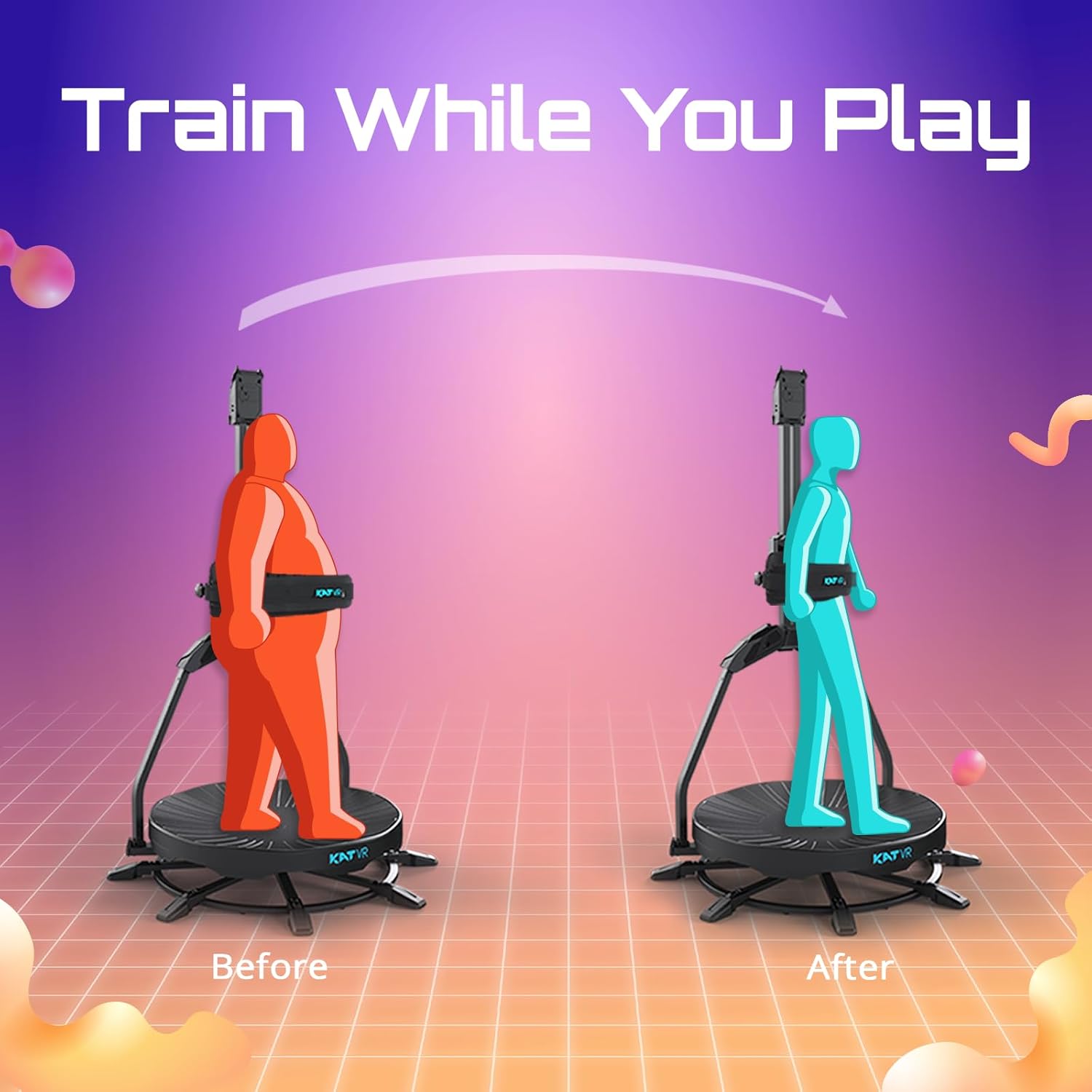
Image: Using the KAT Walk C2 CORE allows for physical activity during VR gaming, contributing to fitness and calorie expenditure.
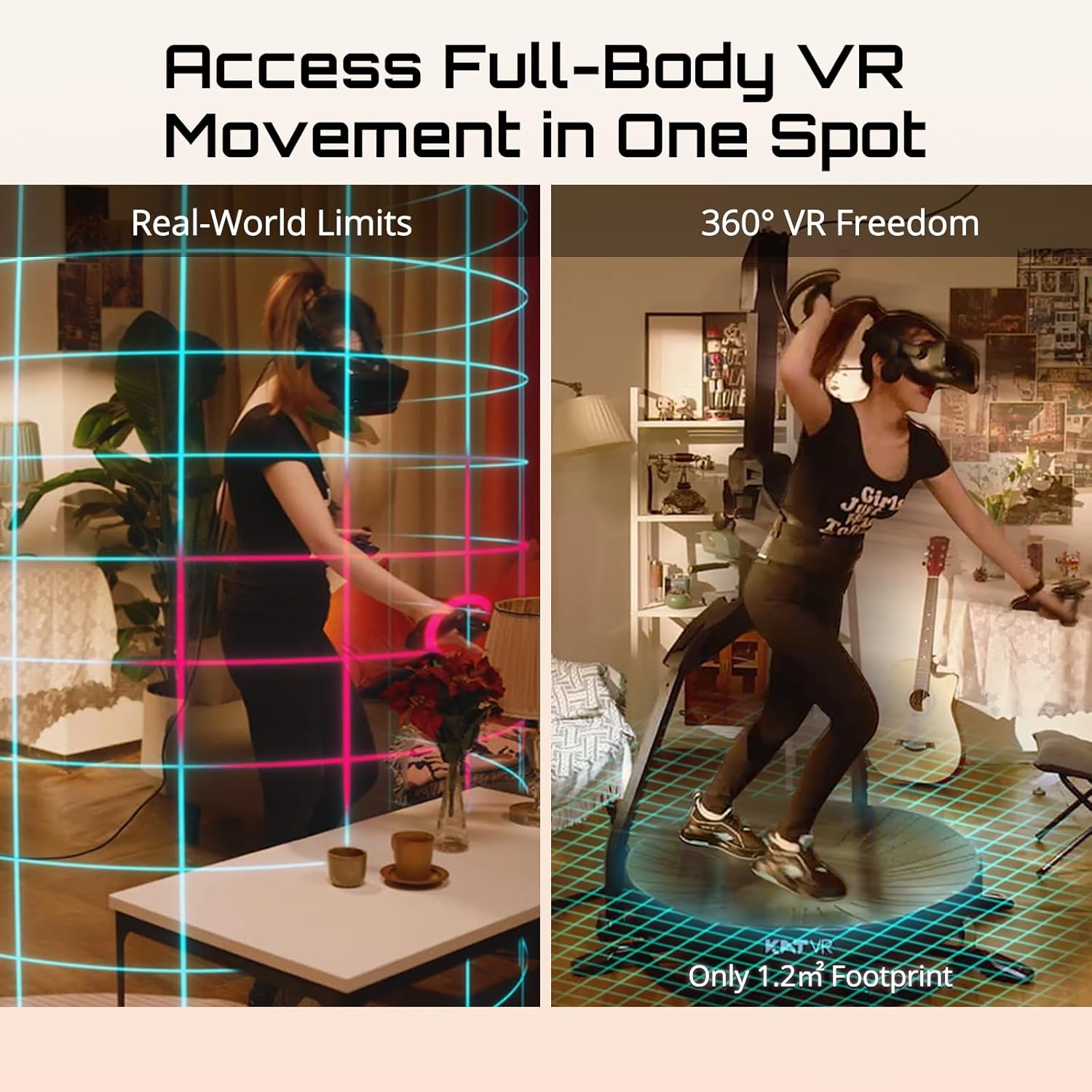
Image: The KAT Walk C2 CORE provides 360-degree VR movement within a compact 1.2m² footprint, overcoming real-world space limitations for VR immersion.
Maintenance
To ensure the longevity and optimal performance of your KAT Walk C2 CORE, follow these maintenance guidelines:
- Cleaning: Regularly wipe down the treadmill surface and structural components with a soft, damp cloth. Avoid abrasive cleaners or solvents.
- Shoe Care: Keep the KAT VR shoes clean and dry. Inspect them periodically for wear and tear, especially the soles.
- Storage: When not in use, store the device in a dry, cool place away from direct sunlight.
- Inspection: Periodically check all bolts, screws, and connections to ensure they are secure.
Troubleshooting
If you encounter issues with your KAT Walk C2 CORE, refer to the following common problems and solutions:
- Tracking Issues: If you experience inaccurate movement tracking, ensure your KAT Gateway software is up-to-date and that the device is properly calibrated. Check for any obstructions around the treadmill that might interfere with sensors.
- Connectivity Problems: Verify all cables are securely connected. For wireless connections via KAT Nexus, ensure both the Nexus and your VR headset are fully charged and within range. Re-pair devices if necessary.
- Assembly Difficulties: If you struggled with assembly due to unclear diagrams, refer to online video tutorials or contact customer support for detailed visual guides.
- Shoes Feel Cheap / Strap Break: While the shoes are designed for specific function, if you experience issues with durability, contact customer support for replacement options.
For further assistance, please contact KATVR customer support. They are known for providing responsive and helpful support, often with detailed screenshots and guidance.
Specifications
| Feature | Detail |
|---|---|
| Model Name | KAT Walk C 2 Core |
| Product Dimensions | 49"D x 49"W x 79"H (124.5 cm D x 124.5 cm W x 200.7 cm H) |
| Footprint | 1.2 m² |
| Compatibility | SteamVR, Oculus, Quest (via KAT Nexus) |
| Age Range (Recommended) | 13 years and up |
| Color | C 2 Core + Nexus (Black with blue accents) |
| Manufacturer | KATVR |
KAT VR Shoe Sizing Chart
| Brand Size | US Men | US Women | EU | UK |
|---|---|---|---|---|
| 3 | 3 | 4.5 | 35.5 | 2 |
| 4 | 4 | 5.5 | 36 | 3 |
| 5 | 5 | 6.5 | 37 | 4 |
| 6 | 6 | 7.5 | 38 | 5 |
| 6.5 | 6.5 | 8 | 39 | 5.5 |
| 7 | 7 | 8.5 | 40 | 6 |
| 8 | 8 | 9.5 | 41 | 7 |
| 8.5 | 8.5 | 10 | 42 | 7.5 |
| 9 | 9 | 10.5 | 42.5 | 8 |
| 9.5 | 9.5 | 11 | 43 | 8.5 |
| 10 | 10 | 11.5 | 44 | 9 |
| 11 | 11 | 12.5 | 45 | 10 |
| 12 | 12 | 13.5 | 46 | 11 |
| 13 | 13 | 14.5 | 47/48 | 12 |
| 14 | 14 | 15.5 | 49/50 | 13 |
Note: You may receive shoes labeled 1–2 sizes larger due to dual batches, but the actual fit is the same.

Image: Detailed sizing chart for KAT VR shoes, providing conversions between different international sizing standards.
Warranty and Support
KATVR products are designed for durability and performance. For information regarding product warranty, please refer to the warranty card included with your purchase or visit the official KATVR website. For technical support, troubleshooting assistance, or any inquiries, please contact KATVR customer service. They are committed to providing comprehensive support to ensure a positive user experience.
Visit the official KATVR Store for more information and support: KATVR Store on Amazon
Ask a question about this manual
Ask about setup, troubleshooting, compatibility, parts, safety, or missing instructions. Manuals+ will review the question and use this page’s manual context to help answer it.