
1. Introduction
The KAYOTOM AT-600 is a state-of-the-art Push-to-Talk Over Cellular (PoC) two-way radio designed for reliable, long-distance communication. Utilizing 4G LTE networks, it offers unlimited range, crystal-clear audio, and advanced features for team management and personal use. This manual provides essential information for the safe and effective operation of your device.
2. Safety Information
- Battery Safety: Use only the specified batteries and charging accessories. Do not expose batteries to extreme temperatures or dispose of them in fire.
- Water Resistance: This device is Not Water Resistant. Avoid exposure to water or high humidity.
- Antenna Care: Do not touch the antenna during transmission to avoid interference and potential burns.
- Hearing Protection: Avoid prolonged use at high volume levels to prevent hearing damage.
- Interference: Turn off the device in areas where radio use is prohibited or when it may cause interference or danger (e.g., hospitals, aircraft, blasting sites).
3. Package Contents
Upon unpacking your KAYOTOM AT-600, please ensure all items are present:
- KAYOTOM AT-600 Walkie Talkie Unit(s)
- USB Adapters with USB-C Power Cable (4 included for 4-pack)
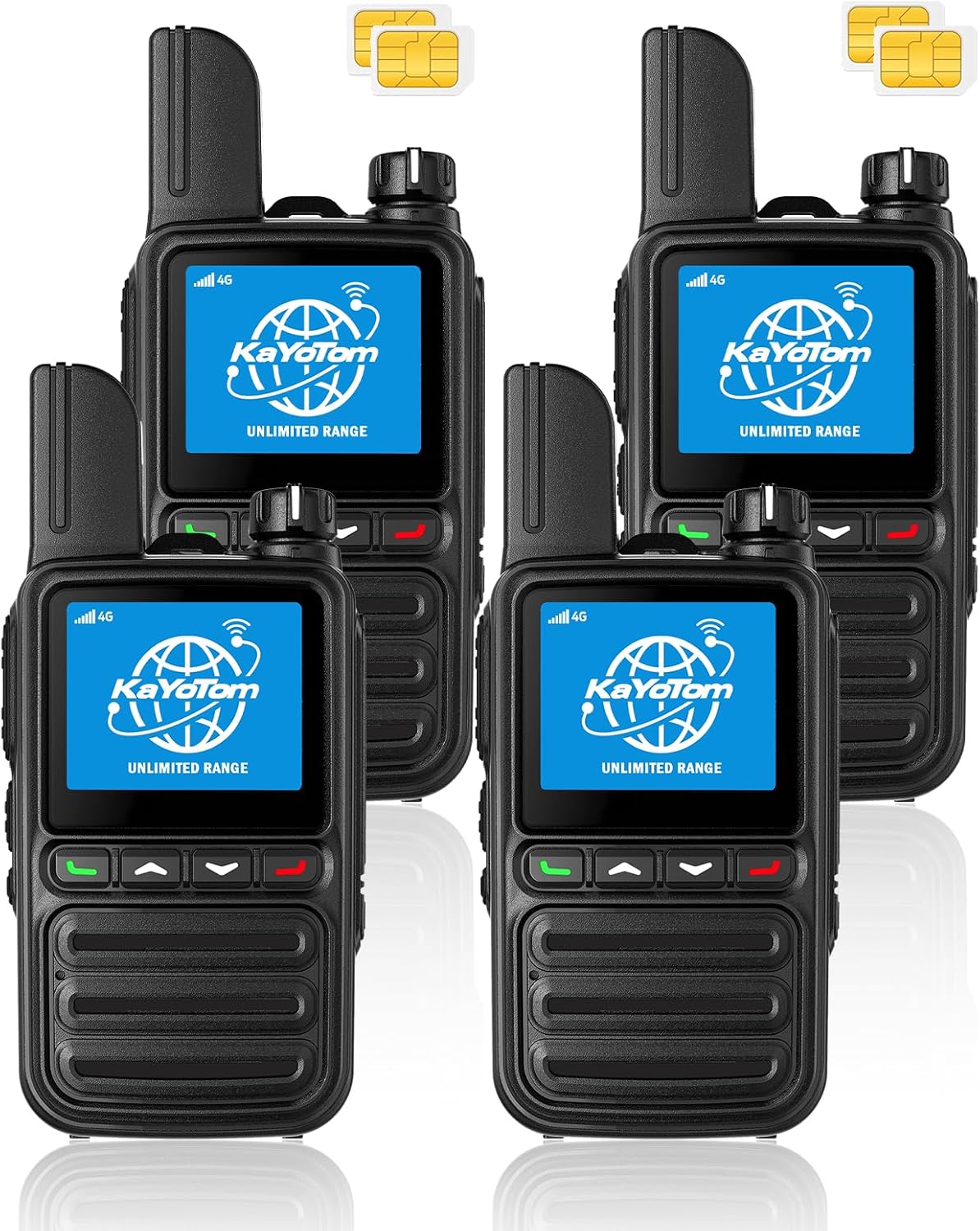
- Pre-installed Lifetime Free SIM Card(s)
- D Batteries (2 per unit, included)
- Belt Clip(s)
- Lanyard(s)
- Headset(s) (if applicable to your package)
- User Manual
4. Setup
4.1. SIM Card and Battery Installation
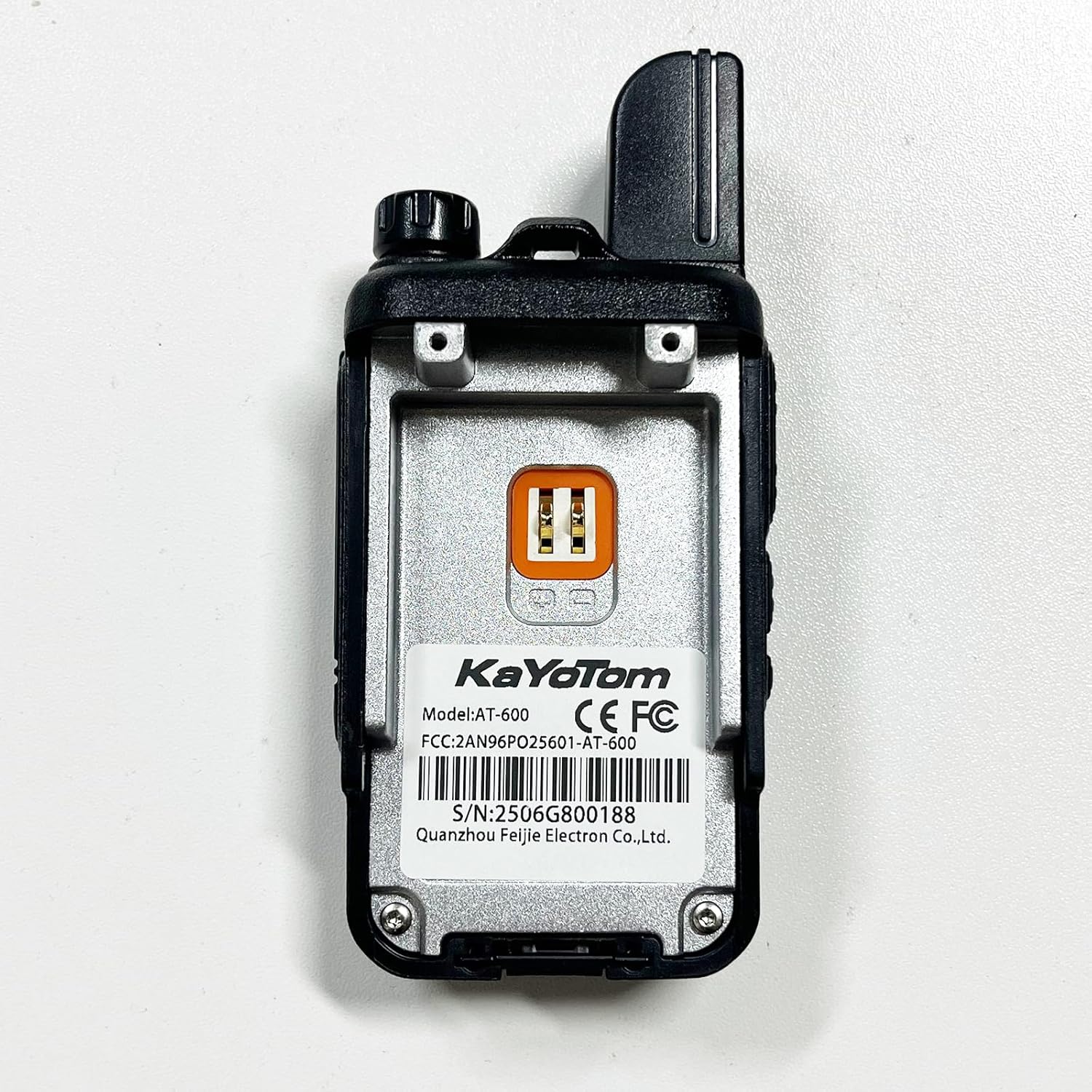
Your KAYOTOM AT-600 comes with a pre-installed SIM card for immediate use. The device also includes 2 D batteries. Ensure the battery is securely attached to the back of the unit.
4.2. Initial Power On
- Press and hold the power button (usually located on the side or top) for approximately 3 seconds until the screen illuminates.
- The device will display a loading screen and then connect to the 4G LTE network. This may take up to 30 seconds.
- Once connected, the screen will show the current group or member list, indicating it's ready for use.
4.3. Group Management
For multi-device setups, contact customer support via Amazon Message after purchase. Provide your IMEI ID, and the support team will assist in linking devices into custom groups. Up to 200 groups can be established, each accommodating up to 500 people.

5. Operating Instructions
5.1. Power On/Off
- To Power On: Press and hold the power button until the screen lights up.
- To Power Off: Press and hold the power button until a shutdown/restart option appears on the screen. Select 'Shutdown' and confirm.
5.2. Adjusting Volume
Rotate the knob located at the top of the device to adjust the volume level. Rotate left to increase volume, and rotate right to decrease volume.
5.3. Push-to-Talk (PTT) Function
To transmit your voice, press and hold the dedicated PTT button (usually on the side of the device). Speak clearly into the microphone. Release the PTT button to listen for incoming transmissions.
5.4. Group and Individual Calls
The device supports both individual and group calls. Use the menu navigation buttons to select the desired contact or group before initiating a call. Critical information can be prioritized for delivery.
5.5. Using Headsets
Connect the provided headset (if included) to the appropriate port on the device for private listening and hands-free communication. The headset typically includes an earbud and a clip-on microphone.
6. Features
- Unlimited Range: Utilizes 4G LTE cellular networks for nationwide coverage exceeding 5000 miles, offering real-time communication without distance limitations. Includes a lifetime free SIM.
- Exceptional PoC Clarity: Professional Push-to-Talk over Cellular (PoC) technology ensures real-time, broadcast-quality voice transmission.
- Advanced AI Noise Cancellation: High-performance microphones and intelligent AI algorithms filter out up to 95% of ambient background noise for crystal-clear audio in challenging environments.
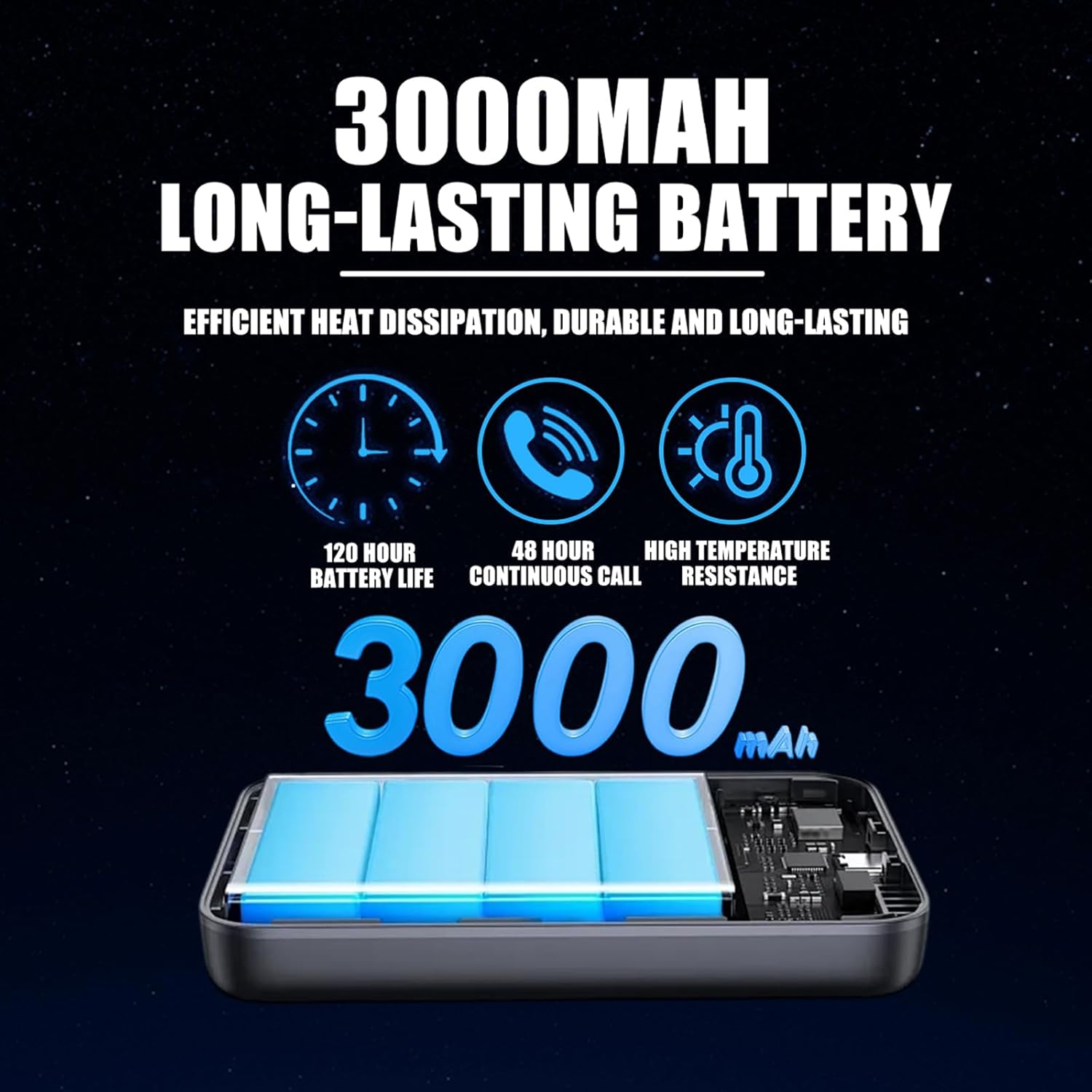
- Long-Lasting 3000mAh Battery: Provides over 24 hours of continuous use. The USB-C port allows for rapid charging, reaching 50% power in just 20 minutes.
- Effortless Multi-Device & Group Management: Easily link multiple devices into custom groups for scalable communication solutions.
- GPS Enabled: Radios can be managed in real-time through a computer dispatch system, allowing tracking of location and status for efficient team coordination.


7. Specifications
| Feature | Description |
|---|---|
| Brand | KAYOTOM |
| Model Number | AT-600 |
| FCC ID | 2AN96PO25601 |
| Item Weight | 13 ounces (0.37 Kilograms) |
| Product Dimensions | 1.18 x 1.97 x 3.35 inches |
| Batteries | 2 D batteries (included) |
| Number of Channels | 200 |
| Special Feature | LED Display Screen |
| Talking Range Maximum | 100,000 Miles (via cellular network) |
| Voltage | 3.7 Volts (DC) |
| Water Resistance Level | Not Water Resistant |
| First Available Date | May 24, 2025 |

8. Maintenance
- Cleaning: Use a soft, damp cloth to clean the device. Avoid harsh chemicals or abrasive cleaners.
- Battery Charging: Charge the device using the provided USB-C cable and adapter. Ensure the device is fully charged before extended use.
- Storage: Store the device in a cool, dry place away from direct sunlight and extreme temperatures when not in use.
9. Troubleshooting
| Problem | Possible Solution |
|---|---|
| No Power | Ensure batteries are correctly installed and charged. Check the power button for proper function. |
| No Network Connection | Verify that you are in an area with 4G LTE cellular coverage. Restart the device. |
| Poor Audio Quality | Check for obstructions around the microphone and speaker. Ensure AI Noise Cancellation is active. Move to an area with better signal strength. |
| Cannot Communicate with Group | Confirm that all devices are assigned to the correct group. Ensure all devices are powered on and connected to the network. |
| Battery Drains Quickly | Reduce screen brightness. Limit continuous transmission time. Ensure the battery is fully charged before use. |
10. Warranty and Support
The KAYOTOM AT-600 Walkie Talkie comes with a 1-year warranty from the date of purchase.
For technical assistance, warranty claims, or group management setup, please contact KAYOTOM customer support via Amazon Message. Our dedicated team is ready to provide support and ensure your experience is satisfactory.


