
1. Introduction
Thank you for choosing the Qukaim Desiontal iReal X1 LED Video Fill Light. This compact and versatile lighting solution is designed to enhance your video calls, live streams, photography, and more. Featuring dual-sided LEDs, adjustable color temperature, and multiple mounting options, it provides flexible illumination for various creative needs. Please read this manual carefully before use to ensure proper operation and to maximize the product's lifespan.
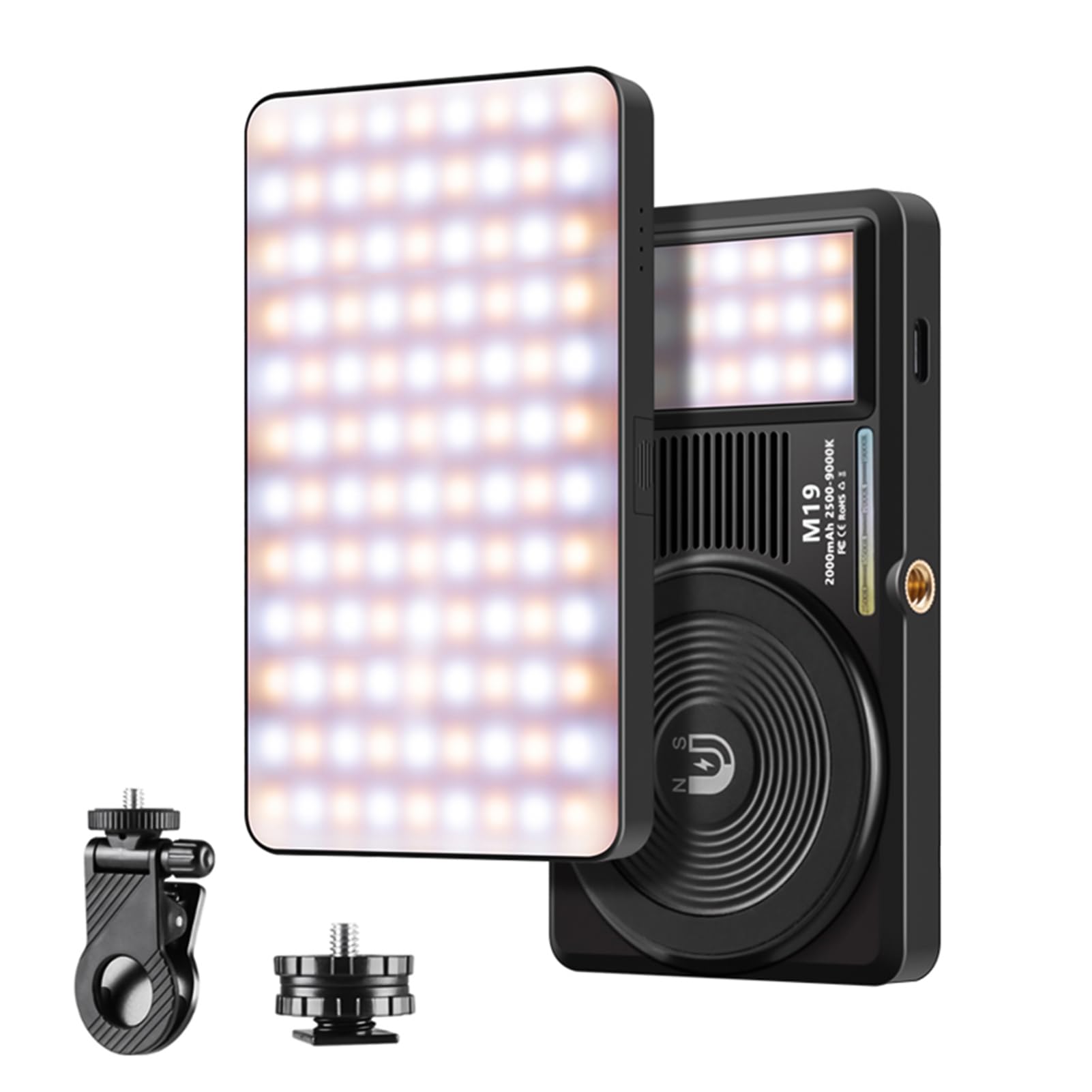
Figure 1.1: The Qukaim Desiontal iReal X1 LED Video Fill Light.
2. Package Contents
Please check the package for the following items:
- 1 x Qukaim Desiontal iReal X1 LED Video Fill Light
- 1 x Type-C Charging Cable
- 1 x Clip
- 1 x Hot Shoe Adapter
- 1 x Magnetic Ring
- 1 x User Manual (English)
3. Product Features
- Dual-Sided LED Design: Equipped with 108 front lamp beads and 21 rear lamp beads, providing versatile dual-source lighting for various shooting conditions.
- Adjustable Bi-Color Temperature: Offers a wide color temperature range from 2500K (warm) to 9000K (cool), allowing customization of lighting to match ambient conditions or creative intent.
- Dimmable Brightness: Features 10 adjustable brightness levels to meet specific lighting requirements.
- High Color Rendering Index (CRI): With a CRI of >95, it ensures accurate color reproduction of your subjects.
- Long-Lasting Built-in Battery: Integrates a 2000mAh battery for extended use during video calls, live streams, and photography sessions.
- Type-C Charging: Conveniently recharges via a Type-C interface from various devices such as power banks, laptops, or power adapters.
- Versatile Mounting Options: Includes a clip and hot shoe adapter for attachment to laptops, tablets, smartphones, or DSLR cameras. Also features a magnetic back for easy mounting on tripods or metallic surfaces.
- Soft Light Diffuser: Comes with a white diffuser to provide smooth, even illumination, enhancing skin tones for a more appealing appearance on camera.
4. Setup
Before first use, ensure the device is fully charged. Refer to the 'Charging' section for instructions.
4.1 Attaching Accessories
- Using the Clip: Attach the provided clip to the light's mounting point. The clip can then be used to secure the light to laptops, tablets, or smartphones.
- Using the Hot Shoe Adapter: Screw the hot shoe adapter into the light's 1/4-inch screw hole. Slide the adapter into the hot shoe mount of your DSLR camera or camera rig.
- Magnetic Mounting: The light features a magnetic back. Use the included magnetic ring to attach it to compatible metallic surfaces or tripods with magnetic capabilities.

Figure 4.1: The LED light shown with its various mounting accessories.
5. Operating Instructions
5.1 Power On/Off
Locate the power button on the side of the device. Press and hold the power button for 2-3 seconds to turn the light on or off.
5.2 Adjusting Brightness
Once powered on, short press the brightness adjustment button (usually marked with '+' or '-') to cycle through the 10 available brightness levels. Observe the light output to select your desired intensity.
5.3 Adjusting Color Temperature
Short press the color temperature adjustment button (often marked with 'M' or a color icon) to switch between different color temperature presets, ranging from 2500K (warm) to 9000K (cool). Some models may allow fine-tuning by holding the button or using separate controls.

Figure 5.1: The LED light illuminated, demonstrating its output.
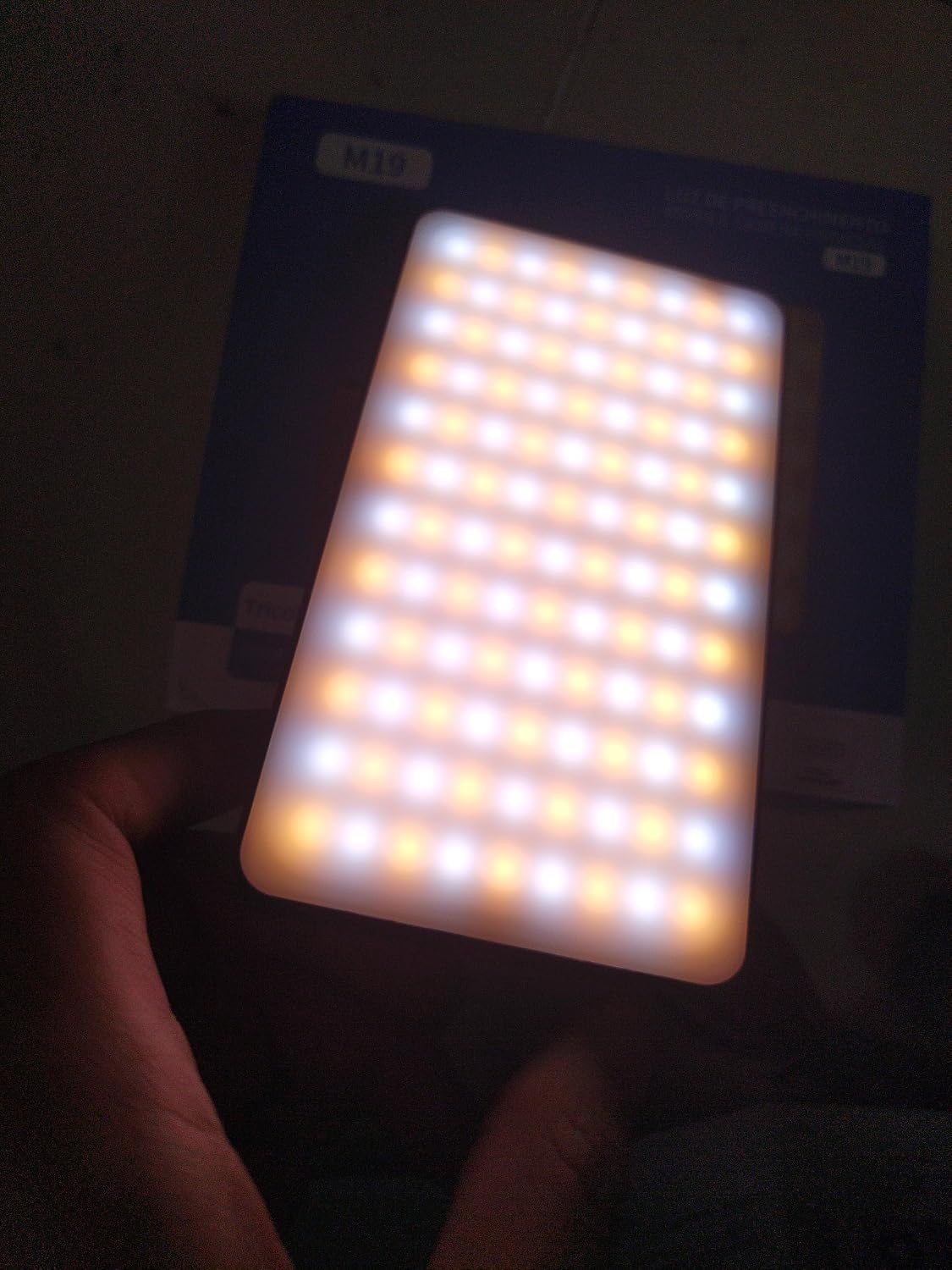
Figure 5.2: Examples of the LED light being used for meeting/live lighting, professional shooting, party/selfie lighting, and desk/bedside lighting.
6. Charging
The Qukaim Desiontal iReal X1 features a built-in 2000mAh rechargeable battery. To charge the device:
- Locate the Type-C charging port on the side of the light.
- Connect one end of the provided Type-C USB cable to the light's charging port.
- Connect the other end of the cable to a compatible USB power source (e.g., a power bank, laptop USB port, or a 5V/1A USB wall adapter).
- The charging indicator light (if present) will illuminate to show charging status. It typically turns solid or changes color when fully charged.
A full charge typically takes approximately 2-3 hours, depending on the power source.

Figure 6.1: Side view of the light, highlighting the Type-C charging port.
7. Mounting Options
The iReal X1 offers flexible mounting to suit various setups:
- Laptop/Tablet/Smartphone Clip: Use the included clip to attach the light directly to the screen of your device for front-facing illumination during video calls or selfies.
- Camera Hot Shoe: The hot shoe adapter allows direct mounting onto DSLR cameras or camcorders with a standard hot shoe mount, providing on-camera fill light.
- Tripod/Stand (1/4-inch Thread): The light features a standard 1/4-inch screw hole, making it compatible with most camera tripods, light stands, or mini tripods.
- Magnetic Attachment: The magnetic back allows for quick attachment to any metallic surface, offering creative placement options without additional clamps or stands.

Figure 7.1: The LED light demonstrating its versatility with different mounting options, including a clip for laptops and phones, and a hot shoe mount for cameras.
8. Specifications
| Power | 5 W |
| Color Temperature | 2500 K - 9000 K |
| CRI (Color Rendering Index) | > 95 |
| Input | 5 V / 1 A |
| Lighting Angle | 160° |
| Battery Capacity | 3.7 V 2000 mAh |
| Charging Interface | Type-C |
| Dimensions (L x W x H) | 11.7 x 6.55 x 1.6 cm (4.6 x 2.58 x 0.63 inches) |
| Weight | 154 g (0.34 lbs) |
| Model Number | QukaimYEVD136YYZK88 |
9. Maintenance
To ensure the longevity and optimal performance of your LED video light:
- Keep the device clean by wiping it with a soft, dry cloth. Avoid using harsh chemicals or abrasive materials.
- Store the light in a cool, dry place away from direct sunlight and extreme temperatures.
- Avoid dropping or subjecting the device to strong impacts.
- Do not attempt to disassemble or repair the unit yourself, as this will void the warranty and may cause damage.
10. Troubleshooting
If you encounter any issues with your Qukaim Desiontal iReal X1, please refer to the following common problems and solutions:
- Light does not turn on:
- Ensure the battery is charged. Connect the light to a power source using the Type-C cable.
- Press and hold the power button for 2-3 seconds.
- Light output is dim:
- Check the battery level; a low battery can reduce brightness.
- Adjust the brightness settings using the '+' button.
- Cannot change color temperature:
- Ensure the light is powered on.
- Press the color temperature adjustment button ('M' or color icon) to cycle through modes.
- Device not charging:
- Verify that the Type-C cable is securely connected to both the light and the power source.
- Try a different Type-C cable or power adapter to rule out faulty accessories.
- Ensure the power source is active and providing sufficient power (5V/1A recommended).
If the problem persists after trying these steps, please contact customer support.
11. Warranty and Support
This product comes with a standard manufacturer's warranty. For specific warranty terms and conditions, please refer to the documentation provided with your purchase or contact the retailer. For technical support, product inquiries, or warranty claims, please reach out to Qukaim customer service through the contact information provided on their official website or your purchase platform.

