
Mibro GS Active2 Dark Gray
Mibro GS Active2 Running Smartwatch User Manual
Model: GS Active2 Dark Gray
1. Introduction
The Mibro GS Active2 is a lightweight, high-performance running smartwatch designed to enhance your athletic performance and monitor your health. Featuring a vibrant 1.32-inch AMOLED display, built-in GPS, and comprehensive training guidance, it provides professional data for runners and supports a wide range of sports activities. This manual will guide you through the setup, operation, and maintenance of your new smartwatch.

The Mibro GS Active2 is designed for professional sports tracking and daily use.
2. What's in the Box
Please verify that all items are present in your package:
- Mibro GS Active2 Smartwatch (with Silicone Strap) x 1
- Nylon Strap x 1
- Charging Cable x 1
- User Manual x 1

Included items: Watch, two straps, charging cable, and user manual.
3. Setup
3.1 Initial Charging
Before first use, fully charge your Mibro GS Active2. Connect the provided charging cable to the charging port on the back of the watch and plug the USB end into a standard USB power adapter (not included). The watch display will indicate charging status. A full charge typically takes approximately 2 hours.
3.2 Power On/Off
- Power On: Press and hold the power button (usually the top right button) until the Mibro logo appears.
- Power Off: From the watch face, swipe down to access quick settings, or navigate to 'Settings' > 'System' > 'Power Off'. Confirm your selection.
3.3 App Installation and Pairing
To unlock the full potential of your Mibro GS Active2, download and install the 'Mibro Fit' application on your smartphone (compatible with Android and iOS). Scan the QR code provided in the manual or on the product packaging to find the app.
- Download and install the 'Mibro Fit' app from your phone's app store.
- Open the app and create an account or log in.
- Ensure Bluetooth is enabled on your smartphone.
- In the Mibro Fit app, navigate to 'Device' and select 'Add Device'.
- Select 'Mibro GS Active2' from the list of nearby devices.
- Follow the on-screen prompts on both your phone and watch to complete the pairing process. A confirmation message will appear once successfully paired.
3.4 Strap Installation
Your Mibro GS Active2 comes with two interchangeable straps: a silicone strap (pre-installed) and a nylon strap. To change the strap:
- Locate the quick-release pins on the underside of the watch straps.
- Slide the pin inwards to detach the strap from the watch body.
- Align the new strap with the watch body and slide the pin inwards. Release the pin once it's in place to secure the strap.
- Gently pull on the strap to ensure it is securely attached.
4. Operating Instructions
4.1 Display and Navigation
The Mibro GS Active2 features a 1.32-inch AMOLED display with 1200 nits peak brightness and 466x466 resolution, ensuring clear visibility even in strong sunlight. Navigate the watch using touch gestures and the physical buttons.
- Swipe Up: View notifications.
- Swipe Down: Access quick settings (e.g., brightness, DND, battery saver).
- Swipe Left/Right: Cycle through widgets (e.g., heart rate, activity summary, weather).
- Press Top Button: Return to watch face, or open app list from watch face.
- Press Bottom Button: Shortcut to sports modes.
- Long Press Watch Face: Change watch face.

The AMOLED display offers excellent clarity and vibrant colors.
4.2 Bluetooth Calls
With Bluetooth call support, you can make and receive calls directly from your watch when connected to your smartphone. This feature is convenient for hands-free communication during activities.
- Ensure your watch is paired with your phone via Bluetooth.
- When a call comes in, you can answer or reject it from the watch screen.
- To make a call, access the dial pad or contacts list on your watch.
4.3 Sports Modes and Training Guidance
The Mibro GS Active2 offers over 150 sports modes, providing comprehensive data tracking for various activities. It includes professional running data analysis, calculating metrics like running ability index, VO2 Max, cadence, stride, and pace.
- Starting a Workout: Press the bottom button or navigate to the 'Workout' app from the main menu. Select your desired sport mode.
- Running Plans: The watch offers adaptive training plans for 5km, 10km, or half-marathon, adjusting to your goals and performance.
- Padel Sports Data: Specialized sensors provide detailed metrics for padel, including swing speed, kick smash, and total hitting data.

Detailed metrics for Padel sports, including swing speed and hitting data.

Visualize your sports data through the Mibro Fit app for personalized training.
4.4 Health Monitoring
The Mibro GS Active2 continuously monitors key health indicators to help you understand your physical condition and optimize recovery.
- Heart Rate Monitoring: Tracks your heart rate throughout the day and during workouts.
- Blood Oxygen (SpO2) Detection: Automatic blood oxygen level measurement.
- Sleep Monitoring: Analyzes sleep patterns and quality.
- Stress Monitoring: Provides insights into your stress levels.
- Recovery Time: Estimates optimal recovery time before your next high-intensity workout.

Monitor your heart rate, blood oxygen, and stress levels for comprehensive health insights.
4.5 GPS Functionality
Equipped with a built-in L1+L5 Dual-Frequency GNSS Positioning Chip, the watch provides accurate and real-time location tracking for outdoor activities, even without your phone.
- Tracks your routes, distance, and pace during outdoor workouts.
- Features a "real-time deviation warning" function for navigation.
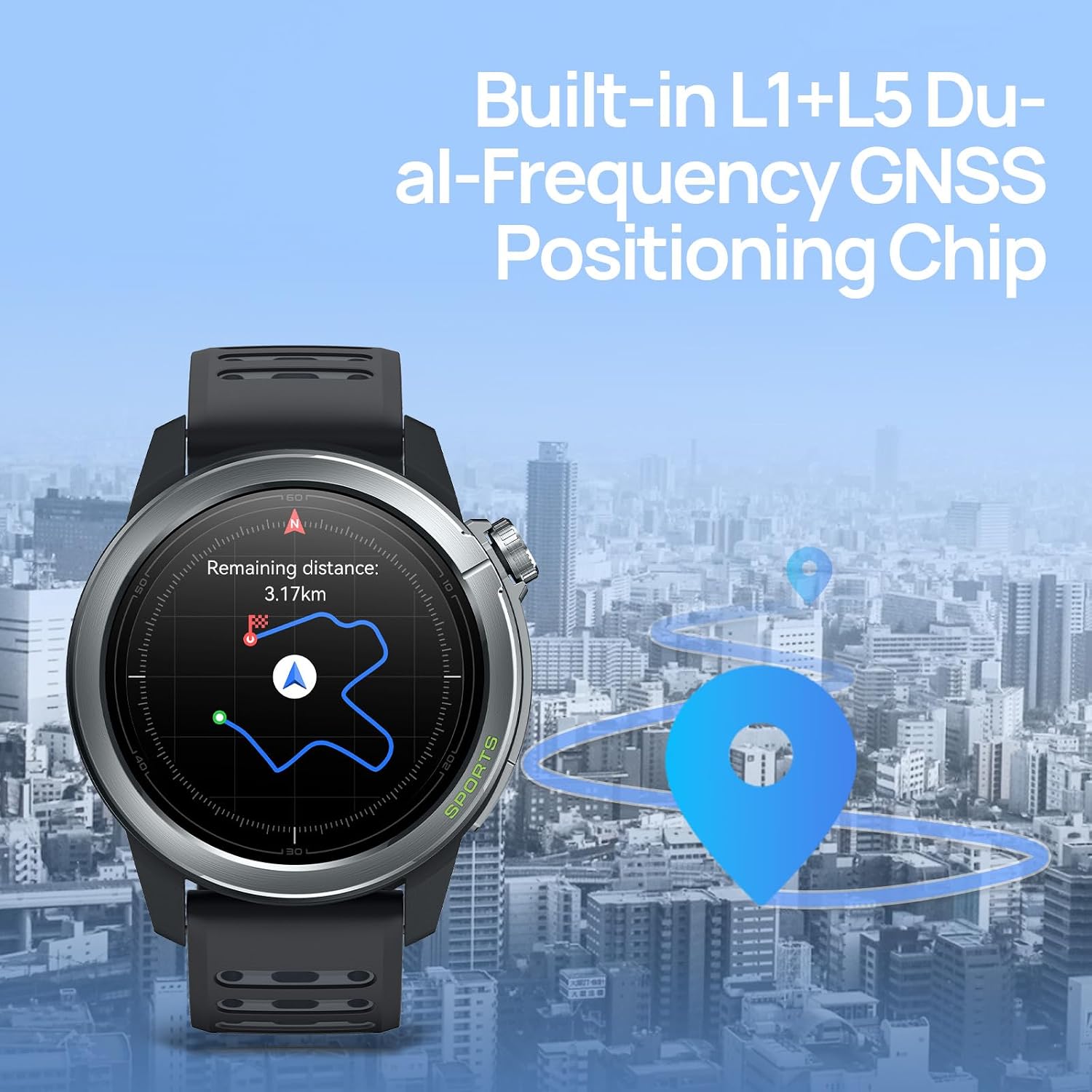
Accurate GPS tracking for outdoor activities and navigation.
4.6 Data Sync and Sharing
All your activity and health data are synchronized with the Mibro Fit app. You can also share your exercise records to popular platforms like Strava.
- Open the Mibro Fit app to view detailed statistics and historical data.
- Connect your Mibro Fit account to Strava to automatically upload your workout records.
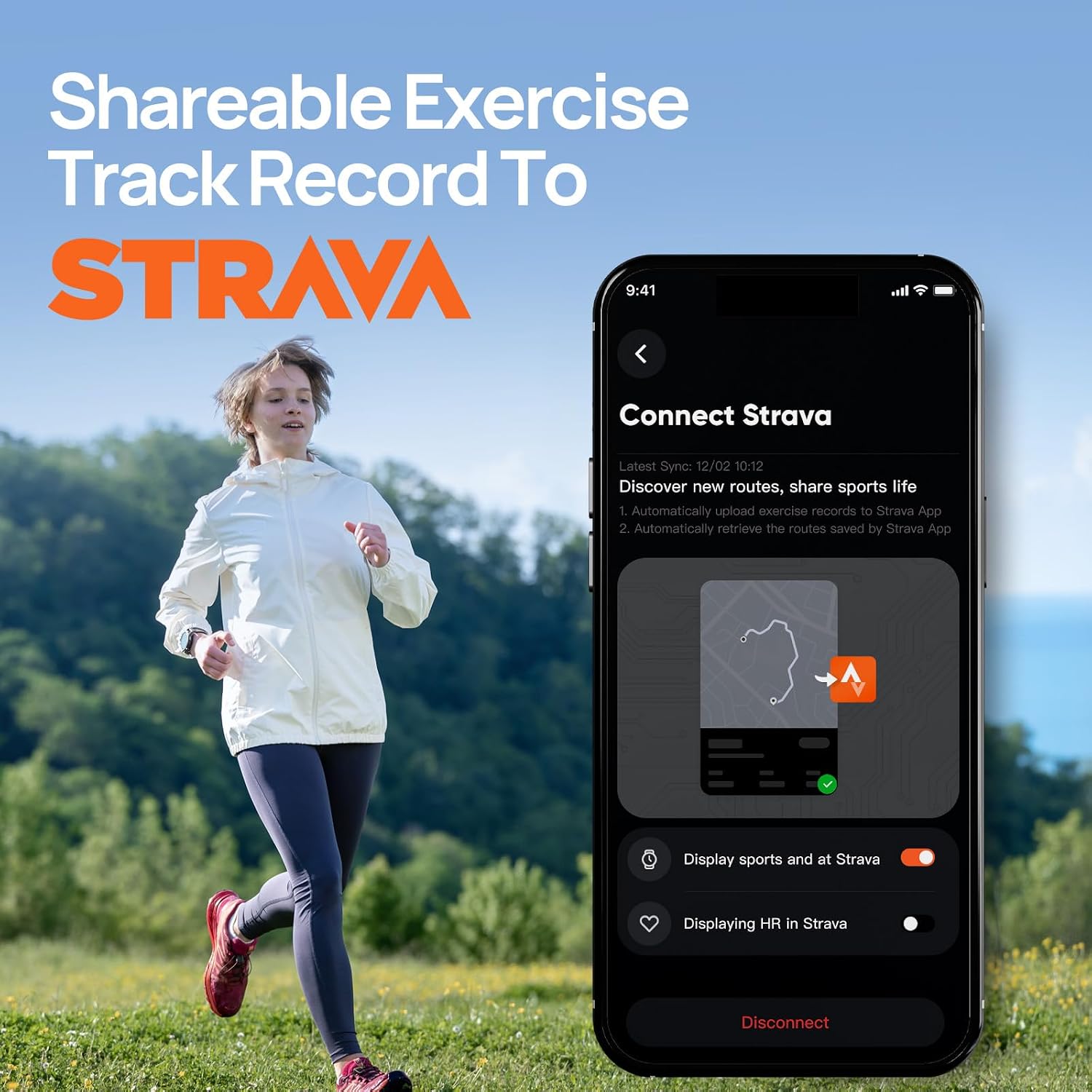
Seamlessly share your exercise data with Strava and other platforms.
4.7 Other Features
- Watch Faces: Customize your watch face from dozens of options available in the Mibro Fit app.
- Music Control: Control music playback on your smartphone directly from the watch.
- Camera Control: Use your watch as a remote shutter for your phone's camera.
- Pedometer: Tracks your daily steps.
- Stopwatch & Timer: Built-in timing functions.
- Compass & Barometer: Useful tools for outdoor activities.
- Alarm: Set alarms directly on your watch.
- Flashlight: Uses the screen as a light source.
- Voice Assistant: Interact with your phone's voice assistant (e.g., Alexa) through the watch.
5. Maintenance
5.1 Cleaning
Regularly clean your Mibro GS Active2 to ensure optimal performance and hygiene.
- Wipe the watch screen and body with a soft, lint-free cloth.
- For stubborn smudges, slightly dampen the cloth with water. Avoid using harsh chemicals or abrasive materials.
- Clean the charging contacts periodically to ensure good connection.
5.2 Water Resistance
The Mibro GS Active2 is rated 5ATM, meaning it is resistant to water splashes, rain, and can be worn for shallow-water activities like swimming. However, it is not suitable for diving, high-pressure water activities, or hot water environments (e.g., hot showers, saunas) as steam can penetrate the seals.
- Do not press buttons underwater.
- After contact with saltwater, rinse the watch with fresh water and dry it thoroughly.
5.3 Battery Care
To maximize battery life and longevity:
- Avoid extreme temperatures.
- Charge the watch regularly, avoiding complete discharge if possible.
- Features like continuous GPS usage and high screen brightness will consume more battery. Adjust settings as needed.

The Mibro GS Active2 offers long battery life, with varying durations based on usage.
5.4 Storage
When not in use for extended periods, store the watch in a cool, dry place. It is recommended to charge the watch to about 50% before storing to prevent battery degradation.
6. Troubleshooting
If you encounter issues with your Mibro GS Active2, try the following troubleshooting steps:
- Watch Not Turning On: Ensure the watch is fully charged. Connect it to the charging cable and allow it to charge for at least 30 minutes before attempting to power on again.
- Screen Flickering/Unresponsive: Restart the watch. If the issue persists, ensure the software is up to date via the Mibro Fit app.
- Bluetooth Connection Issues:
- Ensure Bluetooth is enabled on both your watch and smartphone.
- Move the watch closer to your phone.
- Forget the device in your phone's Bluetooth settings and re-pair through the Mibro Fit app.
- Restart both your watch and smartphone.
- Inaccurate GPS Data:
- Ensure you are in an open area with a clear view of the sky for better satellite reception.
- Allow the watch sufficient time to acquire a GPS signal before starting your activity.
- Short Battery Life:
- Reduce screen brightness.
- Disable continuous heart rate monitoring or set it to a less frequent interval.
- Limit the use of GPS-intensive activities.
- Turn off unnecessary notifications.
- Data Not Syncing to App: Ensure the Mibro Fit app is open and running in the background on your phone, and the watch is connected via Bluetooth. Check your internet connection.
If these steps do not resolve your issue, please contact Mibro customer support for further assistance.
7. Specifications
| Feature | Specification |
|---|---|
| Model | GS Active2 Dark Gray |
| Screen Size | 1.32 Inches AMOLED |
| Resolution | 466 x 466 pixels |
| Peak Brightness | 1200 nits |
| Weight | Approx. 39g (excluding strap) |
| Battery Capacity | 350 mAh |
| Battery Life (Normal Use) | Up to 15 days |
| Battery Life (GPS Mode) | Up to 15 hours |
| Connectivity | Bluetooth |
| GPS | L1+L5 Dual-Frequency GNSS |
| Sensors | BOSCH 6-Axis Motion Sensors, Heart Rate Sensor, Blood Oxygen Sensor |
| Water Resistance | 5ATM |
| Memory Storage Capacity | 1 GB |
| Compatible Devices | Smartphone (Android, iOS) |
8. Warranty and Support
Your Mibro GS Active2 Smartwatch comes with a standard manufacturer's warranty. Please refer to the warranty card included in your product packaging for specific terms and conditions, including warranty duration and coverage details.
For technical support, troubleshooting assistance beyond what is provided in this manual, or warranty claims, please contact Mibro customer service. Contact information can typically be found on the official Mibro website or through the retailer where you purchased the product.
Always keep your proof of purchase for warranty purposes.
Related documentsGS Active2 Dark Gray


Ask a question about this manual
Ask about setup, troubleshooting, compatibility, parts, safety, or missing instructions. Manuals+ will review the question and use this page’s manual context to help answer it.