
1. Introduction
Thank you for choosing the MFVLP LC210 Smart Watch. This manual provides essential information for setting up, operating, and maintaining your device. Please read it carefully to ensure proper use and to fully utilize all features of your new smartwatch.
2. Product Overview
The MFVLP LC210 Smart Watch features a 1.85-inch AMOLED HD display, Bluetooth calling capabilities, and comprehensive health and fitness tracking. Its slim design and comfortable silicone strap make it suitable for all-day wear.
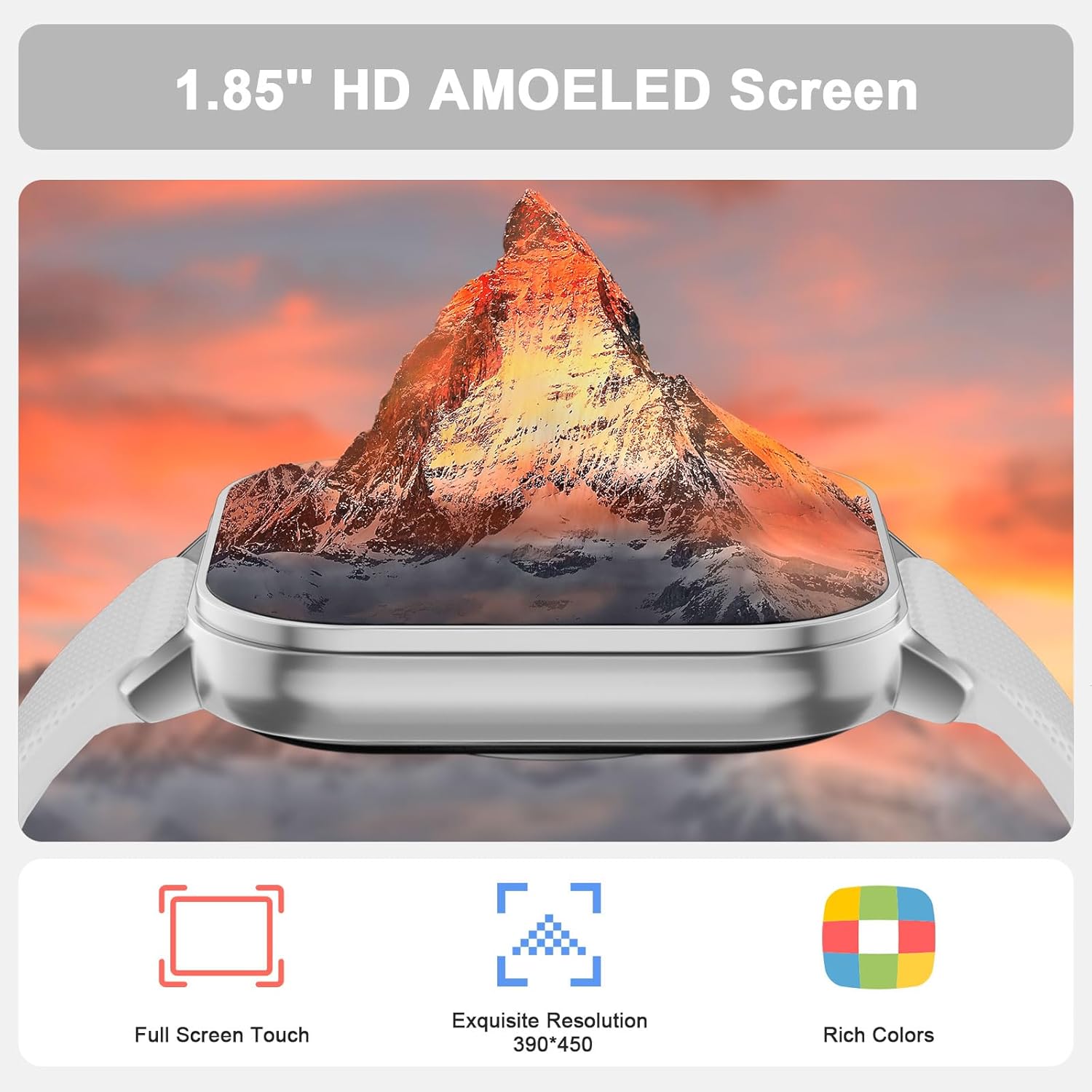
Figure 2.1: The MFVLP LC210 Smart Watch features a vibrant 1.85-inch AMOLED HD screen with full touch capabilities and high resolution.

Figure 2.2: Detailed dimensions of the MFVLP LC210 Smart Watch, including watch face size and strap measurements.
3. Setup
3.1 App Download and Installation
To unlock the full potential of your MFVLP LC210 Smart Watch, download the "Da Fit" app on your smartphone. The app is available for both Android and iOS devices.
- For iOS: Search for "Da Fit" in the Apple App Store.
- For Android: Search for "Da Fit" in the Google Play Store.
- Alternatively, scan the QR code below to directly access the download page:

Figure 3.1: Scan this QR code to download the Da Fit app. You can also visit http://plus.crrepa.com/app-download/dafit.
3.2 Device Pairing
After installing the "Da Fit" app, follow these steps to pair your smartwatch with your phone:
- Ensure Bluetooth is enabled on your smartphone.
- Open the "Da Fit" app and create an account or log in.
- Navigate to the "Add Device" section within the app.
- Select "LC210" from the list of available devices.
- Confirm the pairing request on both your phone and the smartwatch.
Video 3.1: This video illustrates the process of installing the Da Fit app, pairing the MFVLP LC210 Smart Watch with an iOS device, and adjusting language settings within the app and on the watch.
Video 3.2: This video demonstrates the process of installing the Da Fit app, pairing the MFVLP LC210 Smart Watch with an Android device, and adjusting language settings within the app and on the watch.
3.3 Language Settings
You can change the language of your smartwatch through the "Da Fit" app:
- Open the "Da Fit" app.
- Go to the device settings or "Others" section.
- Select "Language" and choose your preferred language. The watch will synchronize with the app's language setting.
4. Operating Instructions
4.1 Bluetooth Calling and Message Notifications
The LC210 Smart Watch allows you to make and receive calls directly from your wrist and receive notifications from various apps.
- Making/Receiving Calls: Once paired via Bluetooth, you can answer incoming calls or dial numbers from the watch interface.
- Message Notifications: Enable notifications for apps like SMS, WhatsApp, Facebook, and Twitter in the "Da Fit" app to receive alerts on your watch.

Figure 4.1: The smartwatch functions as a call assistant, allowing you to answer calls and receive message reminders directly on your wrist.
4.2 24/7 Health Monitoring
Your smartwatch is equipped with advanced sensors to monitor your health continuously.
- Heart Rate Monitoring: Tracks your heart rate in real-time throughout the day.
- Sleep Monitoring: Automatically records sleep duration and analyzes sleep quality (light, deep, awake sleep).
- Blood Oxygen Monitoring: Measures your blood oxygen levels.
- Stress Level Measurement: Helps you understand and manage your stress levels.
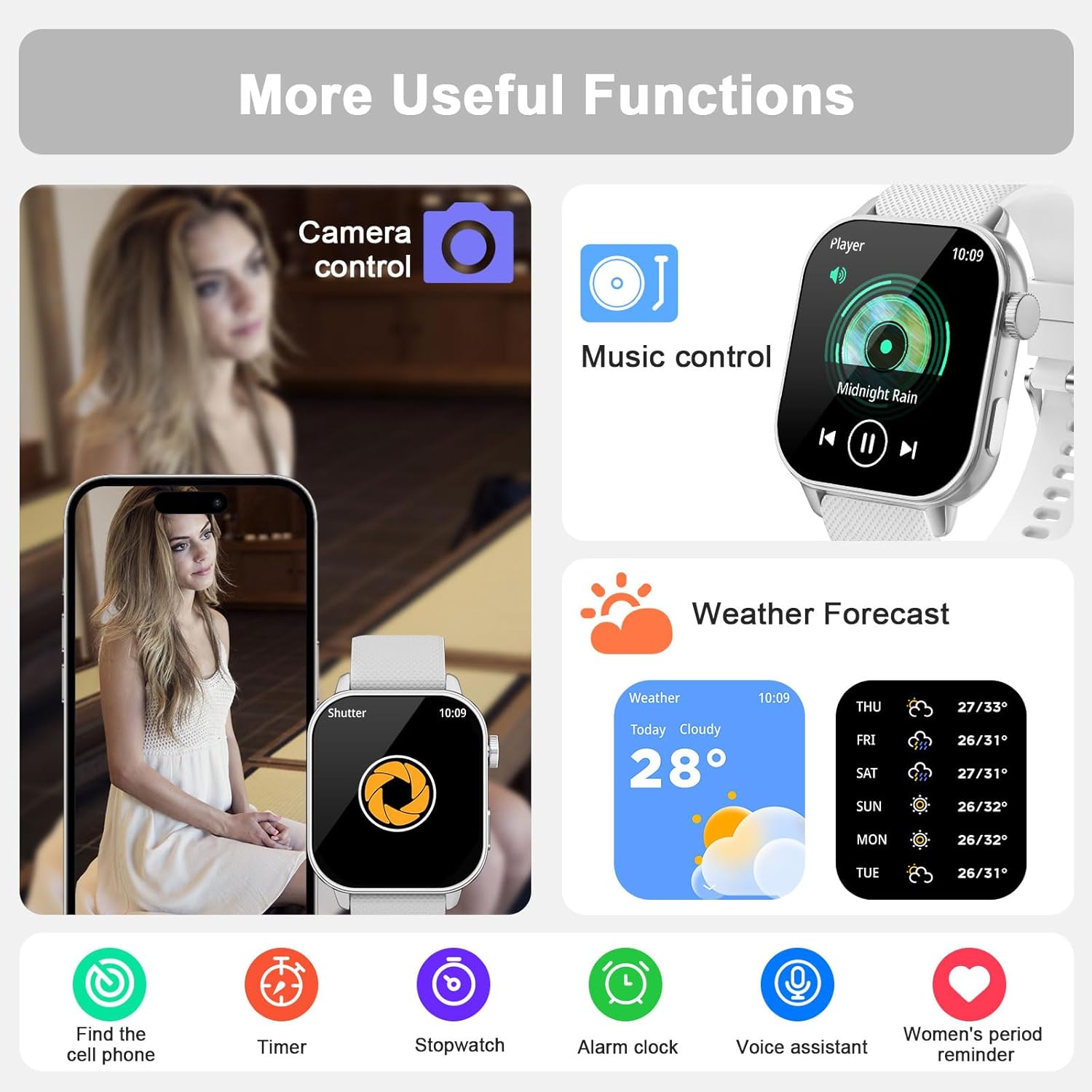
Figure 4.2: The watch provides continuous health monitoring for sleep, heart rate, and blood oxygen levels.
4.3 120+ Sport Modes & Activity Tracking
The watch supports a wide range of sports and tracks your daily activity.
- Sport Modes: Choose from over 120 built-in sport modes (e.g., running, walking, cycling, yoga, dance) to track specific workouts.
- Activity Tracker: Records daily activity data such as steps, distance, calories burned, and active time.

Figure 4.3: Track your fitness with over 120 sport modes and comprehensive activity data.
4.4 Watch Faces Customization
Personalize your watch with a variety of watch faces.
- Pre-installed Faces: Select from over 190 stylish watch faces available in the "Da Fit" app.
- Custom Faces: Upload your own photos to create a unique watch face.
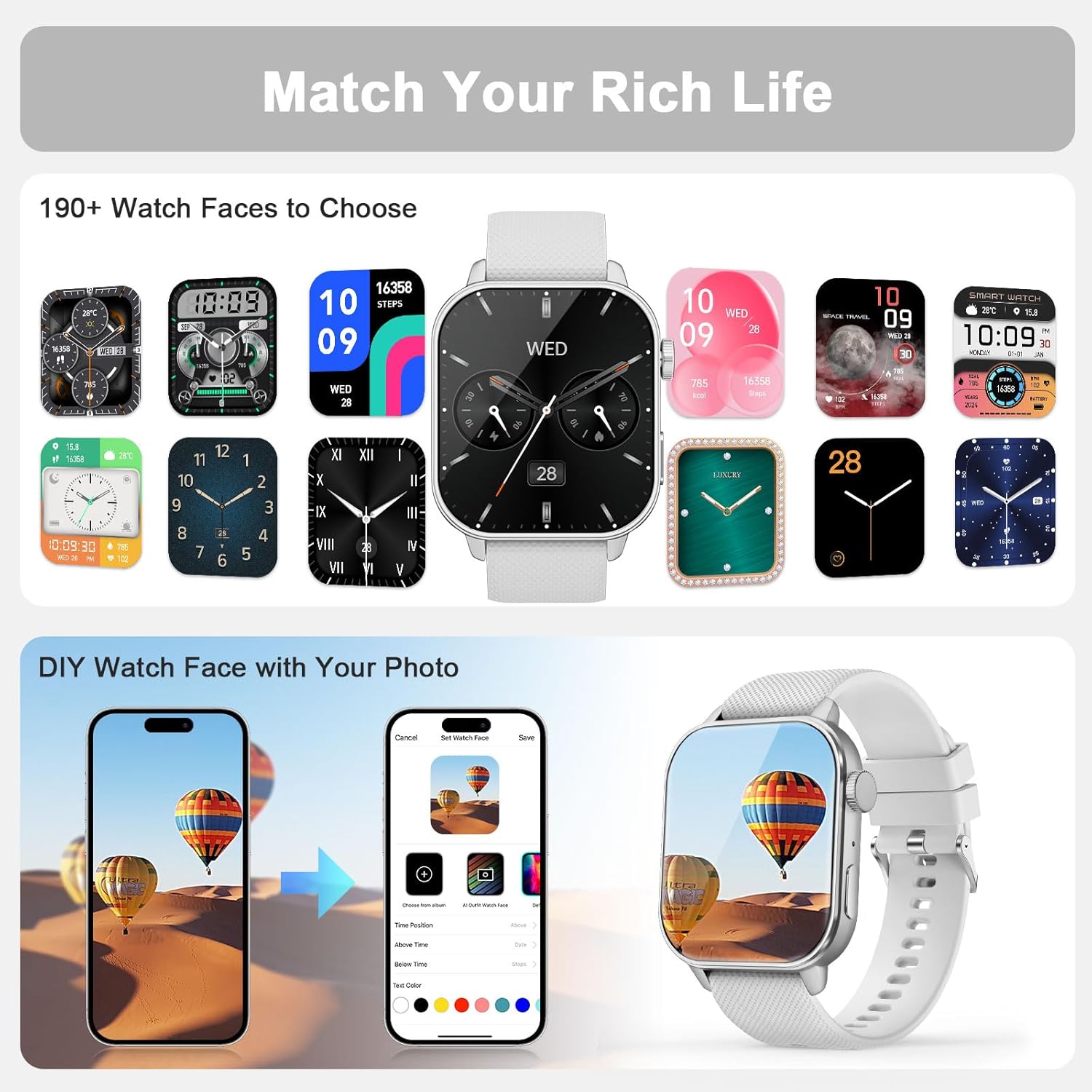
Figure 4.4: Choose from a wide selection of watch faces or create your own using personal photos.
4.5 Additional Functions
The MFVLP LC210 Smart Watch includes several convenient daily tools:
- Always-on Display (AOD): Check the time instantly without raising your wrist.
- Phone Finder: Locate your paired smartphone.
- Weather Forecast: Get real-time weather updates.
- Calculator: Perform basic calculations.
- Camera Control: Remotely control your phone's camera.
- Music Control: Manage music playback on your phone.
- Stopwatch & Timer: For timing activities.
- Alarm: Set alarms directly from your watch.
- World Clock: View time in different time zones.
- Flashlight: Use the watch screen as a light source.
- Women's Menstrual Cycle Reminder: Track and predict menstrual cycles.
- Sedentary & Hydration Reminders: Prompts to move and drink water.

Figure 4.5: Explore a variety of useful functions integrated into your smartwatch for daily convenience.
5. Maintenance
5.1 Waterproof Rating
The MFVLP LC210 Smart Watch is IP68 waterproof. This means it is resistant to sweat, rain, hand washing, and can even be used for swimming in a pool. However, it is not recommended for hot showers, saunas, or diving, as steam and high water pressure may compromise the seal.
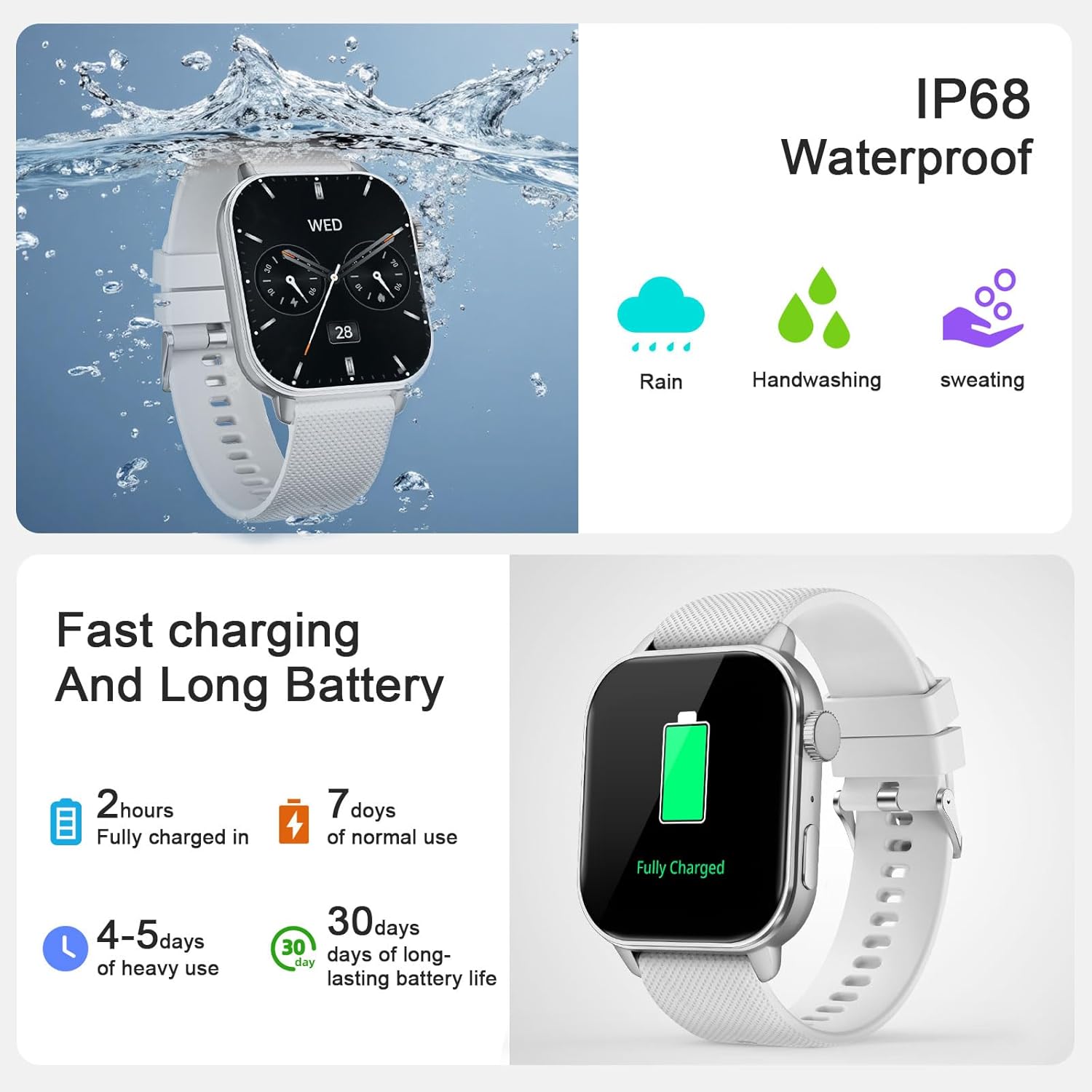
Figure 5.1: The watch is IP68 waterproof, suitable for daily exposure to water like rain and handwashing.
5.2 Charging and Battery Life
Your smartwatch features magnetic charging for convenience.
- Charging: Connect the magnetic charging cable to the charging points on the back of the watch and a USB power source. A full charge typically takes approximately 2 hours.
- Battery Life: Expect 3-6 days of active use on a single charge, and up to 30 days of standby time.
6. Troubleshooting
If you encounter issues with your MFVLP LC210 Smart Watch, please try the following common solutions:
- Connection Issues: Ensure Bluetooth is enabled on your phone and the watch is within range. Try restarting both your phone and the watch.
- App Synchronization: Make sure the "Da Fit" app is running in the background and has all necessary permissions.
- Inaccurate Readings: Ensure the watch is worn snugly on your wrist, not too tight or too loose. Clean the sensors regularly.
- Battery Draining Quickly: Reduce screen brightness, disable unnecessary notifications, and limit continuous heart rate monitoring if not needed.
- Watch Not Turning On: Connect the watch to its charger for at least 30 minutes to ensure it has sufficient power.
For persistent issues, refer to the support section or contact customer service.
7. Specifications
| Feature | Specification |
|---|---|
| Model Number | LC210 |
| Screen Size | 1.85 Inches AMOLED |
| Resolution | 390 x 390 |
| Thickness | 8.8 mm |
| Item Weight | 5.3 ounces (approx. 150g) |
| Band Width | 20 mm (0.78 Inches) |
| Wrist Circumference | 150mm - 195mm (5.9in - 7.67in) |
| Water Resistance | IP68 (1.5 Meters depth) |
| Bluetooth Version | 5.3 |
| Battery Life (Active Use) | 3-6 days |
| Battery Life (Standby) | Up to 30 days |
| Charging Time | Approx. 2 hours |
| Compatible OS | Android, iOS |
| Supported Satellite Navigation | GPS |
8. Warranty & Support
MFVLP is committed to providing quality service and support for your product.
- Warranty: Your MFVLP LC210 Smart Watch comes with a 1-year free replacement service.
- Customer Support: Expect a rapid response to inquiries within 24 hours. We aim to provide long-term support with satisfactory solutions.
For any questions or assistance, please refer to the contact information provided with your product packaging or visit the official MFVLP website.
