
tykjszgs LT31
tykjszgs 4G Kids Smart Watch GPS Tracker Model LT31 User Manual
Model: LT31
1. Introduction
This user manual provides comprehensive instructions for the tykjszgs 4G Kids Smart Watch GPS Tracker, Model LT31. Please read this manual carefully before using the device to ensure proper operation and to maximize its features. This smartwatch is designed to help parents stay connected with their children through various communication and safety functions.
2. What's in the Box
Upon opening the package, please verify that all the following items are included:
- 1 x tykjszgs Kids Smart Watch (Model LT31)
- 1 x Charging Cable
- 1 x User Manual
3. Setup Guide
Follow these steps to set up your tykjszgs 4G Kids Smart Watch:
- SIM Card Installation:
- Acquire a standard Nano-SIM card (not included). Ensure the SIM card supports 4G network connectivity.
- Power off the smartwatch before inserting the SIM card.
- Locate the SIM card slot on the watch. Carefully insert the Nano-SIM card into the slot as indicated by the diagram.
- Power on the watch.
- App Download and Registration:
- Download the "SeTracker 2" application from your smartphone's app store (available for iOS and Android).
- Open the app and register a new account.
- Binding the Watch to the App:
- In the "SeTracker 2" app, select the option to add a new device.
- Scan the Regcode (registration code) located inside or on the back of the watch. Alternatively, you can manually enter the code.
- Once bound, you can manage the watch's settings and features through the app.

Image: Step-by-step guide for setting up the tykjszgs 4G Kids Smart Watch, illustrating SIM card insertion and app binding process.
4. Operating Instructions
The tykjszgs 4G Kids Smart Watch offers a range of features for communication and safety:
4.1 Two-Way Calling and Video Calls
The smartwatch supports two-way voice calls and video calls with pre-saved contacts. Through the "SeTracker 2" app, family members can initiate voice or video calls with the watch. The watch can also receive and reply to text and voice messages.

Image: The smartwatch displaying a two-way video call between a child and an adult.

Image: Illustration of two-way calling and voice chat functionality on the smartwatch.
4.2 GPS Tracking and Geo-Fence
The smartwatch features built-in GPS, Wi-Fi, and LBS (Location Based Service) for intelligent positioning, allowing parents to monitor their child's location via the app. The combination of these technologies provides accurate location data, typically within 0.5-1.5 miles. Parents can also set up safety zones (Geo-Fence) around key locations like home or school. The app will send notifications if the child enters or exits these designated areas.

Image: Visual representation of the smartwatch's WiFi+LBS+GPS locator feature, showing real-time location tracking.
4.3 SOS Emergency Call
In an emergency, the child can press and hold the SOS button on the watch for 3 seconds. The watch will automatically cycle through three pre-set SOS numbers until one is answered, providing a critical safety feature.
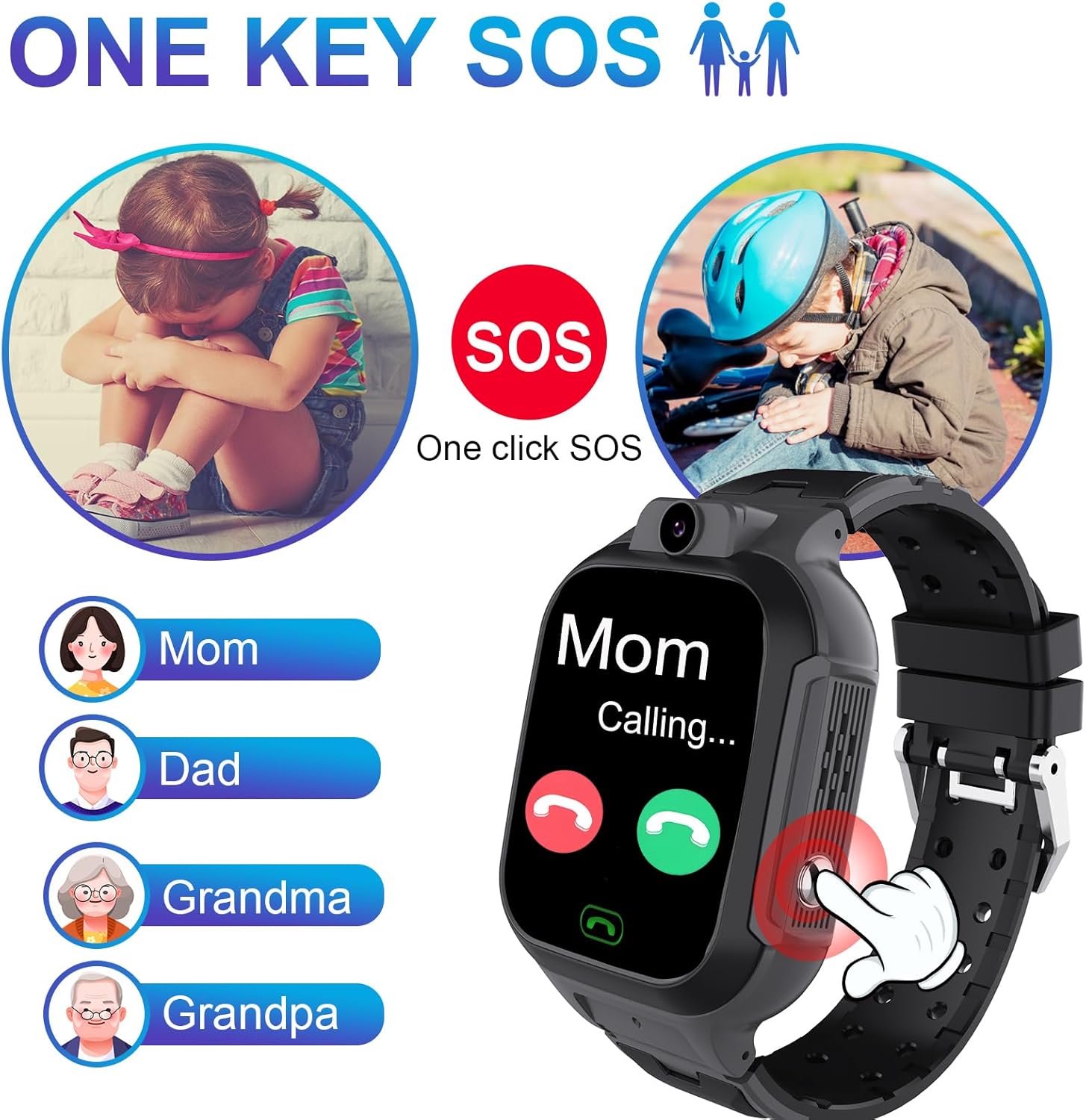
Image: The smartwatch's one-key SOS feature, demonstrating how it calls emergency contacts.
4.4 Class Mode and Stranger Rejection
Parents can activate Class Mode through the app to prevent distractions during school hours. In this mode, the watch's functions are limited to displaying time and SOS calls, ensuring the child can focus on learning. The stranger rejection feature allows parents to whitelist contacts, blocking calls from unknown numbers.
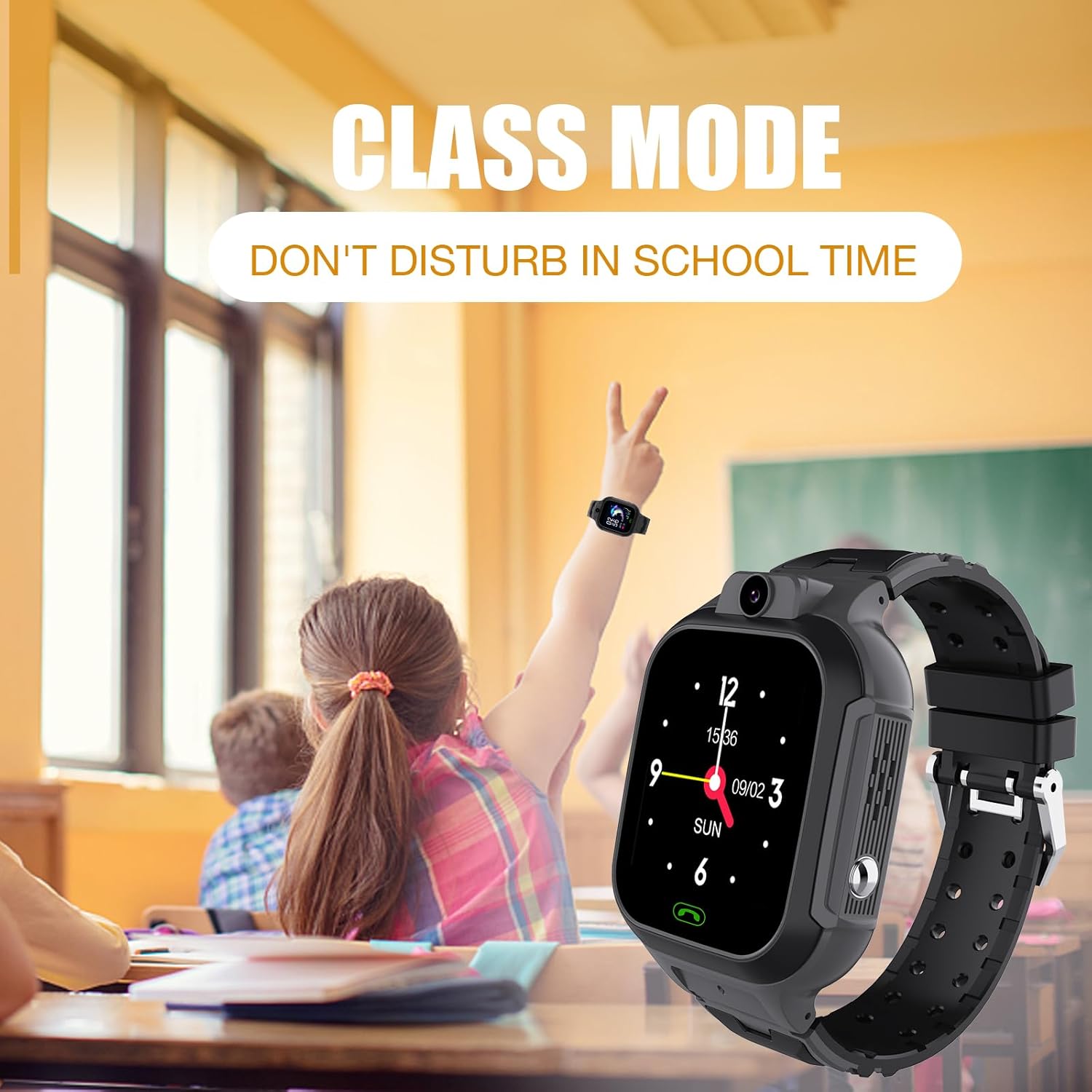
Image: The smartwatch in Class Mode, designed to minimize distractions during school.
4.5 Additional Features
- Pedometer: Tracks daily steps to encourage physical activity.
- Games: Includes fast learning games for entertainment.
- Alarm Clock: Helps children manage their time effectively.
- Remote Photography: Allows parents to take photos remotely via the app.
- Remote Shutdown: Parents can remotely power off the watch through the app.
5. Maintenance
- Cleaning: Use a soft, dry cloth to clean the watch. Avoid using harsh chemicals or abrasive materials.
- Charging: Charge the watch using the provided charging cable. Ensure the charging contacts are clean and dry before connecting.
- Water Resistance: While the watch may have some splash resistance, avoid submerging it in water or exposing it to heavy rain to prevent damage.
- Storage: Store the watch in a cool, dry place when not in use.
6. Troubleshooting
If you encounter issues with your smartwatch, refer to the following common problems and solutions:
| Problem | Possible Cause | Solution |
|---|---|---|
| Watch cannot make/receive calls | No SIM card, SIM card not activated, poor network signal, contacts not whitelisted. | Ensure SIM card is correctly inserted and active. Check network coverage. Add contacts to the whitelist in the app. |
| Inaccurate GPS location | Weak GPS signal, indoor environment, reliance on LBS/Wi-Fi. | Move to an open outdoor area for better GPS signal. Note that LBS/Wi-Fi positioning provides an approximate location. |
| Video calls are distorted or unclear | Poor network connection, low bandwidth. | Ensure both the watch and the connected smartphone have a stable 4G or Wi-Fi connection. Try again in an area with better signal. |
| Battery drains quickly | Frequent use of features (GPS, calls), high screen brightness, background apps. | Reduce screen brightness. Limit continuous GPS tracking. Close unnecessary background applications. Charge fully before use. |
| Watch is unresponsive | Low battery, software glitch. | Charge the watch for at least 30 minutes. If unresponsive, try a soft reset (refer to manufacturer support if available for specific reset instructions). |
7. Specifications
| Feature | Detail |
|---|---|
| Model Name | 4G kids smart watch (LT31) |
| Brand | tykjszgs |
| Product Dimensions | 3.94 x 3.35 x 2.48 inches |
| Item Weight | 2.12 ounces (60 Grams) |
| Screen Size | 1.44 inches |
| Operating System | Android Wear 1.0 |
| Connectivity Technology | Cellular (4G) |
| GPS | Built-in GPS |
| Battery Type | 1 Lithium Polymer battery (included) |
| Special Features | Alarm Clock, Camera, GPS, Password Protection, Time Display |
| Color | Black |
8. Warranty and Support
For warranty information and customer support, please refer to the documentation provided with your purchase or contact the manufacturer directly. Keep your proof of purchase for any warranty claims.
Manufacturer: tykjszgs
Ask a question about this manual
Ask about setup, troubleshooting, compatibility, parts, safety, or missing instructions. Manuals+ will review the question and use this page’s manual context to help answer it.