
Kidde 21033083
Kidde CUACFEX Hardwired Smoke and Carbon Monoxide Alarm User Manual
Model: 21033083
1. Introduction
This user manual provides detailed instructions for the installation, operation, and maintenance of your Kidde CUACFEX Hardwired Smoke and Carbon Monoxide Alarm. This device is designed to provide reliable dual protection against the dangers of smoke and carbon monoxide, ensuring the safety of your home and family.
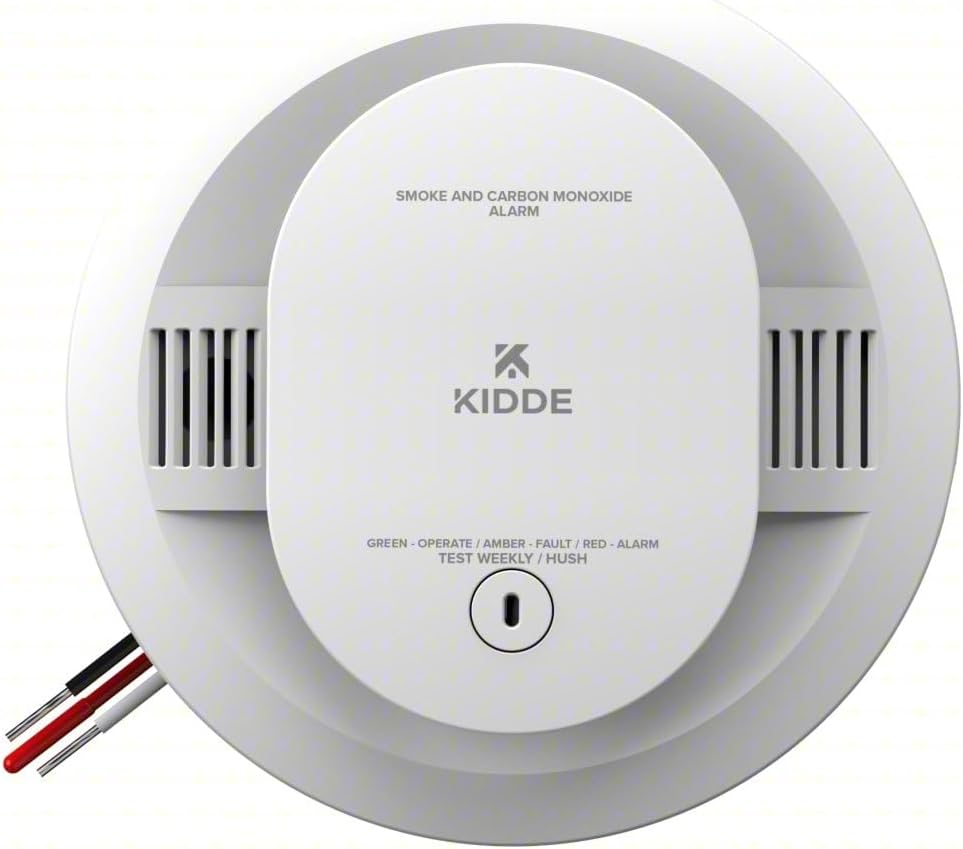
Front view of the Kidde CUACFEX Hardwired Smoke and Carbon Monoxide Alarm, showing the test/hush button and LED indicator.
2. Product Features
- Dual Detection Technology: Combines a photoelectric smoke sensor and an electrochemical CO sensor to detect both smoldering fires and carbon monoxide leaks.
- Hardwired with Battery Backup: Operates on 120V AC power with two AA batteries included for backup during power outages.
- Interconnectable for Comprehensive Safety: Can be interconnected with up to 24 compatible Kidde devices, ensuring all alarms sound simultaneously during an emergency.
- LED Indicators for Easy Status Monitoring: Multi-color LEDs provide visual cues for different alerts: green for normal operation, amber for operating error, and red for smoke, fire, or carbon monoxide events.
- 85-Decibel Alarm: Loud alarm alerts you to smoke, fire, or carbon monoxide, ensuring you and your family are promptly notified.
3. Setup & Installation
The Kidde CUACFEX alarm is designed for hardwired installation and includes a battery backup for continuous operation during power outages. Please ensure power is off at the circuit breaker before beginning installation.
3.1 Included Components:
- Alarm Unit
- Mounting Hardware
- User Guide (this document)
- 2 AA Batteries (pre-installed or included)
3.2 Mounting:
The alarm features an easy twist-and-click mounting bracket for secure installation on ceilings or walls. Refer to local codes for optimal placement.

A man on a ladder installing the Kidde alarm on a ceiling, demonstrating the simple twist-and-click mounting process.
3.3 Interconnection:
This alarm can be interconnected with up to 24 compatible Kidde devices. When one interconnected alarm sounds, all connected alarms will sound, providing comprehensive coverage throughout your home.
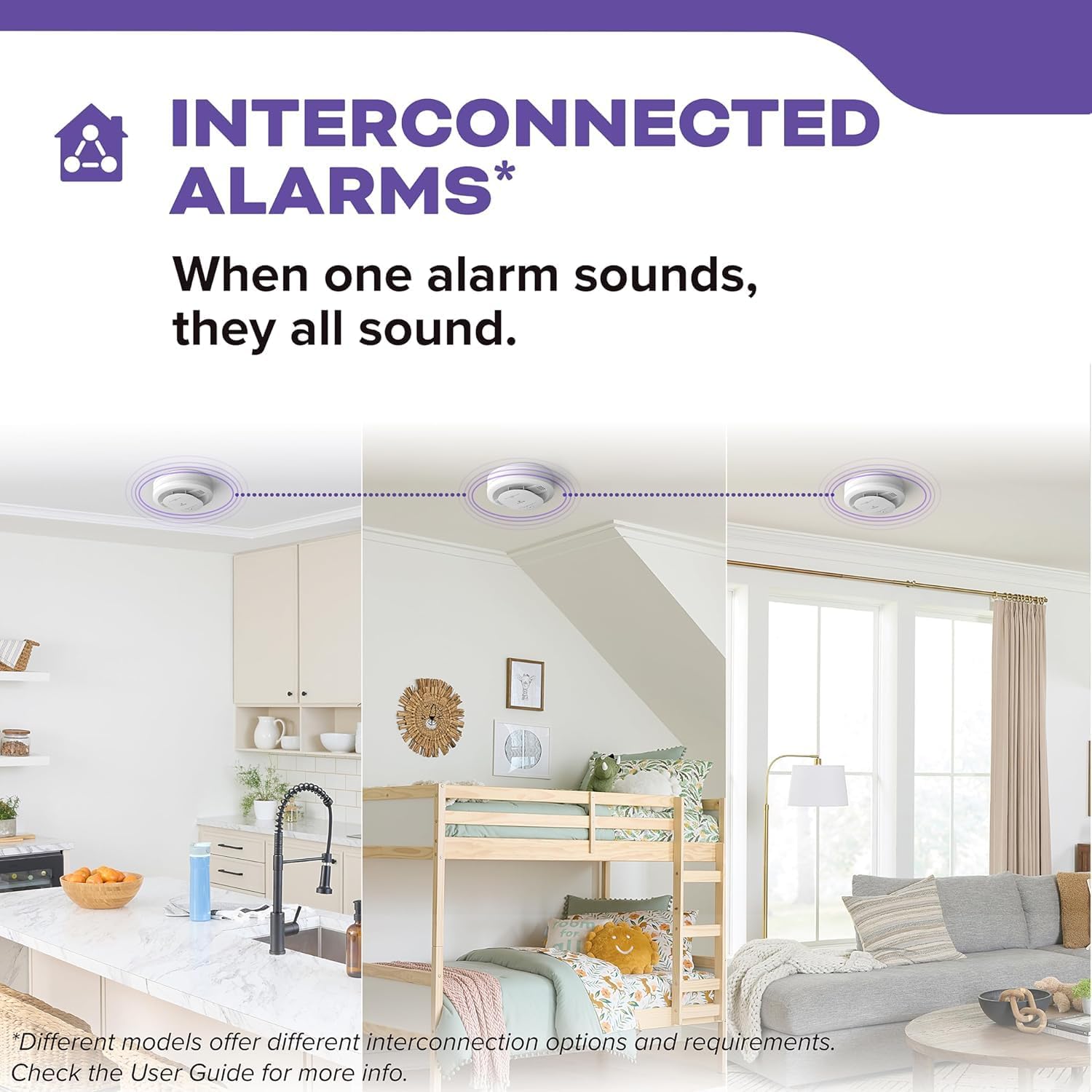
A visual representation of multiple Kidde alarms interconnected across different rooms (kitchen, bedroom, living room), illustrating that when one alarm sounds, they all sound.
4. Operating Instructions
Your Kidde CUACFEX alarm provides clear indications of its status through multi-color LED lights and an audible alarm.
4.1 LED Indicators:

Visual guide to the alarm's LED notifications: Red for Smoke or CO Detected, Amber for Fault/Error, and Green for Powered On.
- Green LED: Indicates normal operation and that the unit is powered on.
- Amber LED: Signals a fault or error with the unit. Refer to the Troubleshooting section.
- Red LED: Indicates a detected smoke or carbon monoxide event, accompanied by an 85-decibel alarm.
4.2 Test/Hush Button:
The large button on the front of the alarm serves two primary functions:
- Test: Press and hold the button to test the alarm's functionality. The alarm will sound if working correctly. Test weekly.
- Hush: In the event of a nuisance alarm (e.g., from cooking fumes), press the button to temporarily silence the alarm for approximately 10 minutes. The alarm will reset after this period if the condition has cleared.
5. Maintenance
Regular maintenance is crucial to ensure your alarm functions correctly and provides optimal protection.
5.1 Weekly Testing:
Test your alarm weekly by pressing and holding the Test/Hush button until the alarm sounds. This confirms the alarm's circuitry, horn, and battery are functioning.
5.2 Battery Replacement:
The alarm uses two AA batteries for backup power. When the batteries are low, the alarm will chirp periodically and the Amber LED may flash. Replace batteries immediately with new AA alkaline batteries.
5.3 Cleaning:
Dust and debris can accumulate on the alarm and affect its performance. Gently vacuum or wipe the alarm cover monthly to keep the vents clear. Do not paint the alarm.
6. Troubleshooting
If your alarm is not functioning as expected, refer to the following common issues and their solutions.
| Problem | Indication | Possible Cause | Solution |
|---|---|---|---|
| Alarm chirps periodically | Amber LED flashes | Low battery | Replace AA batteries. |
| Alarm sounds continuously (smoke) | Red LED flashes rapidly | Smoke detected | Evacuate if necessary. Investigate source. Use Hush button for nuisance alarms. |
| Alarm sounds continuously (CO) | Red LED flashes, distinct CO alarm pattern | Carbon Monoxide detected | Immediately move to fresh air. Call emergency services. |
| False alarms from cooking | Red LED flashes, smoke alarm pattern | Cooking fumes, steam | Use the Hush button to temporarily silence. Ensure proper ventilation. |

An image depicting a toaster with burnt toast emitting smoke, illustrating a common source of nuisance alarms that the alarm's features help reduce.
7. Specifications
| Specification | Value |
|---|---|
| Brand | Kidde |
| Model Number | 1033083 (CUACFEX) |
| Power Source | Hardwired (120V AC) with AA Battery Backup |
| Color | White |
| Product Dimensions | 2"D x 5"W x 5"H |
| Item Weight | 0.86 Pounds (approx. 13.8 ounces) |
| Alarm Type | Smoke and Carbon Monoxide Detector |
| Operating Humidity | 10 to 95% |
| Upper Temperature Rating | 100 Degrees Fahrenheit |
| Material | Plastic |
| Batteries Required | 2 AA batteries (included) |
| Battery Cell Type | Alkaline |
8. Important Safety Information
It is crucial to be aware of and comply with local regulations regarding smoke and carbon monoxide alarms. Requirements can vary by state and municipality.

A map of the United States indicating state-level carbon monoxide and smoke alarm requirements, highlighting states with CO alarm requirements (blue), states with both CO and smoke alarm requirements (red), and states with 10-year smoke alarm requirements (pin icons). Always check your local laws.
Disclaimer: This map is for informational purposes only and may not reflect the most current regulations. Always consult your local fire department or building authority for the most accurate and up-to-date requirements in your area.
9. Warranty & Support
For specific warranty information and technical support, please refer to the documentation included with your product or visit the official Kidde website. You can also visit the Kidde Store on Amazon for more information and product resources.
Related documents21033083


Ask a question about this manual
Ask about setup, troubleshooting, compatibility, parts, safety, or missing instructions. Manuals+ will review the question and use this page’s manual context to help answer it.