
1. Introduction
This manual provides essential instructions for the setup, operation, maintenance, and troubleshooting of your RCA 40-inch MultiTuner HD Google TV, Model R40M-F4G. Please read this manual thoroughly before using your television to ensure proper functionality and safety.
2. Important Safety Information
Always follow basic safety precautions when using this product to reduce the risk of fire, electric shock, and injury.
- Do not expose the TV to rain or moisture.
- Do not open the TV casing; refer all servicing to qualified personnel.
- Ensure proper ventilation around the TV.
- Use only the power cord supplied with the TV.
- Keep the TV away from direct sunlight and heat sources.
3. What's Included
Verify that all components are present in the packaging:
- RCA 40-inch MultiTuner HD Google TV (Model R40M-F4G)
- Remote Control (with batteries)
- User Manual (this document)
- Power Cord
- TV Stands (2) and Screws

Image 1: RCA 40-inch Google TV with included remote control and stand components.
4. Setup
4.1 Attaching the TV Stands
- Carefully place the TV face-down on a soft, clean surface to prevent screen damage.
- Align each stand with the corresponding screw holes on the bottom of the TV.
- Secure the stands using the provided screws. Do not overtighten.
4.2 Wall Mounting (Optional)
If you plan to wall-mount your TV, refer to the instructions provided with your wall-mount bracket. Ensure the bracket is compatible with the TV's VESA mounting pattern (refer to specifications). Remove the TV stands before wall mounting.

Image 2: Rear view of the TV, highlighting the VESA mounting points for wall installation.
4.3 Connecting Devices
Connect your external devices (e.g., cable box, Blu-ray player, gaming console) to the appropriate ports on the TV.
- HDMI: For high-definition audio and video.
- USB: For connecting USB storage devices.

Image 3: Side view of the TV, illustrating the location of HDMI and USB ports for device connectivity.
4.4 Initial Power-On and Google TV Setup
- Plug the power cord into the TV and then into a wall outlet.
- Press the Power button on the remote control or the TV.
- Follow the on-screen instructions to complete the initial setup, including:
- Language selection
- Network connection (Wi-Fi)
- Google account sign-in
- Channel scanning (if using an antenna)
5. Operating Your RCA Google TV
5.1 Google TV Interface
The Google TV operating system provides a centralized hub for your streaming services, live TV, and apps. Navigate using the remote control's directional pad and select button.

Image 4: The Google TV home screen, showing recommended content and installed applications.
5.2 Key Features
- Google Assistant: Control your TV, search for content, or get information using voice commands. Press the Google Assistant button on your remote and speak into the microphone.

Image 5: Using Google Assistant with the remote control for voice commands.
- Chromecast Built-in: Cast content (videos, photos, music) from your compatible smartphone, tablet, or computer directly to the TV screen.
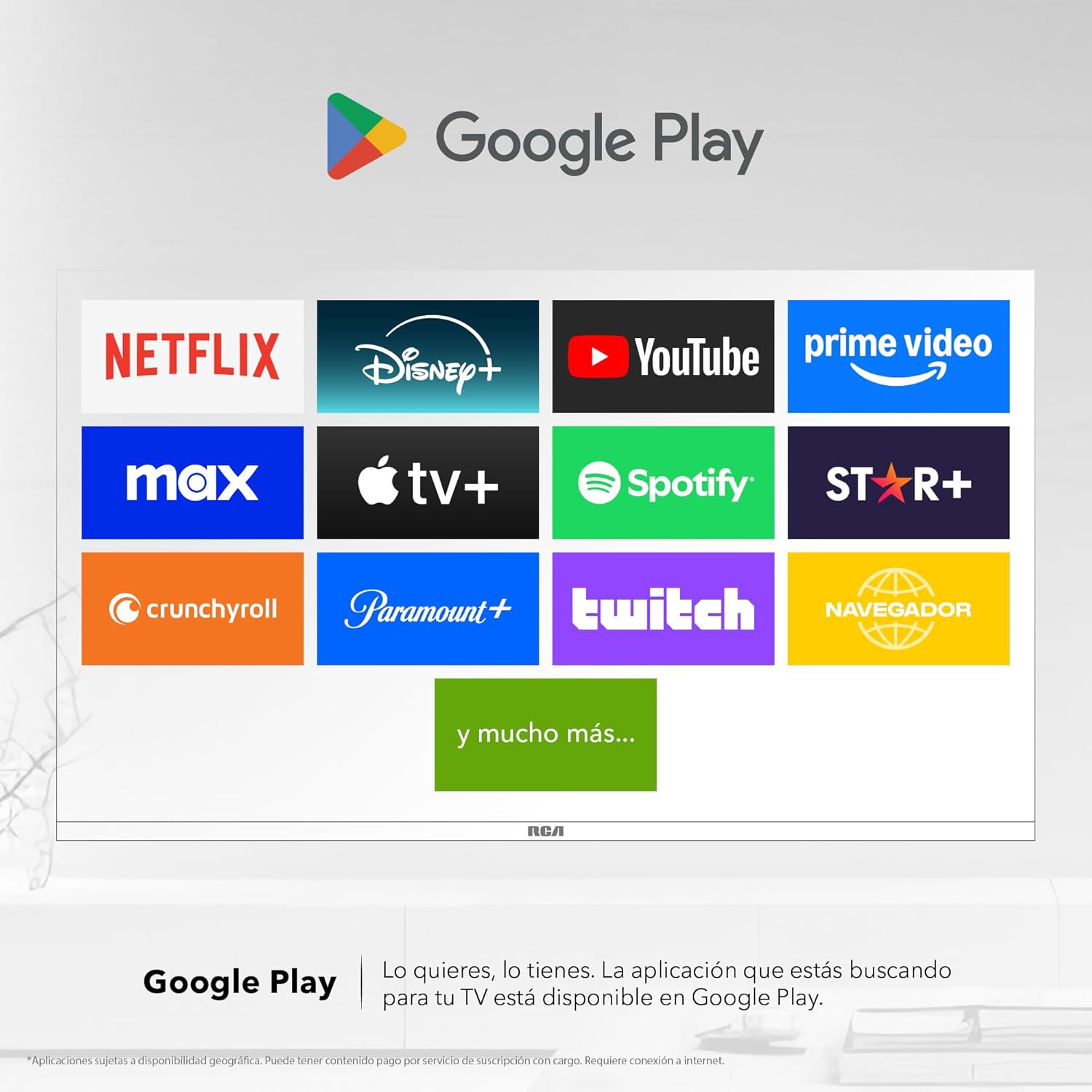
Image 6: Demonstrating content casting from a mobile device to the TV via Google Cast.
- Bluetooth Connectivity: Connect Bluetooth-enabled devices such as soundbars, headphones, or game controllers wirelessly to your TV.

Image 7: The TV connected to a soundbar via Bluetooth for enhanced audio.
- Google Play Store: Download and install a wide variety of applications directly onto your TV.

Image 8: The Google Play Store displaying various applications available for download.
- Kids Profile: Create a dedicated profile for children to manage accessible applications and content.

Image 9: The Kids Profile interface, designed for child-friendly content management.
- Dolby Audio: Experience clear, rich, and detailed sound with Dolby Audio technology.
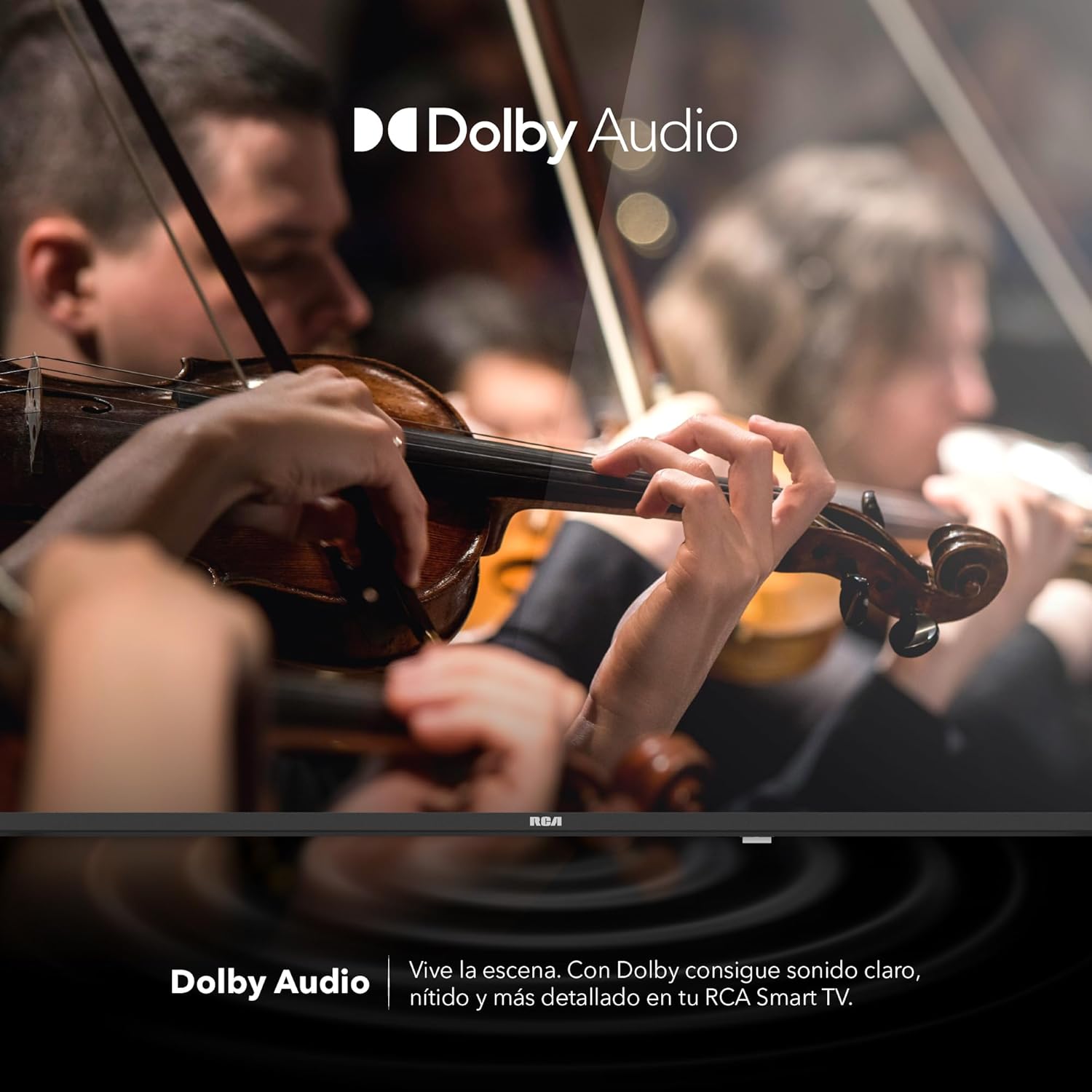
Image 10: The Dolby Audio feature enhancing the sound experience on the TV.
6. Maintenance
6.1 Cleaning the Screen
- Turn off the TV and unplug it from the power outlet.
- Gently wipe the screen with a soft, lint-free cloth.
- For stubborn marks, lightly dampen the cloth with water or a specialized screen cleaner (do not spray directly onto the screen).
- Avoid using harsh chemicals or abrasive materials.
6.2 General Care
- Keep the TV in a well-ventilated area.
- Protect the TV from dust by regularly wiping the casing with a soft, dry cloth.
- Avoid placing heavy objects on top of the TV.
7. Troubleshooting
| Problem | Possible Cause | Solution |
|---|---|---|
| No power | Power cord disconnected; power outlet issue | Ensure power cord is securely connected. Test the outlet with another device. |
| No picture, but sound is present | Incorrect input source; faulty cable | Press the "Input" button on the remote to select the correct source. Check HDMI/AV cable connections. |
| No sound, but picture is present | Volume too low; Mute activated; audio settings issue | Increase volume. Check if Mute is active. Verify audio output settings in the TV menu. |
| Remote control not working | Dead batteries; obstruction; pairing issue | Replace batteries. Remove any obstructions between remote and TV. Re-pair Bluetooth remote if applicable. |
| Wi-Fi connection issues | Router problem; incorrect password; signal interference | Restart your router. Re-enter Wi-Fi password. Move TV closer to router or reduce interference. |
8. Specifications
| Feature | Detail |
|---|---|
| Brand | RCA |
| Model | R40M-F4G |
| Screen Size | 40 inches |
| Display Technology | LED |
| Resolution | 1920 x 1080 (Full HD) |
| Refresh Rate | 60 Hz |
| Operating System | Google TV |
| Audio Encoding | Dolby Atmos |
| Hardware Interface | HDMI, USB |
| Total USB Ports | 2 |
| Bluetooth Support | Yes |
| Special Features | Chromecast, Flat Screen |
| Mounting Type | Wall Mountable |
| Product Dimensions (WxHxD) | 97 x 56 x 11 cm |
| Product Weight | 7 kg |
9. Warranty and Support
9.1 Warranty Information
This product comes with a manufacturer's warranty. Please refer to the warranty card included in your packaging for specific terms and conditions. Extended warranty options may be available from your retailer.
9.2 Customer Support
For technical assistance, troubleshooting beyond this manual, or warranty claims, please contact RCA customer support. Visit the official RCA website for contact details and support resources.
RCA Official Website: www.rca.com


