
1. Introduction
This manual provides detailed instructions for the operation and maintenance of your HOVOYNN M10-128G MP3 Player. This portable digital music player features Bluetooth 5.3, a 2.8-inch touchscreen, 128GB internal storage, HiFi lossless sound, FM radio, voice recording, and e-book capabilities. Please read this manual thoroughly before use to ensure optimal performance and longevity of your device.
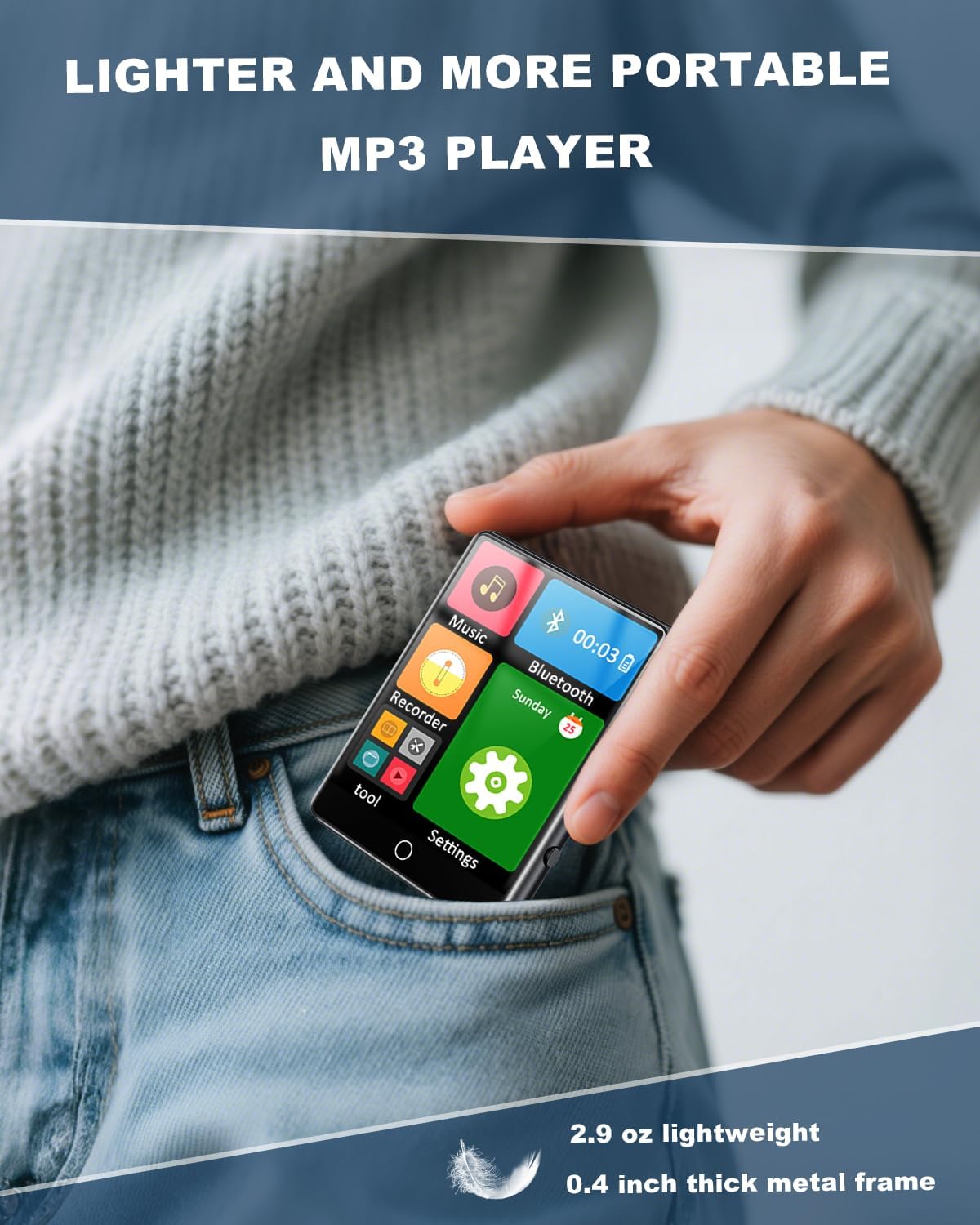
Figure 1.1: The HOVOYNN M10-128G MP3 Player, designed for portability.
Video 1.1: An overview of the 128GB MP3 Player with Bluetooth 5.3, showcasing its features and design.
2. Safety Information
- Do not expose the device to extreme temperatures, direct sunlight, or high humidity.
- Avoid dropping or subjecting the device to strong impacts.
- Keep the device away from water and other liquids.
- Do not attempt to disassemble or repair the device yourself. Contact customer support for assistance.
- Use only the provided charging cable and accessories.
- Prolonged listening at high volume levels may cause hearing damage.
3. Package Contents
Verify that all items are present in the package:
- HOVOYNN M10-128G Portable MP3 Player
- USB-C Charging Cable
- Wired Headphones
- User Instructions (this manual)
4. Product Overview
Familiarize yourself with the physical components and interface of your MP3 player.

Figure 4.1: Front view of the HOVOYNN M10-128G MP3 Player, showing the main interface and connected headphones.

Figure 4.2: Key features of the HOVOYNN M10-128G MP3 Player.
5. Setup
5.1. Charging the Device
Before first use, fully charge your MP3 player. Connect the provided USB-C cable to the device's charging port and the other end to a USB power adapter (not included) or a computer's USB port. The battery indicator on the screen will show charging status.
5.2. Memory Management
The device comes with 128GB of built-in memory. You can expand storage by inserting a Micro SD card (up to 128GB, not included) into the designated slot. Ensure the card is inserted correctly.

Figure 5.1: The MP3 player with an external Micro SD card, demonstrating memory expansion.

Figure 5.2: Storage capacity details for the MP3 player.
5.3. Connecting to a Computer & File Transfer
To transfer files (music, videos, photos, e-books) to your MP3 player, connect it to your computer using the provided USB-C cable. The device should appear as a removable disk. Drag and drop your files into the appropriate folders on the device.
Video 5.1: Instructions on how to transfer files from a computer to the MP3 player.
6. Operating Instructions
6.1. Power On/Off
Press and hold the power button on the side of the device to turn it on or off.
6.2. Touch Screen Navigation
The 2.8-inch touchscreen allows for intuitive navigation. Swipe left/right or tap icons to access different functions and settings.

Figure 6.1: Demonstrating sensitive full-screen touch control.

Figure 6.2: The 2.8-inch large color screen for clear viewing.

Figure 6.3: Easy control through the full touch screen.
6.3. Music Playback
Tap the 'Music' icon to access your music library. The player supports MP3, WMA, APE, FLAC, WAV, and AAC formats. Enjoy HiFi lossless sound quality through headphones or the built-in speaker.
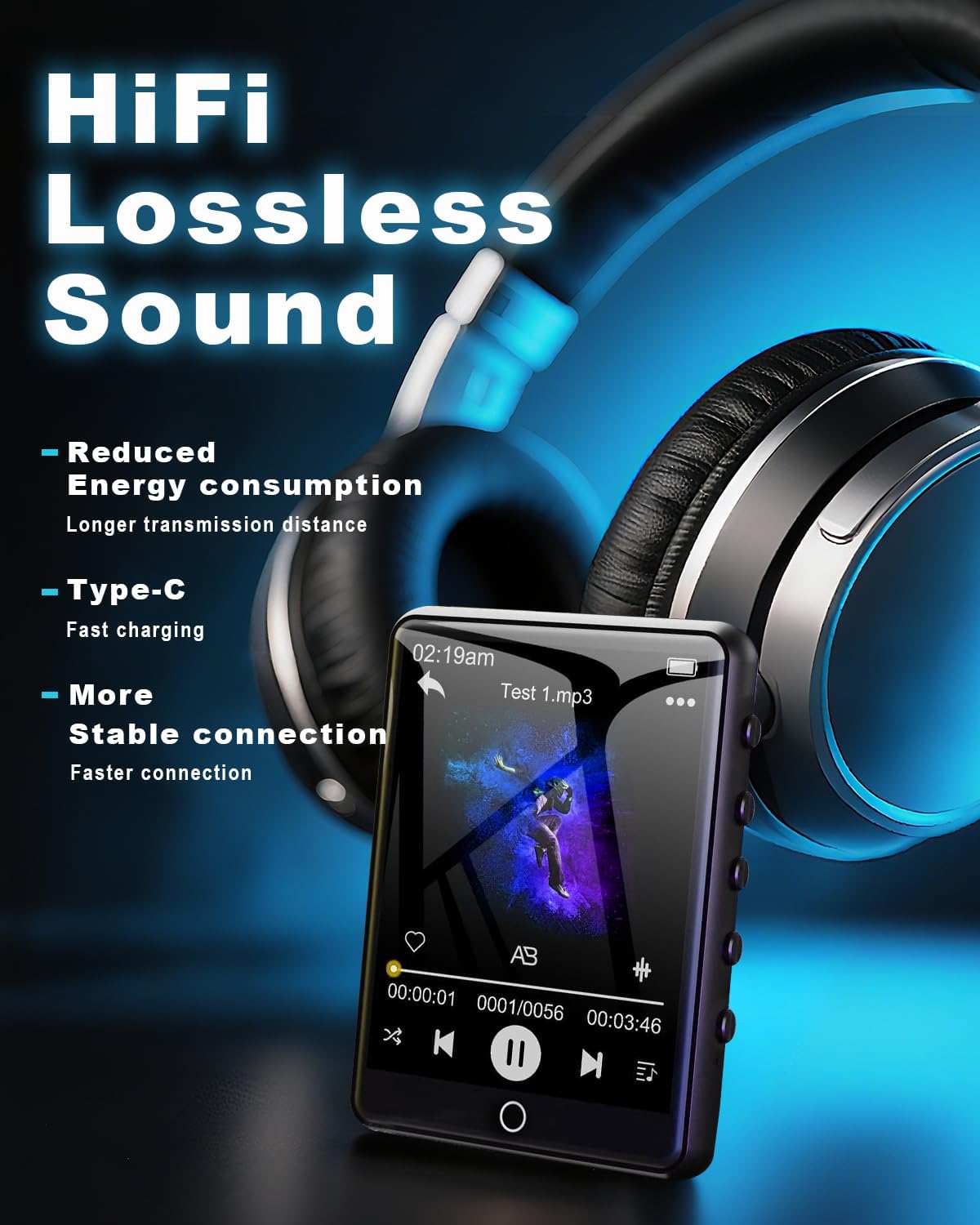
Figure 6.4: Enjoying HiFi lossless sound with headphones.

Figure 6.5: High-fidelity lossless sound quality experience.

Figure 6.6: The built-in speaker for audio playback without headphones.

Figure 6.7: Music playback options and controls.

Figure 6.8: Supported media formats for the MP3 player.
6.4. Bluetooth Connectivity
Activate Bluetooth by tapping the 'Bluetooth' icon. Pair with compatible Bluetooth headphones or speakers for wireless audio streaming. The device features Bluetooth 5.3 for faster data transfer and stable connections.
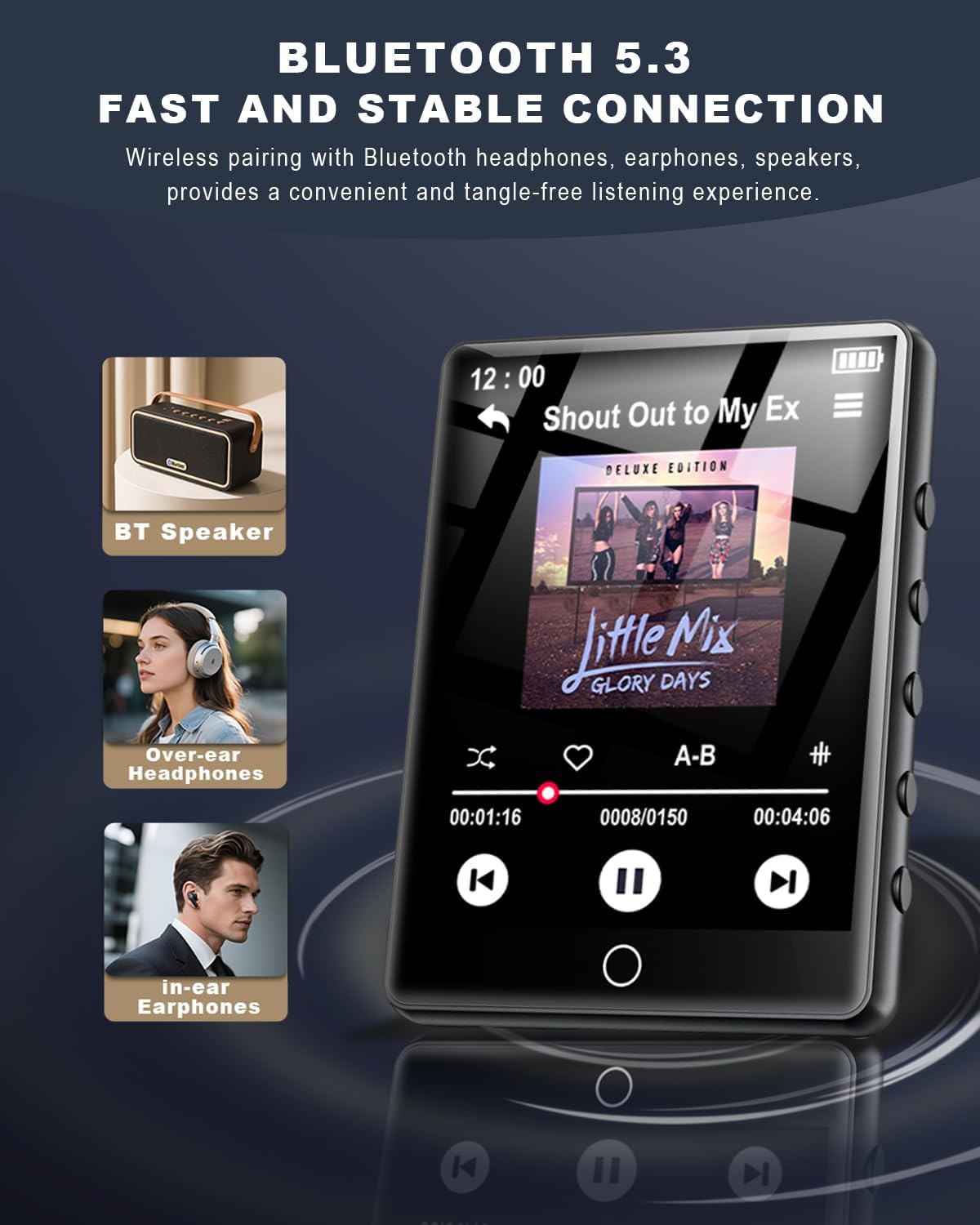
Figure 6.9: Bluetooth 5.3 connectivity with various audio devices.

Figure 6.10: Fast and stable Bluetooth 5.3 connection.
6.5. FM Radio
To use the FM radio, connect the wired headphones (included) as they act as an antenna. Tap the 'FM Radio' icon to access radio functions. You can scan for stations and save your favorites.

Figure 6.11: FM Radio icon.
6.6. Voice Recorder
Tap the 'Recorder' icon to access the voice recording function. You can record audio memos and save them directly to the device's memory.

Figure 6.12: Voice Recorder icon.
6.7. E-Book Reader
Tap the 'E-Book' icon to read TXT format e-books. The touchscreen allows for easy page navigation.

Figure 6.13: E-Book icon.
6.8. Other Functions
The MP3 player includes additional tools such as a pedometer, alarm clock, calendar, and stopwatch. Access these features through the main menu or 'Tool' section.

Figure 6.14: Alarm Clock function settings.

Figure 6.15: Overview of multi-functional capabilities.
7. Maintenance
- Clean the device regularly with a soft, dry cloth. Avoid using abrasive cleaners or solvents.
- Keep the screen free from dust and fingerprints for optimal touch response.
- Store the device in a cool, dry place when not in use.
- To prolong battery life, avoid fully discharging the battery frequently.
8. Troubleshooting
| Issue | Possible Solution |
|---|---|
| Device does not power on | Ensure the battery is charged. Connect to a power source and try again. |
| Cannot transfer files | Ensure the USB-C cable is securely connected. Try a different USB port or computer. Verify the device is in 'File Transfer' mode if prompted. |
| Bluetooth device not pairing | Ensure the Bluetooth device is in pairing mode and within range. Restart both devices and try again. |
| No FM radio signal | Ensure wired headphones are plugged in, as they function as the antenna. Adjust your location for better reception. |
| Touchscreen unresponsive | Restart the device. Ensure the screen is clean and dry. |
9. Specifications
- Model Name: MP3 Player M10-128G
- Brand: HOVOYNN
- Memory Storage Capacity: 128 GB (expandable up to 128GB via Micro SD)
- Screen Size: 2.8 Inches
- Connectivity Technology: Bluetooth 5.3, USB
- Special Features: Built-In Speaker, FM Radio, Touch Screen, Voice Recorder, E-Book, Pedometer, Alarm Clock, Calendar, Stopwatch, A-B Repeat
- Compatible Devices: Headphones, Speakers
- Media Type: Micro SD
- Item Weight: 2.96 ounces
- Batteries: 1 Lithium Ion battery (included)
10. Warranty and Support
For warranty information and technical support, please refer to the contact details provided with your purchase documentation or visit the official HOVOYNN website. Keep your proof of purchase for warranty claims.