
1. Introduction
This manual provides comprehensive instructions for the installation, use, and maintenance of your Lamshaw 9H Tempered Glass Screen Protector. Designed specifically for the Joautrial K67 Pro 1.43" Military Smart Watch, this protector offers advanced defense against scratches, impacts, and daily wear while maintaining optimal display clarity and touch sensitivity.
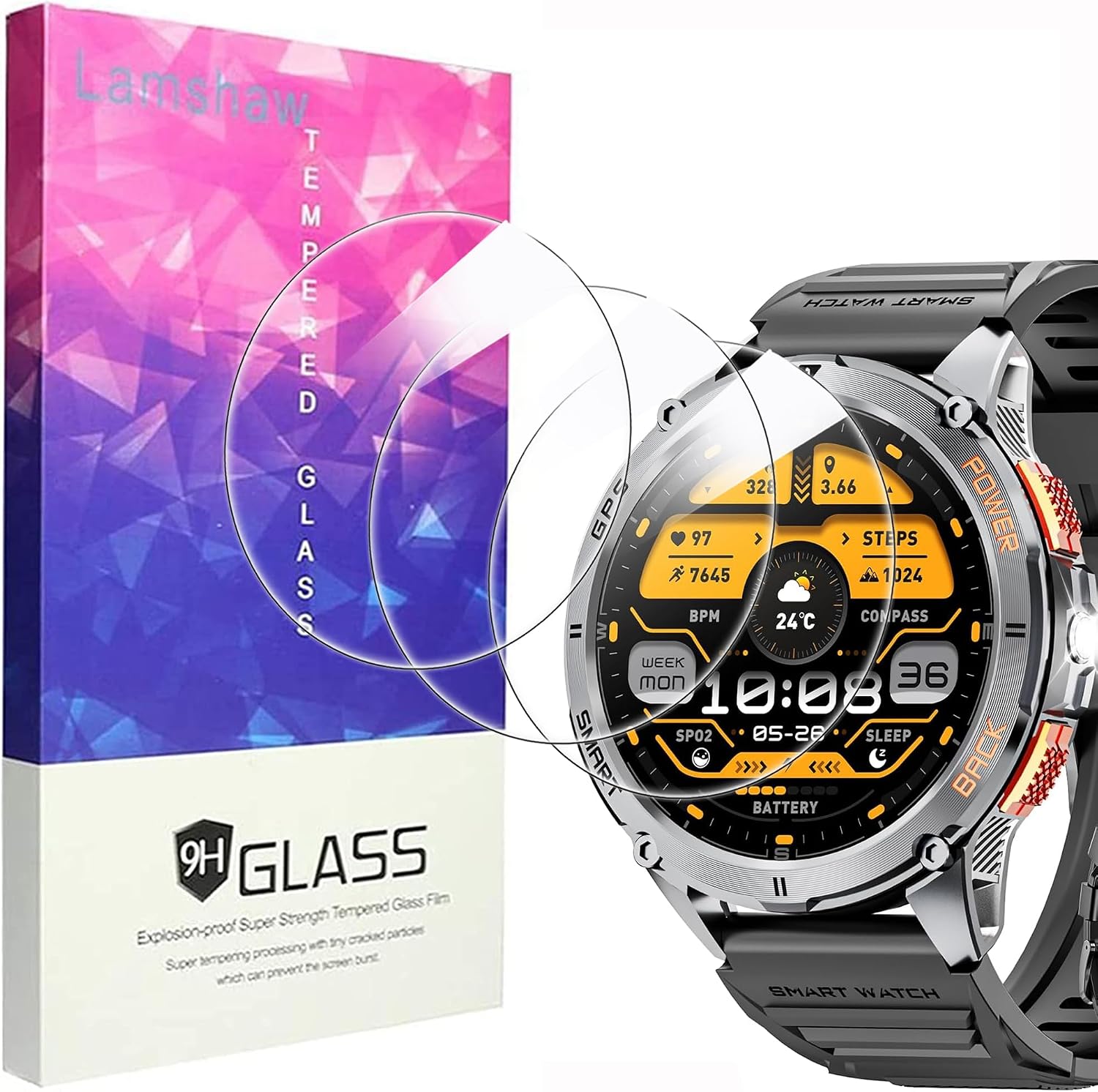
Image: The Lamshaw screen protector packaging alongside a Joautrial K67 Pro smartwatch, illustrating the product and its intended application.
2. What's in the Box
Please verify that all components are present before proceeding with installation.
- 3 x Protective Glass Screen Protectors
- 3 x Wet/Dry Wipe Sets
- 1 x Microfiber Cleaning Cloth

Image: A visual representation of the package contents, including three screen protectors, three cleaning wipe sets, and a microfiber cloth.
3. Setup: Installation Guide
Follow these steps carefully for a bubble-free and secure installation.
- Clean the Surface: Use the supplied wet wipe (labeled '1') to thoroughly clean the smartwatch screen. Follow with the dry wipe (labeled '2') to remove any moisture. Use the dust-absorber sticker (if included in your wipe set) to pick up any remaining dust particles.
- Peel Back Protective Layer: Carefully peel off the protective film from the adhesive side of the screen protector. Avoid touching the adhesive surface.
- Align and Apply: Align the screen protector precisely with the edges of your smartwatch screen. Once aligned, slowly lay the protector down onto the screen. It will adhere automatically.
- Remove Bubbles: Gently press down on the center of the protector and work your way outwards to push out any air bubbles. Use the microfiber cloth to buff the screen and remove any remaining small bubbles or smudges.

Image: A step-by-step visual guide demonstrating the screen protector installation process, from cleaning to final buffing.
4. Operating (Features and Usage)
Your Lamshaw 9H Tempered Glass Screen Protector is designed to enhance your smartwatch experience without compromise.
- High-Definition Clarity: Enjoy crystal-clear transparency that preserves the original display quality and vibrancy of your smartwatch.
- Responsive Touch: The ultra-thin design ensures that touch sensitivity remains unaffected, allowing for smooth and accurate interaction with your device.
- Oleophobic Coating: An oil-resistant layer repels fingerprints, smudges, and dust, keeping your screen clean and easy to view.
- Anti-Shatter Feature: In the rare event of extreme impact, the tempered glass is designed to break into small, blunt pieces, making it safer than traditional glass.
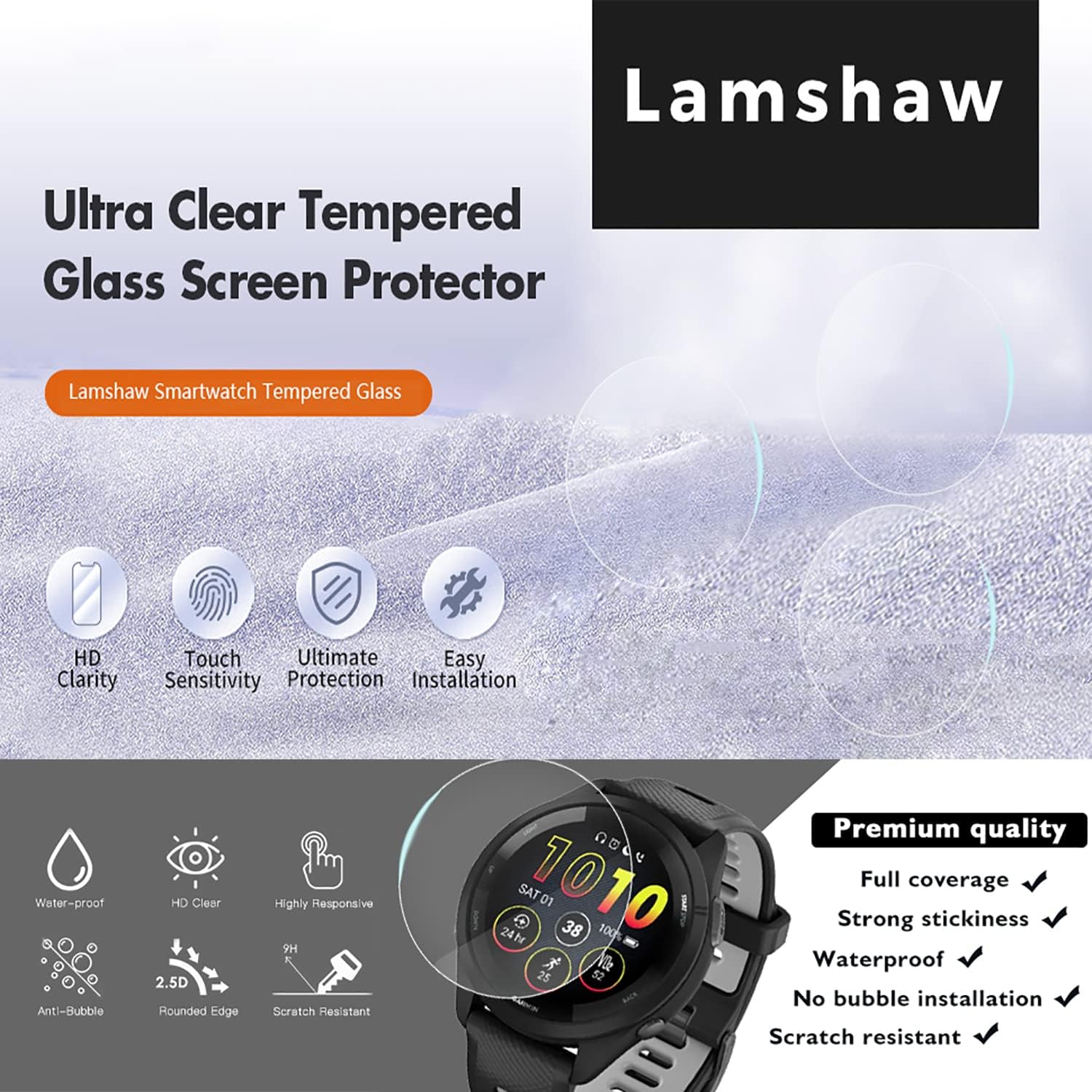
Image: An infographic highlighting key features such as HD clarity, touch sensitivity, ultimate protection, and easy installation.
5. Maintenance
To maintain the clarity and effectiveness of your screen protector:
- Wipe the screen regularly with the provided microfiber cloth to remove fingerprints and smudges.
- For stubborn marks, lightly dampen the microfiber cloth with water or a screen-safe cleaning solution. Avoid harsh chemicals.
- Do not use abrasive materials or excessive force when cleaning, as this may damage the oleophobic coating.
6. Troubleshooting
If you encounter any issues with your screen protector, consider the following:
- Bubbles After Installation: Small bubbles often disappear within 24-48 hours. For larger bubbles, gently lift the nearest edge of the protector and re-apply, pushing the bubble out with the microfiber cloth. Ensure the screen is free of dust.
- Dust Under Protector: If dust particles are trapped, carefully lift the protector from the nearest edge using a piece of tape. Use another piece of tape to gently dab and remove the dust from both the screen and the adhesive side of the protector. Re-apply slowly.
- Adhesion Issues: Ensure the screen was thoroughly cleaned and dry before installation. Extreme temperatures can affect adhesion; apply in a moderate environment.
- Reduced Touch Sensitivity: Verify the protector is correctly aligned and fully adhered. If issues persist, ensure your smartwatch settings for touch sensitivity are optimized.
7. Specifications
| Feature | Detail |
|---|---|
| Brand | Lamshaw |
| Compatible Device | Joautrial K67 Pro 1.43" Military Smart Watch |
| Material | Tempered Glass (Plastic as per some specifications, but marketed as Tempered Glass) |
| Item Hardness | 9H (as advertised) |
| Special Features | Anti-Shatter, High-Definition Clarity, Oleophobic Coating, Bubble-Free Installation |
| Finish Type | Clear |
| Product Dimensions | 0.5"L x 0.5"W (approximate, for the protector itself) |
| Item Weight | 2.46 ounces (package weight) |
8. Warranty Information
Lamshaw products are designed for durability and performance. For specific warranty details regarding your screen protector, please refer to the product packaging or visit the official Lamshaw website. Keep your proof of purchase for any warranty claims.
9. Support
If you require further assistance or have questions not covered in this manual, please contact Lamshaw customer support through their official website or the retailer from whom you purchased the product. Provide your product model number (Lamshaw Screen Protector Model 1) and a detailed description of your issue for efficient support.