
1. Introduction
This manual provides essential information for the installation, operation, and maintenance of your Dawnice 10000W 48V Solar Inverter, model SPI-10K-UP. This all-in-one solar charge inverter integrates PV storage, mains charge, and energy storage, outputting sinusoidal AC. It features DSP control and advanced algorithms for high response speed and reliability, suitable for various industrial and residential scenarios. Please read this manual thoroughly before installation and use to ensure proper function and safety.

Figure 1: Dawnice 10000W 48V Solar Inverter, an all-in-one solar storage inverter.
2. Key Features
- 10KW Off-Grid Solar Inverter: Rated output power of 10000VA, providing 120V/240V AC output. Supports up to 6 units in parallel.
- Four Input Methods: Connects PV, Grid, Generator, and Battery simultaneously for flexible power management.
- High PV Input Capacity: Up to 11.1KW PV input with optimized MPPT technology, achieving up to 99.9% efficiency. Maximum PV open voltage: 500Vdc, MPPT voltage range: 125-425Vdc.
- 48V Battery Compatibility: Compatible with Lead-acid, Lithium-ion, and LiFePO4 batteries. Supports RS485/CAN/USB/Dry contact communication.
- Integrated Design: Combines a 10KW DC 48 volt Pure Sine Wave Solar Inverter with a Max. 200A battery charger and two MPPT Solar controllers.
- Multiple Protection Features: Includes over/low voltage protection, over temperature protection, and overload protection.
- Wide Application: Suitable for residential, office, commercial, and industrial use, powering appliances like ovens, washing machines, pumps, and refrigerators.
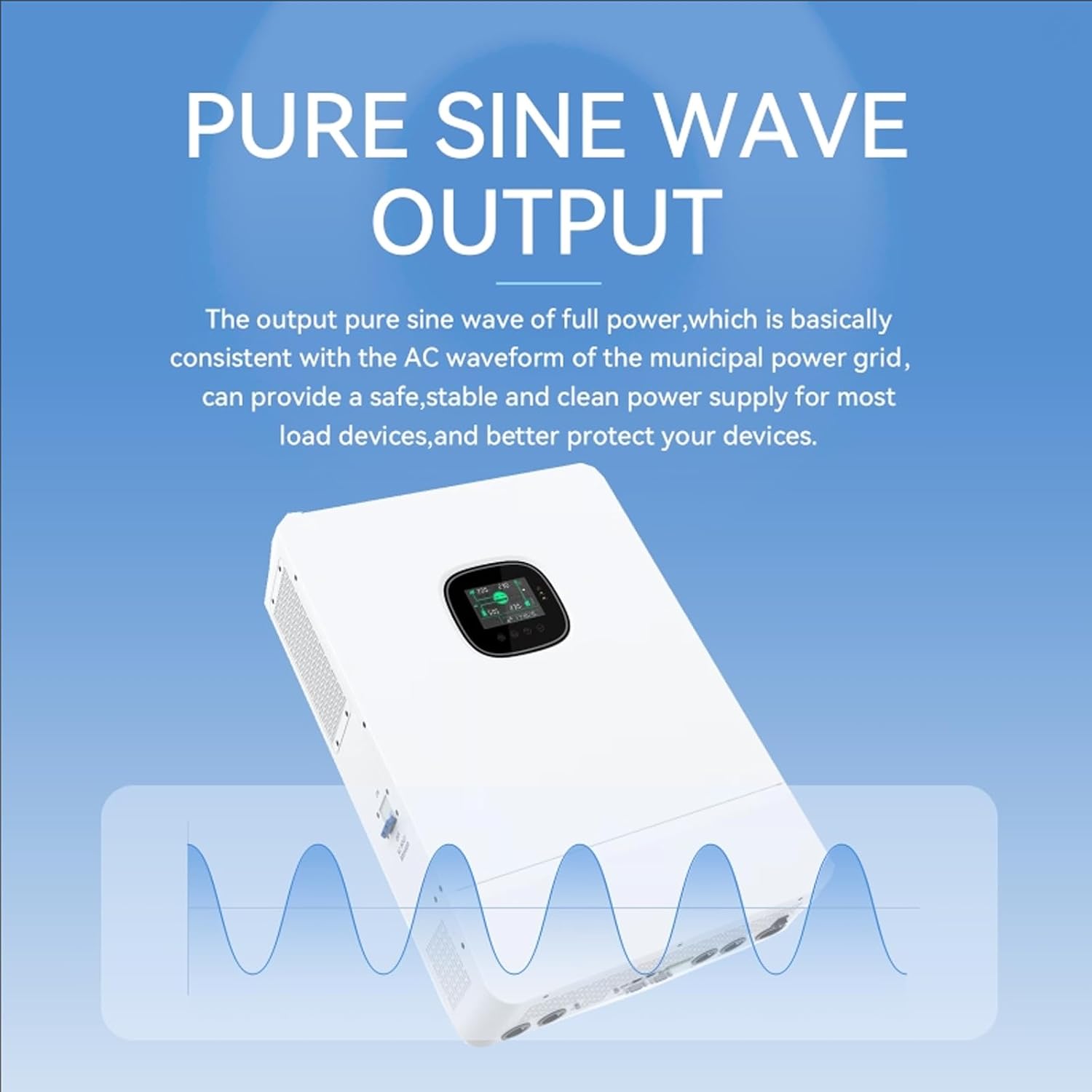
Figure 2: The inverter provides a pure sine wave output, consistent with municipal power grids.
3. Product Overview and Components
The Dawnice Solar Inverter is designed for ease of use and robust performance. Below is a diagram illustrating the main components and their functions.

Figure 3: Front and bottom panel overview with labeled components.
Component Identification:
| No. | Component | No. | Component |
|---|---|---|---|
| 1 | LCD screen | 9 | RS485/CAN port |
| 2 | LED indicator | 10 | WiFi port |
| 3 | Physical button | 11 | USB-B port |
| 4 | ON/OFF rocker switch | 12 | Grounding screw |
| 5 | PV input (1/1) | 13 | AC output (L1+L2+N) |
| 6 | Battery (positive electrode) | 14 | AC input (L1+L2+N) |
| 7 | Battery (negative electrode) | 15 | AC input circuit breaker |
| 8 | Dry contact | 16 | Parallel communication port |
4. Setup and Installation
Proper installation is crucial for the safe and efficient operation of your solar inverter. Always ensure all power sources are disconnected before beginning installation. Consult a qualified electrician for complex installations.
4.1 Connection Diagram Overview

Figure 4: Typical connection diagram for the solar inverter system.
4.2 Installation Steps (General Guidelines):
- Mounting: Securely mount the inverter in a well-ventilated area, away from direct sunlight, moisture, and flammable materials. Ensure adequate clearance for cooling.
- Grounding: Connect the grounding screw (12) to a reliable earth ground.
- Battery Connection: Connect the 48V battery bank to the Battery positive (6) and negative (7) terminals. Ensure correct polarity.
- PV Input Connection: Connect your solar panels to the PV input (5) terminals. Observe maximum voltage and current ratings.
- AC Input Connection: Connect the AC input (14) from the grid or generator.
- AC Output Connection: Connect your household loads to the AC output (13) terminals.
- Communication Connections: For advanced monitoring and control, connect RS485/CAN (9), WiFi (10), or USB-B (11) as needed.
- Parallel Operation: If using multiple inverters in parallel (up to 6 units), connect them via the parallel communication port (16) as per the detailed parallel installation guide.
- Final Checks: Before powering on, double-check all connections for tightness and correct polarity. Ensure all circuit breakers are in the OFF position.
5. Operating Instructions
The Dawnice Solar Inverter offers flexible operating modes to optimize energy usage. The LCD screen (1) and physical buttons (3) allow for configuration and monitoring.
5.1 Powering On and Off
- To Power On: Ensure all connections are secure. Turn on the AC input circuit breaker (15), then the battery breaker, and finally the PV array breaker. Switch the ON/OFF rocker switch (4) to the ON position. The inverter will initiate its startup sequence.
- To Power Off: First, switch the ON/OFF rocker switch (4) to the OFF position. Then, turn off the AC input circuit breaker (15), followed by the PV array breaker, and finally the battery breaker.
5.2 Operating Modes
The inverter supports various charging and discharging modes, which can be configured via the LCD screen or connected communication interfaces:
- PV Only: Prioritizes solar power for charging and load supply.
- Mains First: Prioritizes grid power, using solar as a secondary source.
- PV First: Prioritizes solar power, using grid as a backup.
- Mains + PV: Combines grid and solar power.
The system intelligently manages power flow:
- During the day: Photovoltaic panels convert solar energy into direct current, which is fed into the inverter. The inverter supplies power to the load. Excess power charges the battery. Once the battery is fully charged, the inverter stops charging, and excess power can be transmitted to the grid.
- At night: The battery discharges to supply power to the load. If battery power drops to a protection level, the battery stops discharging, and the grid supplies power to the load.
Video 1: This video illustrates the operational flow of the Dawnice Residential Energy Storage System, showing how solar power is utilized during the day and battery power at night, with grid integration.
6. Maintenance
Regular maintenance ensures the longevity and optimal performance of your Dawnice Solar Inverter.
- Regular Cleaning: Keep the inverter's exterior clean and free from dust and debris. Ensure ventilation openings are not blocked. Use a dry, soft cloth for cleaning.
- Connection Checks: Periodically inspect all electrical connections (PV, battery, AC input/output) for tightness and signs of corrosion or damage. Tighten any loose connections.
- Environmental Inspection: Ensure the installation environment remains within specified temperature and humidity ranges. Protect the inverter from direct exposure to harsh weather conditions.
- Firmware Updates: Check the manufacturer's website or contact support for any available firmware updates to ensure your inverter has the latest features and bug fixes.
- Battery Health: If using lead-acid batteries, regularly check electrolyte levels and terminal conditions. For lithium batteries, monitor their health via the inverter's display or communication interface.
7. Troubleshooting
This section provides solutions to common issues you might encounter. For problems not listed here, please contact customer support.
| Problem | Possible Cause | Solution |
|---|---|---|
| Inverter not powering on | No power from battery/PV/grid; ON/OFF switch off; loose connections. | Check all power sources and breakers. Ensure ON/OFF switch is in ON position. Verify all wiring connections. |
| No AC output | Overload; short circuit; inverter fault; AC output breaker tripped. | Reduce load. Check for short circuits in wiring. Reset AC output breaker. If fault persists, contact support. |
| Low PV charging power | Shading on solar panels; dirty panels; incorrect PV wiring; low sunlight. | Clear shading/clean panels. Verify PV wiring. Check PV voltage/current on LCD. |
| Battery not charging | Battery connection issue; charging settings incorrect; battery fault. | Check battery connections and voltage. Verify charging parameters on LCD. Test battery health. |
| Error code on LCD | Specific system fault. | Refer to the detailed error code section in the full product manual (if available) or contact support with the specific code. |
8. Specifications
Below are the technical specifications for the Dawnice 10000W 48V Solar Inverter (Model SPI-10K-UP).
| Specification | Value |
|---|---|
| Brand | Dawnice |
| Model Name | SPI-10K-UP |
| Wattage | 10 KW |
| Output Power | 10000 Watts |
| Peak Output Power | 25000 Watts |
| Input Voltage | 48 Volts (DC) |
| Output Voltage | 120 Volts (AC) |
| Electrical Output Waveform | Pure Sine Wave |
| Frequency | 60 Hz |
| Power Source | Solar & Mains & Generator & PV |
| Recommended Uses | Home, Household appliances, Industrial, Office |
| Energy Specifications Met | UL |
9. Warranty
The Dawnice 10000W 48V Solar Inverter (Model SPI-10K-UP) comes with a 2-Year Warranty. Please retain your proof of purchase for warranty claims. The warranty covers defects in materials and workmanship under normal use.
10. Customer Support
For any questions, technical assistance, or support needs, please contact Dawnice Energy customer service:
- Email: amazon@dawnice.com
- Online Support: Log in to your Amazon account, go to 'Your Orders', and select 'Ask a Product Question' for ASIN B0F99BMTRM.
- 24/7 Client Support: Available for assistance.

Figure 5: Dawnice Energy Storage Battery and Client Support Information.


