
BTFO N02171
BTFO Screaming Goat Prank Noise Maker with Remote Control
Instruction Manual
1. Product Overview
The BTFO Screaming Goat Prank Noise Maker is a compact, remote-controlled device designed to emit various sounds at timed intervals, perfect for light-hearted pranks. It features 16 unique sounds and multiple timing modes for versatile use.

Image 1: The compact noise maker and its remote control, showing their dimensions for easy concealment. The noise maker measures approximately 6x2.6x2.75cm (2.36x0.96x1.02in) and the remote control is about 5.78x3x1.2cm (2.28x1.18x0.47in).
2. Package Contents
Your package should contain the following items:
- 2 x Noise Makers
- 2 x Remote Controls
- 4 x AAA Batteries
- 4 x Round Double-Sided Stickers
- 1 x Instruction Manual (this document)
- 1 x Screwdriver
3. Setup
- Battery Installation: Use the provided screwdriver to open the battery compartment on each noise maker. Insert 2 AAA batteries into each device, ensuring correct polarity. Close the compartment securely.
- Power On: Locate the ON/OFF switch on the side of the noise maker. Slide the switch to the 'ON' position. The device is now ready for use.
- Remote Control Preparation: The remote controls come with pre-installed batteries. No additional setup is required for the remote.
Video 1: This video demonstrates the battery installation process for a similar noise maker and shows how to turn on the device. Please note that the specific sounds demonstrated in the video may differ from the 16 unique sounds of the BTFO Screaming Goat Prank Noise Maker.
4. Operating Instructions
The remote control allows you to manage the noise maker's sounds and timing modes.

Image 2: A detailed view of the remote control with labels for each button, illustrating its functions for sound selection and playback.
Remote Control Functions:
- Play Button (Top, with Lock Icon): Press to play the currently selected sound. Press and hold to lock the selected sound.
- Previous Sound Button (VOL-): Selects the previous sound in the sequence.
- Next Sound Button (VOL+): Selects the next sound in the sequence.
- Mode Button (M/ON MOD): Cycles through the 4 available timing modes for automatic sound emission.
Sound Selection:
The device features 16 unique sounds, including 4 goat screams, 3 bird chirps, 3 telegraph clicks, 3 alarm sirens, and 3 beeps. Use the 'Previous Sound' and 'Next Sound' buttons on the remote to cycle through these options. Once you find a desired sound, press and hold the 'Play' button (with the lock icon) to lock it. The device will then only play this selected sound.
Timing Modes:
After locking a sound, you can set an automatic playback interval using the 'Mode' button. The 4 modes are:
- Random 1-5 minutes
- Random 5-10 minutes
- Random 3-20 minutes
- Autoplay off (default setting)
Press the 'Mode' button to cycle through these options. The device will indicate the selected mode with a beep.
Video 2: This video demonstrates the remote control's functionality, including selecting and playing sounds. The specific sounds shown may vary from the BTFO Screaming Goat Prank Noise Maker's sounds.
5. Placement and Usage Tips
For optimal prank effect, strategically hide the noise maker in an unexpected location. Its compact size allows for discreet placement.
- Use the provided double-sided stickers to secure the device in place.
- Consider hiding spots such as behind furniture, inside drawers, under cushions, or within decorative items.
- The remote control allows you to activate sounds from a distance, even through obstacles, enhancing the surprise element.
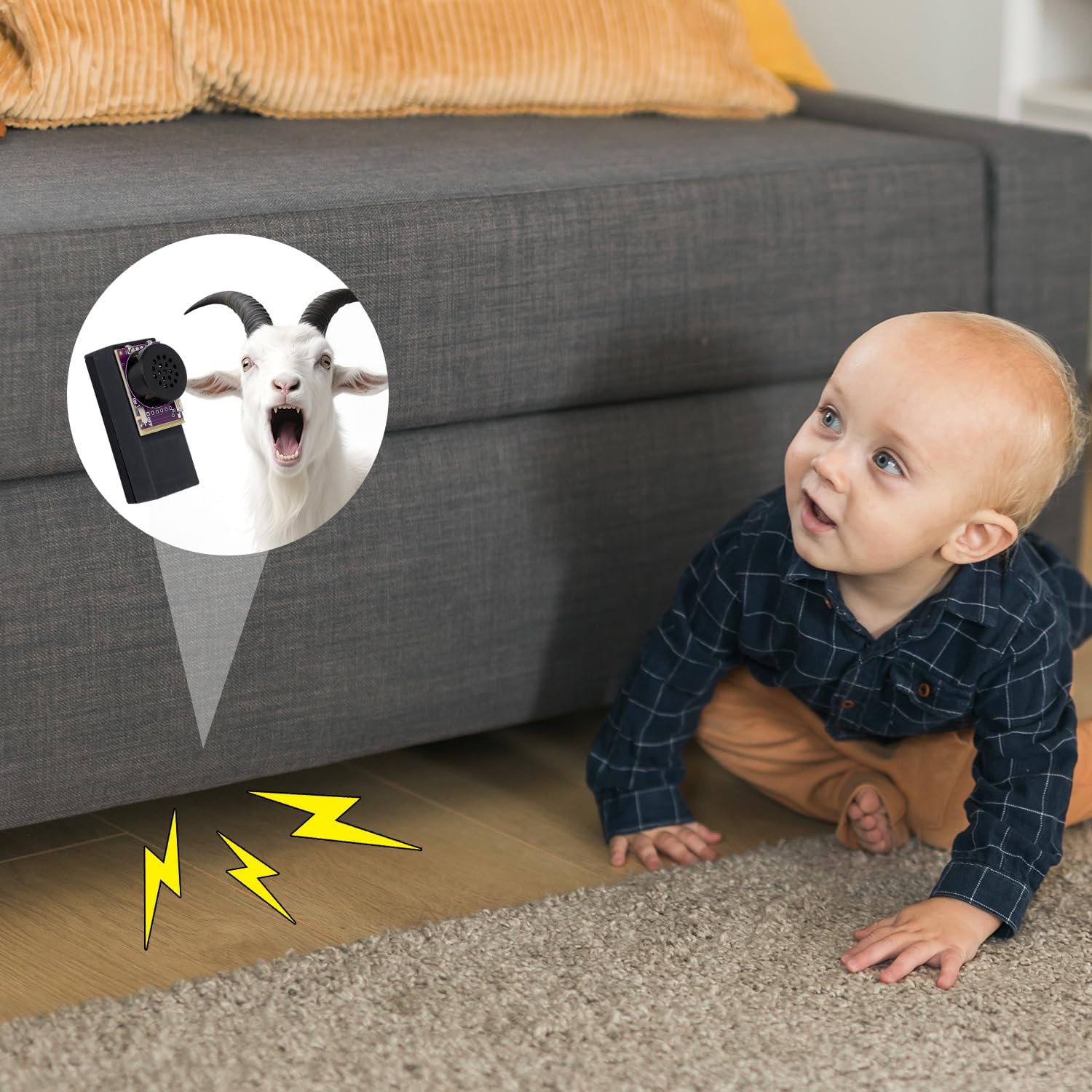
Image 3: An illustration of the noise maker discreetly hidden, prompting curiosity and confusion.

Image 4: Demonstrates the effect of the hidden noise maker causing a humorous reaction in an office setting.
6. Specifications
| Product Dimensions (Noise Maker) | 5.2 x 2.45 x 2.38 cm (2.05 x 0.96 x 0.94 inches) |
| Remote Control Dimensions | 5.78 x 3 x 1.2 cm (2.28 x 1.18 x 0.47 inches) |
| Item Weight | 2.89 ounces |
| Material | Circuit board FR4, Plastic ABS |
| Sounds Available | 16 (4 goat screams, 3 bird chirps, 3 telegraph clicks, 3 alarm sirens, 3 beeps) |
| Timing Modes | Random 1-5 min, 5-10 min, 3-20 min, Autoplay Off |
| Recommended Age | 3 years and up |
7. Troubleshooting
- Device not making sound:
- Ensure the ON/OFF switch on the noise maker is in the 'ON' position.
- Check if the batteries are correctly installed and not depleted. Replace if necessary.
- Verify that a sound has been selected and locked using the remote control.
- Remote control not working:
- Ensure the noise maker is turned on.
- Check the remote control's battery.
- Ensure you are within the effective range of the remote control.
- Sound volume issues:
- This device does not feature adjustable volume control. The sound level is fixed.
8. Safety Information
- Keep out of reach of small children to prevent choking hazards from small parts.
- Do not expose the device to water or extreme temperatures.
- Dispose of batteries responsibly according to local regulations.
- This product is intended for entertainment purposes only. Use responsibly and avoid causing distress.
9. Warranty and Support
For any issues or inquiries regarding your BTFO Screaming Goat Prank Noise Maker, please refer to the seller's contact information on your purchase platform. Keep your proof of purchase for warranty claims.
Ask a question about this manual
Ask about setup, troubleshooting, compatibility, parts, safety, or missing instructions. Manuals+ will review the question and use this page’s manual context to help answer it.