
1. Introduction and Product Overview
This manual provides essential information for the proper use and maintenance of your Guy-Tech 9V 500mA AC-DC Adapter. This adapter is designed to provide reliable power to compatible electronic devices, specifically the Philips DECT 225 Phone (Model BD090050G).
The adapter features a compact and lightweight design, making it suitable for various applications and easy portability. It is engineered for high efficiency and low energy consumption, ensuring stable operation with minimal heat generation and noise.

Figure 1.1: Guy-Tech 9V 500mA AC-DC Adapter. This image shows the main unit of the adapter with its attached power cord and DC output plug.
Key Features:
- Input Voltage: AC 100V - 240V, suitable for worldwide use.
- Output: 9V DC, 500mA.
- Safety Protections: Includes Over Voltage Output Protection, Over Current Output Protection, and Short Circuit Output Protection to safeguard your device.
- Efficiency: High power exchange efficiency for stable working temperature.
- Portability: Small and lightweight design for convenience.

Figure 1.2: Portability of the adapter. The image illustrates how easily the compact adapter can be carried or packed into a bag.
2. Setup and Connection
Before connecting the adapter, ensure that your device (Philips DECT 225 Phone) requires a 9V DC input and that the adapter's output plug is compatible with your device's power input port. Using an incompatible adapter may damage your device.
Connection Steps:
- Inspect the Adapter: Before use, visually inspect the adapter and its cable for any signs of damage, such as frayed wires or cracked casing. Do not use if damaged.
- Connect to Device: Carefully insert the DC output plug of the Guy-Tech adapter into the power input port of your Philips DECT 225 Phone. Ensure a secure and snug fit.
- Connect to Power Outlet: Plug the AC input prongs of the adapter into a standard AC 100V-240V wall outlet. Ensure the outlet is easily accessible.
- Verify Power: Once connected, your device should indicate that it is receiving power (e.g., a charging indicator light on the phone).
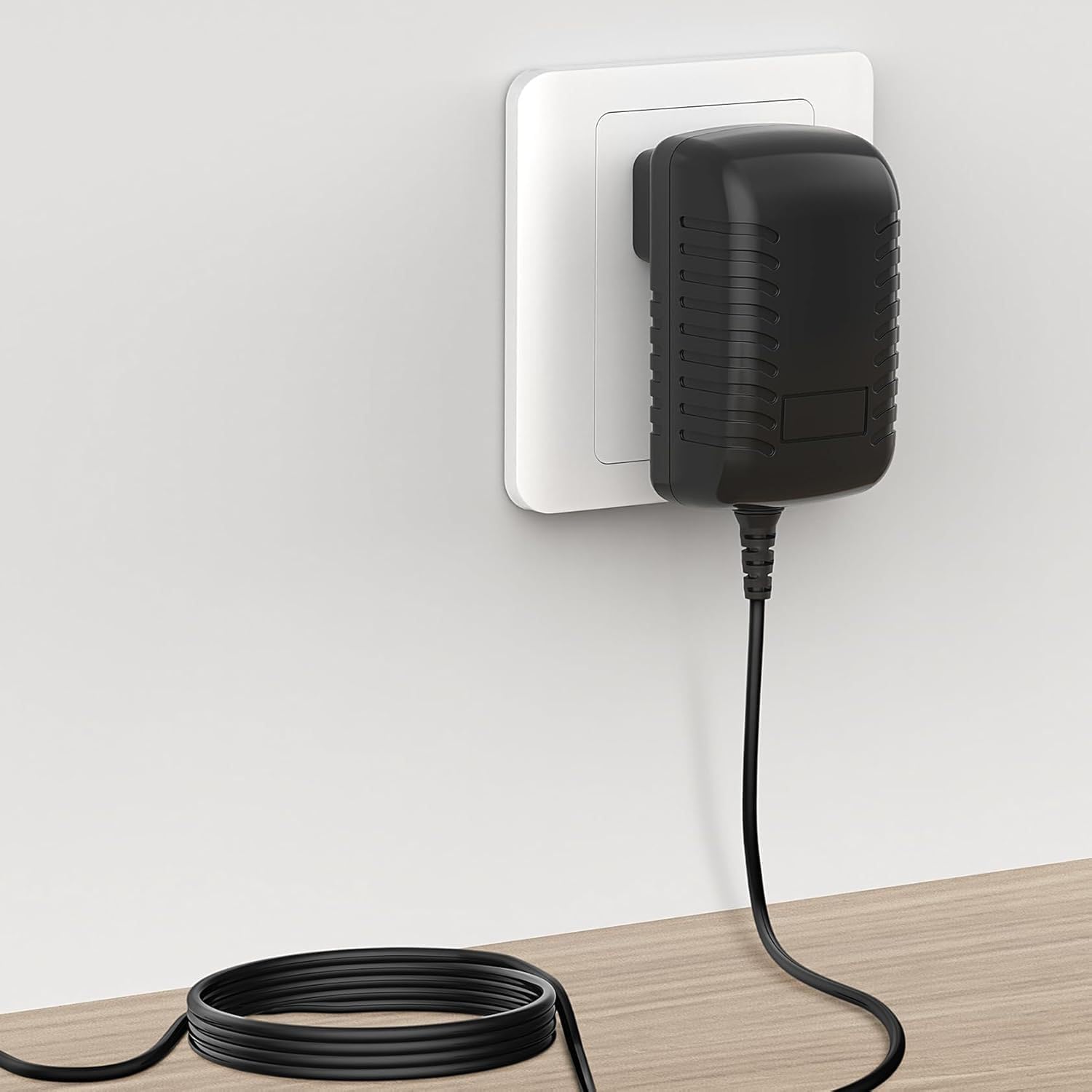
Figure 2.1: Adapter connected to a wall outlet. This image demonstrates the adapter properly plugged into a standard electrical wall socket.
Important Safety Note: This adapter is a replacement unit and not an original Philips product. Always verify compatibility before use.
3. Operating Instructions
The Guy-Tech AC-DC Adapter operates automatically once connected to a power source and a compatible device. It converts the alternating current (AC) from your wall outlet into direct current (DC) required by your Philips DECT 225 Phone.
Usage Guidelines:
- Ensure the adapter is used in a well-ventilated area to prevent overheating.
- Do not cover the adapter during operation.
- Avoid exposing the adapter to water, excessive humidity, or extreme temperatures.
- Disconnect the adapter from the wall outlet when not in use for extended periods.
4. Maintenance and Care
Proper maintenance ensures the longevity and safe operation of your Guy-Tech AC-DC Adapter.
Cleaning:
- Always unplug the adapter from the wall outlet and disconnect it from your device before cleaning.
- Use a soft, dry cloth to wipe the exterior of the adapter.
- Do not use liquid cleaners, aerosols, or abrasive materials, as these can damage the adapter.
Storage:
- Store the adapter in a cool, dry place away from direct sunlight and extreme temperatures.
- Avoid tightly coiling the power cord or bending it sharply, which can damage the internal wires.

Figure 4.1: Internal and external features. This image highlights the American plug type, the robust thick copper core of the cable, and the flexibility designed into the power cord to prevent damage.
5. Troubleshooting
If you encounter issues with your Guy-Tech AC-DC Adapter, refer to the following common problems and solutions:
| Problem | Possible Cause | Solution |
|---|---|---|
| Device not receiving power | Adapter not fully plugged in; Wall outlet not active; Device power port issue; Incompatible device. | Ensure adapter is securely plugged into both the wall and the device. Test the wall outlet with another device. Verify device power port is clean and undamaged. Confirm device requires 9V 500mA and has a compatible port. |
| Adapter feels excessively hot | Poor ventilation; Overload; Internal fault. | Ensure adapter is in a well-ventilated area and not covered. Disconnect and allow to cool. If overheating persists, discontinue use and contact support. |
| Flickering power indicator on device | Loose connection; Power fluctuations; Adapter fault. | Check all connections for tightness. Try a different wall outlet. If the issue persists, the adapter may be faulty. |
If the problem persists after attempting these solutions, please contact the seller or manufacturer for further assistance.
6. Specifications
Detailed technical specifications for the Guy-Tech 9V 500mA AC-DC Adapter:
| Specification | Detail |
|---|---|
| Model | BD090050G Compatible |
| Input Voltage | AC 100V - 240V |
| Output Voltage | DC 9V |
| Output Current | 500mA |
| Connector Type | Plug (DC Barrel Connector) |
| Compatible Devices | Philips DECT 225 Phone, Monitors, Printers, Speakers, Tablets (verify voltage/current) |
| Special Feature | Portable |
| Color | Black |
| Material | Composite, Metal, Plastic |
| Certifications | CCC, CE, RoHS |
| Manufacturer | SHENZHEN XINGSENXIANG |

Figure 6.1: Adapter Dimensions. This image provides the physical measurements of the adapter unit, showing its length, width, and height.
7. Warranty and Support
For information regarding warranty coverage, return policies, or technical support for your Guy-Tech 9V 500mA AC-DC Adapter, please refer to the purchase documentation or contact the seller directly. Specific warranty terms may vary depending on the retailer and region of purchase.
If you require assistance with troubleshooting or have questions not covered in this manual, please reach out to the customer support provided by the seller or the manufacturer, SHENZHEN XINGSENXIANG.