
Introduction
The Dyson Airwrap i.d. Multi-Styler is engineered for various hair types and styles, utilizing the Coanda effect to style hair without extreme heat. This intelligent hair styler offers multiple attachments for drying, smoothing, volumizing, and curling, providing versatile styling options while helping to protect hair from heat damage. The device features Bluetooth connectivity for personalized styling routines via the MyDyson app.

Image: The Dyson Airwrap i.d. Multi-Styler in Amber Silk, shown with its travel case and a comb, highlighting its sleek design and portability.
Safety Information
- Always ensure hands are dry before handling the appliance.
- Do not use near water or in wet environments.
- Keep out of reach of children.
- Unplug the appliance when not in use and before cleaning.
- Do not block air inlets or outlets.
- Regularly clean the filter to maintain optimal performance and prevent overheating.
Package Contents
Your Dyson Airwrap i.d. Multi-Styler package includes the following items:
- Dyson Airwrap i.d. main unit
- Conical Airwrap barrel (for curling)
- Fast dryer attachment
- Smoothing brush attachment
- Dryer + Flyaway smoother attachment
- Large round volumizing brush
- Filter cleaning brush
- Storage case
- Detangling comb

Image: All components of the Dyson Airwrap i.d. Multi-Styler, including the main unit, various barrels, brushes, and accessories, neatly arranged.
Setup
- Unpack: Carefully remove all components from the storage case.
- Connect to Power: Plug the main unit into a suitable electrical outlet.
- Attach Accessory: Select the desired styling attachment and firmly connect it to the main unit. A click indicates it is securely attached.
- Bluetooth Pairing (Optional): For personalized styling, connect your device to the MyDyson app via Bluetooth. Follow the in-app instructions to set up your hair profile.

Image: The Dyson Airwrap i.d. Multi-Styler next to a smartphone showing the Bluetooth connection and hair profile setup screen in the MyDyson app.
Operating Instructions
Main Unit Controls
- Power Button: Press to turn the styler on or off.
- Temperature Control: Adjust heat settings (cool, low, high) using the dedicated button.
- Airflow Control: Adjust airflow strength (low, medium, high) using the dedicated button.
- Cool Shot: Press and hold the cool shot button to set your style with a burst of cool air.
Using Attachments
Ensure hair is damp, not dripping wet, for optimal styling results with most attachments. For curling, hair should be about 80% dry.
1. Fast Dryer Attachment
Use this attachment to quickly dry hair to the desired dampness before styling with other tools. Direct the airflow evenly over sections of hair.
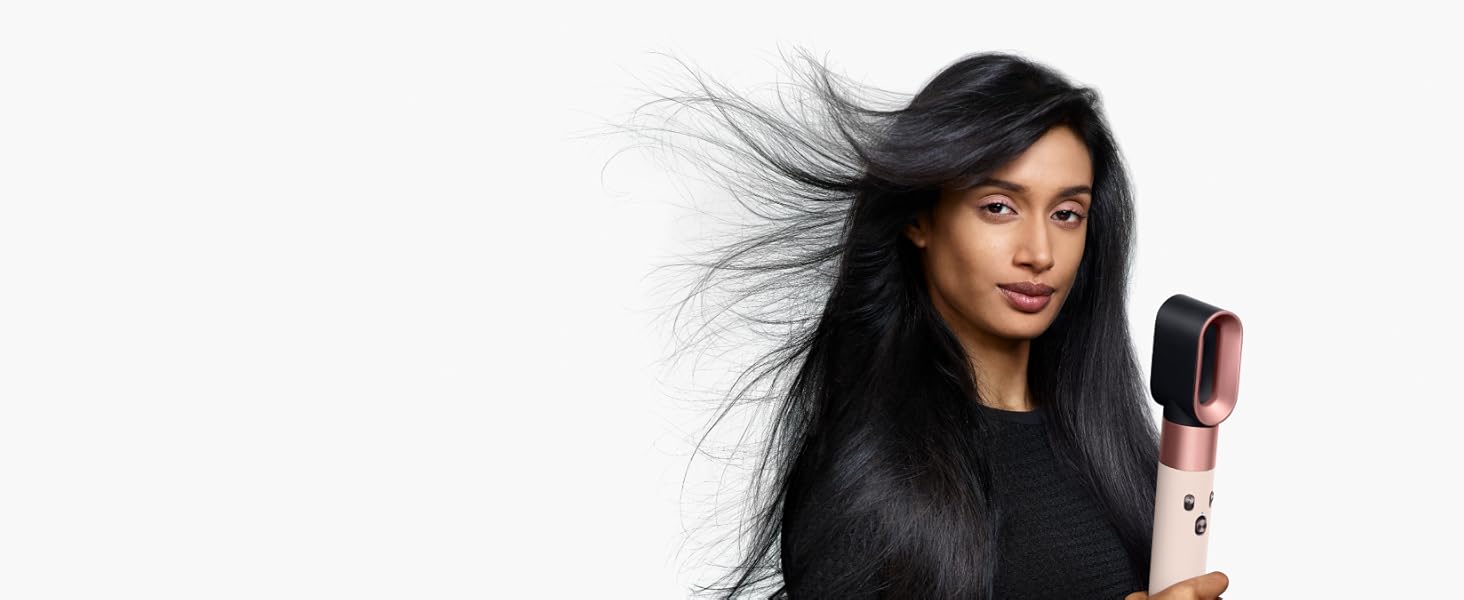
Image: A model using the fast dryer attachment of the Dyson Airwrap i.d. to quickly dry her hair.
2. Smoothing Brush Attachment
For a smooth, frizz-free finish. Brush through sections of damp hair, directing the airflow downwards. The Coanda effect helps align hair strands for a sleek look.
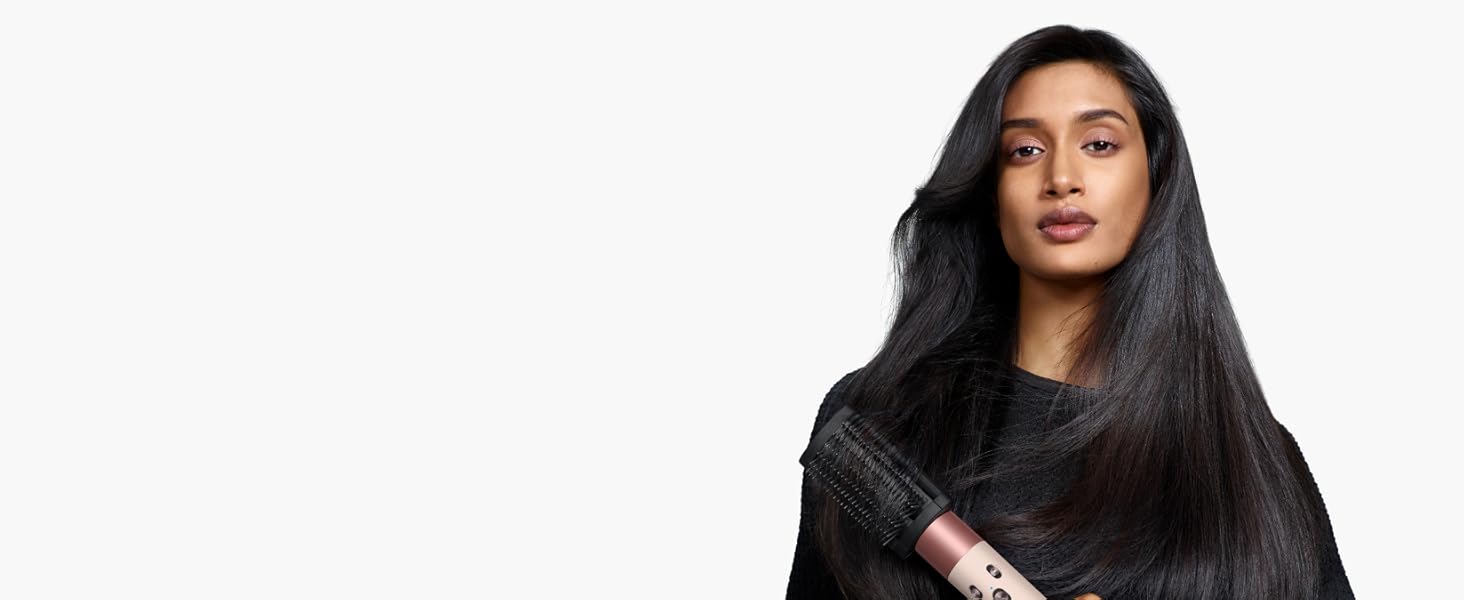
Image: A model using the smoothing brush attachment of the Dyson Airwrap i.d. to achieve a smooth hairstyle.
3. Round Volumizing Brush
To add volume and shape. Use on damp hair, lifting sections from the roots and brushing outwards. The Coanda effect helps create tension for a voluminous finish.
4. Conical Airwrap Barrels
For creating curls and waves. Ensure hair is damp (about 80% dry). The conical shape wraps hair close to the root for defined curls. The barrels feature a switch to change curl direction (clockwise/counter-clockwise) without changing attachments. Hold a section of hair near the barrel, and the Coanda effect will automatically wrap the hair. Hold until dry, then use the cool shot to set the curl.
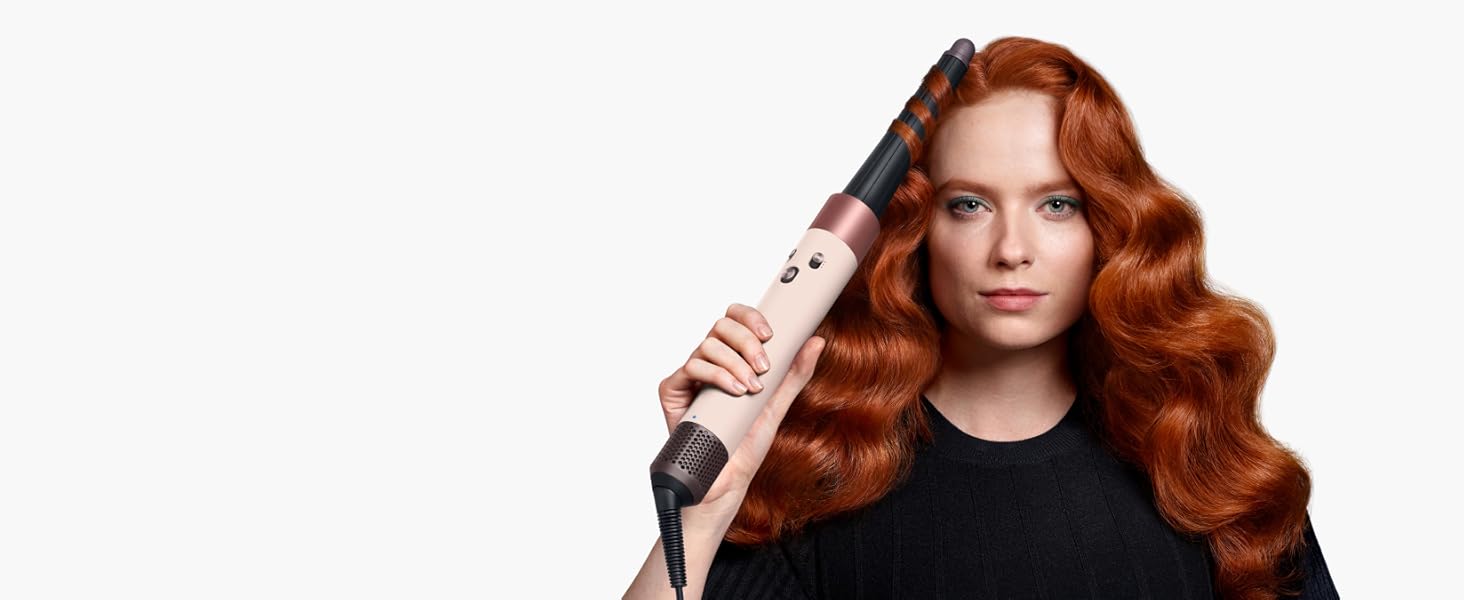
Image: A model using the Conical Airwrap barrel attachment of the Dyson Airwrap i.d. to curl her hair.
MyDyson App Integration
The MyDyson app allows you to personalize your styling experience. After pairing your device via Bluetooth, you can set up a hair profile, which enables the Airwrap i.d. to tailor its settings (airflow, heat, cool shot duration) to match your hair type and desired style. The app can also provide personalized styling sequences and tips.

Image: A visual guide showing the steps to connect the Dyson Airwrap i.d. to the MyDyson app, set up a personalized hair profile, and receive tailored styling settings.
Maintenance
Regular cleaning of your Dyson Airwrap i.d. is essential for maintaining optimal performance and longevity.
Cleaning the Filter
- Ensure the appliance is unplugged and cool.
- Twist and pull down the filter cage at the bottom of the main unit.
- Use the provided filter cleaning brush to gently remove any dust or debris from the filter mesh.
- Clean the filter cage with a damp cloth if necessary.
- Reattach the filter cage by aligning it and twisting it back into place.
It is recommended to clean the filter every few weeks, depending on usage, to prevent product buildup and ensure consistent airflow.
Troubleshooting
| Problem | Possible Cause | Solution |
|---|---|---|
| No power | Not plugged in; power outlet issue | Check power connection; try a different outlet. |
| Weak airflow or overheating | Blocked filter | Clean the filter as per maintenance instructions. |
| Attachments not working correctly | Attachment not securely connected | Ensure attachment is clicked firmly into place. |
| Curls not holding | Hair too wet/dry; insufficient cool shot | Ensure hair is 80% dry; use cool shot to set curls. |
Specifications
- Product Dimensions: 1.6 x 1.9 x 10.7 inches
- Weight: 1.5 Pounds
- Item Model Number: 123668-01
- UPC: 885609040585
- Manufacturer: Dyson
- Material: Aluminum, Ceramic, Polycarbonate
- Wattage: 1300 watts
- Power Source: Corded Electric
Warranty and Support
The Dyson Airwrap i.d. Multi-Styler comes with a manufacturer's warranty. For specific warranty details, please refer to the documentation included with your product or visit the official Dyson website. For technical support, troubleshooting assistance, or to inquire about replacement parts, please contact Dyson customer service through their official channels.
Additional protection plans are available for purchase, including 2-Year, 3-Year, and Complete Protect options. These plans offer extended coverage beyond the standard manufacturer's warranty.


