
1. Introduction
This manual provides essential information for the safe and correct operation of your Strong SRT65UG8773C 65-inch 4K QLED Smart TV. Please read these instructions thoroughly before using your TV and retain them for future reference.
The Strong SRT65UG8773C is a 65-inch 4K QLED Smart TV designed to deliver a premium viewing experience. It features cinematic 4K resolution with QLED technology for sharp images and vibrant colors, enhanced by Dolby Vision for realistic visuals and Dolby Atmos for immersive sound. Powered by Google Smart TV, it offers seamless access to a wide range of streaming applications and services. Its sleek design integrates well into any home environment.
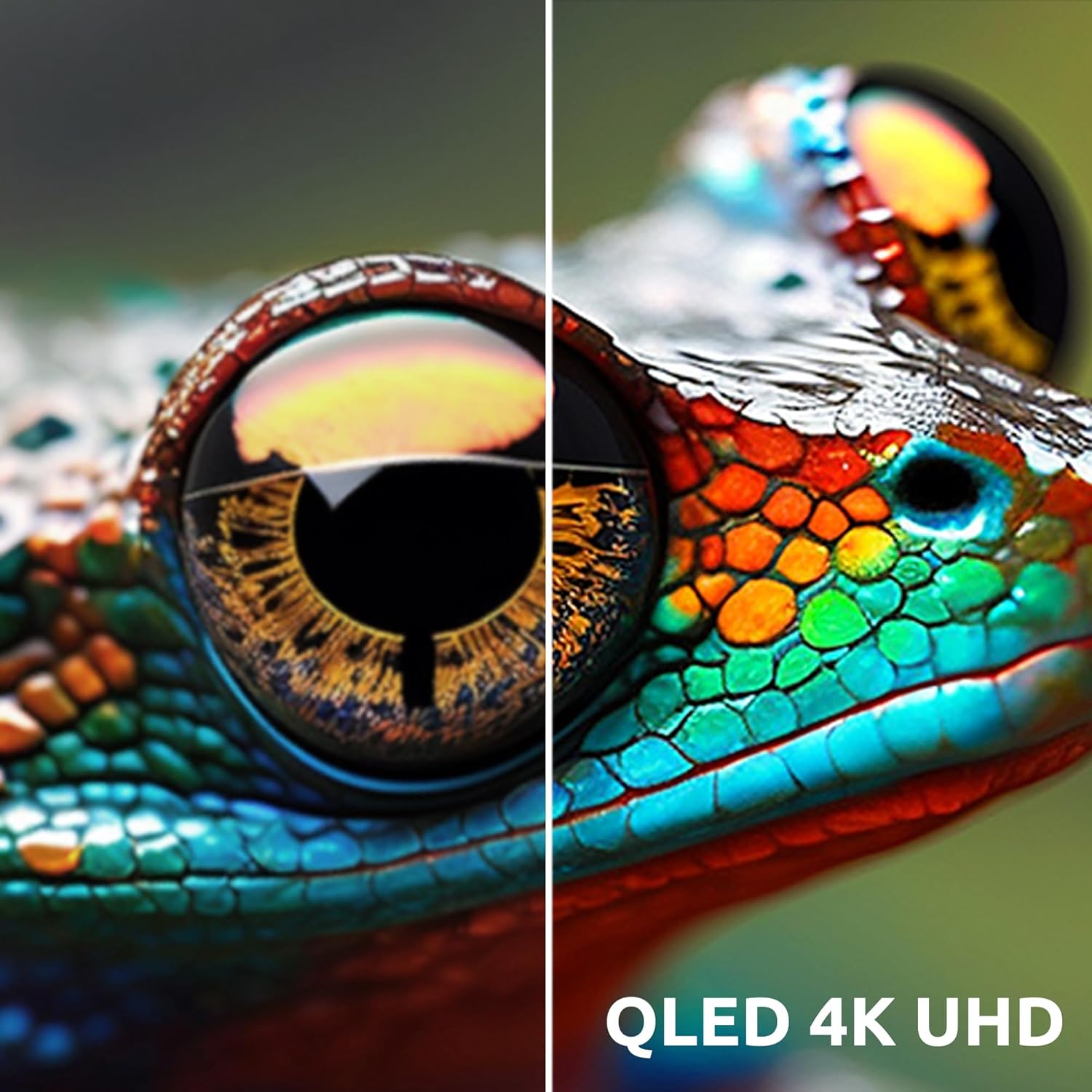
Image: Close-up of a lizard's eye and skin texture, demonstrating the vivid colors and detail provided by QLED 4K UHD display technology.
2. Package Contents
Before setting up your new TV, please check that all the following items are included in the box:
- Strong SRT65UG8773C 65-inch 4K QLED Smart TV
- Smart Remote Control
- Power Cable
- TV Stand (2 pieces) and Screws
- User Manual (this document)
- Quick Start Guide
- CI Slot Adapter (for conditional access to Pay TV)
If any items are missing or damaged, please contact your retailer or Strong customer support.
3. Setup
3.1 Unpacking and Placement
- Carefully remove the TV from its packaging. It is recommended to have two people for this task due to the size and weight of the TV.
- Place the TV face down on a soft, flat surface (e.g., a blanket or foam) to prevent screen damage.
- Ensure adequate ventilation around the TV. Do not block ventilation openings.
3.2 Attaching the Stand
If you are not wall-mounting the TV, attach the included stand:
- Align the stand pieces with the corresponding slots on the bottom of the TV.
- Secure the stand using the provided screws. Ensure they are tightened firmly.
- Carefully lift the TV to its upright position on a stable, level surface.
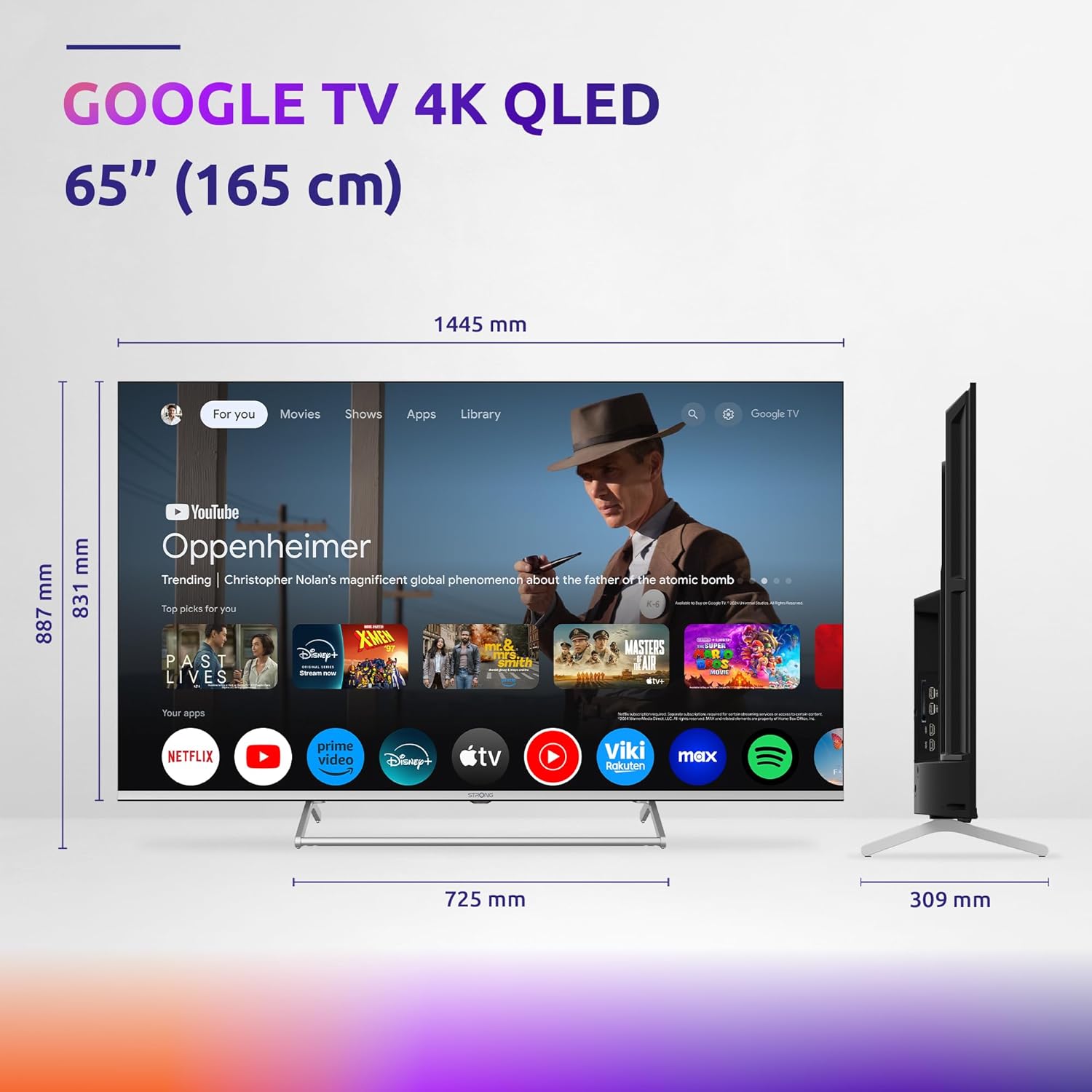
Image: Front view of the Strong SRT65UG8773C 65-inch TV, illustrating its physical dimensions including width, height with and without stand, and stand depth.
3.3 Connecting External Devices
Connect your external devices (e.g., set-top box, game console, Blu-ray player) to the appropriate ports on the back of the TV.

Image: Rear view of the Strong SRT65UG8773C TV, highlighting the available connectivity ports including AV In, HDMI, USB, Ethernet, S/PDIF, Antenna, Satellite, and CI Slot.
- HDMI: For high-definition video and audio from devices like Blu-ray players, game consoles, or streaming boxes. The TV has 4 HDMI ports.
- USB: For connecting USB storage devices to play multimedia files. The TV has 2 USB ports.
- Ethernet (LAN): For a wired internet connection.
- ANT In: For connecting a terrestrial antenna (DVB-T2).
- SAT In: For connecting a satellite dish (DVB-S2).
- AV In: For connecting older devices using composite video and stereo audio cables.
- S/PDIF (Optical): For connecting to an external audio system.
- CI Slot: For inserting a Conditional Access Module (CAM) and smart card for Pay TV services.
3.4 Power Connection
Connect the power cable to the TV's power input and then plug it into a suitable wall outlet. The TV will enter standby mode.
3.5 Initial Setup Wizard
Upon first power-on, the TV will guide you through an initial setup wizard. Follow the on-screen instructions to:
- Select your language.
- Connect to a Wi-Fi network or use a wired Ethernet connection.
- Sign in with your Google account to access Google TV features.
- Scan for available TV channels (DVB-T2/C/S2).
- Agree to terms and conditions.
4. Operating Instructions
4.1 Remote Control Overview
The smart remote control allows you to navigate the TV's interface, control playback, and access smart features. Refer to the separate remote control guide for detailed button functions.
4.2 Basic TV Functions
- Power On/Off: Press the power button on the remote control.
- Input Selection: Use the "Input" button to switch between HDMI, AV, TV (Antenna/Satellite/Cable), and other sources.
- Volume Control: Use the Volume Up/Down buttons.
- Channel Selection: Use the Channel Up/Down buttons or number pad for direct channel entry.
4.3 Smart TV Features (Google TV)
Your Strong SRT65UG8773C TV comes with Google TV, providing access to a vast array of entertainment and smart functionalities.
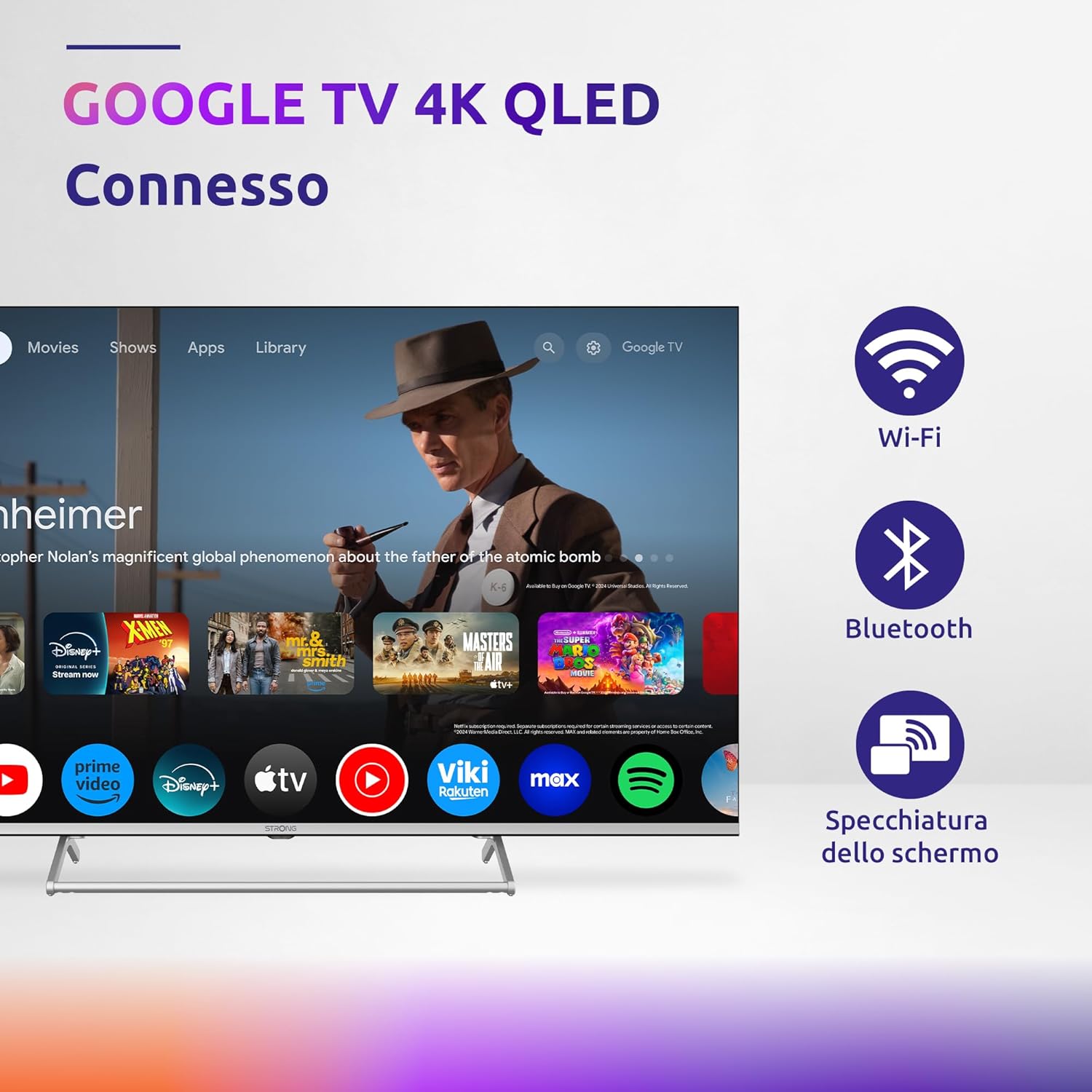
Image: The Strong SRT65UG8773C TV screen showing the Google TV interface, with additional icons indicating Wi-Fi, Bluetooth, and Screen Mirroring capabilities.
- Home Screen: Access personalized recommendations, installed apps, and content from various streaming services.
- Apps: Download and install applications from the Google Play Store (e.g., Netflix, Prime Video, Disney+, YouTube).
- Google Assistant: Use voice commands via the remote control to search for content, control smart home devices, or get information. Press the Google Assistant button on your remote to activate.
- Bluetooth: Connect wireless headphones, speakers, or other Bluetooth-enabled devices.
- Screen Mirroring: Cast content from your compatible mobile devices to the TV screen.
- Wi-Fi: Connect to your home wireless network for internet access.
4.4 Picture and Sound Settings
Access the TV's settings menu to customize picture and sound preferences.
- Picture Modes: Select from various preset modes (e.g., Standard, Vivid, Movie, Sport) or customize settings like brightness, contrast, color, and sharpness.
- Dolby Vision: Automatically enhances picture quality for compatible content, providing superior brightness, contrast, and color.
- Sound Modes: Choose from preset audio modes (e.g., Standard, Music, Movie, Speech) or adjust equalizer settings.
- Dolby Atmos: Provides immersive, multi-dimensional audio for compatible content and external sound systems.
5. Maintenance
5.1 Cleaning the TV
- Always unplug the TV from the power outlet before cleaning.
- Use a soft, dry, lint-free cloth to gently wipe the screen and cabinet.
- For stubborn marks, lightly dampen the cloth with water or a mild, non-abrasive screen cleaner. Never spray cleaner directly onto the screen.
- Avoid using abrasive cleaners, waxes, or solvents as they can damage the TV's finish.
5.2 Software Updates
Your TV may receive software updates to improve performance and add new features. Ensure your TV is connected to the internet to receive these updates. You can usually check for updates manually in the TV's settings menu (System > About > System update).
6. Troubleshooting
If you encounter issues with your TV, please refer to the following common problems and solutions before contacting support.
| Problem | Possible Cause | Solution |
|---|---|---|
| No power | Power cable not connected; Power outlet not working | Ensure power cable is securely connected. Test the outlet with another device. |
| No picture, but sound is present | Incorrect input source selected; Loose HDMI/AV cable | Press the "Input" button on the remote to select the correct source. Check cable connections. |
| No sound, but picture is present | Volume muted or too low; Incorrect audio output setting | Increase volume. Check if TV is muted. Verify audio output settings in the TV menu. |
| Remote control not working | Batteries depleted; Obstruction between remote and TV; Remote not paired (for smart features) | Replace batteries. Remove obstructions. Re-pair the remote if necessary (refer to remote guide). |
| Cannot connect to Wi-Fi | Incorrect password; Router issue; TV too far from router | Double-check Wi-Fi password. Restart your router. Move TV closer or use a wired connection. |
| Smart TV apps not loading/crashing | Internet connection issue; App cache full; Outdated app version | Check internet connection. Clear app cache/data in settings. Update the app or TV software. |
If the problem persists after trying these solutions, please contact Strong customer support.
7. Specifications
| Feature | Detail |
|---|---|
| Brand | Strong |
| Model Number | SRT65UG8773C |
| Screen Size | 65 inches (165 cm) |
| Screen Technology | QLED |
| Resolution | 4K Ultra HD (3840 x 2160) |
| Refresh Rate | 120 Hz |
| Special Features | Bluetooth, Dolby Atmos, Dolby Vision, Google Assistant, Smart TV (Google TV) |
| Connectivity Technology | Wired (Ethernet), Wireless (Wi-Fi, Bluetooth) |
| Included Components | Smart remote control, CI Slot adapter |
| Tuners | DVB-T2/C/S2 (Terrestrial, Cable, Satellite) |
| Aspect Ratio | 16:9 |
| Product Dimensions (with stand) | Approx. 144.5 x 88.7 x 30.9 cm (W x H x D) |
| Product Dimensions (without stand) | Approx. 144.5 x 83.1 x 8.63 cm (W x H x D) |
| Weight | 22 kg |
8. Warranty Information
Your Strong SRT65UG8773C TV comes with a manufacturer's warranty. The specific terms and duration of the warranty may vary by region and retailer. Please refer to the warranty card included in your product packaging or visit the official Strong website for detailed warranty information.
Retain your proof of purchase (receipt or invoice) as it will be required for any warranty claims.
9. Customer Support
If you require further assistance, have questions not covered in this manual, or need technical support, please contact Strong customer service.
- Online Support: Visit the official Strong website for FAQs, support articles, and contact forms.
- Telephone Support: Refer to your product packaging or the Strong website for regional customer service contact numbers.
Please have your TV model number (SRT65UG8773C) and serial number ready when contacting support.


