
Introduction
This manual provides essential information for setting up, operating, maintaining, and troubleshooting your new Monster Tulpar T7 V26.2.2 gaming laptop. Please read this guide thoroughly to ensure optimal performance and longevity of your device.
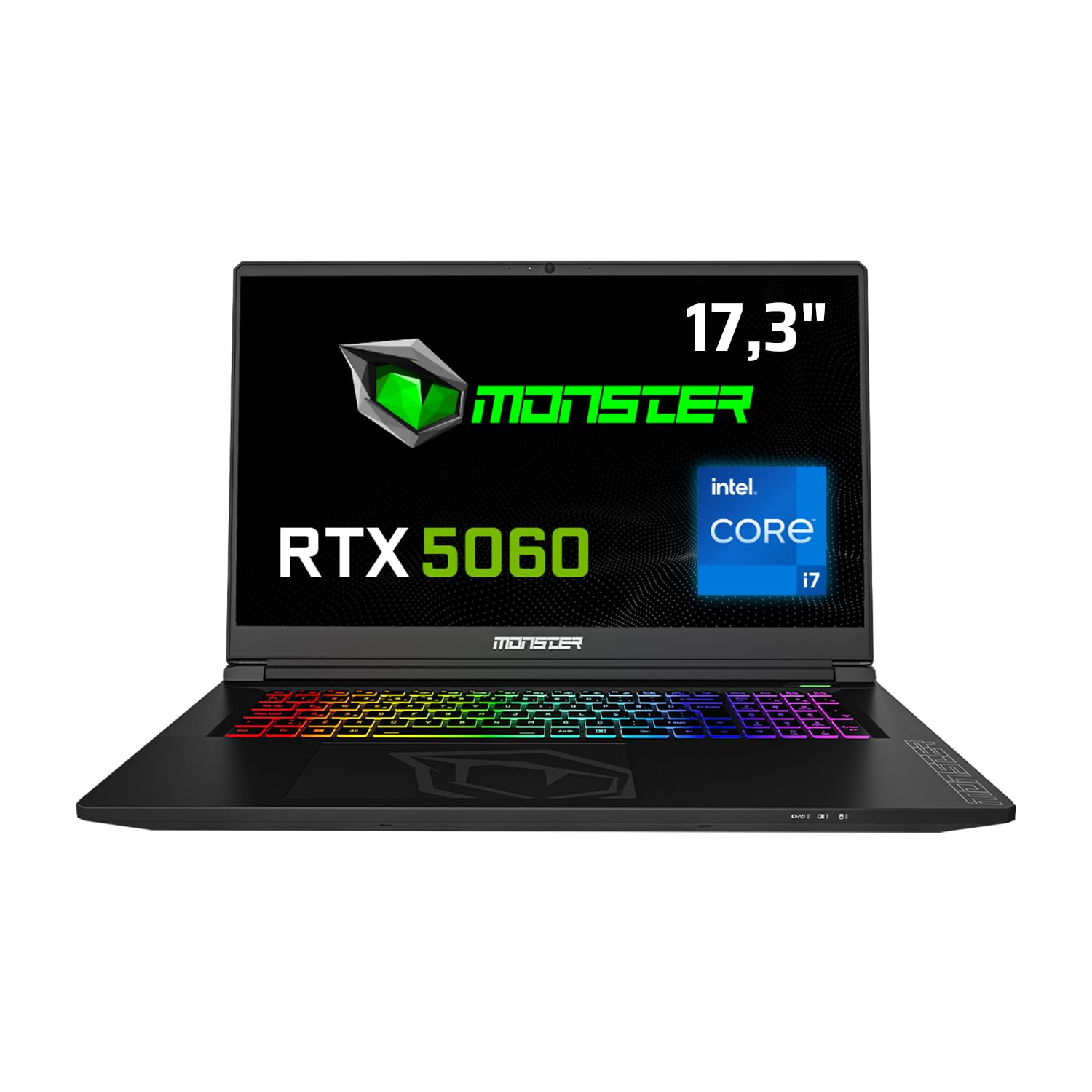
Front view of the Monster Tulpar T7 V26.2.2 Gaming Laptop, highlighting its 17.3-inch display, Intel Core i7 processor, and RTX 5060 graphics, along with a 4-year warranty badge.
Setup
Initial Power-On and Operating System Installation
Your Monster Tulpar T7 V26.2.2 laptop comes with Freedos. To begin using your laptop, you will need to install a compatible operating system (e.g., Windows, Linux). Follow the instructions provided with your chosen operating system for installation.
- Connect Power: Plug the power adapter into the laptop's power input port and then into a wall outlet.
- First Boot: Press the power button. The laptop will typically boot into the Freedos environment or BIOS.
- OS Installation: Insert your operating system installation media (USB drive or DVD) and follow the on-screen prompts to install the OS. Ensure all necessary drivers are installed after the OS setup for full functionality.
Connecting Peripherals
Utilize the various ports on your laptop to connect external devices such as a mouse, keyboard, external monitor, or USB drives.

Detailed diagram illustrating the various connectivity ports available on the Monster Tulpar T7 V26.2.2 laptop, including Ethernet, power input, HDMI, Mini DP, Kensington Lock, USB-A, and USB-C.
- Ethernet (RJ45): For wired network connection.
- HDMI 2.1 & Mini DP: For connecting external displays.
- USB-A (3.2 Gen1, 2.0): For general USB devices.
- USB-C (3.2 Gen2 with DP 1.4 support): Versatile port for data, display, and charging (if supported by external device).
- Microphone & Headphone Jacks: For audio input and output.
- Kensington Lock: For physical security.
Operating Your Laptop
Display and Visual Experience
The 17.3-inch Full HD (1920x1080) IPS matte panel display offers a fluid gaming experience with a 144 Hz refresh rate, ensuring clear and vibrant visuals.

The laptop's display showcasing a fluid gaming experience, emphasizing Full HD resolution, 144Hz refresh rate, and IPS matte panel technology.
Performance Features
Your Tulpar T7 V26.2.2 is equipped with high-performance components designed for demanding tasks and gaming.
- Processor: Intel Core i7-13620H (13th Gen) provides high performance for both gaming and applications. It features 6 performance cores and 4 efficiency cores, totaling 16 threads, managed by Intel Thread Director for optimal task distribution.
- Graphics Card: NVIDIA GeForce RTX 5060 with 8GB GDDR7 memory. This GPU supports ray tracing and DLSS 4 technology for realistic graphics and high frame rates. The MUX Switch (NVIDIA Advanced Optimus) allows direct GPU access to the display for maximum performance.
- RAM: 32GB DDR5 RAM at 5200 MHz ensures smooth multitasking and gaming performance. Expandable up to 64GB.
- Storage: 1TB Gen4 M.2 SSD for fast boot times and rapid data access. The laptop supports two Gen4 M.2 SSD slots for expanded storage.

Performance benchmarks demonstrating high FPS in popular games like Monster Hunter World, Valorant, Cyberpunk, and Forza Horizon 5 at 1080p resolution.

Visual representation highlighting the speed advantages of DDR5 5200 MHz RAM and Gen4 SSD over previous generations, indicating up to 62% faster performance.
Keyboard and Input
The laptop features a backlit keyboard with a numeric keypad, enhancing usability in various lighting conditions and for data entry.

The Monster Tulpar T7 V26.2.2 laptop open, showcasing its vibrant RGB backlit keyboard and large trackpad.
Maintenance
Proper maintenance ensures the longevity and optimal performance of your laptop.
- Cleaning: Regularly clean the screen with a microfiber cloth and the keyboard with compressed air to remove dust and debris.
- Cooling System: Ensure the ventilation grilles are clear of obstructions to prevent overheating. Periodically clean the fan vents.
- Battery Care: Avoid fully discharging the battery frequently. For long-term storage, keep the battery charged to around 50-60%.
- Software Updates: Keep your operating system and drivers updated to ensure stability and security.
Troubleshooting
This section addresses common issues you might encounter.
- No Power: Ensure the power adapter is securely connected to both the laptop and a working power outlet. Check the power indicator light.
- Display Issues: If the screen is blank, try connecting an external monitor to verify if the laptop is functioning. Adjust display settings or update graphics drivers.
- Performance Slowdown: Close unnecessary applications. Check for background processes consuming high CPU or RAM. Ensure the laptop is well-ventilated to prevent thermal throttling.
- Peripheral Not Detected: Try connecting the peripheral to a different USB port. Ensure drivers for the peripheral are installed.
For more complex issues, refer to the official Monster support website or contact customer service.
Specifications
Detailed technical specifications for the Monster Tulpar T7 V26.2.2 gaming laptop.
| Feature | Specification |
|---|---|
| Brand | MONSTER |
| Model Name | Tulpar T7 V26.2.2 |
| Manufacturer | Monster |
| Product Model Number | Tulpar T7 V26.2.2 |
| Form Factor | Portable |
| Screen Size | 17.3 Inches |
| Laptop Display Technology | LED |
| Display Resolution | 1920 x 1080 Pixels |
| Processor Brand | Intel |
| Processor Type | Intel Core i7 |
| Processor Speed | 4.9 GHz |
| Number of Processors | 24 (Threads) |
| RAM Size | 32 GB |
| Memory Technology | DDR5 |
| Computer Memory Type | DDR5 RAM |
| Maximum Supported Memory | 64 GB |
| Memory Clock Speed | 5200 MHz |
| Hard Drive Size | 1 TB |
| Hard Disk Description | SSD |
| Hard Drive Interface | Solid State |
| Graphics Processor Manufacturer | NVIDIA |
| Graphics Card Description | Dedicated |
| Graphics RAM Type | GDDR7 |
| Graphics Card Memory Size | 8 GB |
| Connectivity Type | Bluetooth, Wi-Fi |
| Wireless Type | 802.11a/b/g/n/ac, Bluetooth |
| USB 2.0 Port Count | 1 |
| HDMI Port Count | 1 |
| Ethernet Port Count | 1 |
| Microphone Port Count | 1 |
| Optical Drive Type | No Optical Drive |
| Hardware Platform | PC |
| Operating System | DOS |
| Item Weight | 10 Kilograms |
| Key Features | Backlit Keyboard, Memory Card Slot, Numeric Keypad, Anti-Glare Coating, High Quality Audio |
| First Available Date | May 19, 2025 |
Warranty and Support
Monster is committed to providing excellent support for your laptop.
- 4-Year Warranty: Your Monster laptop comes with a 4-year warranty. To activate, register your product on the Monster support page within 90 days from the invoice date. The extended warranty applies only to Monster Notebook branded products.
- Lifetime Maintenance Service: Monster offers a lifetime maintenance service to ensure your laptop performs optimally for years. This service is provided by expert Monster technical services and is free of charge even after the warranty period expires.

Visual representation of Monster's 4-year warranty and lifetime maintenance service commitment.
For further assistance, visit the official Monster support website or contact their customer service.