
1. Product Overview
The WonVon Motorcycle CarPlay Screen is a comprehensive navigation and entertainment system designed for motorcycles. It integrates wireless Apple CarPlay and Android Auto, features a 7-inch waterproof display, dual 4K dash cameras, Blind Spot Detection (BSD), and a Tire Pressure Monitoring System (TPMS) for enhanced safety and convenience.
Key Features:
- Wireless CarPlay & Android Auto: Seamless smartphone integration for maps, calls, music, and voice assistants (Siri/Google Assistant).
- 7-inch Waterproof GPS Display: Vivid, glove-friendly touchscreen with auto-brightness for clear visibility in all conditions (IP67 waterproof).
- Dual 4K Dash Cameras: Front and rear 4K cameras with 140° wide-angle HD protection and loop recording.
- Safety Features: Integrated Blind Spot Detection (BSD) and real-time Tire Pressure Monitoring System (TPMS).
- Voice Commands: Hands-free control for navigation, calls, and music.
- Media Playback: Supports local media via TF/SD card (64GB included).
- Smart App Control: Manage ride footage via WiFi and mobile app.
- Universal Compatibility: Designed to fit most motorcycle types.
2. Setup and Installation
2.1 Mounting the Device
The device comes with a mounting bracket designed for easy installation on most motorcycle handlebars. Ensure the bracket is securely fastened to prevent movement during operation.
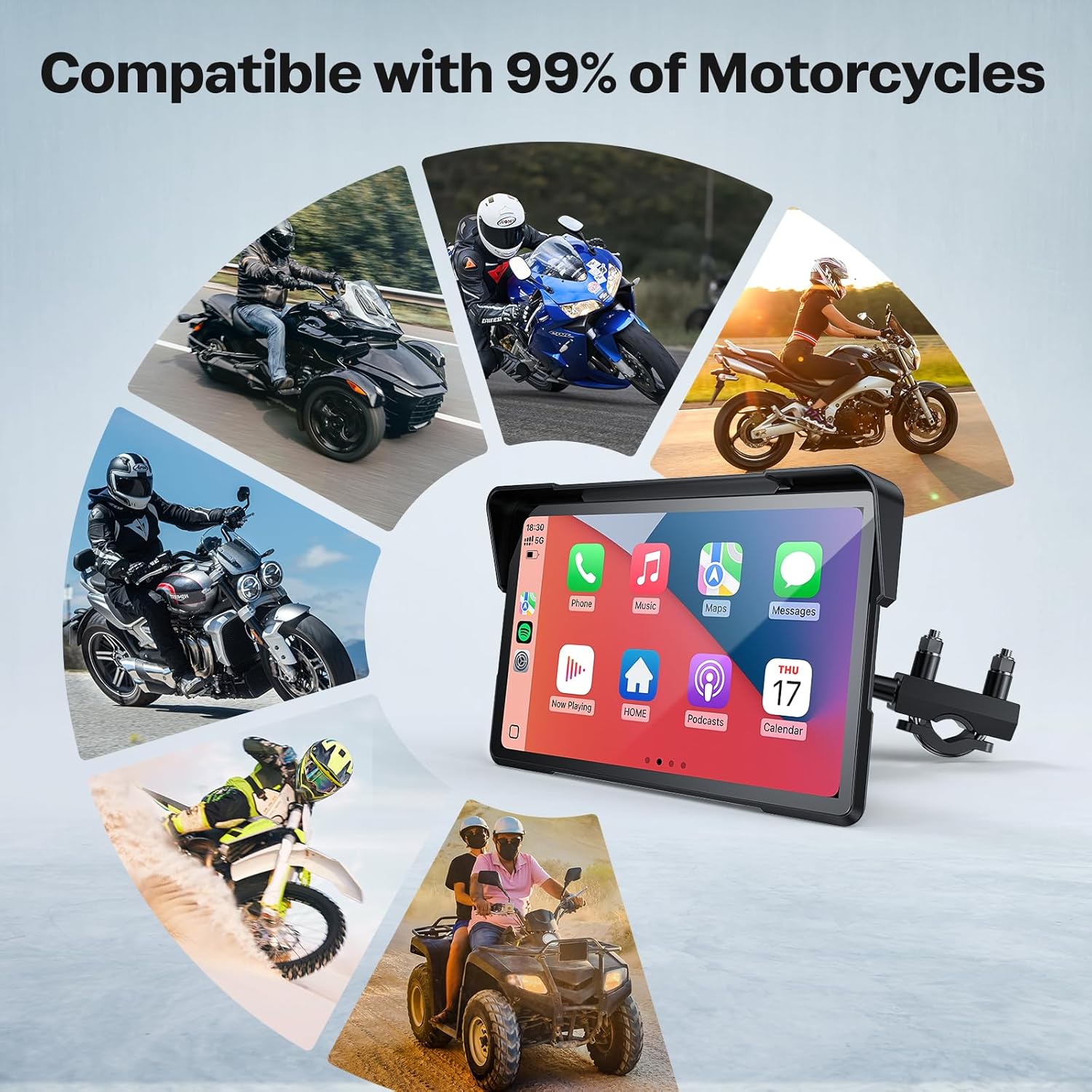
Image: The 7-inch CarPlay screen securely mounted on motorcycle handlebars, showing the display from the rider's perspective.
2.2 Wiring and Power Connection
The system offers dual power options: USB or hardwired to the motorcycle's battery. For hardwiring, connect the red wire to an ACC (Accessory) control line and the black wire to the vehicle's negative battery terminal. Ensure all connections are secure and weather-tight.

Image: A detailed diagram illustrating the wiring connections for the CarPlay screen, including front and rear cameras, GPS, and power to the battery.
2.3 Wireless Connection (CarPlay/Android Auto)
To connect your smartphone wirelessly:
- Turn on Bluetooth and Wi-Fi on your smartphone.
- On the CarPlay screen, navigate to the Bluetooth settings.
- Select the corresponding Bluetooth device (e.g., "Car_Play_Hub_5da0c0" or "FUYU") from your phone's Bluetooth list and pair.
- Confirm the pairing request on both devices.
- Once paired, select "Connect" for CarPlay or Android Auto. The connection should be successful within approximately 10 seconds.
3. Operating Instructions
3.1 Main Interface and Navigation
After successful connection, the main interface will display your smartphone's CarPlay or Android Auto environment. You can access navigation apps (e.g., Google Maps, Waze), music, phone calls, and messages directly from the screen.
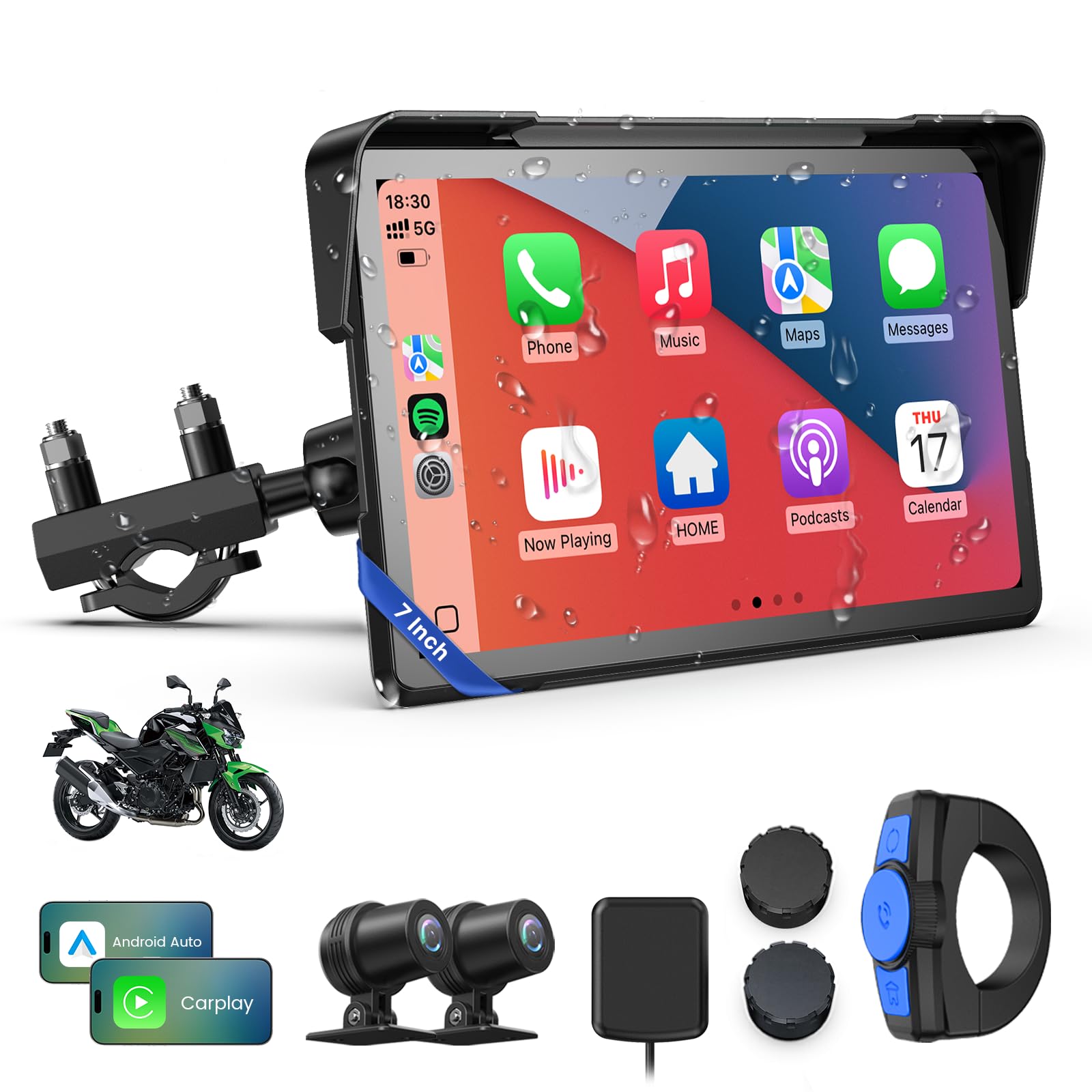
Image: The 7-inch screen displaying both Wireless CarPlay and Wireless Android Auto interfaces, highlighting various features like WiFi, Dual Bluetooth, Light Sensing, 64GB Card, Compass, 5G Chip, IP67 Waterproof, and Barometer.
3.2 Voice Control
Utilize Siri or Google Assistant for hands-free control. Simply speak commands for navigation, making calls, or playing music.
3.3 Dual 4K Dash Cam Operation
The integrated dual 4K dash cameras provide continuous loop recording of your rides. In case of a collision, the G-sensor automatically locks the footage to prevent overwriting. You can view recorded videos directly on the screen or via the mobile app.

Image: The screen displaying a split view of front and rear 4K dash camera footage, emphasizing loop recording and IP67 waterproofing.
3.4 Tire Pressure Monitoring System (TPMS)
The TPMS provides real-time tire pressure data, displayed on the screen. This helps monitor tire health and enhances riding safety.
3.5 Blind Spot Detection (BSD)
The BSD system enhances awareness by detecting objects in your blind spots, providing visual alerts on the screen.
3.6 Screen Brightness Adjustment
The screen features an automatic light sensor that adjusts brightness for optimal visibility in varying light conditions (day or night). Manual adjustment is also available through the settings.
3.7 Remote Control
A wired remote controller allows for safe, hands-free operation of key functions such as menu switching, answering calls, and taking pictures without removing your hands from the handlebars.

Image: The CarPlay screen displaying various functions, with an overlay highlighting the wired remote controller and its buttons for menu switching, answering calls, and taking pictures.
4. Maintenance
4.1 Cleaning the Screen
Use a soft, lint-free cloth to clean the screen. For stubborn marks, slightly dampen the cloth with water or a screen-safe cleaner. Avoid abrasive materials or harsh chemicals.
4.2 Waterproofing
The device is IP67 waterproof. Ensure all cable connections are properly sealed to maintain its waterproof integrity, especially after installation or maintenance.

Image: The CarPlay screen shown in rainy conditions, demonstrating its IP67 waterproof rating and all-weather compatibility.
5. Troubleshooting
5.1 Connection Issues
- Cannot connect to CarPlay/Android Auto: Ensure Bluetooth and Wi-Fi are enabled on your phone. Verify the correct device is selected for pairing. Restart both the phone and the CarPlay screen.
- Intermittent connection: Check for interference from other wireless devices. Ensure your phone is within range.
5.2 Screen Responsiveness
- Touchscreen lag: This can sometimes occur with CarPlay devices. Ensure the device firmware is up to date. Restore factory settings if necessary.
- Screen unresponsive in cold temperatures: Some users have reported reduced touch responsiveness in very cold conditions. Allow the device to warm up slightly.
5.3 Power Issues
- Device not powering on: Check all wiring connections to the battery and ACC line. Ensure the fuse is intact.
- Cable problems: If using a hardwired connection, ensure the cable is not damaged. If a specific cable is faulty, contact customer service for a replacement.
6. Specifications
| Feature | Specification |
|---|---|
| Product Dimensions | 8.56 x 3.89 x 4 inches |
| Item Weight | 3.45 pounds (1.57 Kilograms) |
| Operating System | Linux |
| Connectivity Technologies | Bluetooth, USB, Wi-Fi |
| Special Features | BSD&TPMS&GPS, Dual 4K Cam, Dual Bluetooth, SD 64GB, Waterproof, Motorcycle GPS Navigation, For Apple CarPlay, Rotatable Touchscreen, For Android Auto |
| Human Interface Input | Touchscreen |
| Screen Size | 7 Inches |
| Memory Storage Capacity | 64 GB |
| Manufacturer | WonVon |
7. Warranty and Support
WonVon is committed to providing high-quality products and customer satisfaction. This product typically comes with a 12-month quality guarantee.
Technical Support:
For any questions or technical assistance, please contact WonVon customer service. Online support is available to help resolve issues promptly.
- Response Time: 24 hours
- Support Channels: Online Support & Mail
- Technical Support: Lifetime

Image: Graphic detailing customer support availability, including 24-hour response time, online support, and a 12-month quality guarantee.
