
1. Introduction
Thank you for choosing the BUGANI OWSB11 Open Ear Wireless Bluetooth Headphones. These headphones are designed to provide a comfortable listening experience while maintaining awareness of your surroundings. Featuring advanced Bluetooth 5.4 technology, immersive HiFi sound, and an IPX5 waterproof rating, they are ideal for various activities including workouts, cycling, and daily use. This manual provides detailed instructions for setup, operation, and maintenance to ensure optimal performance and longevity of your device.

Image: BUGANI B18 Open Ear Headphones banner. This image displays the product name and a tagline, showcasing the sleek design of the headphones and charging case.
2. Package Contents
Please check the package for the following items:
- BUGANI OWSB11 Open Ear Wireless Bluetooth Headphones (Left & Right)
- Charging Case
- USB-C Charging Cable
- User Manual
3. Product Overview
Familiarize yourself with the components of your BUGANI OWSB11 headphones and charging case.

Image: BUGANI OWSB11 Open Ear Wireless Headphones in their charging case. This image shows both earbuds securely placed within the compact charging case, ready for use or charging.
Earbud Components:
- Ear Hook: Provides a secure and comfortable fit over the ear.
- Control Area: Touch-sensitive surface for various functions.
- Microphone: For calls and voice commands.
- LED Indicator: Displays status (pairing, charging, etc.).
Charging Case Components:
- Charging Port (USB-C): For connecting the charging cable.
- Charging Indicator LED: Shows the charging status of the case.
4. Getting Started
4.1. Charging the Device
For optimal performance, fully charge your headphones and charging case before first use.
- Charging the Case: Connect the provided USB-C cable to the charging port on the case and to a USB power adapter (not included). The case's LED indicator will show charging status and turn solid when fully charged.
- Charging the Earbuds: Place the earbuds into the charging case. Ensure they are correctly seated. The earbuds will automatically begin charging. The LED indicators on the earbuds will show their charging status.
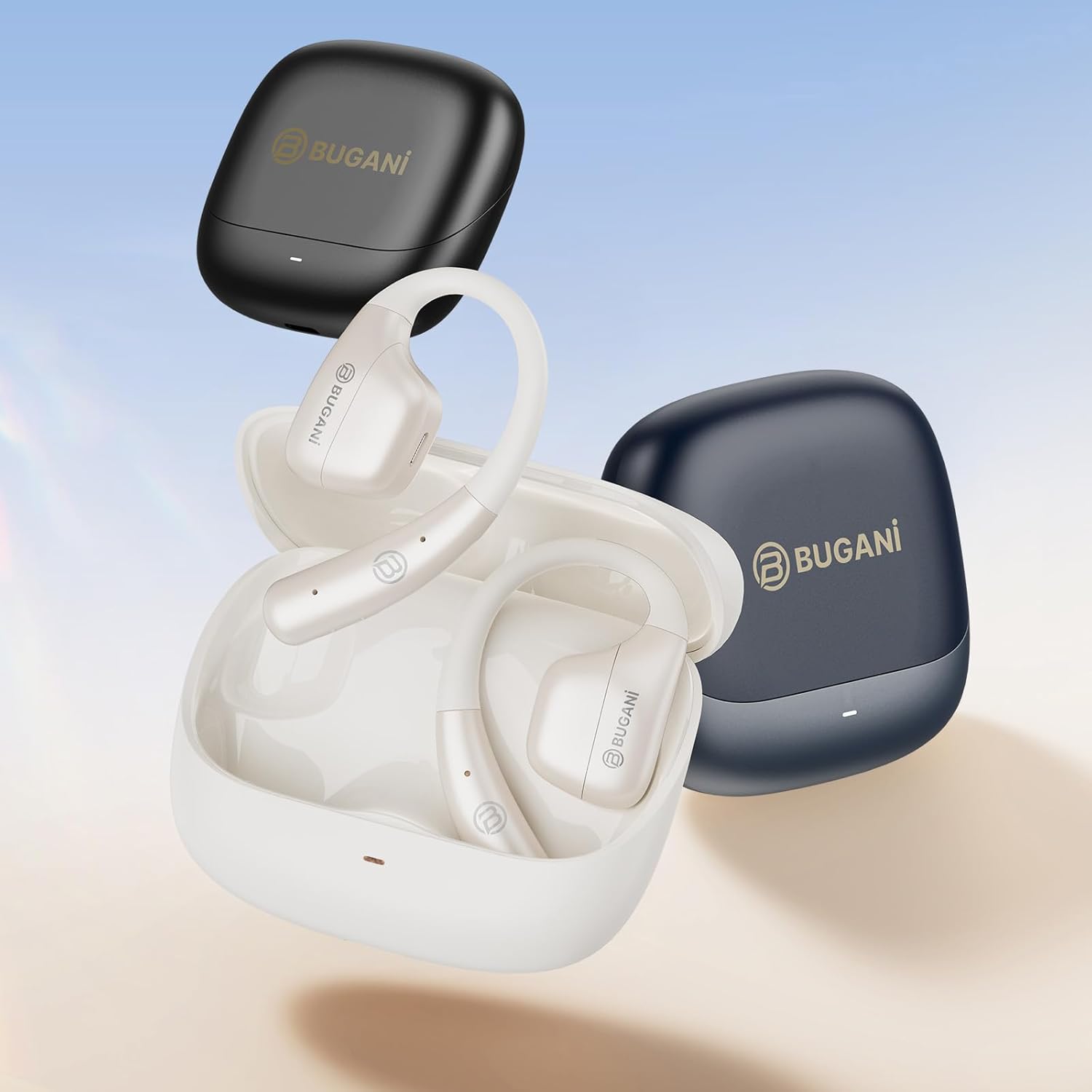
Image: An illustration showing the extended battery life cycle of the BUGANI OWSB11 headphones and charging case. This graphic highlights the 6.5 hours of music time, 1.5 hours of charging time, and 26 hours of total cycle playtime.
4.2. Powering On/Off
- Power On: Open the charging case, and the earbuds will automatically power on. Alternatively, press and hold the touch control area on both earbuds for 3 seconds.
- Power Off: Place the earbuds back into the charging case and close the lid. They will automatically power off. Alternatively, press and hold the touch control area on both earbuds for 5 seconds.
4.3. Bluetooth Pairing
The BUGANI OWSB11 headphones utilize Bluetooth 5.4 for a fast and stable connection.
- First-Time Pairing:
- Open the charging case. The earbuds will automatically enter pairing mode, and their LED indicators will flash.
- On your device (smartphone, tablet, etc.), enable Bluetooth.
- Search for "BUGANI OWSB11" in the list of available Bluetooth devices and select it to connect.
- Once connected, the earbud LED indicators will turn off or flash slowly.
- Reconnecting: After initial pairing, the earbuds will automatically connect to the last paired device when removed from the charging case and Bluetooth is enabled on your device.

Image: Diagram illustrating the Bluetooth 5.4 technology chip for stable connectivity. This image highlights the advanced Bluetooth 5.4 chip, emphasizing its role in providing a fast and reliable wireless connection.
5. Operating Your Headphones
The touch control area on each earbud allows you to manage music playback, calls, and other functions.
5.1. Music Playback
- Play/Pause: Single tap on either earbud.
- Next Track: Double tap on the right earbud.
- Previous Track: Double tap on the left earbud.
5.2. Call Management
- Answer/End Call: Single tap on either earbud.
- Reject Call: Press and hold on either earbud for 2 seconds.
5.3. Volume Control
Volume control is typically managed directly from your connected device. Some models may support earbud-based volume control; refer to specific product details if available.
5.4. Situational Awareness (Open-Ear Design)
The open-ear design of the BUGANI OWSB11 allows you to hear your audio while remaining aware of your surroundings. This feature enhances safety during outdoor activities and allows for easy conversations without removing the earbuds.

Image: A person wearing the BUGANI OWSB11 Open Ear Wireless Headphones, demonstrating the secure and comfortable fit. This image illustrates how the open-ear design sits on the ear, allowing for situational awareness.
6. Care and Maintenance
6.1. Cleaning
Regular cleaning helps maintain the performance and hygiene of your headphones.
- Wipe the earbuds and charging case with a soft, dry, lint-free cloth.
- Do not use abrasive cleaners, alcohol, or chemical solvents.
- Ensure charging contacts are clean and dry.
6.2. Water Resistance (IPX5)
The BUGANI OWSB11 headphones are rated IPX5, meaning they are protected against low-pressure water jets from any direction. This makes them suitable for workouts and light rain.
- Do not submerge the headphones in water.
- Avoid exposure to saltwater or other corrosive liquids.
- If wet, dry thoroughly before placing them back in the charging case or charging.

Image: The BUGANI OWSB11 Open Ear Wireless Headphones with water droplets, highlighting their IPX5 waterproof rating. This image visually confirms the product's resistance to sweat and splashes.
6.3. Storage
Store the headphones in their charging case when not in use to protect them and keep them charged.
7. Troubleshooting
If you encounter any issues, please refer to the following common solutions:
| Problem | Possible Solution |
|---|---|
| Earbuds do not power on. | Ensure the charging case and earbuds are charged. Place earbuds in the case and close/open the lid. |
| Cannot pair with device. | Make sure Bluetooth is enabled on your device. Ensure earbuds are in pairing mode. Forget "BUGANI OWSB11" from your device's Bluetooth list and try pairing again. |
| No sound from one or both earbuds. | Check device volume. Ensure earbuds are properly paired. Try resetting the earbuds (refer to manufacturer's website for specific reset instructions if needed). |
| Charging issues. | Check the USB-C cable and power adapter. Ensure charging contacts on earbuds and case are clean and dry. |
8. Specifications
Technical details of your BUGANI OWSB11 Open Ear Wireless Bluetooth Headphones:
- Model Number: OWSB11
- Bluetooth Version: 5.4
- Earbud Battery Capacity: 70mAh (each)
- Charging Case Battery Capacity: 500mAh
- Earbud Playtime: 8-10 hours (single charge)
- Total Playtime (with case): Up to 60 hours
- Waterproof Rating: IPX5
- Item Weight: 6.3 ounces
- Package Dimensions: 5.12 x 4.45 x 1.85 inches
9. Safety Information
Please read and follow these safety guidelines to prevent damage or injury:
- Do not disassemble, repair, or modify the product.
- Keep the product away from extreme temperatures, direct sunlight, and open flames.
- Avoid listening at high volume levels for extended periods to prevent hearing damage.
- Keep out of reach of children and pets.
- Dispose of the product and batteries responsibly according to local regulations.
10. Warranty and Support
BUGANI products are designed for reliability and performance. For warranty information, technical support, or customer service inquiries, please refer to the contact information provided on the BUGANI official website or your purchase platform. Please retain your proof of purchase for warranty claims.
For further assistance, visit the BUGANI Store on Amazon.


