
1. Introduction
Thank you for purchasing the QNGEE S7-US 64GB MP3 Player. This manual provides essential information for setting up, operating, and maintaining your device. Please read it carefully to ensure proper use and to maximize your listening experience.
Package Contents:
- 1 x Bluetooth MP3 Player
- 1 x Wired Earphone
- 1 x Type-C Charging Cable
- 1 x User Manual
- 1 x Silicone Protective Case
2. Product Overview
The QNGEE S7-US MP3 player features a 2.4-inch full touchscreen for intuitive control and a built-in HD speaker for versatile audio playback. It supports a wide range of functions beyond music, including video playback, FM radio, voice recording, e-book reading, and photo browsing.
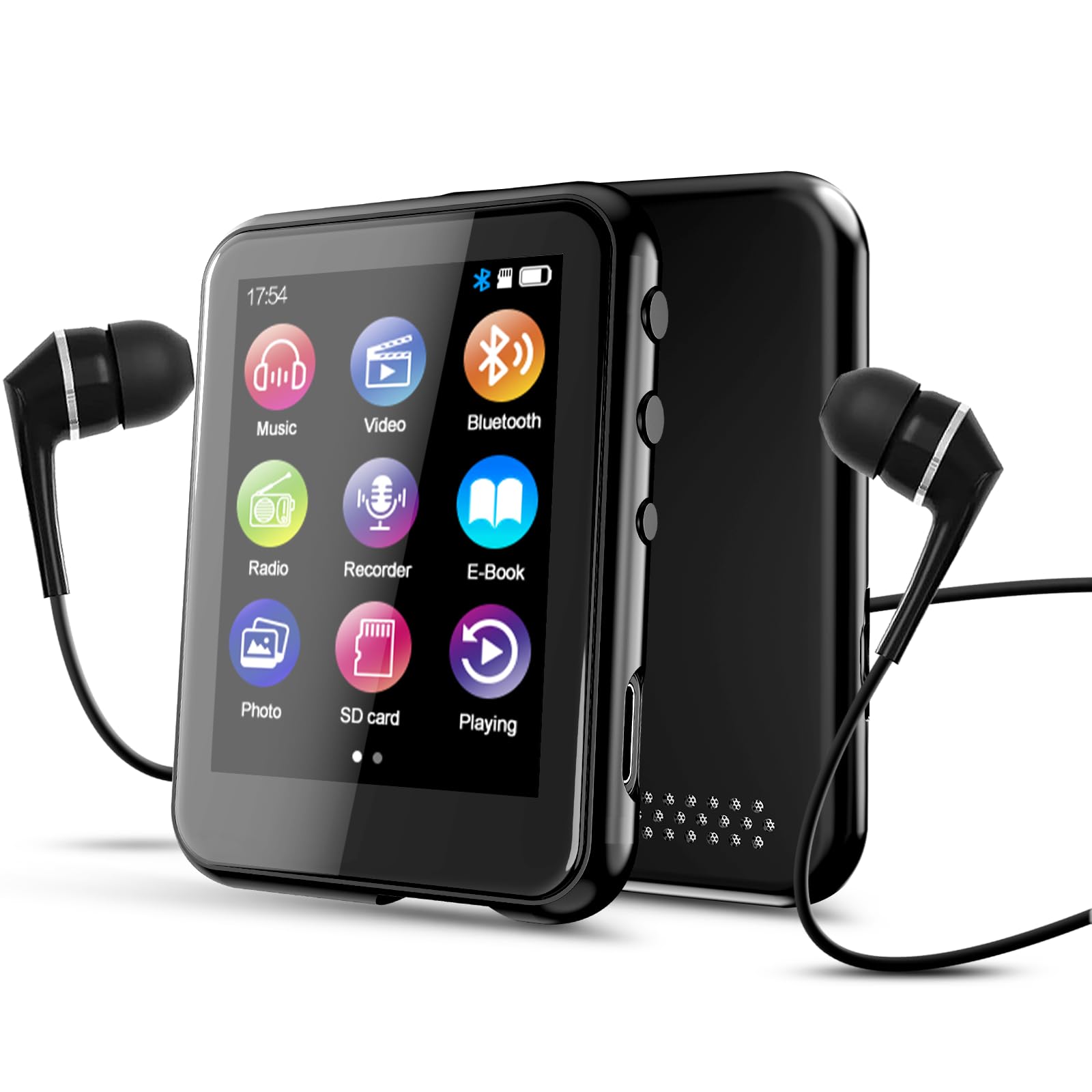
Image: The QNGEE S7-US MP3 Player, showcasing its compact design and touchscreen interface.
Key Features:
- 2.4-inch Full Touchscreen: Easy navigation and control.
- Bluetooth 5.3 Connectivity: Stable and efficient connection to Bluetooth headphones and speakers.
- 64GB Internal Storage: Ample space for music and files, expandable up to 512GB with a TF card.
- Multi-functional: Music, Video, Voice Record, FM Radio, Photo Browsing, E-Book, A-B Repeat, Alarm Clock, Calendar, File Folders, Time Screen-saver.
- Built-in HD Speaker: Enjoy music without earphones in quiet environments.
- USB Type-C Port: For faster charging and stable data transfer.

Image: Overview of the QNGEE S7 MP3 player highlighting its 16GB storage, built-in speaker, Bluetooth 5.3, expandable SD card, full touch screen, and A-B repeat function.
3. Setup
3.1 Charging the Device
Before first use, fully charge your MP3 player. Connect the provided Type-C charging cable to the device's USB-C port and the other end to a USB power adapter (not included) or a computer's USB port. The battery indicator will show charging status.

Image: The upgraded Type-C port, emphasizing its reversible design, rapid charging, and high-speed data transfer capabilities.
3.2 Power On/Off
- To Power On: Press and hold the power button until the screen lights up.
- To Power Off: Press and hold the power button until the power-off options appear, then select 'Power Off' on the screen.
3.3 Connecting to a Computer
Connect the MP3 player to your computer using the Type-C cable. The device will be recognized as a removable disk, allowing you to transfer music, videos, photos, and e-books.
4. Operating Instructions
4.1 Basic Navigation (Touchscreen)
The QNGEE S7-US features a full touchscreen for easy operation. Swipe left/right or up/down to navigate through menus and applications. Tap an icon to open an application or select an option. Use the back arrow icon on the top left of the screen to return to the previous menu.
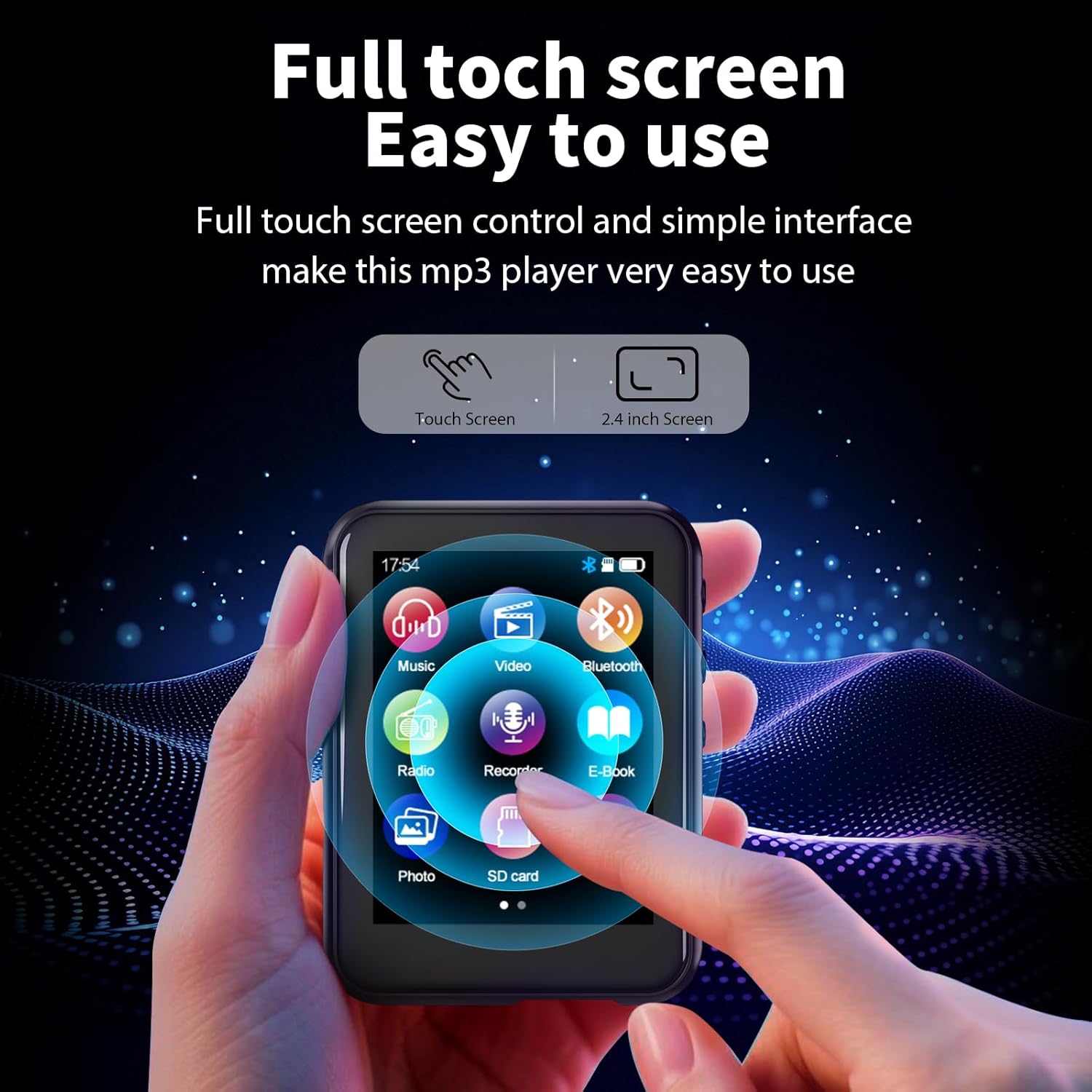
Image: A hand interacting with the full touchscreen of the MP3 player, demonstrating its ease of use and 2.4-inch display.
4.2 Music Playback
Tap the 'Music' icon to access your audio library. The player supports MP3, WMA, DRM, OGG, APE, FLAC, WAV, AAC-LC, and ACELP formats.
- Playing Music: Select a song from your library to begin playback.
- Controls: Use the on-screen controls for play/pause, skip tracks, and volume adjustment.
- A-B Repeat: Use this function to repeat a specific segment of a song.

Image: The MP3 player displaying music playback, illustrating its high-resolution audio capabilities for a premium listening experience.
4.3 Bluetooth Connectivity
The device features Bluetooth 5.3 for wireless audio. It can connect to Bluetooth headphones and speakers. Note: The Bluetooth function does not support connection to cell phones, PCs, or laptops.
- Go to 'Settings' and select 'Bluetooth'.
- Turn Bluetooth 'On'.
- The player will search for nearby Bluetooth devices. Select your device from the list to pair.
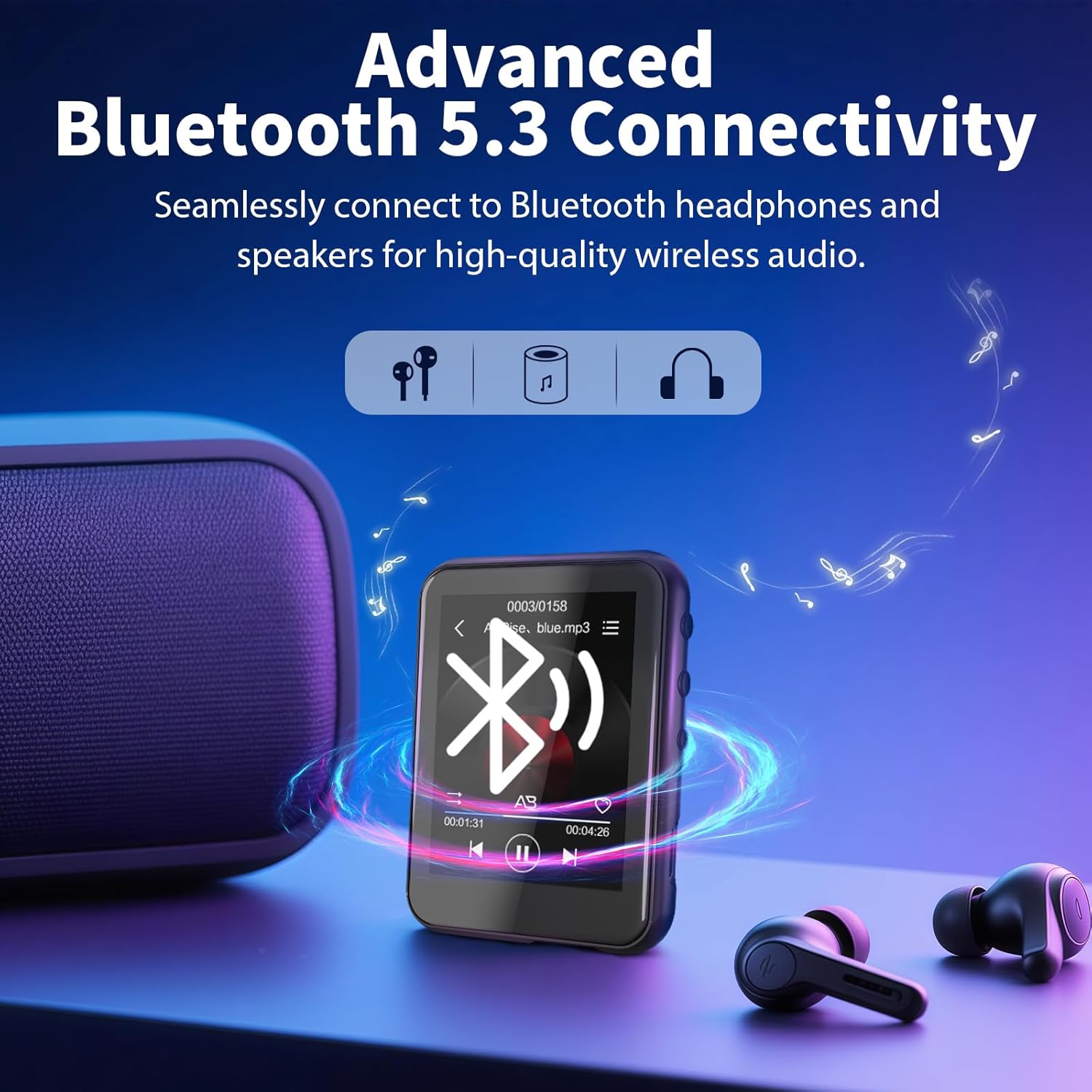
Image: The MP3 player demonstrating advanced Bluetooth 5.3 connectivity, seamlessly connecting to headphones and a speaker for wireless audio.
4.4 FM Radio
Tap the 'Radio' icon to access the FM radio. Ensure wired earphones are connected as they act as the antenna.
- Auto Search: The player can automatically scan and save available FM stations.
- Manual Tuning: Adjust the frequency manually to find specific stations.

Image: The MP3 player screen showing the FM radio interface with a frequency display.
4.5 Voice Recorder
Tap the 'Recorder' icon to use the voice recording function. The built-in microphone allows for clear audio capture.
- Start Recording: Tap the record button to begin.
- Save/Playback: Save your recordings and play them back directly on the device.

Image: The MP3 player screen showing the voice recorder interface with audio waveforms.
4.6 E-Book Reader
Tap the 'E-Book' icon to read text files. The player supports TXT format only.

Image: The MP3 player screen displaying text from an e-book, with a stack of books in the background.
4.7 Video Playback & Photo Browsing
Access 'Video' to watch compatible video files and 'Photo' to view images. Ensure files are in supported formats for optimal viewing.

Image: The MP3 player screen showing a video playing, indicating its video playback capability.
4.8 Alarm Clock & Calendar
The device includes an alarm clock and calendar function. Tap the respective icons to set alarms or view the calendar.

Image: An alarm clock icon next to a sleeping person, representing the alarm clock function of the MP3 player.
5. File Management & Storage
The QNGEE S7-US comes with 64GB of built-in memory. You can expand the storage capacity by inserting a TF (Micro SD) card up to 512GB (TF card not included).
- Inserting TF Card: Locate the TF card slot on the side of the device and gently insert the card until it clicks into place.
- Accessing Files: Use the 'File Folders' application to browse and manage files on both internal storage and the TF card.

Image: The MP3 player highlighting its maximum 512GB expandable storage capacity, indicating that up to 64,000 songs can be stored.
6. Maintenance
- Cleaning: Use a soft, dry cloth to clean the device. Avoid liquid cleaners or abrasive materials.
- Storage: Store the MP3 player in a cool, dry place away from direct sunlight and extreme temperatures.
- Battery Care: To prolong battery life, avoid fully discharging the battery frequently. Charge it regularly.
7. Troubleshooting
- Device not turning on: Ensure the battery is charged. Connect to a power source and try again.
- Cannot connect to Bluetooth device: Ensure Bluetooth is enabled on both the MP3 player and the target device. Make sure the target device is in pairing mode. Remember, the MP3 player cannot connect to phones or computers via Bluetooth.
- Files not playing/displaying: Check if the file format is supported by the player. Refer to the specifications section for supported formats.
- Screen unresponsive: Try restarting the device by holding the power button. If the issue persists, contact customer support.
8. Specifications
| Brand | QNGEE |
| Model Name | QNGEE-S7 |
| Memory Storage Capacity | 64 GB (Expandable up to 512GB with TF card) |
| Screen Size | 2.4 Inches |
| Connectivity Technology | Bluetooth 5.3 |
| Supported Audio Formats | MP3, WMA, DRM, OGG, APE, FLAC, WAV, AAC-LC, ACELP |
| Supported E-Book Format | TXT |
| Item Weight | 66 Grams |
| Battery Average Life | 20 years (Note: This is an estimated lifespan, actual performance may vary) |
9. Warranty and Support
This product comes with a manufacturer's warranty. For specific warranty details or technical support, please refer to the warranty card included in your package or contact QNGEE customer service through their official website or the retailer where you purchased the product.
