
Introduction
The AEGTEST HOUND-3786 is an advanced home radon monitor designed for continuous, long-term detection of radon gas levels. Utilizing a high-sensitivity pulsed ionization chamber, it provides fast and accurate readings, helping you maintain a safe indoor environment. This manual provides essential information for setting up, operating, and maintaining your device.
Key Features
- Fast & Accurate Detection: First reading in 10 minutes, stable data within 1 hour, with automatic updates every 10 minutes.
- Comprehensive Data Logging: Stores over 1.5 years of historical data with built-in charts.
- User-Friendly Display: Large 3.5-inch color LCD screen for clear readability.
- Rechargeable Battery: Ideal for long-term daily use without constant power connection.
- Multiple Alert Modes: Color-coded bars, flashing LED indicators, and customizable audible alarms.
- PDF Report Export: Easily export data reports to your phone or computer.
What's in the Box

Image: Package contents of the AEGTEST HOUND-3786.
- 1x HOUND-3786 Radon Detector
- 1x USB-C Charging Data Cable
- 1x Multilingual User Manual
Setup
- Initial Charge: Before first use, fully charge the HOUND-3786 using the provided USB-C cable and a compatible power adapter (not included). The battery indicator on the display will show charging status.
- Placement: Place the monitor in the lowest lived-in area of your home, such as a basement or ground floor living space. Ensure it is at least 20 inches (50 cm) from the floor and 8 inches (20 cm) from any walls. Avoid placing it near windows, doors, heating/cooling vents, or in direct sunlight, as these can affect readings.
- First Reading: The device will begin taking readings immediately. A stable reading is typically achieved within 1 hour, with automatic updates every 10 minutes. For long-term accuracy, continuous monitoring is recommended.
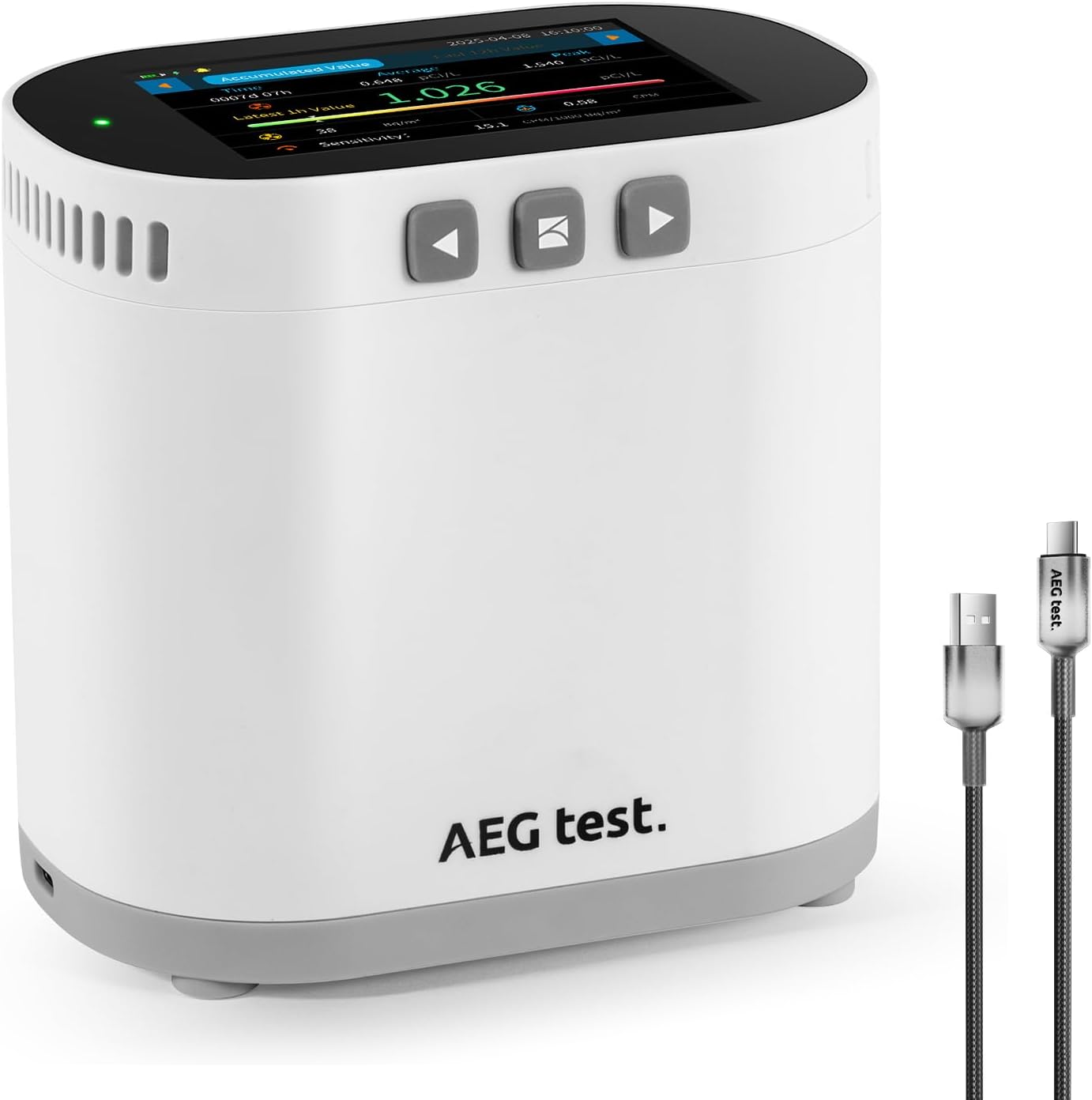
Image: The AEGTEST HOUND-3786 Radon Monitor and its charging cable.
Operating the Device
Display Overview
The HOUND-3786 features a 3.5-inch color LCD screen that provides real-time and historical radon data. The display shows current radon levels in pCi/L and Bq/m³, average readings, peak values, and a color-coded concentration bar for quick assessment.

Image: Detailed view of the monitor's display showing various radon metrics.
Button Functions
Use the intuitive button controls located on the device to navigate through different screens and settings:
- Power Button: Press and hold to turn the device on/off. A short press can wake the screen from sleep mode.
- Navigation Buttons (Left/Right Arrows): Use to scroll through different data views, settings, or menu options.
- Select/Confirm Button (Center): Used to confirm selections or enter sub-menus.
Data Logging and Reports
The device automatically logs radon data, storing over 1.5 years of history. You can view this data directly on the device through built-in charts or export it for detailed analysis.
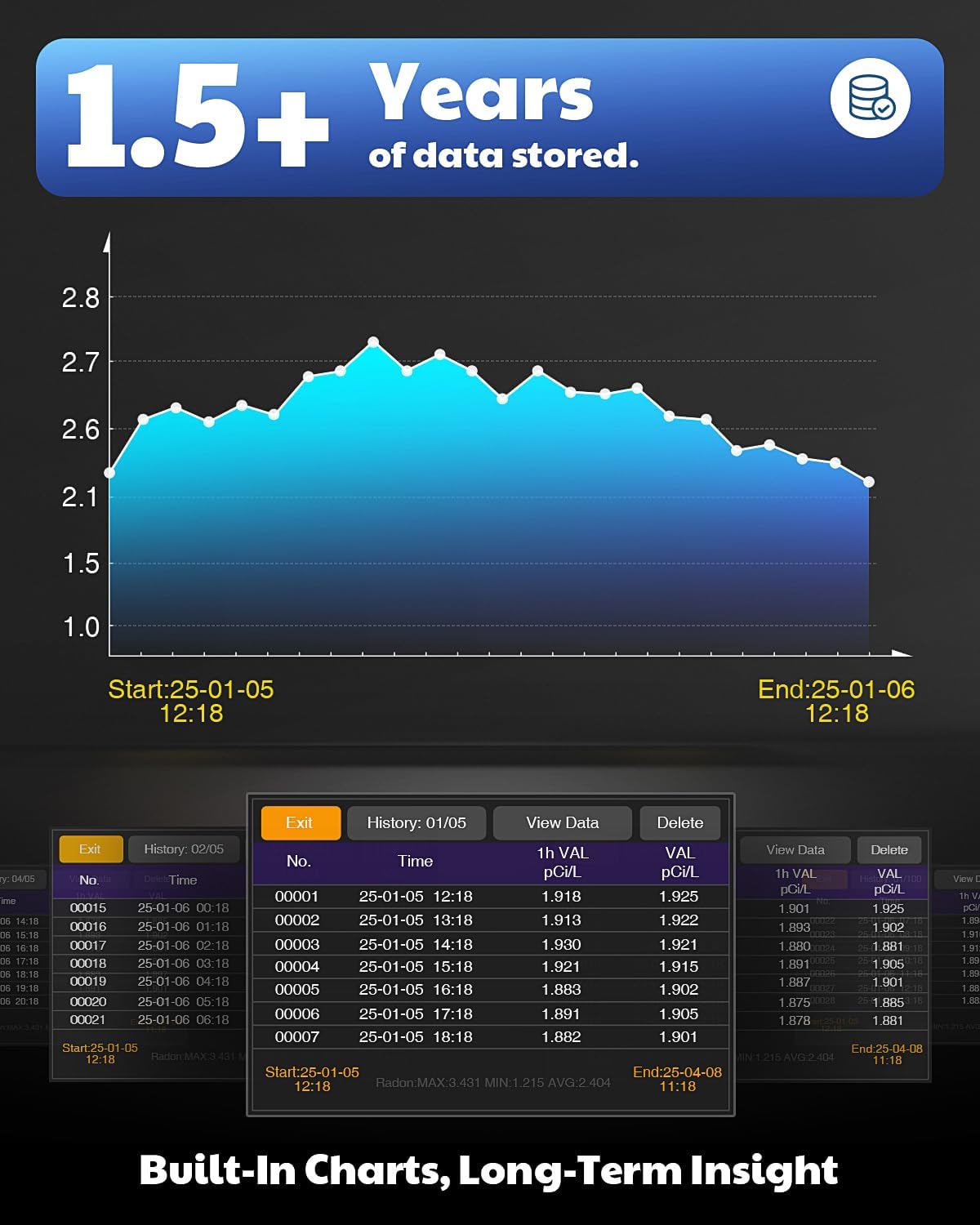
Image: The monitor's screen showing historical data and charts.
To export PDF reports, connect the device to your phone or computer using the USB-C cable. Follow the on-screen prompts or refer to the detailed user manual for specific instructions on data transfer.
Battery Life Demonstration
Video: A demonstration of the AEGTEST HOUND-3786 Home Radon Monitor's battery life, showcasing its ability to operate for up to 12 days without charging.
Alert System
The HOUND-3786 incorporates a 3-way alert system to notify you of elevated radon levels:
- Color-Coded Concentration Bar: The on-screen bar changes color to visually indicate radon levels (e.g., green for safe, yellow for caution, red for high).
- Flashing LED Indicator: A visible LED light will flash to draw attention to critical levels.
- Customizable Audible Alarm: The device can emit an audible alert when radon levels exceed a user-defined threshold. Refer to the settings menu to adjust alarm preferences.
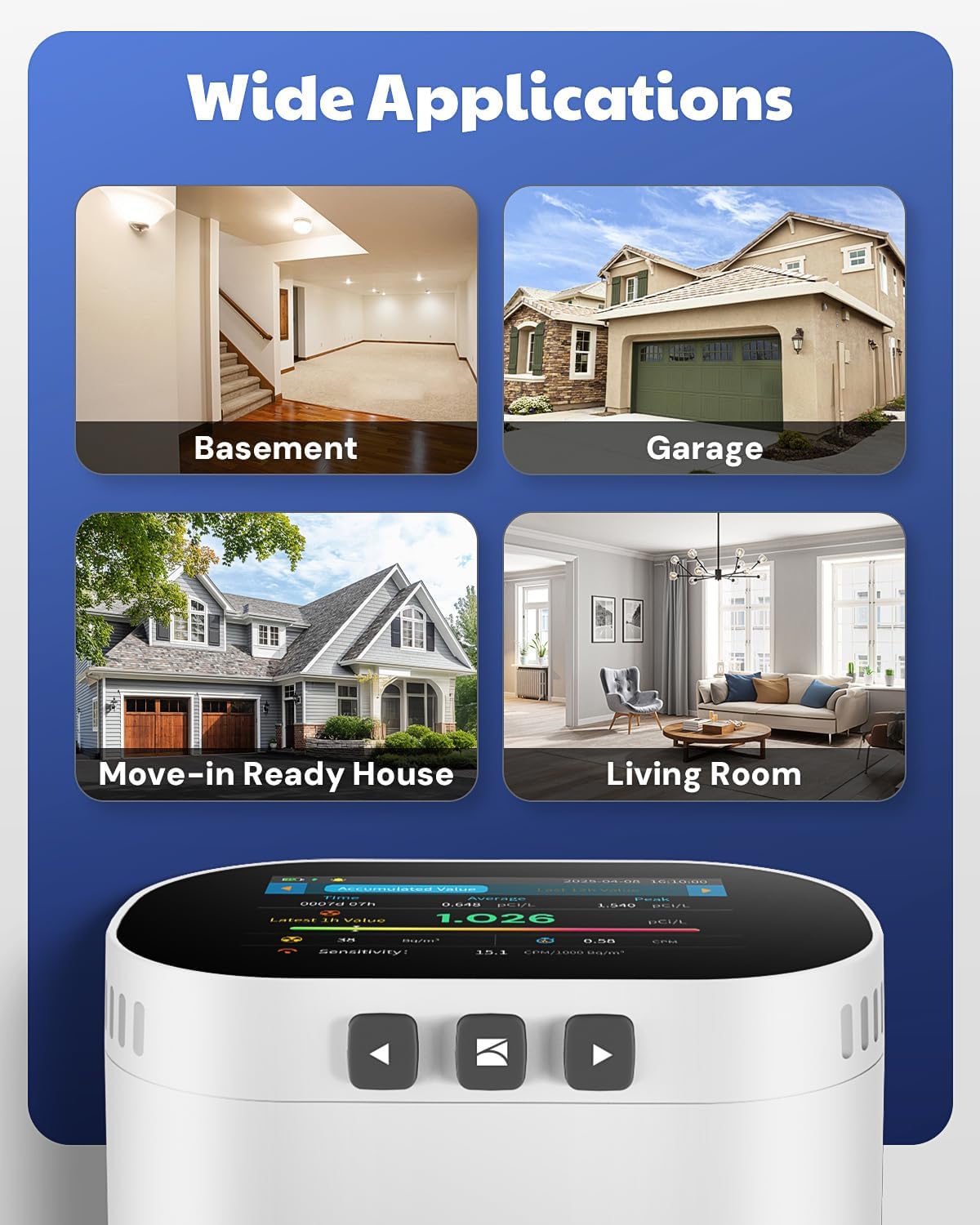
Image: Visual representation of the monitor's three alert methods.
Placement Recommendations
For optimal radon detection, consider placing the HOUND-3786 in areas such as:
- Basements
- Garages
- Living Areas
- Bedrooms
It is ideal for pre-sale or rental radon checks and new home safety evaluations.

Image: Examples of suitable locations for the radon monitor within a home.
Maintenance
- Charging: Recharge the device when the battery indicator shows low power. A full charge can last approximately 12 days, depending on usage. The device can operate while charging.
- Cleaning: Gently wipe the exterior of the device with a soft, dry cloth. Do not use abrasive cleaners or allow liquids to enter the device openings.
- Storage: When not in use for extended periods, store the device in a cool, dry place.
Troubleshooting
If you encounter issues with your HOUND-3786, please consider the following:
- Inaccurate Readings: Ensure the device is placed according to recommendations, away from drafts, direct sunlight, and heat sources. Allow sufficient time for readings to stabilize (at least 1 hour for initial stability, longer for long-term averages).
- Device Not Turning On/Charging: Verify the USB-C cable is securely connected to both the device and a working power source. Ensure the power adapter provides sufficient output.
- No Data Export: Check the USB-C cable connection to your computer or phone. Ensure your device's operating system is compatible with the data export function.
- Persistent High Readings: If readings consistently remain high despite ventilation, consult with a certified radon mitigation professional.
For further assistance, please contact AEGTEST customer support.
Specifications
| Feature | Detail |
|---|---|
| Manufacturer | AEGTEST |
| Part Number | HOUND-3786 |
| Item Weight | 1.1 pounds (0.5 Kilograms) |
| Product Dimensions | 4.72 x 2.99 x 4.53 inches |
| Item Model Number | HOUND-3786 |
| Batteries | 1 Lithium Polymer battery (included) |
| Battery Cell Type | Lithium Polymer |
| Display | 3.5-inch Color LCD |
| First Reading Time | 10 minutes |
| Stable Data Time | Within 1 hour |
| Data Storage | Over 1.5 years |
Warranty and Support
The AEGTEST HOUND-3786 Home Radon Monitor comes with a manufacturer's warranty. Please refer to the included warranty card or contact AEGTEST customer support for detailed information regarding warranty coverage, terms, and conditions. For technical support, troubleshooting, or any product-related inquiries, please visit the official AEGTEST website or contact their customer service team.