
QNGEE QNGEE-S7
QNGEE S7 16GB MP3 Player with Bluetooth 5.3 User Manual
Model: QNGEE-S7
1. Introduction
This manual provides detailed instructions for the operation and maintenance of your QNGEE S7 16GB MP3 Player. Please read this manual thoroughly before using the device to ensure proper functionality and to maximize your user experience.
Package Contents
- 1 x QNGEE S7 Bluetooth MP3 Player
- 1 x Wired Earphones
- 1 x Type-C Charging Cable
- 1 x User Manual
- 1 x Silicone Protective Case

Image: The QNGEE S7 MP3 Player shown with its included wired earphones, highlighting the compact design and ready-to-use accessories.
2. Product Overview
The QNGEE S7 MP3 Player features a 2.4-inch full touchscreen for intuitive navigation and a range of multimedia functions.
Device Features
- 2.4-inch Full Touchscreen
- Bluetooth 5.3 Connectivity
- Built-in Speaker
- 16GB Internal Storage (Expandable up to 512GB via TF card)
- USB Type-C Port
- Functions: Music Playback, Video Playback, Voice Recording, FM Radio, Photo Browsing, E-Book Reader (TXT format), Alarm Clock, Calendar, Pedometer, Stopwatch.
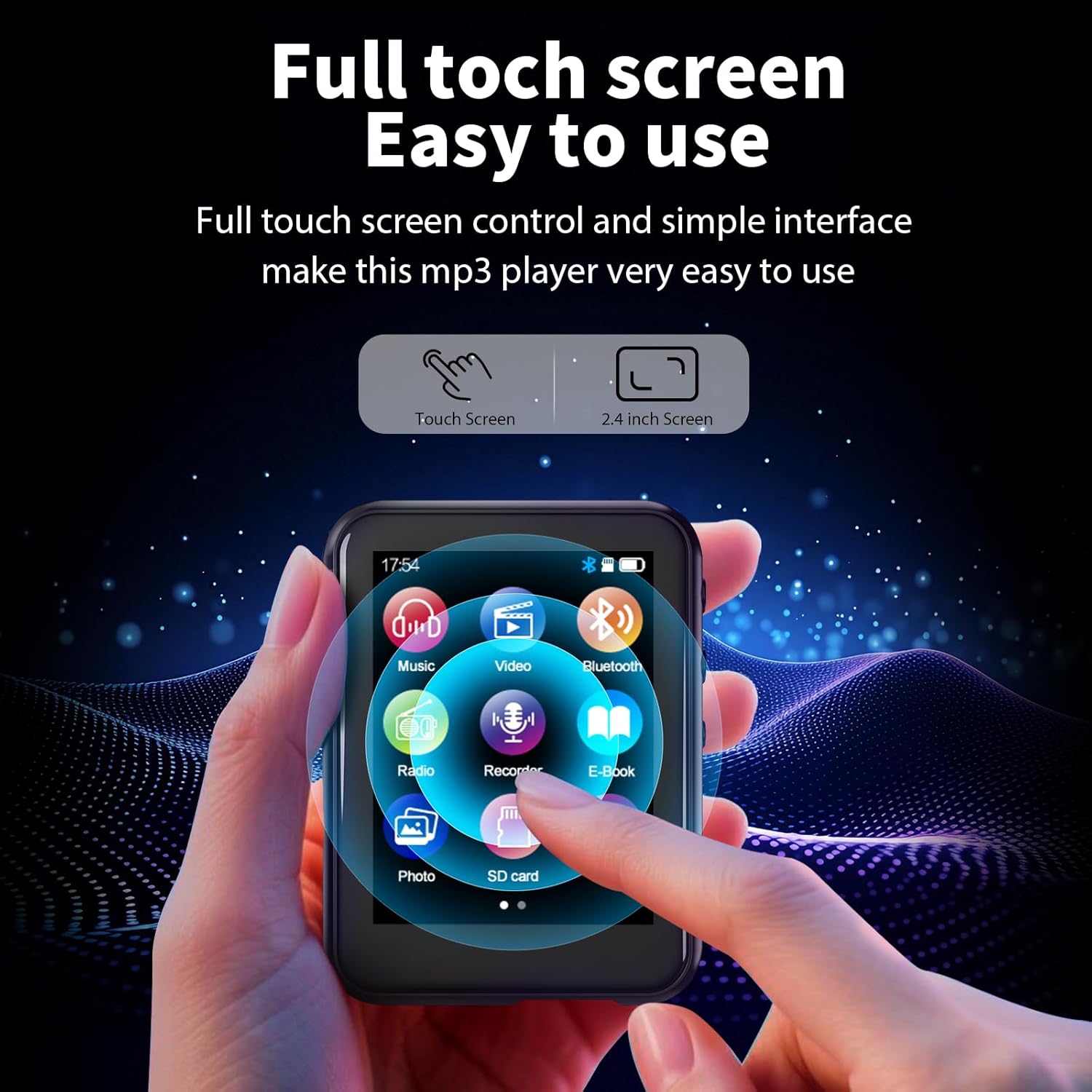
Image: A hand interacting with the QNGEE S7 MP3 Player's full touchscreen, demonstrating its easy-to-use interface.

Image: A hand navigating the QNGEE S7 MP3 Player's touchscreen interface, illustrating intuitive touch controls.

Image: Close-up view of the QNGEE S7 MP3 Player showing the 3.5mm audio jack and the USB Type-C charging/data port.
3. Setup
3.1 Initial Charging
Before first use, fully charge the device. Connect the included Type-C charging cable to the MP3 player and a USB power adapter (not included) or a computer's USB port. The battery indicator will show charging status.

Image: The QNGEE S7 MP3 Player connected via its Type-C port, illustrating the charging and data transfer capabilities.
3.2 Power On/Off
- To Power On: Press and hold the power button located on the side of the device until the screen illuminates.
- To Power Off: Press and hold the power button until a power-off option appears on the screen, then confirm.
3.3 Connecting to a Computer
Connect the MP3 player to your computer using the Type-C cable. The device will be recognized as a removable disk. You can then drag and drop music, video, photo, and e-book files into the appropriate folders on the device.
Note: Ensure files are in supported formats (see Specifications section).
4. Bluetooth Connection
The QNGEE S7 MP3 Player features Bluetooth 5.3 for wireless audio streaming to compatible headphones or speakers.
- Turn on your Bluetooth headphones or speaker and set them to pairing mode.
- On the MP3 player, navigate to the Bluetooth menu from the main screen.
- Enable Bluetooth on the device.
- The player will scan for available Bluetooth devices. Select your device from the list to pair.
- Once paired, the device will connect automatically when both are in range and Bluetooth is enabled.
Important: The Bluetooth function supports connection to Bluetooth headsets and speakers only. It cannot connect to mobile phones, PCs, or laptops via Bluetooth.
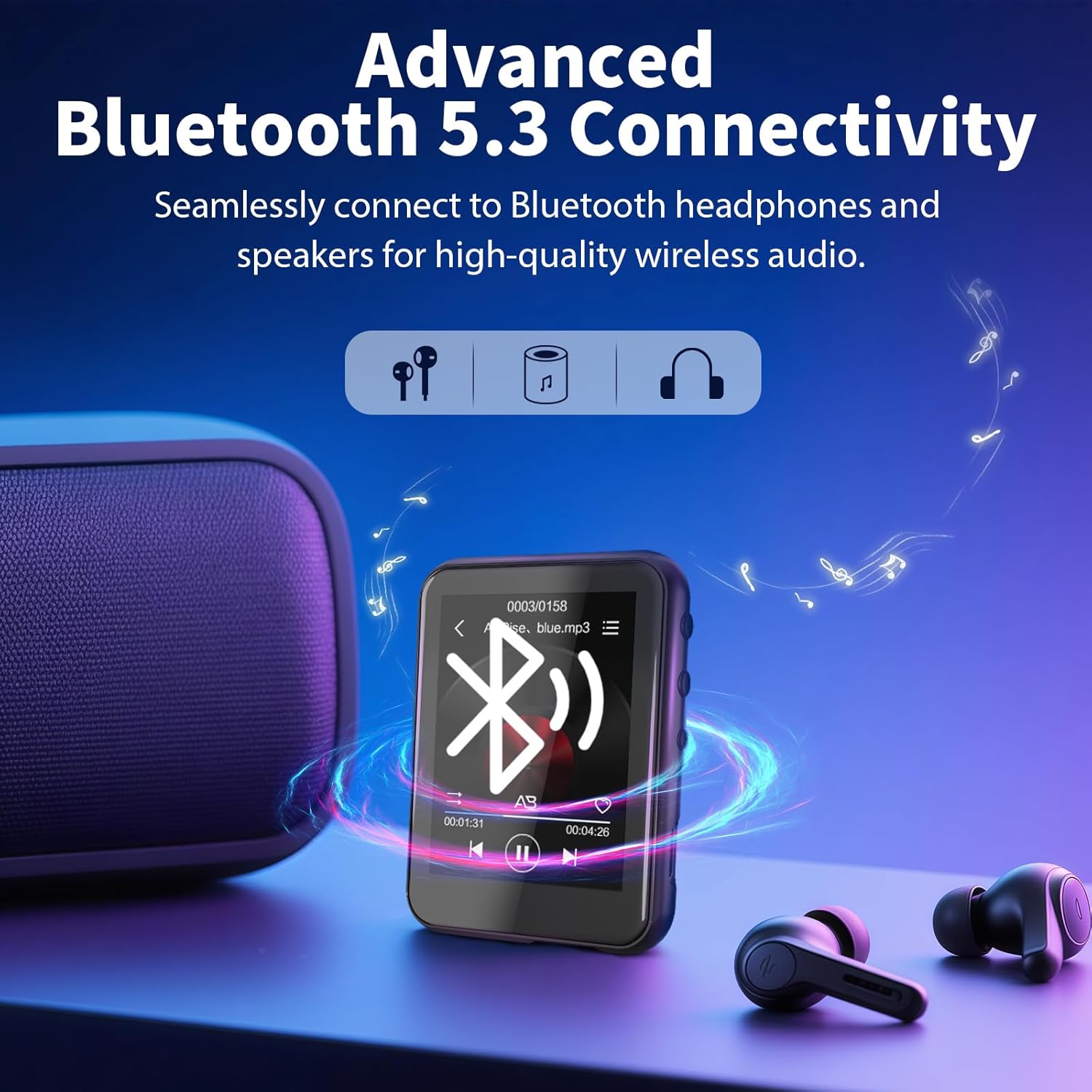
Image: The QNGEE S7 MP3 Player displaying its Bluetooth connection interface, with icons representing headphones and speakers, indicating seamless wireless audio pairing.
5. Operating the MP3 Player: Music
5.1 Playing Music
- From the main menu, tap the "Music" icon.
- Browse your music library by Artist, Album, Songs, Playlists, or Folders.
- Tap a song to begin playback.
- Use the on-screen controls for Play/Pause, Next/Previous Track, Volume adjustment, and A-B repeat.
The device supports various audio formats for HiFi lossless sound quality.
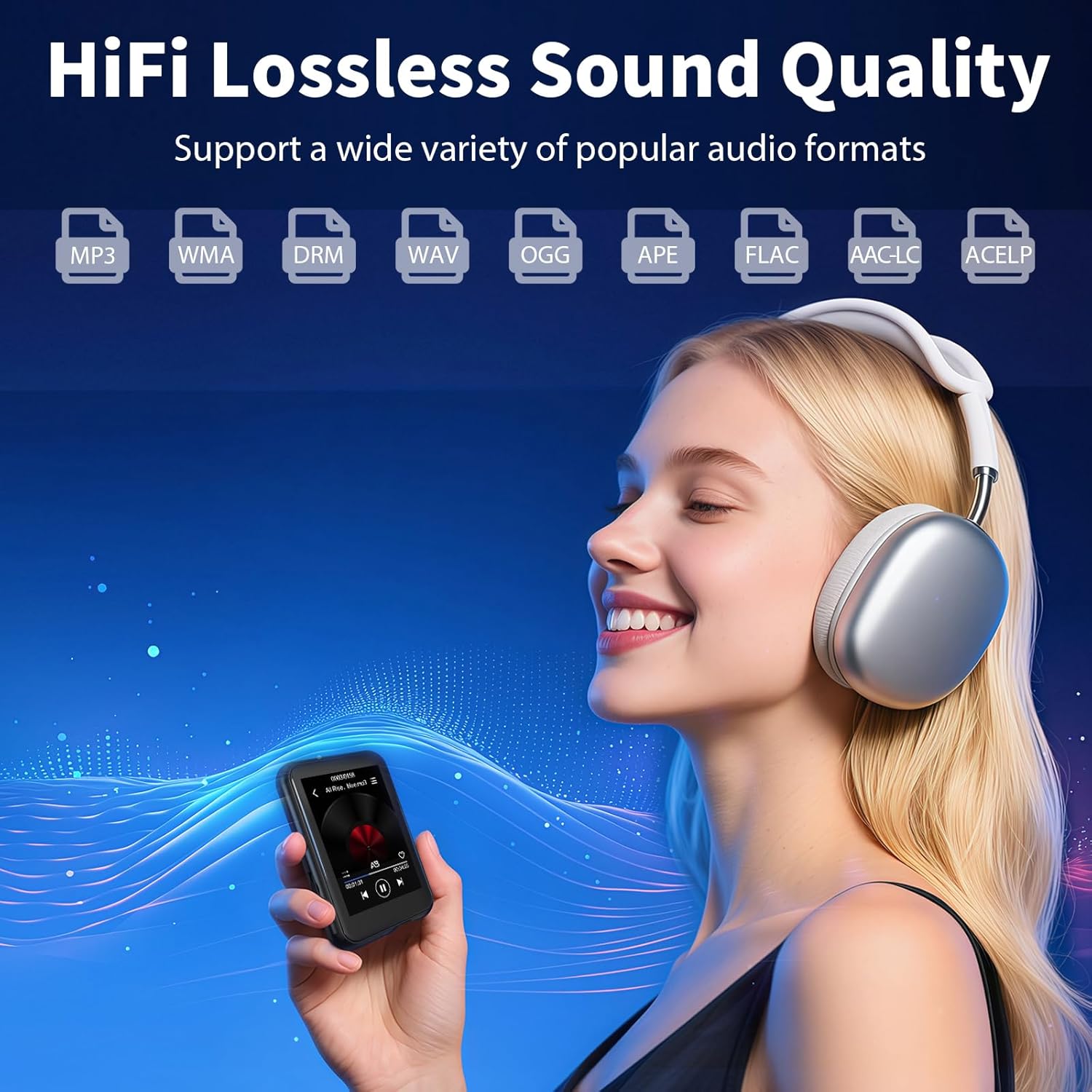
Image: A user enjoying music with headphones, while the QNGEE S7 MP3 Player displays supported audio formats including MP3, WMA, DRM, WAV, OGG, APE, FLAC, AAC-LC, and ACELP, indicating HiFi lossless sound quality.
5.2 Built-in Speaker
The MP3 player includes a built-in HD speaker, allowing you to listen to music without earphones in quiet environments. This can help reduce ear strain from prolonged headphone use.

Image: A person meditating with the QNGEE S7 MP3 Player playing music through its built-in speaker, demonstrating its use without headphones.
6. Other Functions
The QNGEE S7 MP3 Player offers a variety of additional features accessible from the main menu.

Image: The QNGEE S7 MP3 Player displaying its main menu with icons for Music, Radio, Video, Pictures, E-Books, Recorders, Clock, and Calendar, illustrating its multi-functional capabilities.
6.1 FM Radio
To use the FM Radio, connect wired earphones as they act as the antenna. Navigate to the "Radio" icon, then scan for stations or manually tune to your desired frequency.

Image: The QNGEE S7 MP3 Player screen showing the FM Radio interface, tuned to 88.68 MHz.
6.2 Voice Recorder
Tap the "Recorder" icon to access the voice recording function. You can start, pause, and save recordings. Recorded files are stored on the device and can be transferred to a computer.

Image: The QNGEE S7 MP3 Player screen displaying the Voice Recorder interface with a waveform and recording controls.

Image: The QNGEE S7 MP3 Player connected to a smartphone, illustrating its capability to record audio from external sources, such as music playing on a phone.
6.3 E-Book Reader
The device supports E-books in TXT format. Transfer TXT files to the E-book folder on the player. Tap the "E-Book" icon to browse and read your files.

Image: The QNGEE S7 MP3 Player displaying text on its screen, representing its E-Book reading function, alongside a stack of physical books.
6.4 Video Playback
The MP3 player supports video playback. Ensure video files are in a compatible format for optimal performance. Access this feature via the "Video" icon.

Image: The QNGEE S7 MP3 Player screen showing a video playing, demonstrating its video playback capability.
6.5 Photo Browsing
View your images by tapping the "Photo" icon. The device supports JPEG and BMP formats.
6.6 Alarm Clock & Calendar
Set alarms and view the calendar through their respective icons on the main menu.

Image: A person sleeping peacefully, with an alarm clock icon overlaid, representing the alarm clock function of the QNGEE S7 MP3 Player.
7. Storage Management
The QNGEE S7 comes with 16GB of built-in storage. This can be expanded significantly using a TF (microSD) card.
7.1 Expanding Storage
The device supports TF cards up to 512GB (not included). Insert a compatible TF card into the designated slot to increase your storage capacity for more music, videos, and other files.

Image: The QNGEE S7 MP3 Player screen showing the 16GB internal storage and an arrow pointing to a 512GB TF card, illustrating the expandable storage capability.
Note: The "Music" function may display up to 4000 songs even if the storage is sufficient for more. The "Folder" function has no limit if the storage is sufficient.
8. Maintenance
8.1 Cleaning
Wipe the device with a soft, dry cloth. Avoid using liquid cleaners or abrasive materials, which can damage the screen or casing.
8.2 Battery Care
- Charge the device regularly, even if not in frequent use, to maintain battery health.
- Avoid exposing the device to extreme temperatures.
- Use only the provided Type-C cable for charging.
9. Troubleshooting
| Problem | Solution |
|---|---|
| Device does not power on. | Ensure the device is fully charged. Press and hold the power button for several seconds. |
| Cannot connect to Bluetooth device. | Ensure your Bluetooth headphones/speaker are in pairing mode. Verify Bluetooth is enabled on the MP3 player. The player only connects to audio output devices, not phones or computers. |
| Computer does not recognize the device. | Try a different USB port or cable. Ensure the cable is securely connected. Restart both the computer and the MP3 player. |
| Music files are not playing. | Check if the music files are in a supported format (MP3, WMA, WAV, OGG, APE, FLAC, AAC-LC, ACELP). Ensure files are transferred to the correct folder. |
| FM Radio not working. | Ensure wired earphones are connected, as they serve as the antenna. |
10. Specifications
| Feature | Detail |
|---|---|
| Model Name | QNGEE-S7 |
| Screen Size | 2.4 Inches |
| Memory Storage Capacity | 16 GB (expandable up to 512GB via TF card) |
| Connectivity Technology | Bluetooth 5.3, USB Type-C |
| Compatible Devices | Bluetooth Headphones, Speakers, Personal Computer (Windows), Wired Earphones |
| Supported Audio Formats | MP3, WMA, DRM, WAV, OGG, APE, FLAC, AAC-LC, ACELP |
| Supported E-Book Format | TXT |
| Supported Image Formats | JPEG, BMP |
| Item Weight | 2.33 ounces (66g) |
| Package Dimensions | 7.44 x 5.2 x 0.75 inches |
| Battery | 1 Nonstandard Battery (included) |
11. Warranty and Support
For warranty information and customer support, please refer to the documentation included with your purchase or visit the official QNGEE website. Keep your purchase receipt for warranty claims.
Related documentsQNGEE-S7


Ask a question about this manual
Ask about setup, troubleshooting, compatibility, parts, safety, or missing instructions. Manuals+ will review the question and use this page’s manual context to help answer it.