
1. Introduction
This manual provides essential information for the proper installation, operation, and maintenance of your Aeris SV18204 HRV Filter Kit. This kit contains two replacement filters designed to maintain the air quality and efficiency of your Heat Recovery Ventilator (HRV) or Energy Recovery Ventilator (ERV) system. Regular filter replacement is crucial for optimal system performance and indoor air quality.
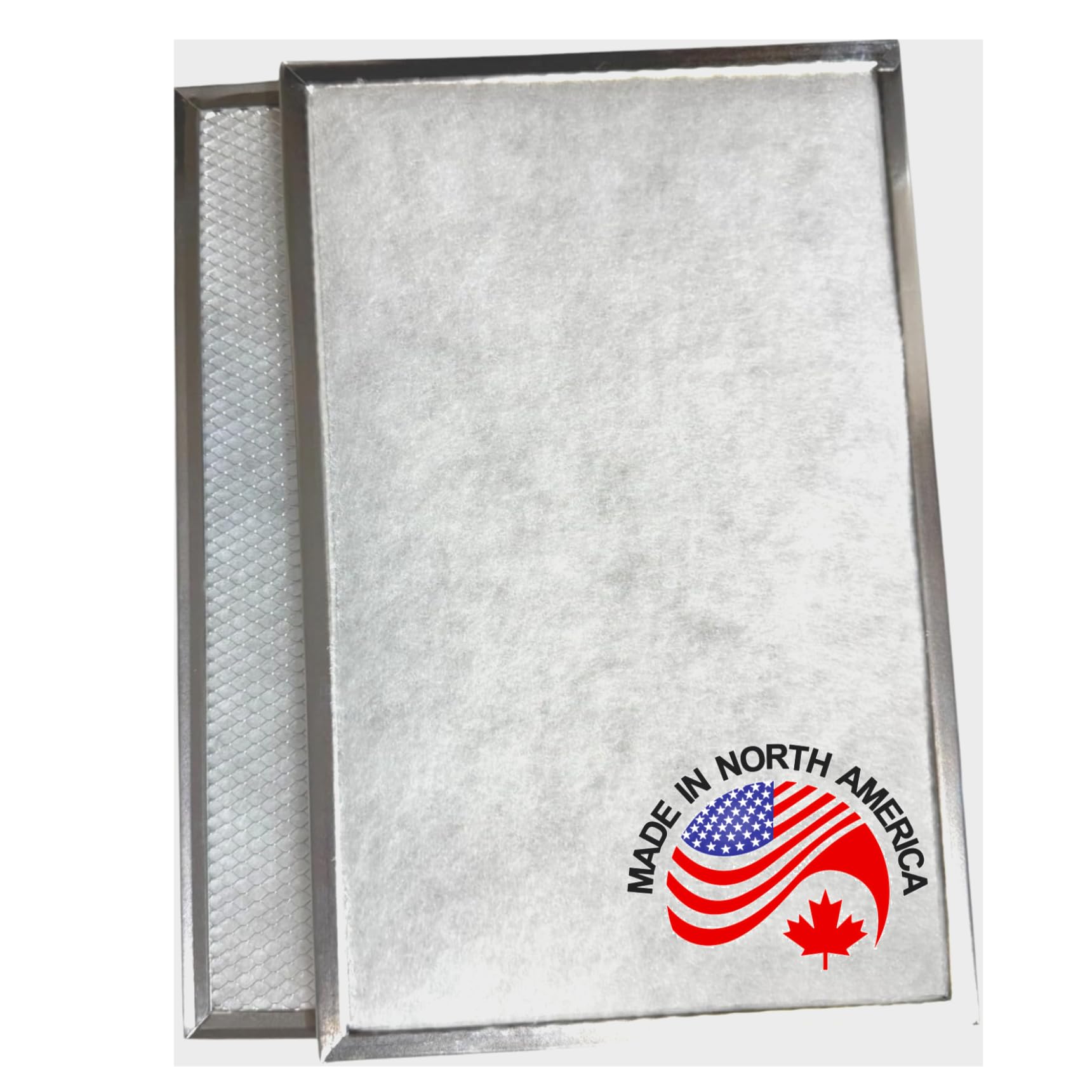
Image 1.1: The Aeris SV18204 HRV Filter Kit, containing two filters.
2. Safety Guidelines
- Always disconnect power to your HRV/ERV unit before attempting any maintenance or filter replacement.
- Wear appropriate personal protective equipment, such as gloves, to avoid contact with dust and debris from old filters.
- Handle new filters carefully to prevent damage to the filter media.
- Dispose of old filters according to local waste disposal regulations.
3. Package Contents
Your Aeris SV18204 HRV Filter Kit includes:
- Two (2) Aeris SV18204 HRV Filters (Dimensions: 14.25"L x 9.25"W x 0.13"Th)
4. Compatibility
The Aeris SV18204 HRV Filter Kit is compatible with the following HRV/ERV models:
- ERV140TE
- 90H-V ECM ERV
- 90H-V+
- 60H-V+
- 90H-V
- 60H Novo+
- E10 HRV
- E15 EKO ERV 1.5
- Constructo 1.5V
- Novofit 1.0
Please verify your HRV/ERV model number before installation to ensure proper fit and function.
5. Installation Instructions
Follow these steps to replace the filters in your HRV/ERV unit:
- Power Off: Locate the power switch for your HRV/ERV unit and turn it off. This is a critical safety step.
- Access Filter Compartment: Open the access panel or door to the filter compartment on your HRV/ERV unit. Refer to your HRV/ERV unit's manual if you are unsure how to access the filters.
- Remove Old Filters: Carefully slide out the old filters. Note their orientation (which side faces in or out) as you remove them. Dispose of the old filters responsibly.
- Insert New Filters: Take one new Aeris SV18204 filter. Ensure the filter is oriented correctly. The filter media typically has a distinct front and back. Slide the new filter into the compartment. Repeat for the second filter.
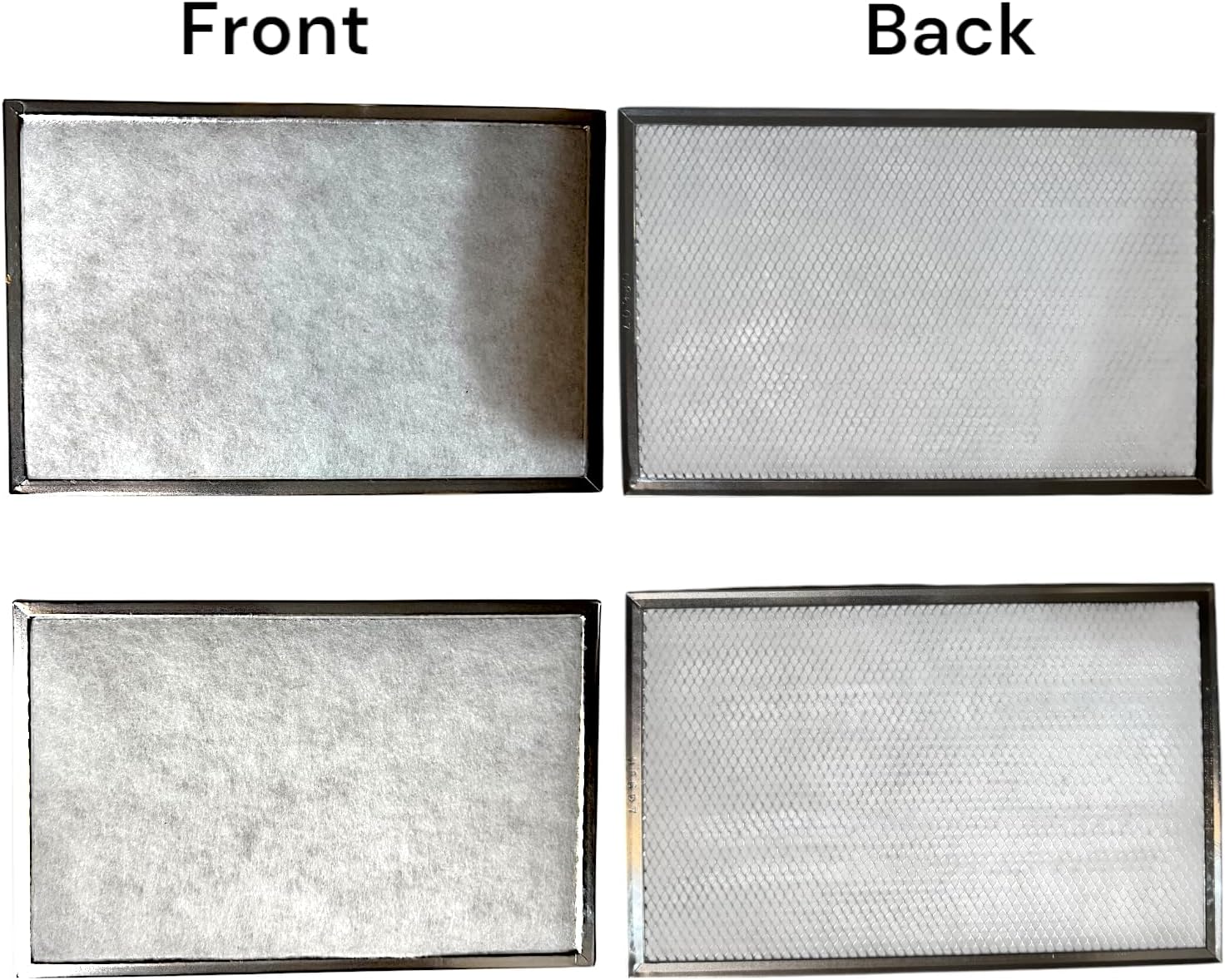
Image 5.1: Front and Back view of the Aeris SV18204 HRV Filter. Ensure correct orientation during installation.
- Close Compartment: Securely close the filter compartment access panel or door.
- Restore Power: Turn the power back on to your HRV/ERV unit.
6. Maintenance and Replacement
To ensure optimal performance of your HRV/ERV system and maintain good indoor air quality, it is recommended to inspect and replace your Aeris SV18204 filters regularly.
- Inspection: Inspect filters every 3-6 months, or more frequently in dusty environments or if you have pets.
- Replacement: Replace filters at least every 6-12 months, or sooner if they appear heavily soiled or airflow is noticeably reduced.
- Disposal: Dispose of used filters in regular household waste, or according to local regulations for air filter disposal.

Image 6.1: Close-up of the filter mesh, illustrating the clean filter material.
7. Troubleshooting
If you encounter issues after replacing your filters, consider the following:
- Reduced Airflow: Ensure filters are installed correctly and not obstructed. Check if the HRV/ERV unit's access panel is fully closed and sealed.
- Filters Don't Fit: Double-check the model number of your HRV/ERV unit against the compatible devices list in Section 4. Verify the dimensions of the filters.
- Unusual Noises: Ensure filters are seated properly and not vibrating within the compartment.
If problems persist, consult your HRV/ERV unit's specific troubleshooting guide or contact a qualified technician.
8. Specifications
| Feature | Detail |
|---|---|
| Model Number | SV18204 |
| Dimensions (L x W x Th) | 14.25" x 9.25" x 0.13" |
| Material | Paper |
| Quantity | 2 Filters per kit |
| Compatible Devices | ERV140TE, 90H-V ECM ERV, 90H-V+, 60H-V+, 90H-V, 60H Novo+, E10 HRV, E15 EKO ERV 1.5, Constructo 1.5V, Novofit 1.0 |
9. Warranty and Support
For information regarding product warranty or technical support, please refer to the official Aeris website or contact Aeris customer service directly. Keep your purchase receipt for warranty claims.