
Introduction
The Roku Select Series Full HD TV offers a streamlined entertainment experience. This smart TV provides access to streaming content in bright 1080p Full HD resolution. Key features include auto speech clarity, night mode, and a voice remote for easy navigation and control. It is designed for various living spaces, including bedrooms, living rooms, and kitchens, offering a simple and intuitive Roku experience.
What's in the Box
- User Manual
- Remote Control
- Stand
- Power Cable

Setup
Follow these steps to set up your Roku Smart TV:
- Unpack the TV: Carefully remove the TV and all accessories from the packaging.
- Attach the Stand: Securely attach the included stand to the bottom of the TV using the provided screws. Ensure the TV is placed on a stable, flat surface.
- Connect Power: Plug the power cable into the TV and then into a wall outlet.
- Connect Devices: Connect any external devices such as gaming consoles, cable boxes, or sound systems to the available HDMI or other input ports.
- Initial Setup: Power on the TV using the remote. Follow the on-screen instructions to connect to your Wi-Fi network, activate your Roku account, and install desired streaming channels.
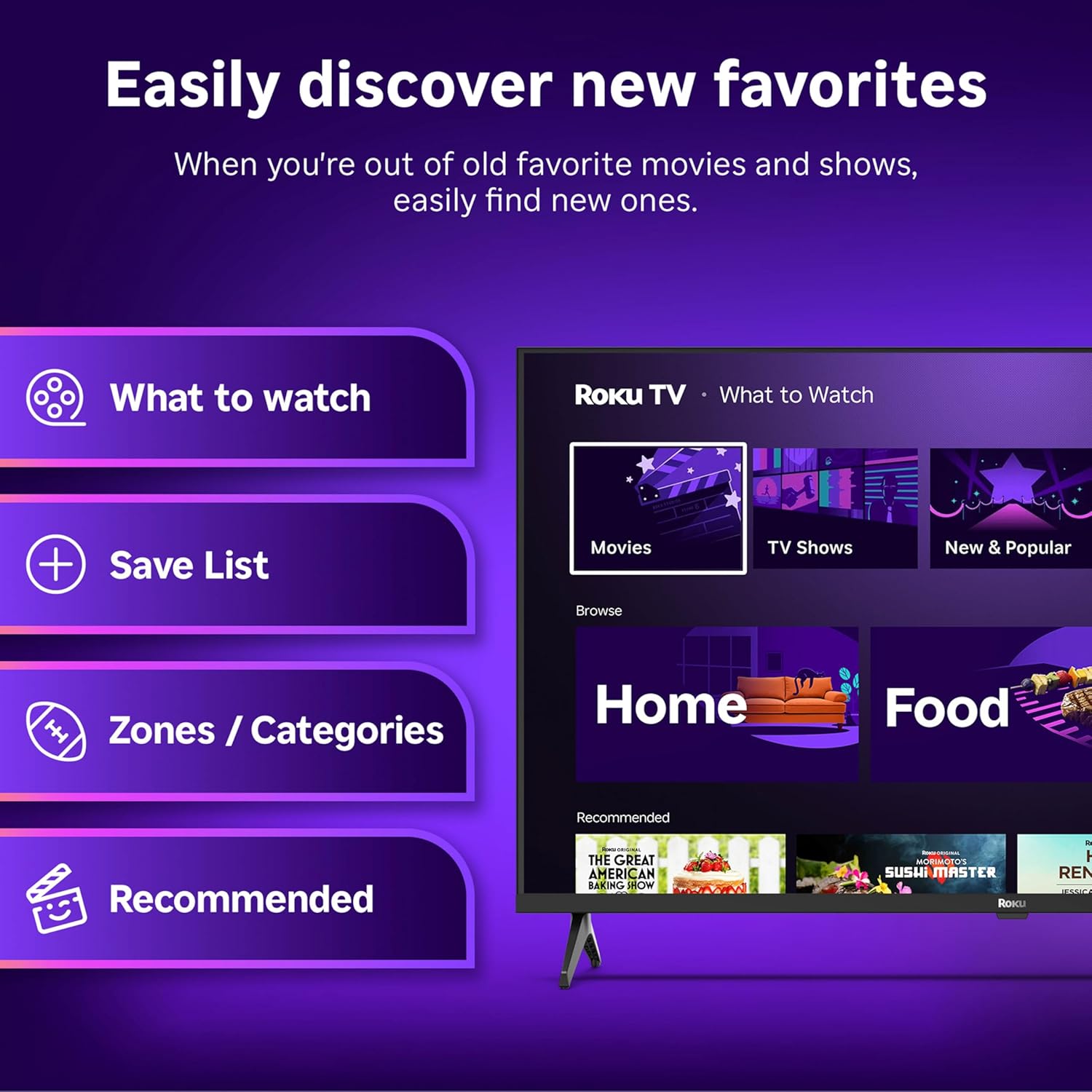
Video 1: Roku Select Series Product Video. This video provides a brief overview of the TV's features and ease of setup.
Operating the TV
The Roku TV interface is designed for simplicity and quick access to entertainment.
Home Screen Navigation
The home screen provides a centralized hub for all your streaming channels, inputs, and settings. Use the directional pad on your remote to navigate through the options.
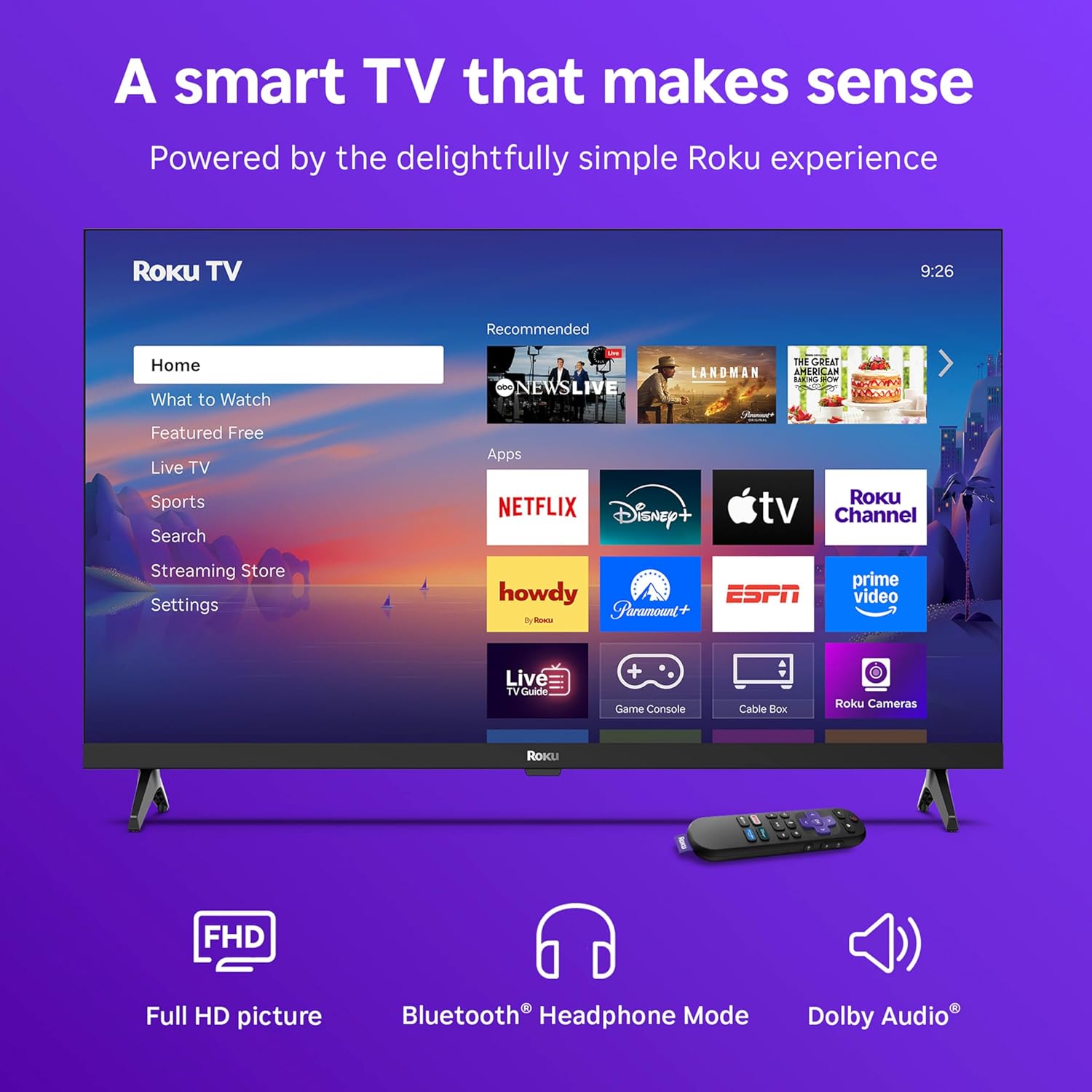
Video 2: Roku TV OS Video. This video demonstrates the user interface and navigation of the Roku operating system.
Voice Remote
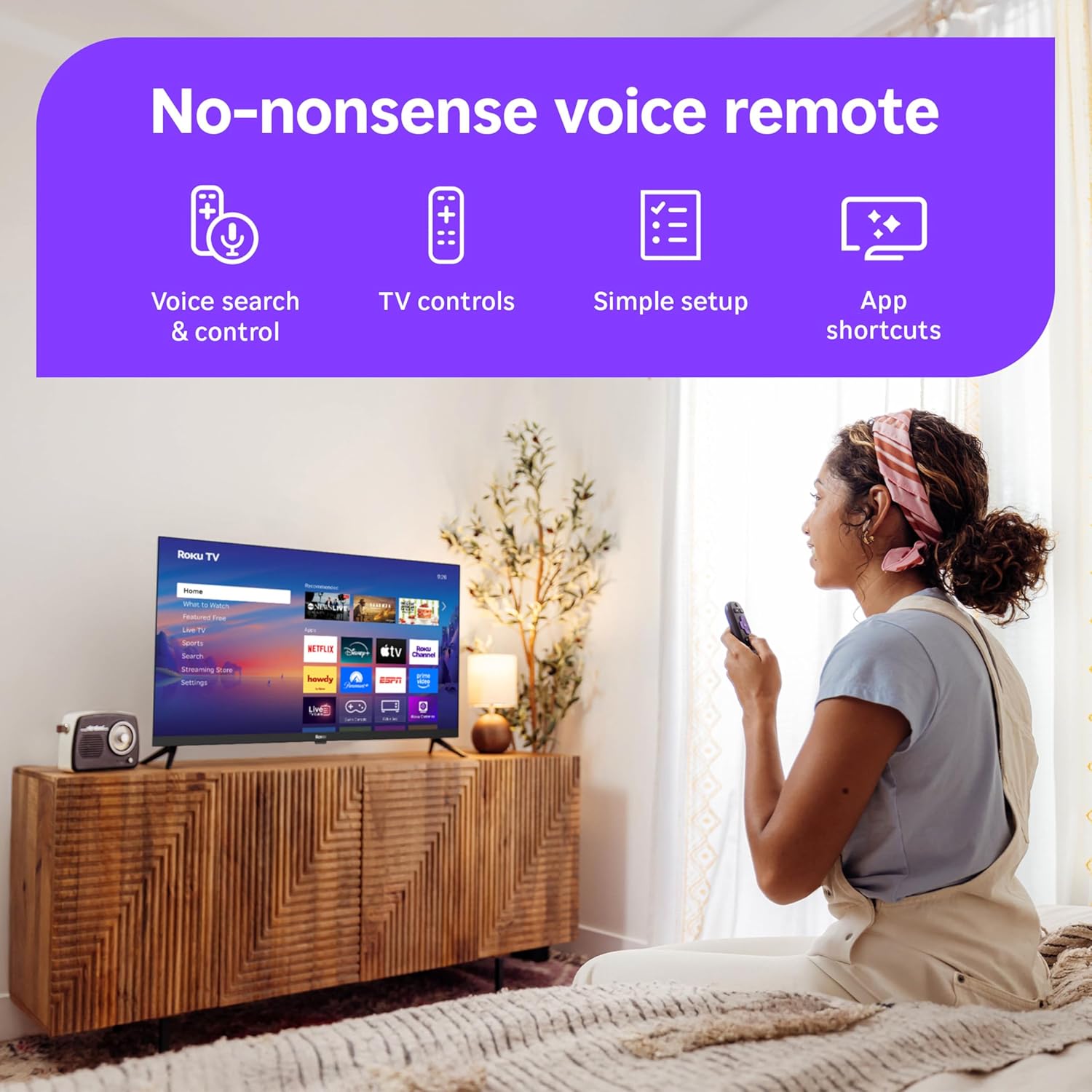
The included voice remote allows for hands-free control and quick searches. Press the voice button and speak your commands to find content, launch apps, or control playback.
Picture and Sound Features
Experience vibrant visuals and clear audio with your Roku Smart TV.
1080p Full HD Picture
The 32-inch screen delivers 1080p Full HD resolution, providing a sharp and clear image with accurate colors. Roku Smart Picture technology optimizes incoming TV signals and automatically selects the best picture mode for your content.


Dolby Audio and Bluetooth Headphone Mode
The TV is designed with Dolby Audio technology for clear speech and louder sound. For private listening, activate Bluetooth Headphone Mode to connect your favorite wireless headphones.


Smart Home Integration
Your Roku Smart TV seamlessly integrates with various smart home ecosystems, allowing for enhanced control and connectivity.
Voice Control and Apple AirPlay
Utilize Roku Voice, Siri, Alexa, or Google Assistant for easy voice control of your TV. Effortlessly share videos, photos, and music from your Apple devices to your smart TV using Apple AirPlay.

Connectivity
The Roku Smart TV offers multiple connectivity options for your devices.
Ports and Wireless Connections
The TV includes multiple HDMI ports for high-definition devices, a USB port for media playback, and built-in Wi-Fi and Bluetooth for wireless streaming and accessory connections.

Specifications
| Feature | Detail |
|---|---|
| Brand | Roku |
| Model Number | 32R3D5 |
| Screen Size | 32 Inches |
| Display Technology | LED |
| Resolution | 1080p Full HD |
| Refresh Rate | 60 Hz |
| Item Weight | 7.5 Pounds |
| Product Dimensions | 7 x 28.3 x 18.3 inches |
| Connectivity Technology | Bluetooth, Wi-Fi |
| Special Features | Bluetooth Headphone Mode, Dolby Audio, Voice Remote |
| Included Components | Power Cable, Remote Control, Stand, User Manual |
| Batteries | 2 AAA batteries required (included) |
Troubleshooting
If you encounter issues with your Roku Smart TV, consider the following common solutions:
- No Power: Ensure the power cable is securely connected to both the TV and a working electrical outlet. Try a different outlet.
- No Picture/Sound: Verify that all connected devices (e.g., cable box, gaming console) are powered on and correctly connected to the TV's input ports. Check the input source selection on your TV.
- Remote Not Responding: Replace the batteries in the remote control. Ensure there are no obstructions between the remote and the TV.
- Wi-Fi Connectivity Issues: Restart your Wi-Fi router and modem. On the TV, go to Settings > Network > Set up connection to re-establish the wireless connection.
- App Not Loading: Ensure your TV is connected to the internet. Try restarting the app or the TV. You can also remove and re-add the problematic channel from the Roku home screen.
- Poor Picture Quality: Check your internet speed for streaming content. For connected devices, ensure you are using high-quality HDMI cables. Adjust picture settings via Settings > TV picture settings.
Maintenance
To ensure the longevity and optimal performance of your Roku Smart TV, follow these maintenance guidelines:
- Cleaning the Screen: Use a soft, lint-free cloth specifically designed for electronics. Gently wipe the screen to remove dust and smudges. Avoid using harsh chemicals or abrasive materials.
- Cleaning the TV Body: Wipe the exterior of the TV with a soft, dry cloth. Do not use liquid cleaners directly on the TV.
- Ventilation: Ensure the TV's ventilation openings are not blocked to prevent overheating. Maintain adequate space around the TV for air circulation.
- Software Updates: The TV receives automatic software updates to improve performance and add new features. Ensure your TV is connected to the internet to receive these updates.
- Power Management: Unplug the TV from the power outlet during electrical storms or when it will be left unattended for long periods.
Warranty and Support
For warranty information, technical support, or service inquiries, please refer to the warranty card included with your product or visit the official Roku support website. Keep your purchase receipt and model number (32R3D5) handy for any support requests.


