
1. Introduction
Thank you for choosing the faleemi 2K Pan/Tilt Indoor WiFi Security Camera. This manual provides essential information for setting up, operating, and maintaining your camera to ensure optimal performance and security. Please read this manual thoroughly before use and retain it for future reference.
2. Product Overview
The faleemi FS3 camera is designed for indoor surveillance, offering advanced features to keep your home secure and connected. Its compact design and versatile functionalities make it an ideal solution for monitoring pets, children, or general home security.
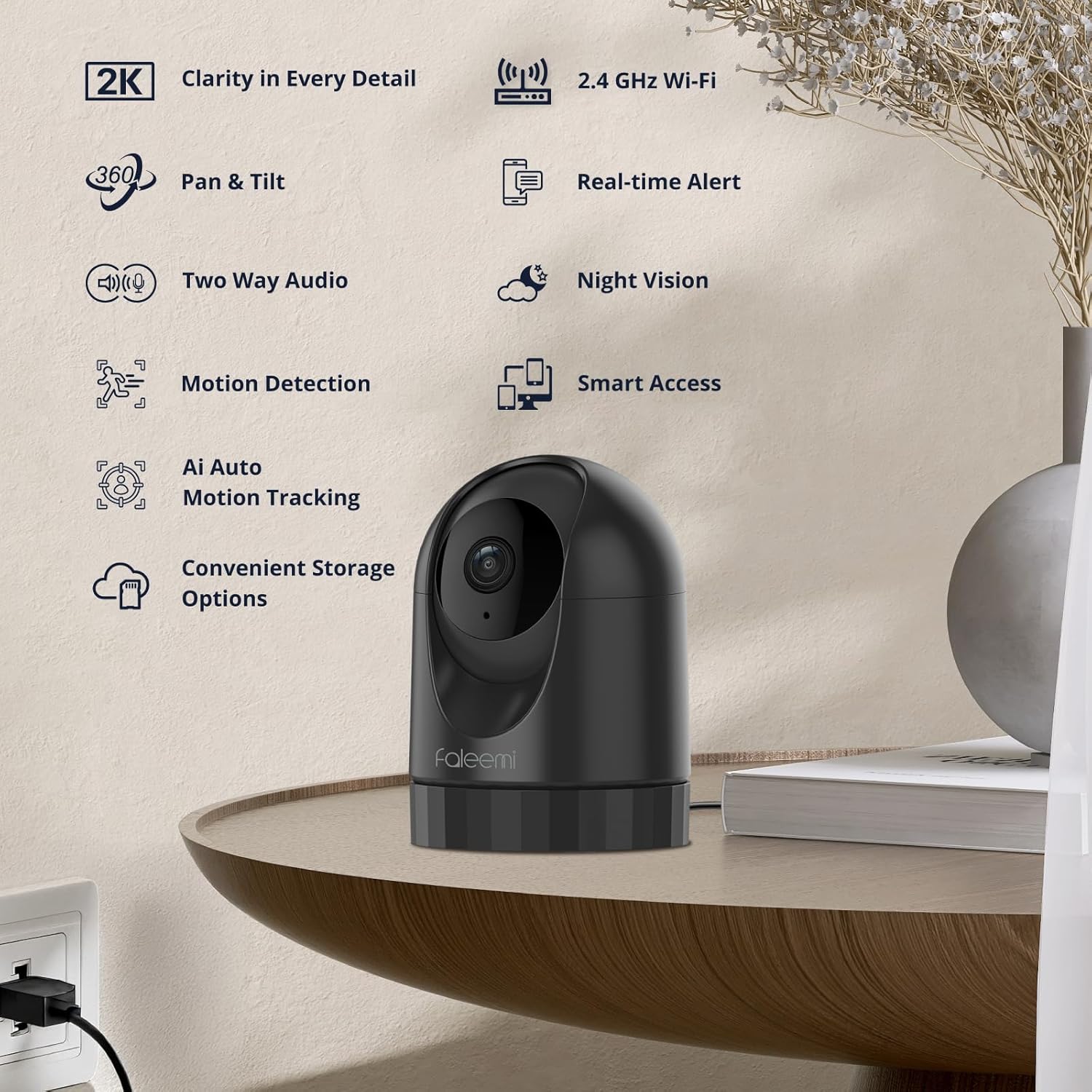
Image: Overview of the faleemi camera highlighting its key features such as 2K clarity, 2.4 GHz Wi-Fi, Pan & Tilt, Real-time Alert, Two-Way Audio, Motion Detection, AI Auto Motion Tracking, Night Vision, Smart Access, and Convenient Storage Options.
Key Features:
- 2K Ultra HD Quality: Provides sharp, detailed footage with 2K resolution (3MP, 2304 x 1296 pixels) for clear monitoring.
- 360-Degree Pan/Tilt Coverage: Offers 320° horizontal and 75° vertical rotation for comprehensive room monitoring via the smartphone app.
- Night Vision Capability: Equipped with four 940nm infrared LEDs for clear visibility up to 30 feet in complete darkness.
- Smart Motion Detection & Auto-Tracking: Detects movement and automatically tracks the subject, sending instant alerts to your smartphone.
- Two-Way Audio: Allows for real-time communication through the camera, enabling you to speak to and hear from the monitored area.
- Built-in Siren: An integrated siren can be activated to deter intruders or alert occupants.
- Versatile Storage Options: Supports local storage via Micro SD card (up to 256GB, not included) and optional cloud storage subscription.
- Privacy Area & On/Off Control: Customize your security by defining privacy zones or turning the camera off as needed.

Image: Visual comparison demonstrating the superior clarity and detail of 2K Ultra HD (3MP) resolution compared to 1080P Full HD (2MP).

Image: A panoramic view illustrating the camera's 360-degree Pan-Tilt-Zoom (PTZ) capability, showing its wide horizontal and vertical viewing angles covering an entire room without blind spots.

Image: A black and white image demonstrating the camera's night vision capabilities, showing a clear view of a sleeping child in a dark room.

Image: A scene depicting smart motion detection, where a person is seen near a door, and a smartphone displays a 'Motion alarm' notification from the camera.

Image: A series of still frames illustrating the camera's auto motion tracking feature, showing a white dog moving across a living room and the camera's focus box following its movement.

Image: A scenario demonstrating two-way audio, where a child is climbing on kitchen cabinets, and a smartphone screen shows the live camera feed with a warning message, implying the ability to communicate through the camera.

Image: A graphic representation of the camera's flexible storage options, showing both local Micro SD card storage (up to 256GB, not included) and an optional cloud subscription service.

Image: A visual depicting the privacy area and on/off control feature, showing a child's room with colored overlays indicating customizable privacy zones where the camera will not record.
3. What's in the Box
Upon opening your faleemi camera package, you should find the following components:
- Camera Body
- Power Adapter
- Instruction Manual
- Mounting Screw
4. Setup
Follow these steps to set up your faleemi 2K Pan/Tilt Indoor WiFi Security Camera:

Image: A visual suggesting a simple 3-step installation process for the faleemi camera, showing the camera in a home setting.
- Power On: Connect the camera to a power outlet using the provided power adapter. The camera will initiate its startup sequence.
- Download the App: Search for the 'faleemi' app on your smartphone's app store (iOS or Android) and download it.
- Create Account & Add Device: Open the app, register a new account if you don't have one, and follow the on-screen instructions to add your new camera. Ensure your smartphone is connected to a 2.4GHz Wi-Fi network during setup.
- Placement: Position the camera in your desired indoor location. It can be placed on a flat surface or mounted on a wall or ceiling using the included mounting screw.
5. Operating the Camera
Once set up, you can control and monitor your faleemi camera through the dedicated smartphone application.
Live View & Pan/Tilt Control:
Access the live feed from your camera through the app. Use the on-screen controls to remotely pan (horizontal) and tilt (vertical) the camera lens to view different areas of the room.
Two-Way Audio:
Tap the microphone icon in the app's live view to enable two-way audio. You can speak through your phone, and your voice will be projected through the camera's speaker. Similarly, you can hear audio from the camera's environment.
Motion Detection & Alerts:
The camera automatically detects motion. When motion is detected, the camera will record footage and send an instant notification to your smartphone. You can customize motion detection sensitivity and alert settings within the app.
Night Vision:
The camera automatically switches to night vision mode in low-light conditions, providing clear black-and-white footage. This ensures continuous monitoring even in complete darkness.
Recording & Storage:
The camera supports continuous recording or event-triggered recording (e.g., by motion detection). Footage can be stored locally on a Micro SD card (not included) or securely in the cloud with an optional subscription. Review recorded footage directly from the app.
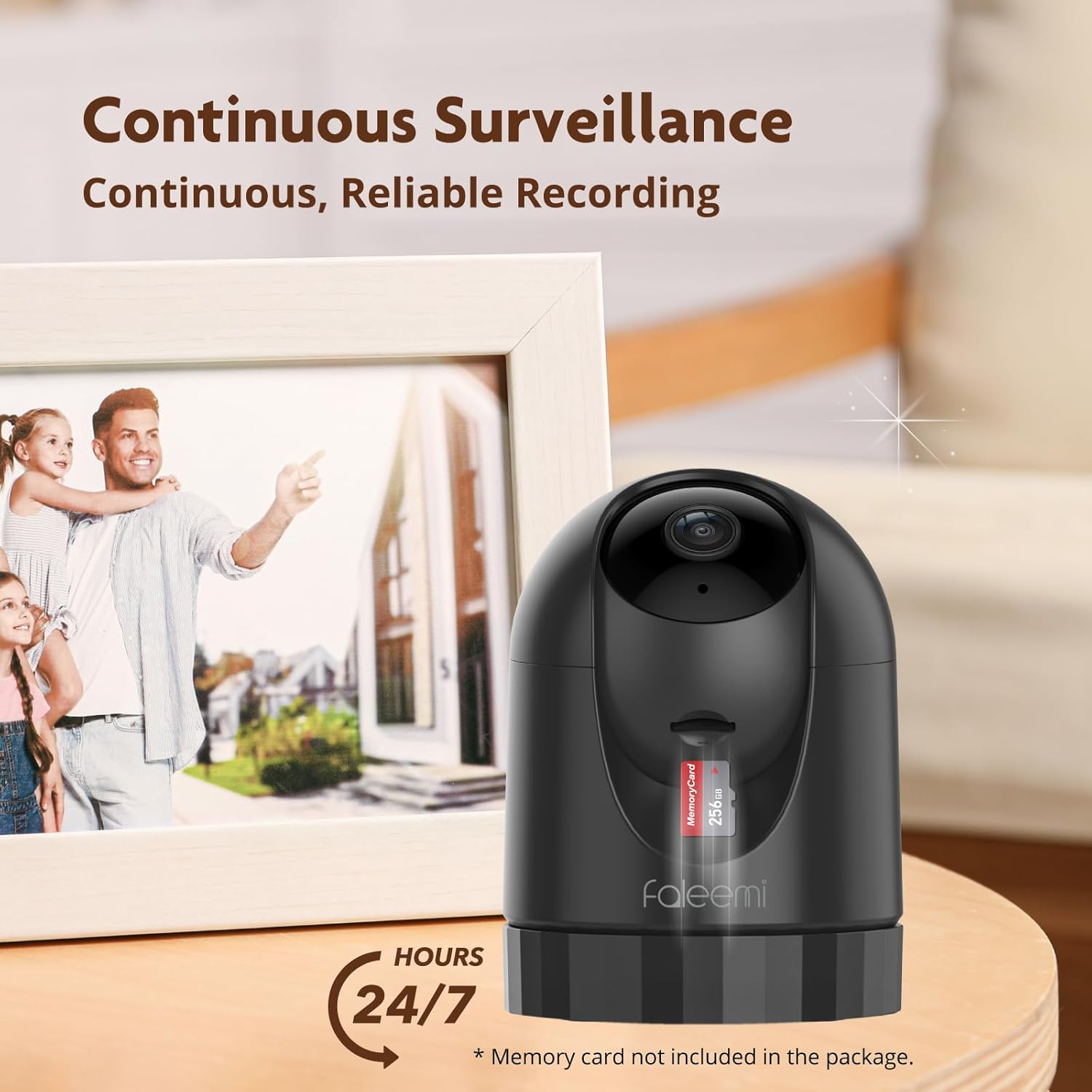
Image: The faleemi camera with a Micro SD card visible, emphasizing its capability for continuous, reliable recording. A note indicates that the memory card is not included.
Multi-Device Access & Sharing:
Access your camera feed from multiple devices, including smartphones, tablets, and laptops. You can also share access to the camera with family members through the app.

Image: A visual representing the family-friendly sharing feature, showing multiple user profiles on a smartphone, indicating that camera access can be easily shared among family members.

Image: A smartphone screen showing a quad-screen security view, allowing users to monitor multiple camera feeds simultaneously.

Image: A setup showing the camera feed accessible across multiple devices, including a laptop, smartphone, and tablet, highlighting its multi-device compatibility.
6. Maintenance
- Cleaning: Gently wipe the camera lens and body with a soft, dry cloth. Avoid using harsh chemicals or abrasive materials.
- Software Updates: Regularly check the faleemi app for firmware updates. Keeping your camera's firmware updated ensures optimal performance, security, and access to new features.
- Power Cycle: If the camera experiences issues, try unplugging it from the power source for a few seconds and then plugging it back in.
7. Troubleshooting
Common Issues and Solutions:
- Camera Offline:
- Ensure the camera is properly connected to power.
- Check your Wi-Fi network connection and signal strength.
- Restart your Wi-Fi router and the camera.
- Cannot Connect to Wi-Fi:
- Verify that your Wi-Fi network is 2.4GHz. The camera does not support 5GHz networks.
- Ensure the Wi-Fi password is entered correctly.
- Move the camera closer to your Wi-Fi router.
- Poor Video Quality:
- Check your internet connection speed.
- Ensure the camera lens is clean.
- Adjust the video resolution settings in the app if available.
- Motion Detection Not Working:
- Verify that motion detection is enabled in the app settings.
- Adjust the motion detection sensitivity.
- Ensure there are no obstructions blocking the camera's view.
8. Specifications
| Feature | Detail |
|---|---|
| Model Name | FS3 |
| Indoor/Outdoor Usage | Indoor |
| Video Capture Resolution | 3MP (2K Ultra HD) |
| Connectivity Protocol | Wi-Fi (2.4GHz) |
| Pan/Tilt Functionality | 360 Degrees Viewing Angle |
| Night Vision Range | 33 Feet |
| Two-Way Audio | Yes |
| Motion Detection | Yes (Motion Only Alert Type) |
| Auto Tracking | Yes |
| Storage Options | Micro SD (up to 256GB), Cloud Storage |
| Power Source | Corded Electric (5 Volts DC, 5 watts) |
| Compatible Devices | Desktop, Laptop, Smartphone (Android controller type) |
| Dimensions (L x W x H) | 2.89 x 2.89 x 4.01 inches |
| Item Weight | 10.5 ounces |
| Material | Plastic |
| Included Components | Camera Body, Instruction Manual, Mounting Screw, Power Adapter |
9. Warranty and Support
For warranty information, technical support, or any inquiries regarding your faleemi 2K Pan/Tilt Indoor WiFi Security Camera, please refer to the contact information provided on the product packaging or visit the official faleemi website. Keep your purchase receipt as proof of purchase for warranty claims.
