
1. Introduction
This manual provides detailed instructions for the safe and effective operation of your SUPNIU L400 Wireless Voice Amplifier Karaoke Machine. Please read this manual thoroughly before use and retain it for future reference. The L400 is a versatile portable PA system designed for various audio applications, including karaoke, public speaking, and musical performances, featuring high-fidelity audio output and wireless microphone connectivity.
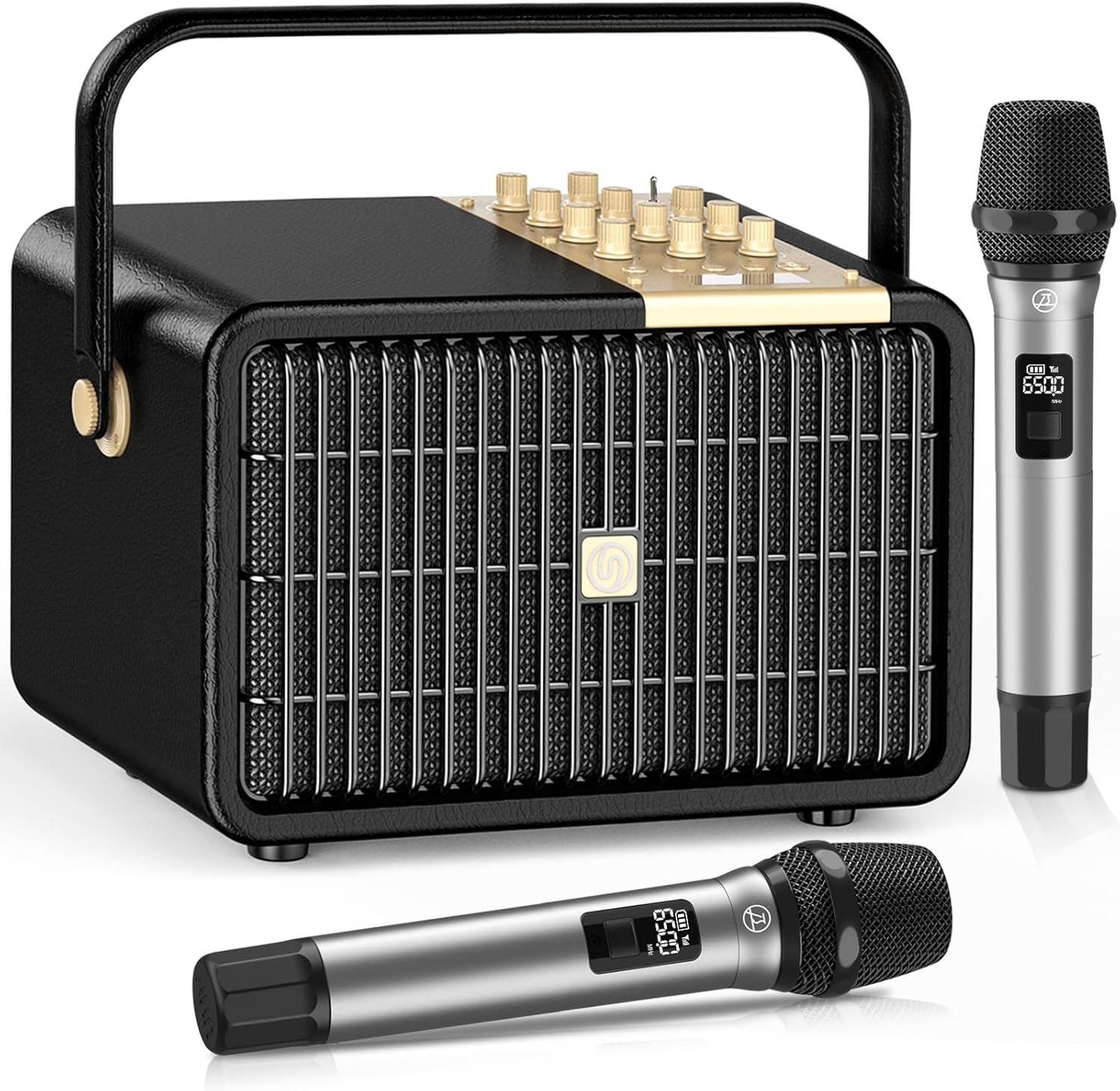
Image 1.1: SUPNIU L400 Wireless Voice Amplifier Karaoke Machine with two wireless microphones.
2. Package Contents
Verify that all items listed below are present in your package:
- L400 Bluetooth Speaker x 1
- TYPE-C Charger Cable x 1 (5V 3A)
- 3.5mm AUX Cable x 1
- Wireless UHF Microphones x 2 (Requires 2*AA batteries each, not included)
- User Manual x 1
3. Product Overview
3.1 Key Features
- High-Fidelity Audio: 160W (320W Peak) output with 4 drivers, DSP chips for enhanced treble and bass, and intelligent noise elimination.
- Portable Design: Compact size (8.6'' x 9'' x 13.6''), 14.1 lbs weight, with a comfortable rotating handle for easy transport.
- Versatile Connectivity: Bluetooth 5.3, 3.5mm AUX input, USB port, TF card slot, 6.35mm jack for wired microphones and instruments (guitar, keyboard, drums).
- Dual Wireless Microphones: Two UHF wireless microphones with DSP chips for efficient voice transmission, auto-connect feature, and up to 33 feet working range.
- Professional PA System: Independent control for microphone echo, monitor volume, microphone treble/bass, instrument treble/bass, and overall volume.
- Long Battery Life: 14,000mAh rechargeable battery providing 3-8 hours of playtime.
- Live Streaming & Recording: USB-C OTG live streaming and headphone monitoring capabilities.

Image 3.1: Multi-functional speaker highlighting various input and output options.
3.2 Control Panel
The control panel features various knobs for precise sound adjustment.

Image 3.2: Detailed view of the control panel with labels for MIC ECHO, MON. VOL, MIC TREBLE, INST. TREBLE, COMP. TREBLE, MIC BASS, INST. BASS, COMP. BASS, MIC VOL, INST. VOL, COMP. VOL.
3.3 Rear Panel Connections
The rear panel provides various ports for audio input and output.

Image 3.3: Rear panel showing ports for AUX, Monitor, USB, TF card, USB-C OTG, DC 9V power input, and 6.35mm instrument/microphone inputs.
4. Setup Guide
4.1 Initial Charging
- Before first use, fully charge the L400 speaker using the provided TYPE-C charger cable. Connect the cable to the DC 9V input port on the rear panel and a compatible power adapter (not included).
- The LED display will indicate charging status. A full charge typically takes several hours.
4.2 Microphone Setup
- Each wireless UHF microphone requires 2 AA batteries (not included). Open the battery compartment at the bottom of the microphone and insert the batteries, observing polarity.
- Turn on the microphones using their respective power buttons.
- Turn on the L400 speaker. The microphones will automatically connect to the speaker. The microphone display will show connection status and battery level.
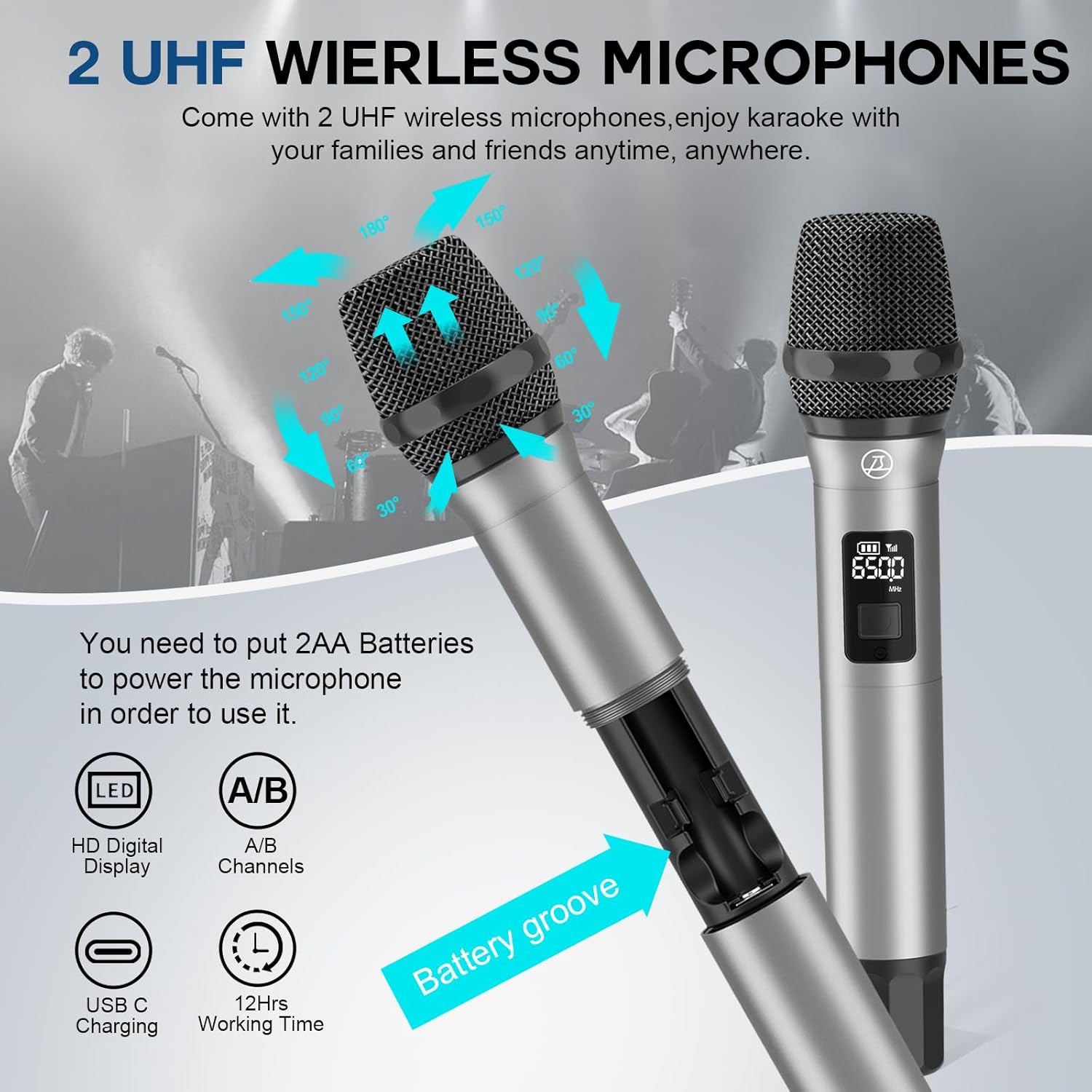
Image 4.1: Wireless UHF microphone with battery compartment and digital display.
5. Operating Instructions
5.1 Power On/Off
Press and hold the power button on the L400 speaker to turn it on or off.
5.2 Connecting Audio Sources
5.2.1 Bluetooth Connection
- Turn on the L400 speaker. It will automatically enter Bluetooth pairing mode.
- On your device (smartphone, tablet, etc.), enable Bluetooth and search for available devices.
- Select "SUPNIU L400" from the list to pair. A confirmation sound will indicate successful pairing.
5.2.2 AUX Input
Connect your audio device to the AUX input port on the rear panel using the provided 3.5mm AUX cable.
5.2.3 USB/TF Card Playback
Insert a USB flash drive or TF card containing audio files into the respective ports on the rear panel. The speaker will automatically detect and play the audio.
5.2.4 Instrument Input
Connect instruments such as guitars, keyboards, or drums to the 6.35mm input jacks on the rear panel.
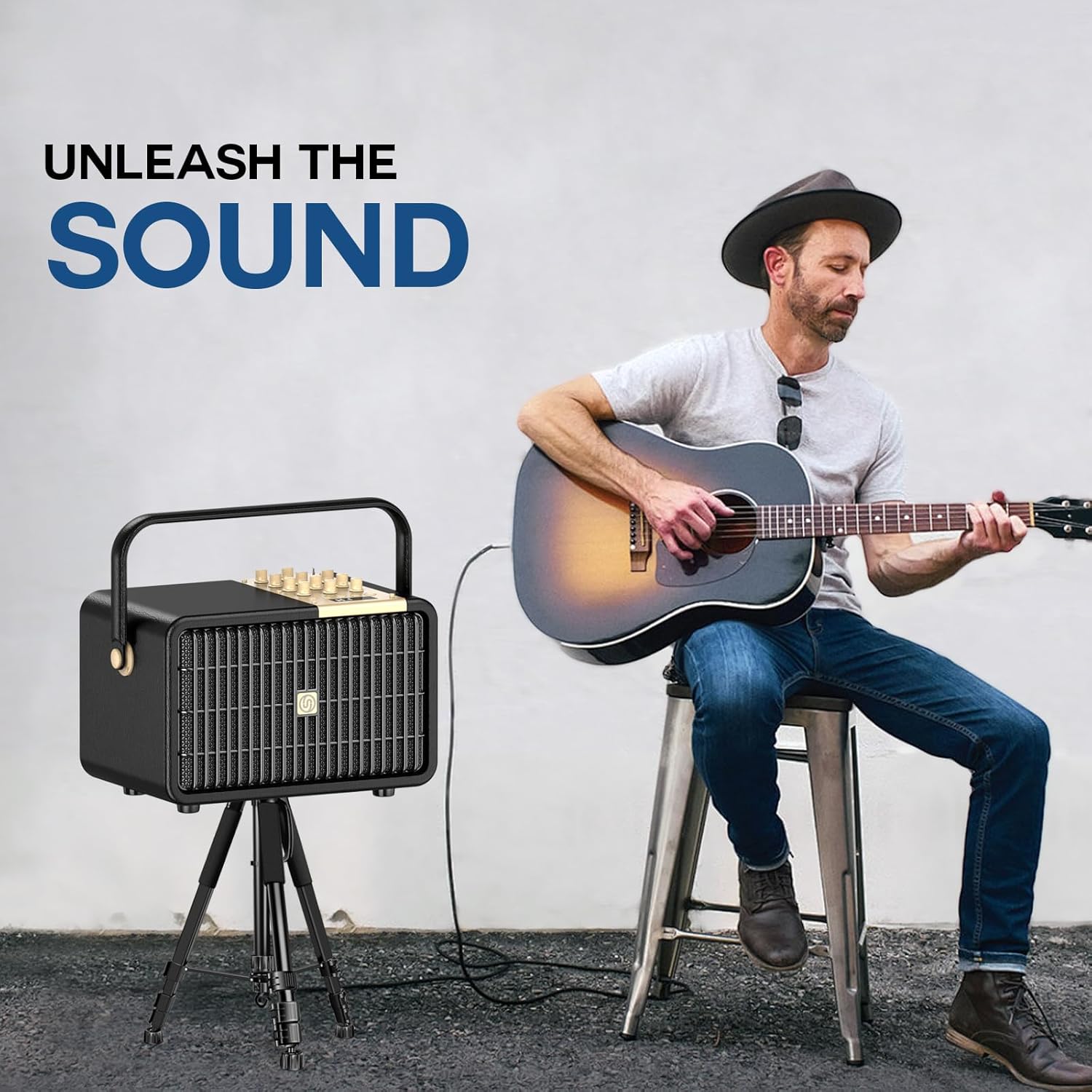
Image 5.1: Musician playing a guitar connected to the L400 speaker.
5.3 Sound Adjustments
Use the knobs on the control panel to fine-tune your audio:
- MIC VOL: Adjusts the volume of the wireless microphones.
- INST. VOL: Adjusts the volume of connected instruments.
- COMP. VOL: Adjusts the overall music volume from connected audio sources.
- MIC ECHO: Controls the echo effect for the microphones.
- MIC TREBLE/BASS: Adjusts the high and low frequencies for microphone audio.
- INST. TREBLE/BASS: Adjusts the high and low frequencies for instrument audio.
- COMP. TREBLE/BASS: Adjusts the high and low frequencies for overall music playback.
- MON. VOL: Adjusts the volume for headphone monitoring.
5.4 Live Streaming and Recording
The L400 supports USB-C OTG for live streaming and recording. Connect a compatible device to the USB-C OTG port on the rear panel for these functions. Use the headphone monitoring port to listen to your audio output in real-time.
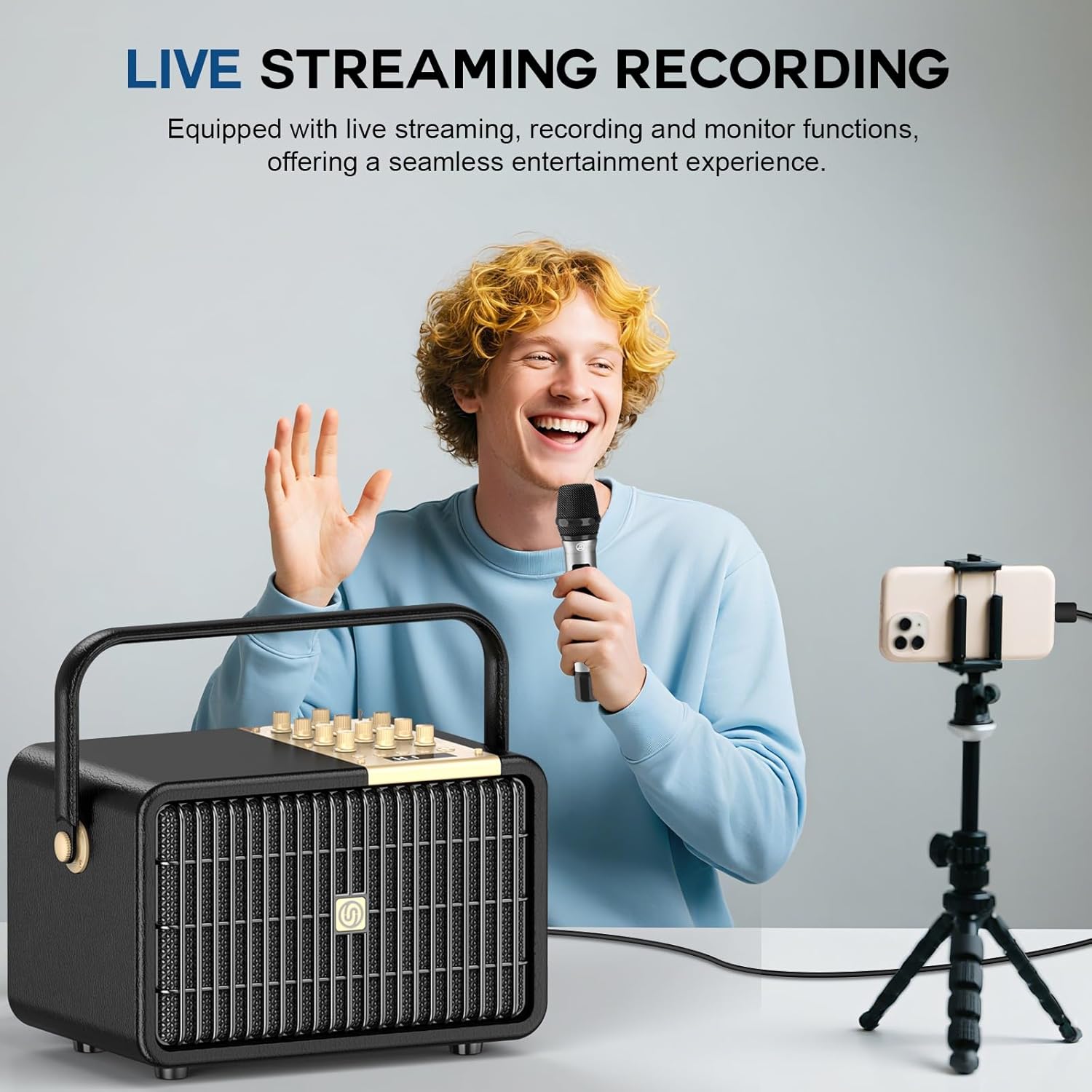
Image 5.2: User engaged in live streaming with the L400 speaker and a smartphone on a tripod.
6. Maintenance
- Clean the speaker and microphones with a soft, dry cloth. Do not use abrasive cleaners or solvents.
- Avoid exposing the device to extreme temperatures, humidity, or direct sunlight.
- Store the device in a cool, dry place when not in use.
- If the device will not be used for an extended period, fully charge it every 3 months to maintain battery health.
7. Troubleshooting
| Problem | Possible Cause | Solution |
|---|---|---|
| No power | Battery depleted; Power cable not connected. | Charge the speaker; Ensure power cable is securely connected. |
| No sound from speaker | Volume too low; Incorrect input source; Device not connected. | Increase volume; Select correct input mode; Reconnect device. |
| Microphones not working | Microphone batteries depleted; Microphones not paired; Microphone volume too low. | Replace AA batteries in microphones; Turn on both speaker and microphones for auto-pairing; Increase MIC VOL. |
| Bluetooth connection unstable | Device too far; Interference. | Move device closer to speaker (within 33 feet); Avoid obstacles or other wireless devices. |
| Distorted sound | Volume too high; Audio source issue. | Reduce volume on speaker or audio source; Check audio source quality. |
8. Specifications
| Feature | Specification |
|---|---|
| Brand | SUPNIU |
| Model Number | L400 |
| Output Power | 160W (320W Peak) |
| Power Source | Battery Powered (14,000mAh rechargeable) |
| Connectivity Technology | Bluetooth 5.3, Wired (AUX), Wireless (UHF Microphones), USB, TF Card |
| Connector Type | Aux, USB, 6.35mm Instrument/Mic Input, USB-C OTG |
| Material | Engineered Wood, Metal |
| Product Dimensions (L x W x H) | 13.6 x 8.6 x 9 inches |
| Item Weight | 19.61 pounds (8.91 Kilograms) |
| Number of Channels | 4 |
| Microphone Type | UHF Wireless (2 included) |
| Compatible Devices | Smartphone, Tablet, PC, MP3/MP4 Player, Guitar, Keyboard, Drums, Microphone |
9. Warranty and Support
For any questions or issues, please contact SUPNIU customer service. We aim to reply within 7-24 hours to provide the best customer service.
Please refer to your purchase documentation for specific warranty details.