
1. Introduction
Welcome to the user manual for your new Ordtop Wireless Earbuds Model I13. This guide provides detailed instructions to help you set up, operate, and maintain your earbuds for the best audio experience. Please read this manual thoroughly before use.
What's in the Box
- 2x Wireless Earbuds (Left and Right)
- 1x Lightweight Charging Case
- 1x USB-C Charging Cable
- 3x Sets of Ear Caps (S/M/L)
- 1x User Manual
2. Product Overview
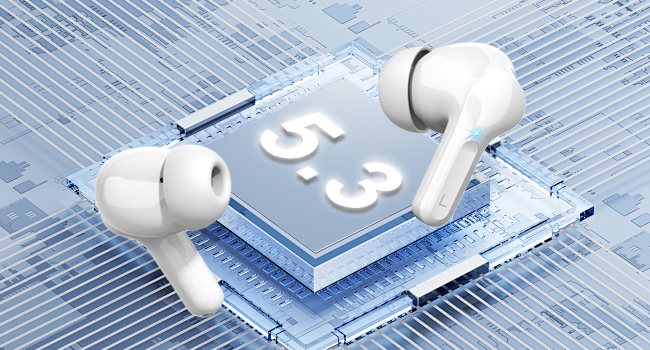
The Ordtop Wireless Earbuds Model I13 feature advanced Bluetooth 5.3 technology, a dual LED power display, and touch controls for a seamless audio experience. The ergonomic design ensures a comfortable and secure fit.
Earbud Components
Charging Case with LED Display

3. Setup
3.1 Charging the Earbuds and Case
Before first use, fully charge both the earbuds and the charging case. Place the earbuds into the charging case. Connect the provided USB-C cable to the charging port on the case and the other end to a USB power source (e.g., wall adapter, computer USB port).
- The LED display on the case will show the battery percentage of the case and individual earbud charge levels (L/R).
- A full charge for the case typically takes approximately 1.5 hours.
- Earbuds provide up to 8 hours of playback on a single charge. The charging case provides an additional 4 charges, totaling up to 40 hours of continuous music time.

3.2 Pairing with Your Device
The Ordtop I13 earbuds feature one-step auto-pairing for convenience.
- First-time Pairing: Open the charging case. The earbuds will automatically enter pairing mode.
- On your device (smartphone, tablet, etc.), go to Bluetooth settings and ensure Bluetooth is enabled.
- Look for "i13" in the list of available devices and select it to connect.
- Once connected, you will hear an audio prompt, and the earbuds will be ready for use.
- Subsequent Use: After the initial pairing, simply open the charging case, and the earbuds will automatically connect to the last paired device.

4. Operating Instructions
4.1 Smart Touch Controls
The earbuds are equipped with touch sensors for easy control of music, calls, and voice assistant functions.
| Action | Function |
|---|---|
| Long Tap 1s (R) | Next Track |
| Long Tap 1s (L) | Previous Track |
| Short Tap | Answer/Hang Up Call |
| Once Click (R/L) | Play/Pause Music |
| Long Tap | Reject Call |
| Triple Tap (R/L) | Activate Voice Assistant (Siri) |
| Double Tap (L) | Volume Down |
| Double Tap (R) | Volume Up |
4.2 Wearing the Earbuds
Select the ear tips that provide the most comfortable and secure fit for your ears. Gently insert the earbuds into your ear canal and rotate them slightly to ensure a snug fit. A proper fit is crucial for optimal sound quality and noise cancellation.

5. Maintenance
5.1 Cleaning
- Regularly clean the earbuds and charging case with a soft, dry, lint-free cloth.
- Remove ear tips and clean them with mild soap and water, then dry thoroughly before reattaching.
- Avoid using abrasive materials or harsh chemicals.
5.2 Storage
When not in use, store the earbuds in their charging case to protect them from dust and damage. Store the case in a cool, dry place away from extreme temperatures.
5.3 Water Resistance
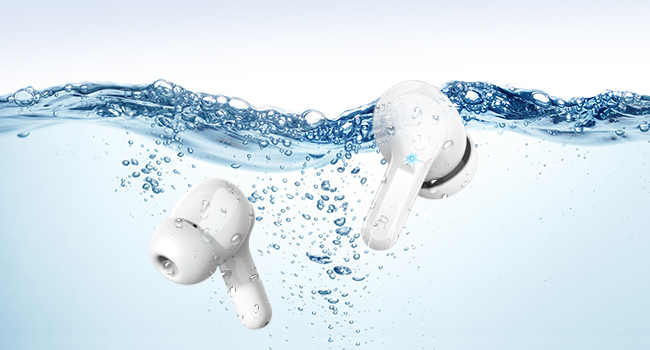
The earbuds are IP7 waterproof, offering protection against sweat, rain, and splashes. They are not designed for swimming or prolonged submersion in water.

6. Troubleshooting
If you encounter any issues with your earbuds, please refer to the following common solutions:
- Earbuds not pairing: Ensure both earbuds are charged and placed in the case. Open the case, then check your device's Bluetooth settings to reconnect. If issues persist, try forgetting the device on your phone and re-pairing.
- Only one earbud working: Place both earbuds back into the charging case, close the lid, wait a few seconds, then open it again. This often resets the connection between them.
- No sound: Check the volume level on both your device and the earbuds. Ensure the earbuds are properly connected to your device.
- Charging issues: Verify the USB-C cable is securely connected to both the case and the power source. Ensure the power source is active. Clean the charging contacts on the earbuds and inside the case.
- Poor sound quality: Ensure the ear tips provide a good seal in your ear. Try different sized ear tips. Check for any obstructions in the earbud's speaker mesh.
For further assistance, please contact customer support.
7. Specifications
| Feature | Detail |
|---|---|
| Model Name | I13 |
| Bluetooth Version | 5.3 |
| Connectivity Technology | Wireless (Bluetooth) |
| Audio Driver Size | 13 mm Dynamic Driver |
| Battery Life (Earbuds) | Up to 8 hours per charge |
| Total Playback Time (with Case) | Up to 40 hours |
| Charging Time (Case) | Approx. 1.5 hours |
| Charging Port | USB-C |
| Water Resistance Rating | IP7 Waterproof |
| Noise Control | ENC Noise Cancelling (Microphone) |
| Control Method | Touch |
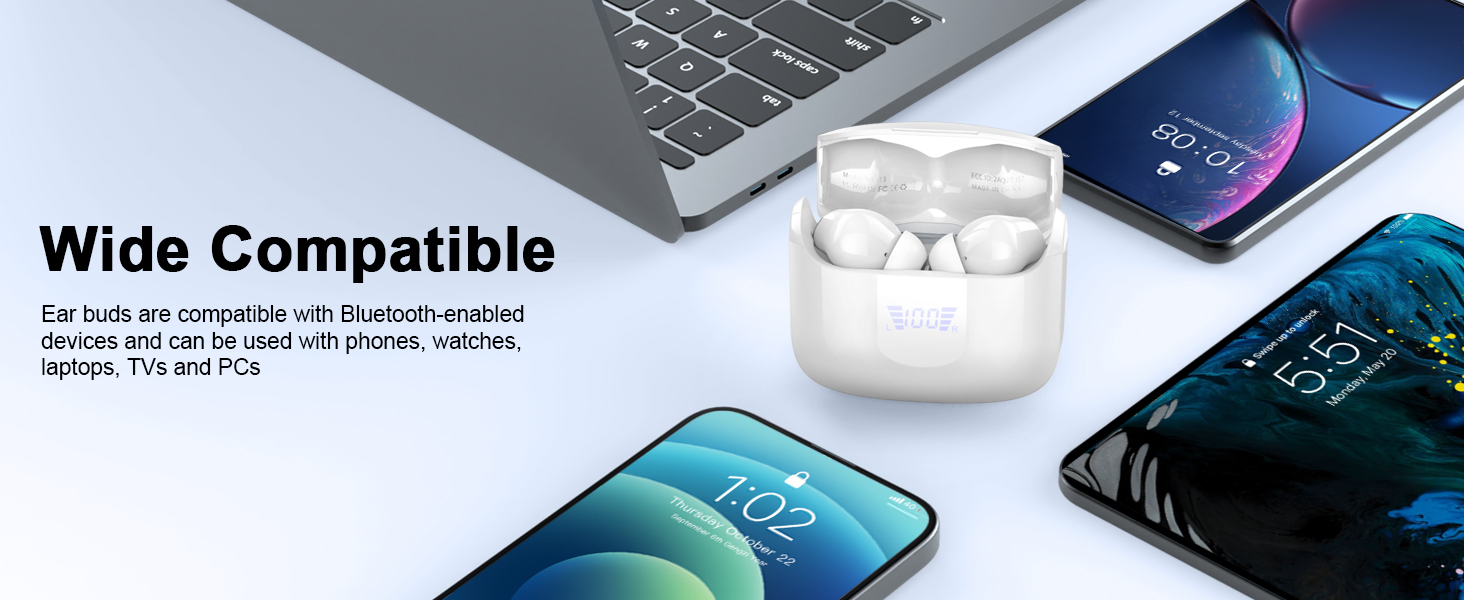
| Compatible Devices | iOS, Android smartphones, TV, computers, laptops |
| Earbud Weight | 3.8 grams (single earbud) |
8. Safety Information
- Do not disassemble or modify the product.
- Keep away from extreme temperatures and direct sunlight.
- Avoid dropping or subjecting the earbuds to strong impacts.
- Do not expose to fire or dispose of in fire.
- Keep out of reach of children and pets.
- Use only the provided charging cable or a certified equivalent.
- Listening at high volumes for extended periods can cause hearing damage.
9. Warranty and Support
Your Ordtop Wireless Earbuds Model I13 come with a manufacturer's warranty. For specific warranty details, please refer to the warranty card included in your package or contact Ordtop customer support. If you have any questions, require technical assistance, or need to report an issue, please reach out to our support team through the contact information provided on the product packaging or the official Ordtop website.


