
1. Introduction
Thank you for choosing the ResponseBridge WB S95 and WB B002 Voice Amplifier Set. This manual provides essential information for the safe and efficient operation of your device. Please read it thoroughly before use and retain it for future reference.
Safety Notice: Always handle the device with care. Avoid exposure to water, extreme temperatures, or direct sunlight. Do not attempt to disassemble or repair the device yourself.
2. Product Overview
2.1 Package Contents
- WB S95 Voice Amplifier Unit
- WB B002 Wireless Microphone
- USB Charging Cable
- Audio Cable (AUX)
- User Manual
2.2 Device Layout and Controls
Familiarize yourself with the various parts and controls of your voice amplifier.

Image Description: This image displays the top and side views of the WB S95 voice amplifier. The top panel shows rotary knobs for ECHO VOL+, MIC VOL+, and VOLUME+, along with number keys (0-9), power button, mode button, and playback controls. The side panel features input ports for MIC 1 (3.5mm), MIC 2 (6.35mm), USB, and AUX IN. Icons illustrate features like multiple sound effects, number keys, Bluetooth 5.3, LED display, USB, AUX IN, TF card support, and recording capability.
The amplifier features a robust speaker designed for clear and powerful sound output, minimizing feedback and noise.

Image Description: This image highlights the sound capabilities of the WB S95 voice amplifier, emphasizing "POWERFUL 40W SUPERIOR SOUND" with features like Noise Reduction, Clear Sound, and Low Feedback. An exploded view of the speaker component is shown, illustrating its internal design for enhanced audio performance.
3. Setup
3.1 Charging the Device
- Connect the USB charging cable to the amplifier's charging port.
- Plug the other end of the USB cable into a standard USB power adapter (not included) or a computer's USB port.
- The LED indicator will show charging status. A full charge typically takes 3-5 hours.
3.2 Connecting the Microphone
The set includes a wireless microphone for convenience.
- Wireless Microphone: Turn on the wireless microphone. It will automatically pair with the amplifier when both devices are powered on and within range. Ensure the microphone is charged.
- Wired Microphone (Optional): If using a wired microphone (not included), plug its 3.5mm or 6.35mm jack into the corresponding MIC 1 or MIC 2 port on the amplifier.

Image Description: This image compares wireless and wired microphone connections. It shows a user wearing a wireless headset microphone connected to a waist-worn amplifier, indicating a stable wireless connection. The wired option is shown with a crossed-out symbol, emphasizing the freedom provided by the wireless setup.
4. Operating Instructions
4.1 Powering On/Off
- To power on, press and hold the power button (M) for 3 seconds. The LED display will light up.
- To power off, press and hold the power button (M) for 3 seconds again.
4.2 Adjusting Volume and Sound Effects
- Speaker Volume: Rotate the "VOLUME+" knob clockwise to increase speaker volume, counter-clockwise to decrease.
- Microphone Volume: Rotate the "MIC VOL+" knob clockwise to increase microphone volume, counter-clockwise to decrease.
- Echo Effect: Rotate the "ECHO VOL+" knob to adjust the reverb level for the microphone.
4.3 Using Different Sound Modes
The amplifier offers multiple sound effects to suit various environments and preferences. Press the 'M' button briefly to cycle through modes.

Image Description: This image illustrates the various sound modes available on the WB S95 amplifier, suitable for different scenarios. Icons and text indicate modes for Speaking, Meeting, Classroom, Party, Indoor, and Outdoor use. Specific sound effects shown include Acoustic mode, Profession mode, Hip-hop mode, Echo, and Popular mode.
4.4 Bluetooth Connection
- Turn on the amplifier. The LED display will show "BT" or a Bluetooth icon, indicating it's in Bluetooth pairing mode.
- On your mobile device (smartphone, tablet, laptop), enable Bluetooth and search for available devices.
- Select "WB S95" from the list of devices to pair. A confirmation sound will indicate successful pairing.
4.5 USB/TF Card Playback
- Insert a USB flash drive or TF (MicroSD) card into the respective port.
- The amplifier will automatically switch to USB/TF card mode and begin playing audio files.
- Use the playback control buttons (play/pause, next/previous track) on the amplifier to manage your audio.
4.6 AUX Input
- Connect one end of the audio cable (AUX) to the amplifier's AUX IN port.
- Connect the other end to the audio output jack of your external device (e.g., MP3 player, computer).
- The amplifier will switch to AUX mode. Control playback from your external device.
4.7 Recording Function
- Ensure a USB flash drive or TF card is inserted for storage.
- Press the record button (often indicated by a microphone icon or 'REC') to start recording.
- Press the button again to stop recording. Recorded files will be saved to the inserted storage device.
The amplifier is compatible with various devices, expanding its utility for different audio sources.
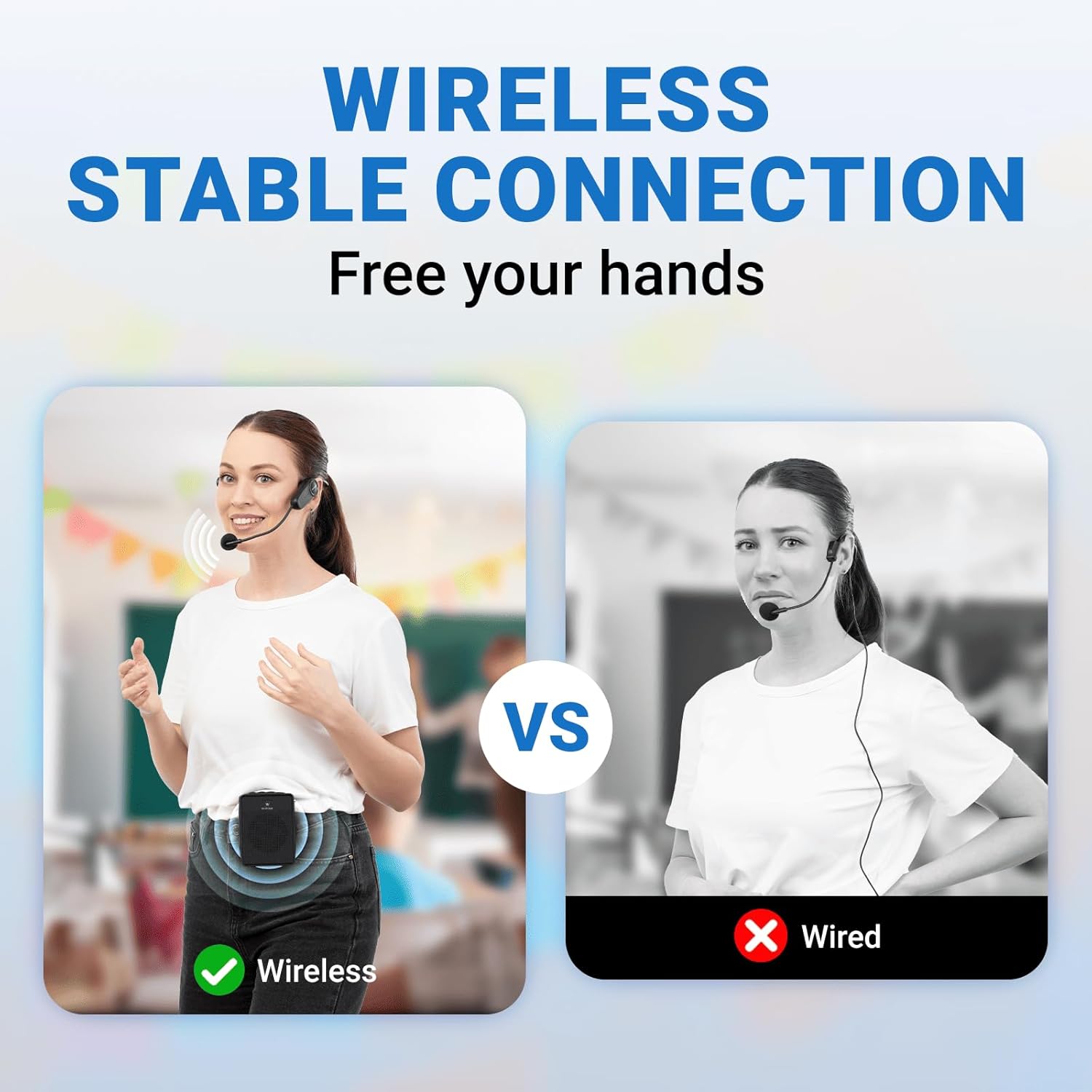
Image Description: This image illustrates the broad compatibility of the WB S95 amplifier. It shows the amplifier connected to various devices via dotted lines, including a smartphone, cable mic, notebook, electric guitar, tablet, computer, and MP3/MP4 player, highlighting its versatility as a personal PA system.
5. Maintenance
5.1 Cleaning
- Always power off and unplug the device before cleaning.
- Use a soft, dry cloth to wipe the exterior surfaces.
- Do not use liquid cleaners, aerosols, or abrasive chemicals.
5.2 Storage
- Store the amplifier in a cool, dry place away from direct sunlight and moisture.
- If storing for an extended period, charge the battery to approximately 50% every few months to maintain battery health.
6. Troubleshooting
If you encounter issues with your voice amplifier, refer to the table below for common problems and solutions.
| Problem | Possible Cause | Solution |
|---|---|---|
| Device does not power on | Low battery; Power button not pressed correctly | Charge the device fully; Press and hold the power button for 3 seconds |
| No sound from speaker | Volume too low; Microphone not connected/paired; Incorrect mode selected | Increase speaker and microphone volume; Ensure microphone is on and paired; Select correct input mode (Bluetooth, AUX, USB/TF) |
| Bluetooth not connecting | Device not in pairing mode; Amplifier too far from source; Interference | Ensure amplifier is in Bluetooth mode; Move devices closer; Turn off other Bluetooth devices nearby |
| Sound is distorted or has feedback | Microphone too close to speaker; Volume too high; Echo setting too high | Increase distance between microphone and speaker; Reduce speaker or microphone volume; Adjust ECHO VOL+ knob |
7. Specifications
Key technical specifications for the ResponseBridge WB S95 and WB B002 Voice Amplifier Set.
| Feature | Specification |
|---|---|
| Model | WB S95 (Amplifier), WB B002 (Wireless Microphone) |
| Output Power | 15W (Amplifier) |
| Battery Capacity | 2600 mAh (Amplifier) |
| Bluetooth Version | 5.3 |
| Connectivity | Bluetooth, USB, TF Card, AUX IN, 3.5mm Mic, 6.35mm Mic |
| Coverage Area | Up to 10,000 sq. ft. (15W output) |
| Dimensions (Amplifier) | Approximately 18cm (H) x 15cm (W) x 9.5cm (D) / 7in (H) x 5.9in (W) x 3.7in (D) |
| Weight (Amplifier) | Approximately 1.2kg (2.6 lbs) |
The amplifier is designed for portability and wide coverage.

Image Description: This image showcases the portability of the WB S95 amplifier, labeled as a "PORTABLE PA SYSTEM." It displays the device's dimensions (18cm/7in height, 15cm/5.9in width, 9.5cm/3.7in depth) and weight (1.2kg/2.6LB), with two individuals walking outdoors, one carrying the amplifier, to illustrate its compact size and ease of transport.
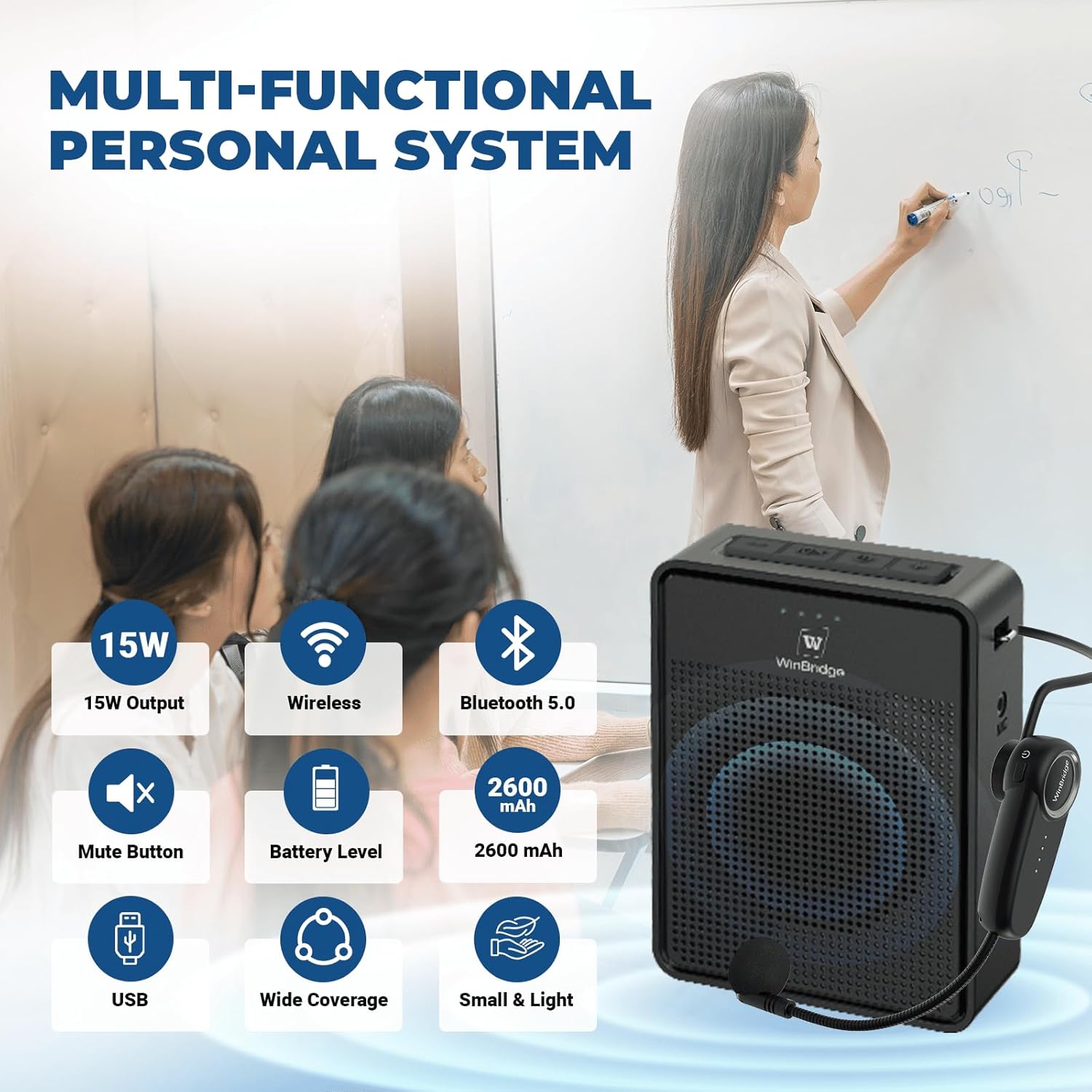
Image Description: This image highlights the multi-functional aspects of the WB S95 personal system. It lists key features such as 15W Output, Wireless connectivity, Bluetooth 5.0, Mute Button, Battery Level indicator, 2600 mAh battery capacity, USB support, Wide Coverage, and Small & Light design. The amplifier is shown in a classroom setting with a teacher and students, demonstrating its practical use.
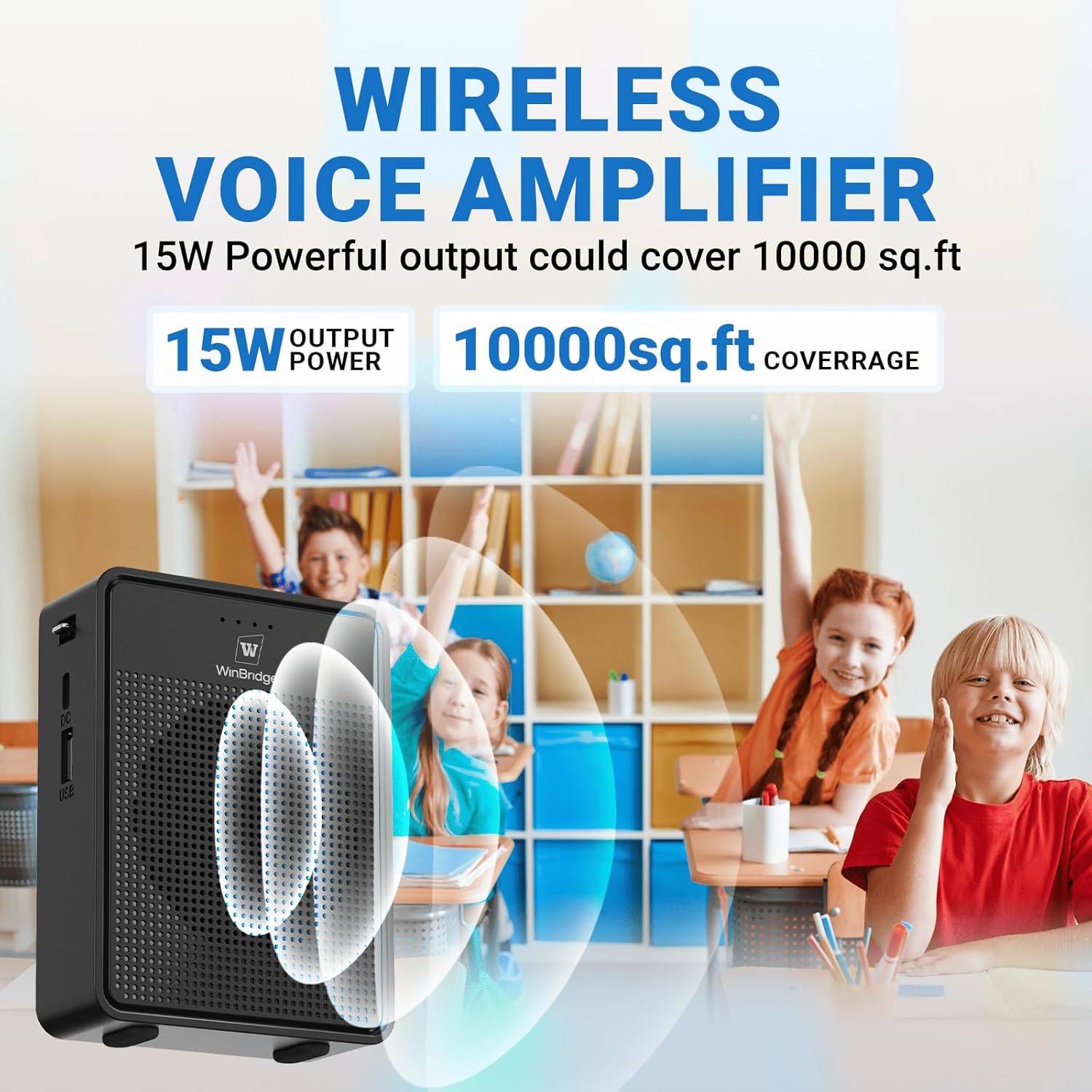
Image Description: This image emphasizes the powerful output and coverage of the WB S95 wireless voice amplifier. It states "15W Powerful output could cover 10000 sq.ft" with visual representations of 15W OUTPUT POWER and 10000sq.ft COVERAGE. The amplifier is depicted in a classroom environment with children, illustrating its effectiveness in larger spaces.
8. Warranty Information
ResponseBridge products are covered by a limited warranty from the date of purchase. This warranty covers manufacturing defects in materials and workmanship. It does not cover damage caused by misuse, accident, unauthorized modification, or normal wear and tear. Please retain your proof of purchase for warranty claims.
9. Customer Support
If you have any questions, require technical assistance, or need to make a warranty claim, please contact ResponseBridge customer support through the retailer's platform or visit our official website for contact details. Our support team is available to assist you with any product-related inquiries.


