1. Product Overview
The EagleStone Moving Dinosaur Shooting Game provides an interactive play experience with a moving dinosaur target, foam ball blasters, and scoring features. This manual details the setup, operation, and care of your product.
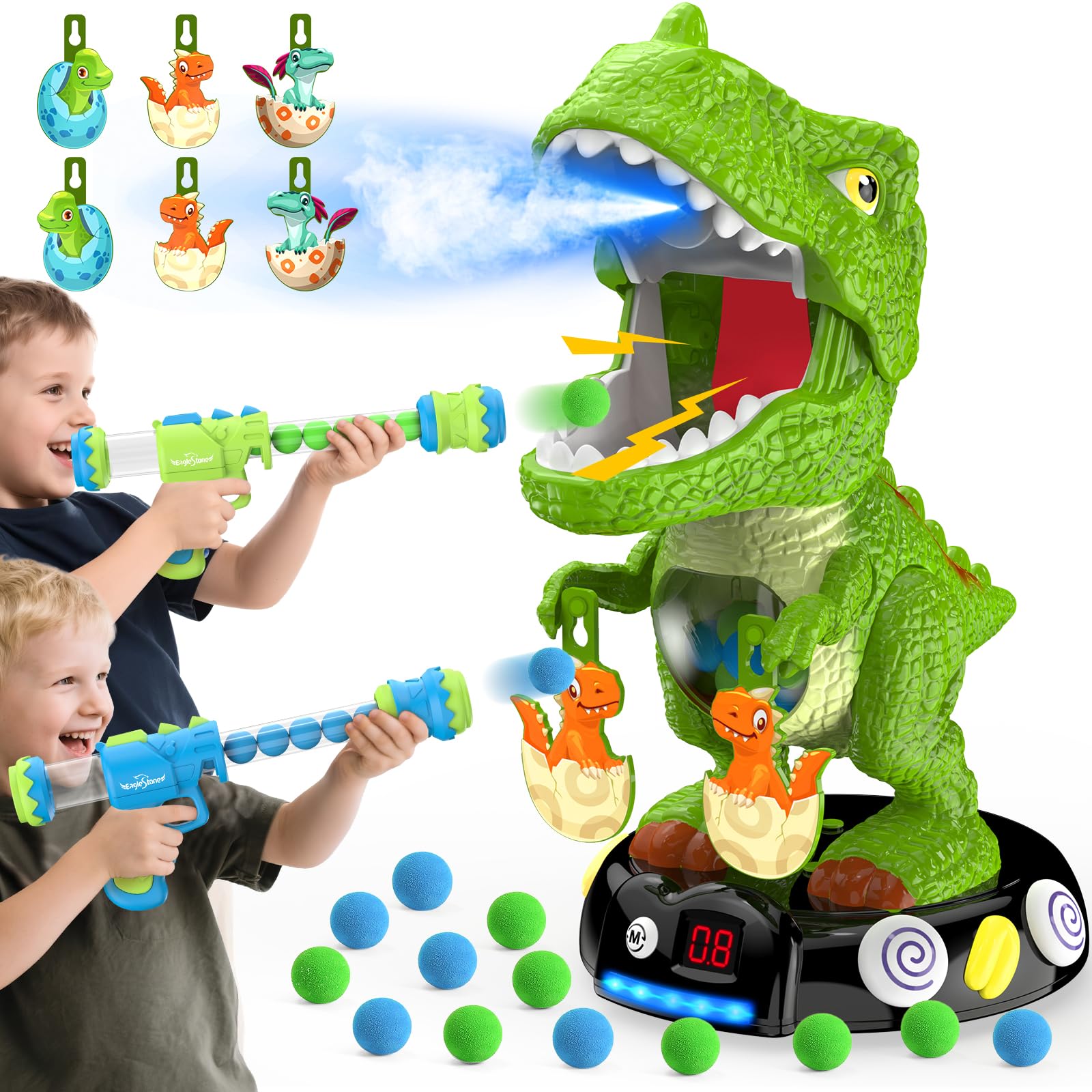
Image 1.1: Complete EagleStone Moving Dinosaur Shooting Game set.
Included Components:
- 1 x Electronic Dinosaur Target
- 2 x Popper Air Guns
- 24 x EVA Foam Balls (12 blue, 12 green)
- 3 x Pairs of Replaceable Dino Egg Targets
- 1 x Water Dropper
2. Setup Instructions
2.1 Battery Installation
The dinosaur target requires 3 AA batteries (not included). Locate the battery compartment on the underside of the dinosaur's base. Use a screwdriver to open the compartment, insert the batteries according to the polarity markings, and secure the cover.
2.2 Filling Water for Mist Spray
For realistic mist effects, add water to the dinosaur. Locate the small flap on top of the dinosaur's head. Lift the flap, remove the small black cap, and use the included dropper to carefully add 2-3 drops of water into the designated opening. Replace the cap and close the flap securely.
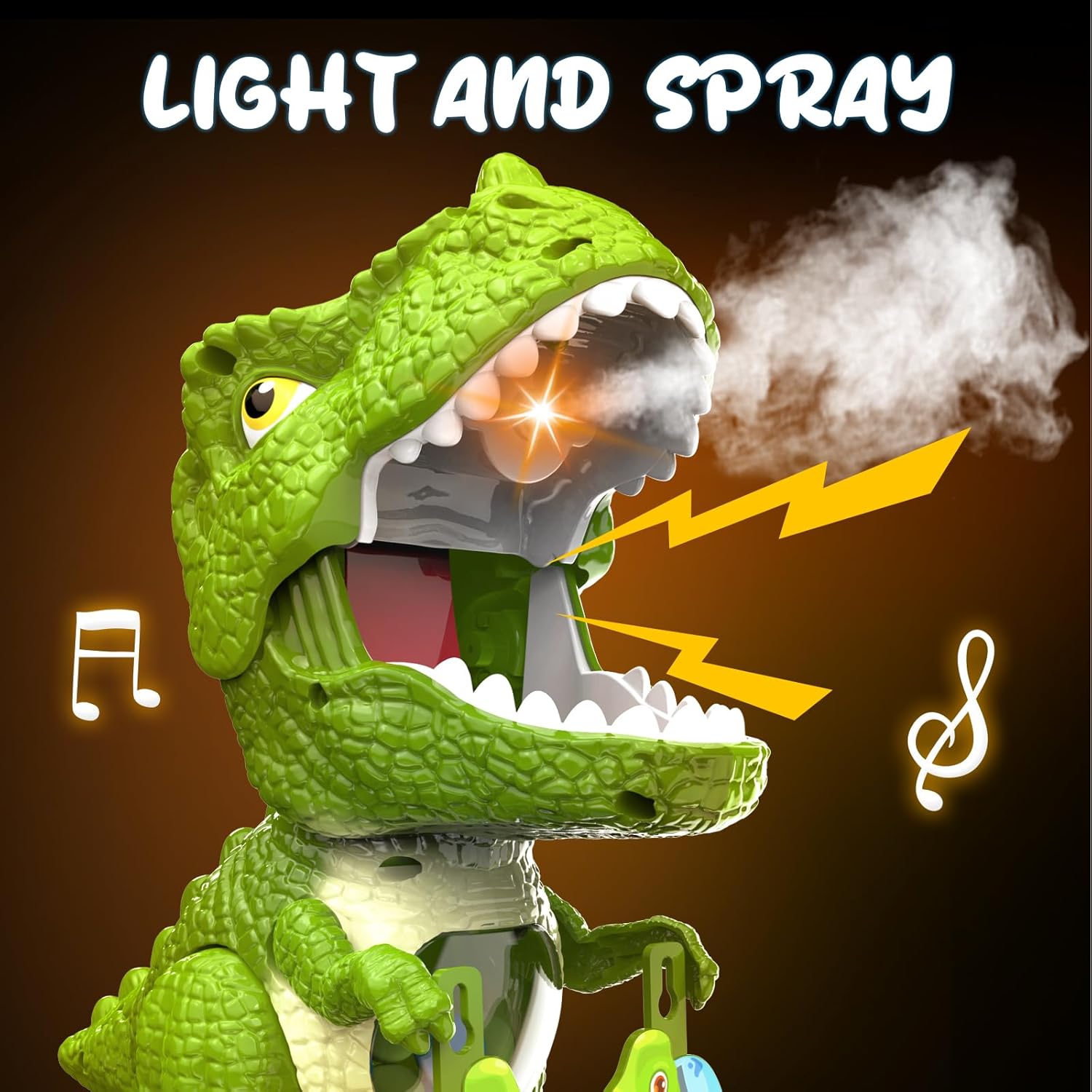
Image 2.1: Dinosaur head demonstrating light and mist spray features.
2.3 Attaching Dino Egg Targets
The dinosaur comes with 3 pairs of interchangeable dino egg targets. These can be hung from the small hooks located on the dinosaur's arms, allowing for varied target challenges.
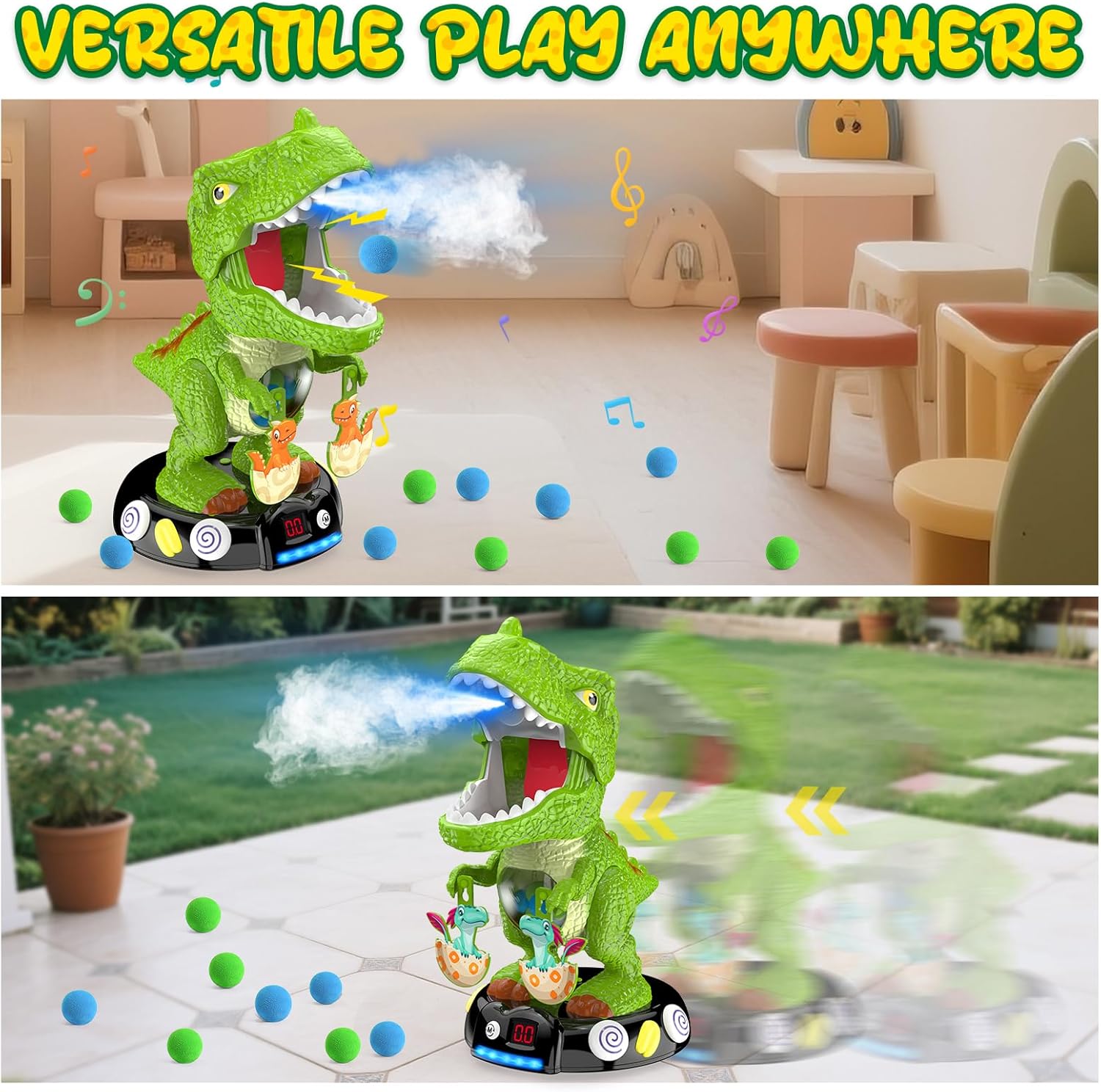
Image 2.2: Dinosaur target displaying the various dino egg targets.
3. Operating Instructions
3.1 Loading the Air Guns
To load an air gun, insert the EVA foam balls into the front barrel of the gun. Push the balls down until the barrel is full. The guns are designed for easy loading.
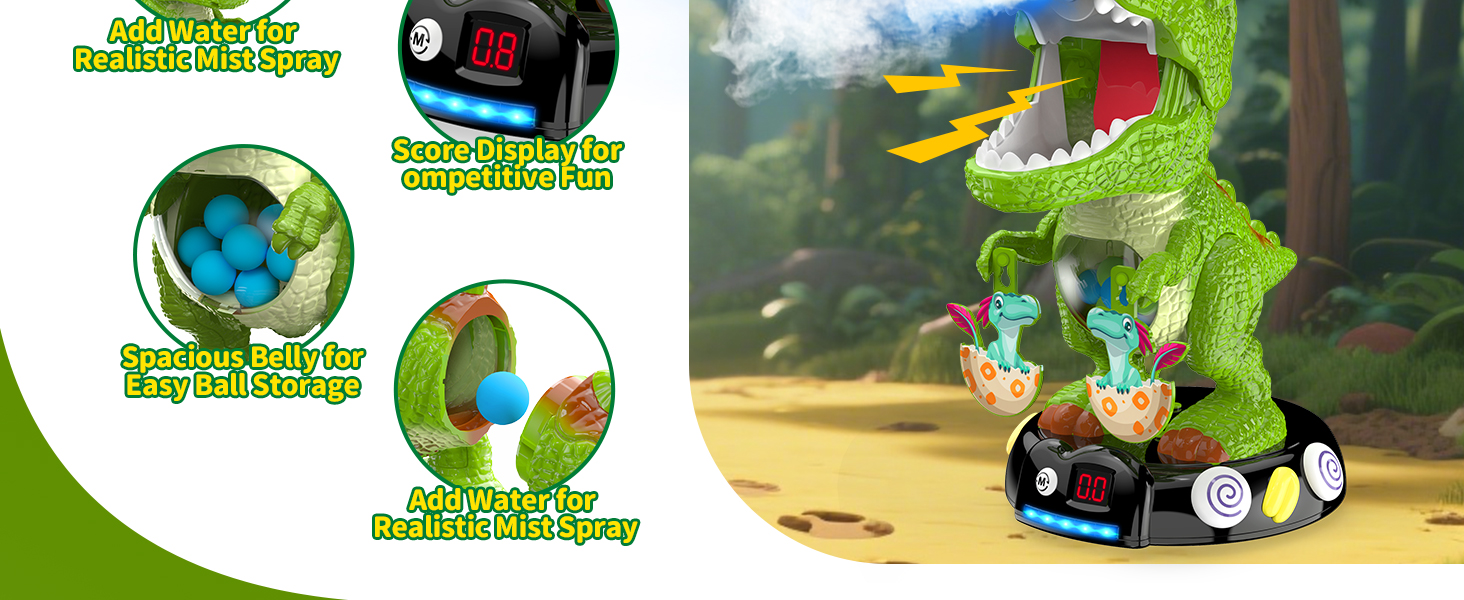
Image 3.1: Visual guide for loading and shooting the foam ball blasters.
3.2 Shooting the Target
Once the gun is loaded, pull the rear lever back and then push it forward to launch a soft foam ball towards the dinosaur target. Aim for the dinosaur's tongue to score points.
3.3 Play Modes
The dinosaur target features two play modes: Static and Mobile. The Static mode keeps the dinosaur in a fixed position, suitable for beginners. The Mobile mode activates obstacle-avoiding wheels, causing the dinosaur to move, increasing the challenge. Switch between modes using the button on the base.

Image 3.2: Dinosaur target illustrating static and mobile play modes.
3.4 Scoring and Effects
The dinosaur has a digital LCD screen on its base that tracks scores. Each successful hit on the dinosaur's tongue registers 1 point. Upon being hit, the dinosaur will light up, emit roaring sounds, and spray a cool mist from its mouth, enhancing the interactive experience.
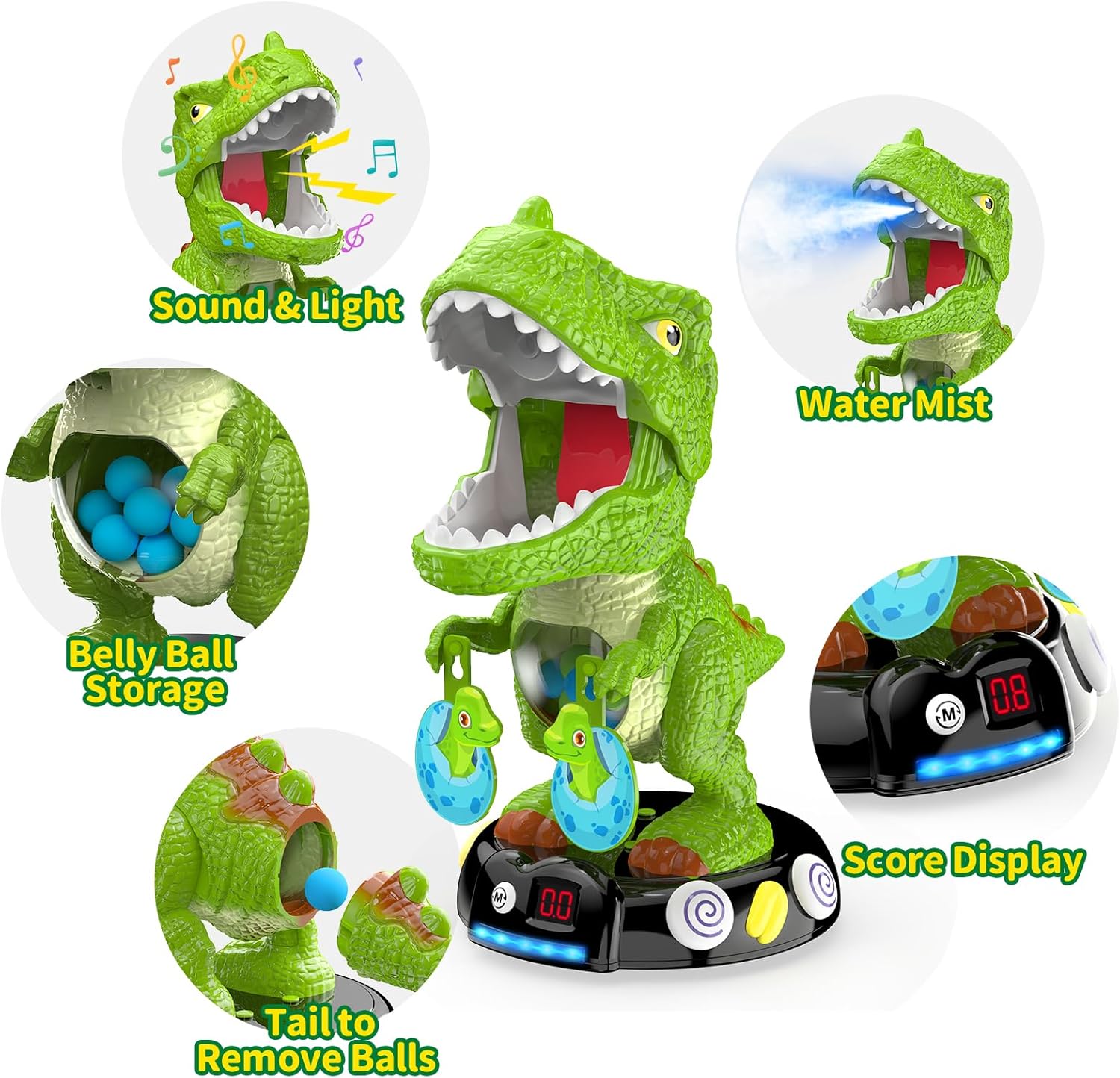
Image 3.3: Overview of dinosaur features: sound, light, mist, ball storage, and score display.
3.5 Multiplayer Play
With two air guns and a scoring system, the game supports multiplayer competition. Players can take turns or compete simultaneously to achieve the highest score.
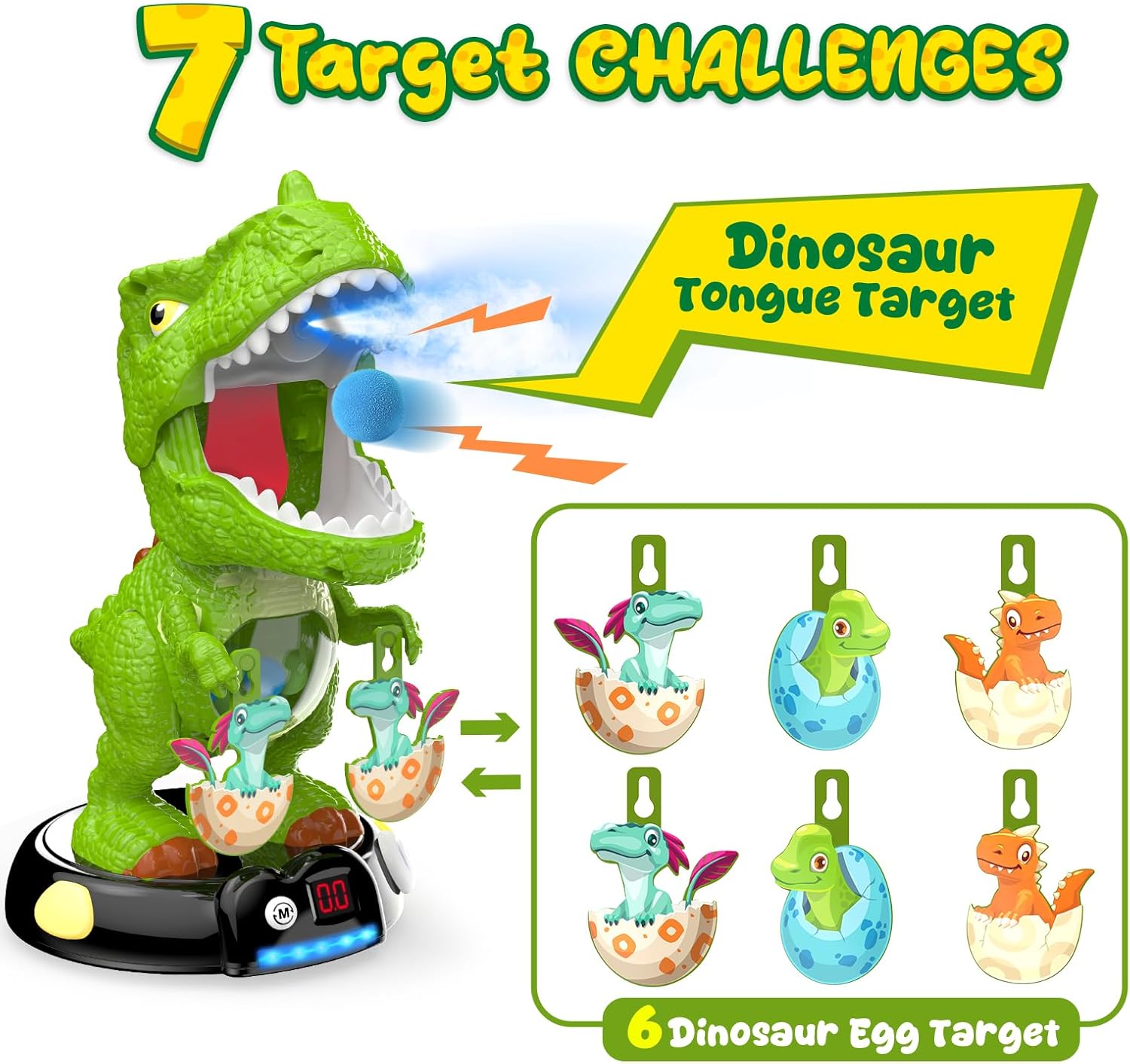
Image 3.4: Children engaging in multiplayer competition with the dinosaur target.
7. Warranty and Support
This product is sold by EagleStone and fulfilled by Amazon. For return or replacement inquiries, please refer to Amazon's return policy, which typically allows returns within 30 days of purchase. For product-specific support or questions, please contact the manufacturer, EagleStone, directly through their official channels or the Amazon seller page.
For additional information or to explore other products, visit the EagleStone Store on Amazon.
