
Introduction
Thank you for choosing the Glamore HBT002 Bluetooth Headphones. This manual provides detailed instructions for setting up, operating, and maintaining your headphones to ensure optimal performance and longevity. Please read this manual thoroughly before use.
Package Contents
- Glamore HBT002 Noise-Cancelling Headphones
- Protective Case
- USB Type-C Charging Cable
- 3.5mm Audio Cable
- User Manual (this document)

Image: Glamore HBT002 headphones and included accessories.
Setup
1. Charging the Headphones
Before first use, fully charge your Glamore HBT002 headphones. A full charge takes approximately 1.8 hours and provides up to 40 hours of playback with Active Noise Cancellation (ANC) enabled. A quick 10-minute charge can provide up to 4 hours of additional playback.
- Connect the USB Type-C charging cable to the charging port on the headphones.
- Connect the other end of the cable to a USB power adapter (not included) or a computer's USB port.
- The LED indicator will show charging status (refer to LED indicator section for details).
- Once fully charged, disconnect the charging cable.
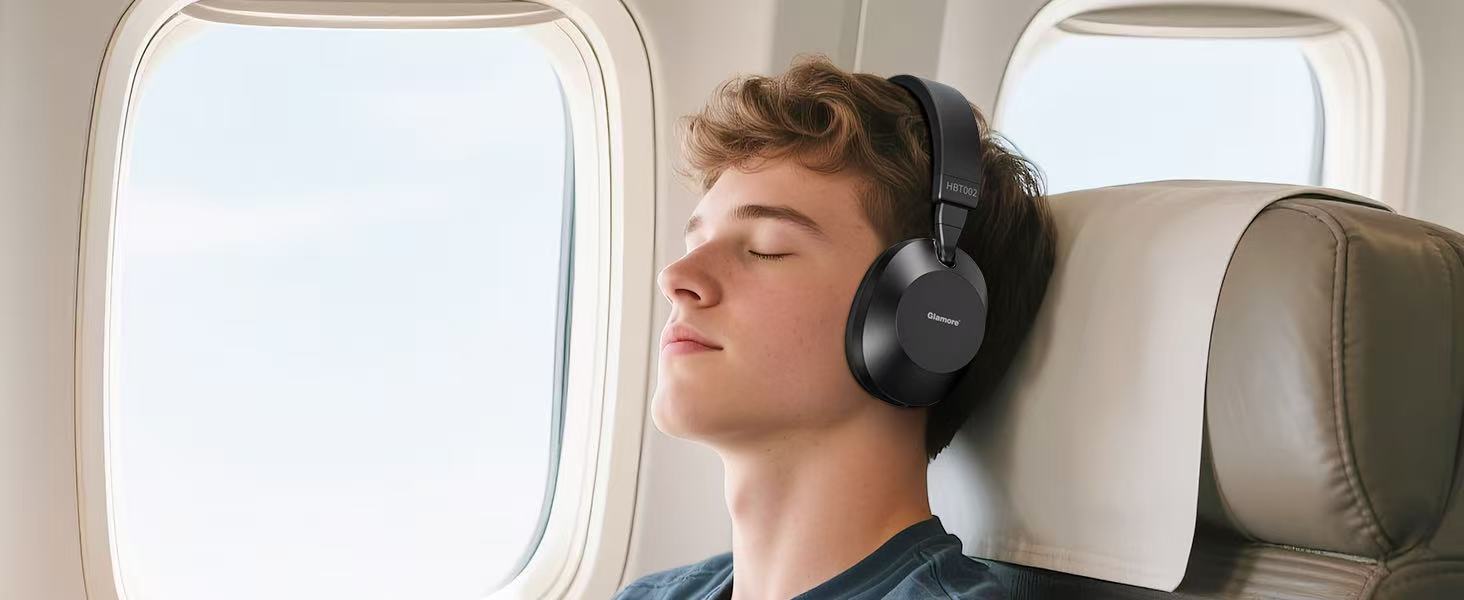
Image: Fast charging feature of Glamore HBT002 headphones.
2. Powering On/Off
- To power on: Press and hold the Power button for approximately 3 seconds until the LED indicator lights up.
- To power off: Press and hold the Power button for approximately 3 seconds until the LED indicator turns off.
3. Bluetooth Pairing
The headphones use Bluetooth 5.3 for a stable and quick connection. They can remember multiple devices for seamless switching.
- Ensure the headphones are powered off.
- Press and hold the Power button for 5-7 seconds until the LED indicator flashes blue and red alternately, indicating pairing mode.
- On your device (smartphone, tablet, PC), enable Bluetooth and search for available devices.
- Select "Glamore HBT002" from the list.
- Once connected, the LED indicator will slowly flash blue.
- The headphones will automatically attempt to reconnect to the last paired device when powered on.
4. Wired Connection (3.5mm Audio Cable)
For devices without Bluetooth or for low-latency audio, use the included 3.5mm audio cable.
- Plug one end of the 3.5mm audio cable into the audio jack on the headphones.
- Plug the other end into the 3.5mm audio output of your device.
- The headphones can be used in wired mode even when the battery is depleted.

Image: Wired connectivity option for Glamore HBT002 headphones.
Operating Instructions
Headphone Controls
The Glamore HBT002 headphones feature intuitive button controls for various functions.

Image: Glamore HBT002 headphones with visible control buttons.
| Button/Action | Function |
|---|---|
| Power Button (Press & Hold 3s) | Power On/Off |
| Power Button (Press & Hold 5-7s from Off) | Enter Bluetooth Pairing Mode |
| Volume Up (+) | Increase Volume |
| Volume Down (-) | Decrease Volume |
| Multi-function Button (Single Press) | Play/Pause Music, Answer/End Call |
| Multi-function Button (Double Press) | Next Track |
| Multi-function Button (Triple Press) | Previous Track |
| ANC Button (N button) | Cycle through ANC On, Transparency Mode, ANC Off |
| Voice Assistant (Press & Hold Multi-function Button) | Activate Voice Assistant (Siri, Google Assistant, etc.) |
Active Noise Cancellation (ANC) and Transparency Mode
The HBT002 headphones feature hybrid active noise cancellation, reducing ambient noise by up to 40 dB. Transparency Mode allows you to hear your surroundings without removing the headphones.
- Press the ANC button (N button) to cycle through the modes:
- ANC On: Reduces external noise.
- Transparency Mode: Allows ambient sounds to pass through.
- ANC Off: Standard audio playback without noise cancellation.

Image: Illustration of Active Noise Cancelling and Transparency Mode in use.
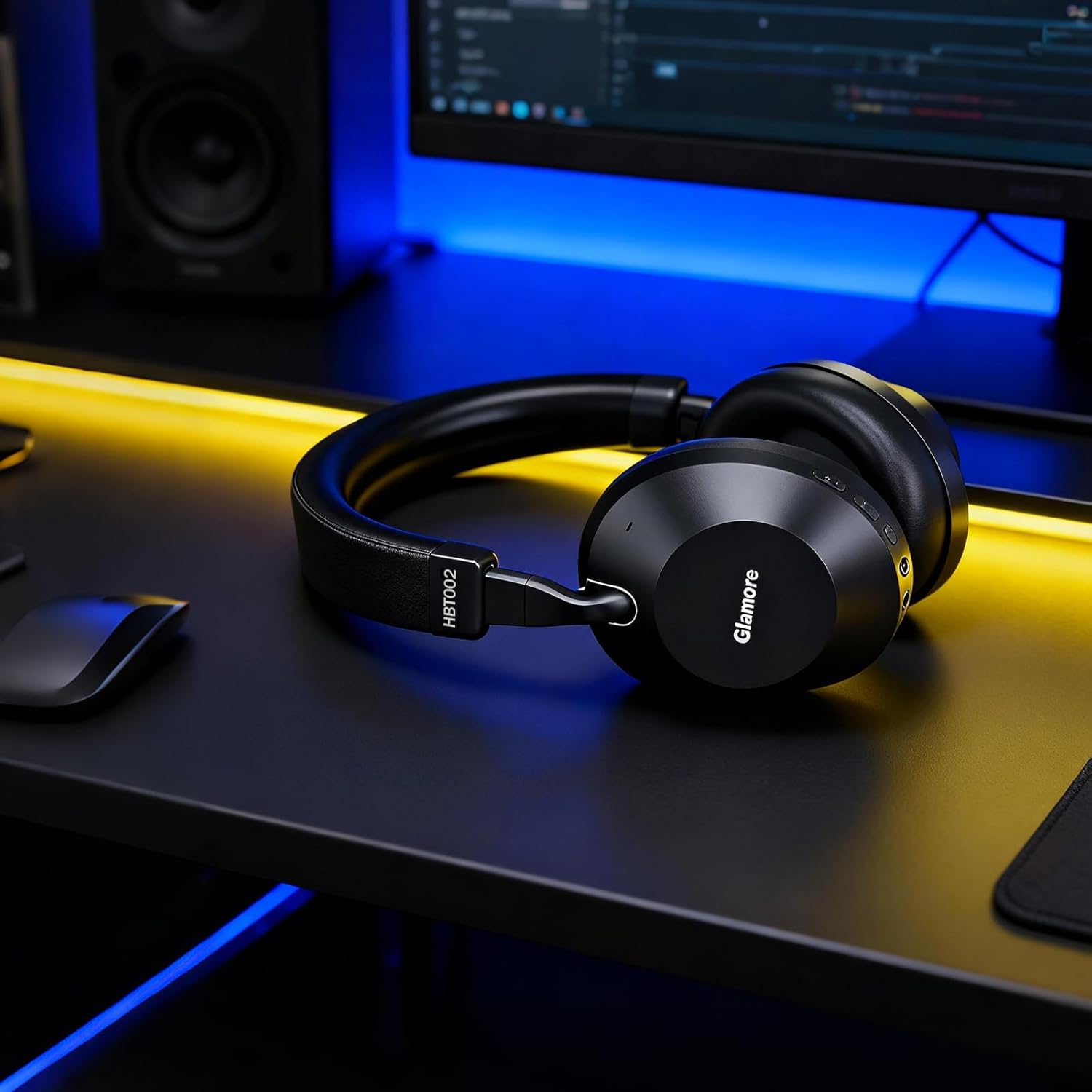
Image: Headphones providing silence for focused study.
Audio Quality and Hi-Res Audio
The HBT002 headphones feature custom 40mm dynamic drivers for deep bass, balanced mids, and clear highs. They support LHDC/LDAC hi-res audio (24-bit/96 kHz) for an enhanced listening experience when connected to compatible devices.

Image: High-resolution audio capabilities with 40mm dynamic drivers.

Image: Immersive audio experience with Hi-Res Audio support.
Making and Receiving Calls
The built-in dual beamforming microphones ensure clear voice pickup during calls, even in noisy environments.
- Answer/End Call: Press the Multi-function button once.
- Reject Call: Press and hold the Multi-function button for 2 seconds.
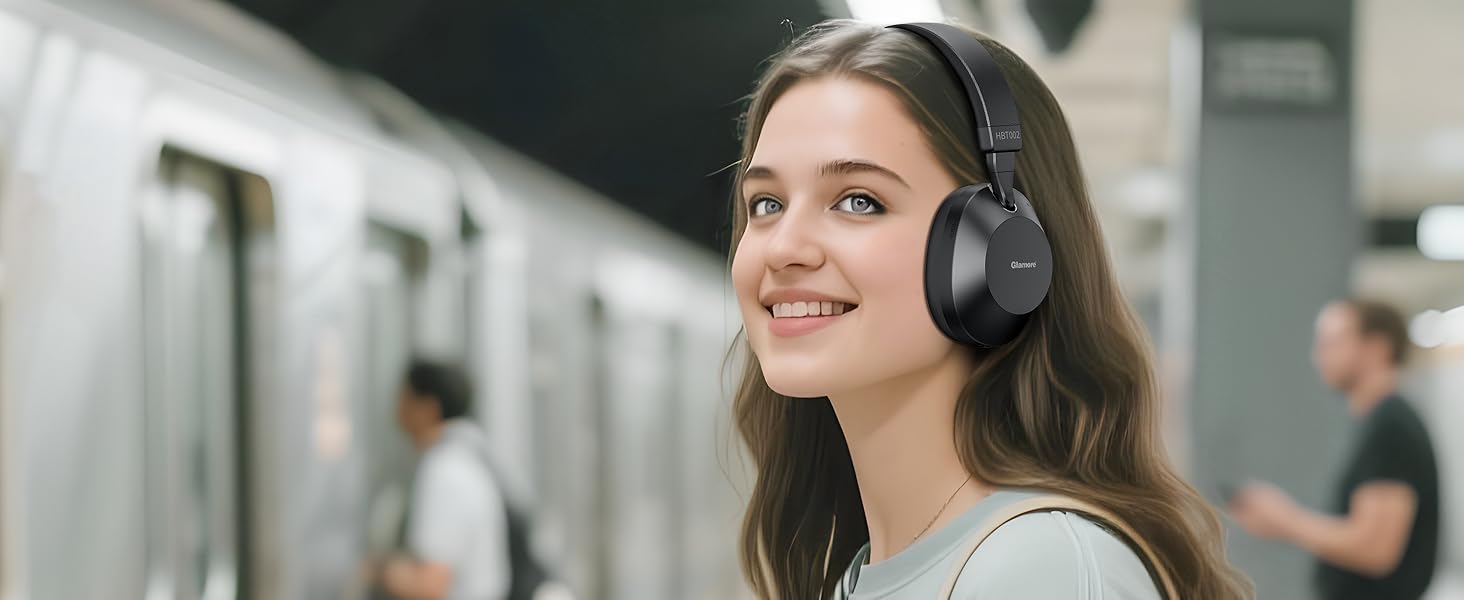
Image: Exceptional call clarity with built-in microphones.
Maintenance and Care
Cleaning
- Wipe the headphones with a soft, dry, lint-free cloth.
- Do not use abrasive cleaners, alcohol, or chemical solvents.
- Avoid getting moisture into any openings.
Storage
The HBT002 headphones feature a foldable design for easy storage and portability. Use the included protective case to prevent damage when not in use or during travel.

Image: Foldable design for travel and storage.

Image: Adjustable and foldable design for portability.
Troubleshooting
| Problem | Possible Solution |
|---|---|
| Headphones do not power on. | Ensure the headphones are charged. Connect to a power source using the USB-C cable. |
| Cannot pair via Bluetooth. |
|
| No sound or low volume. |
|
| Active Noise Cancellation (ANC) is not effective. |
|
| Call quality is poor. |
|
Specifications
| Feature | Detail |
|---|---|
| Model Name | HBT002 |
| Brand | Glamore |
| Connectivity Technology | Bluetooth 5.3, Wired (3.5mm) |
| Noise Control | Hybrid Active Noise Cancellation (up to 40dB), Transparency Mode |
| Audio Driver Size | 40 mm Dynamic Driver |
| Frequency Range | 20 Hz - 20,000 Hz |
| Sensitivity | 100 dB |
| Impedance | 29 Ohm |
| Battery Life | Up to 40 Hours (with ANC) |
| Charging Time | Approx. 1.8 Hours (10 min charge = 4 hours play) |
| Bluetooth Range | Up to 33 Feet (10 meters) |
| Item Weight | 10.5 Grams (0.37 ounces) |
| Special Features | Fast Charging, Foldable Design, Hi-Res Audio, Built-in Mic, Button Control |
| Compatible Devices | Cellphones, Smartphones, Tablets, Laptops, PCs, Gaming Consoles, Smart TVs, etc. |
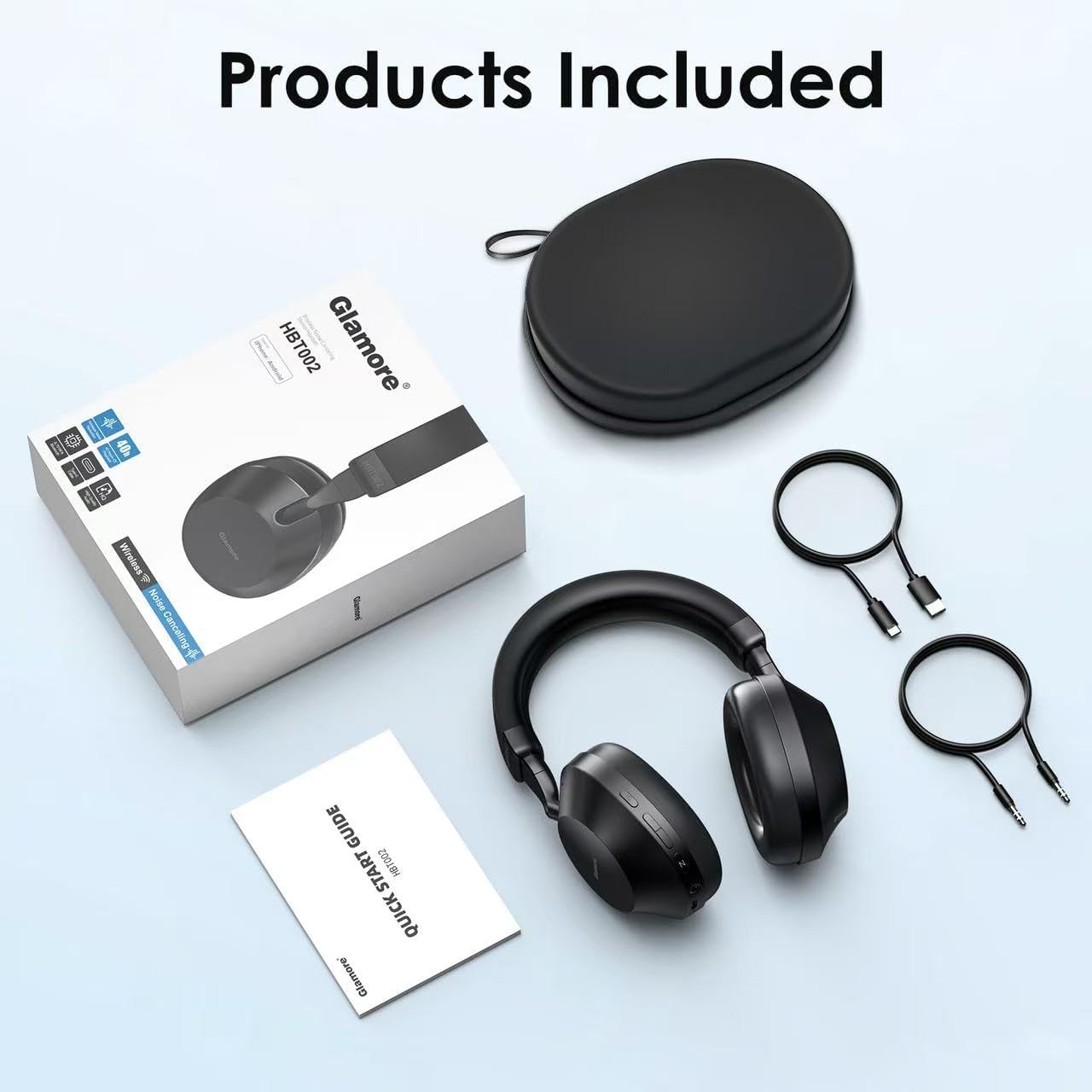
Image: Key specifications and features of the Glamore HBT002 headphones.
Warranty and Support
Glamore products are designed and manufactured to the highest quality standards. For detailed warranty information and support, please refer to the warranty card included in your package or visit the official Glamore website.
For customer service and technical assistance, please contact Glamore support through their official channels. You can often find contact information on the product packaging or the brand's website.
Online Support: Visit the Glamore Store on Amazon
