
1. Product Overview
The Toladrone TL16 is a compact, foldable quadcopter equipped with a 4K HD camera and a 90° motorized adjustable lens. It features a brushless motor for stable outdoor flight, optical flow positioning for precise hovering, and multiple control options including remote control and smartphone app. Designed for both beginners and experienced users, the TL16 offers various flight modes such as headless mode, 360° flips, trajectory flight, and gravity control.
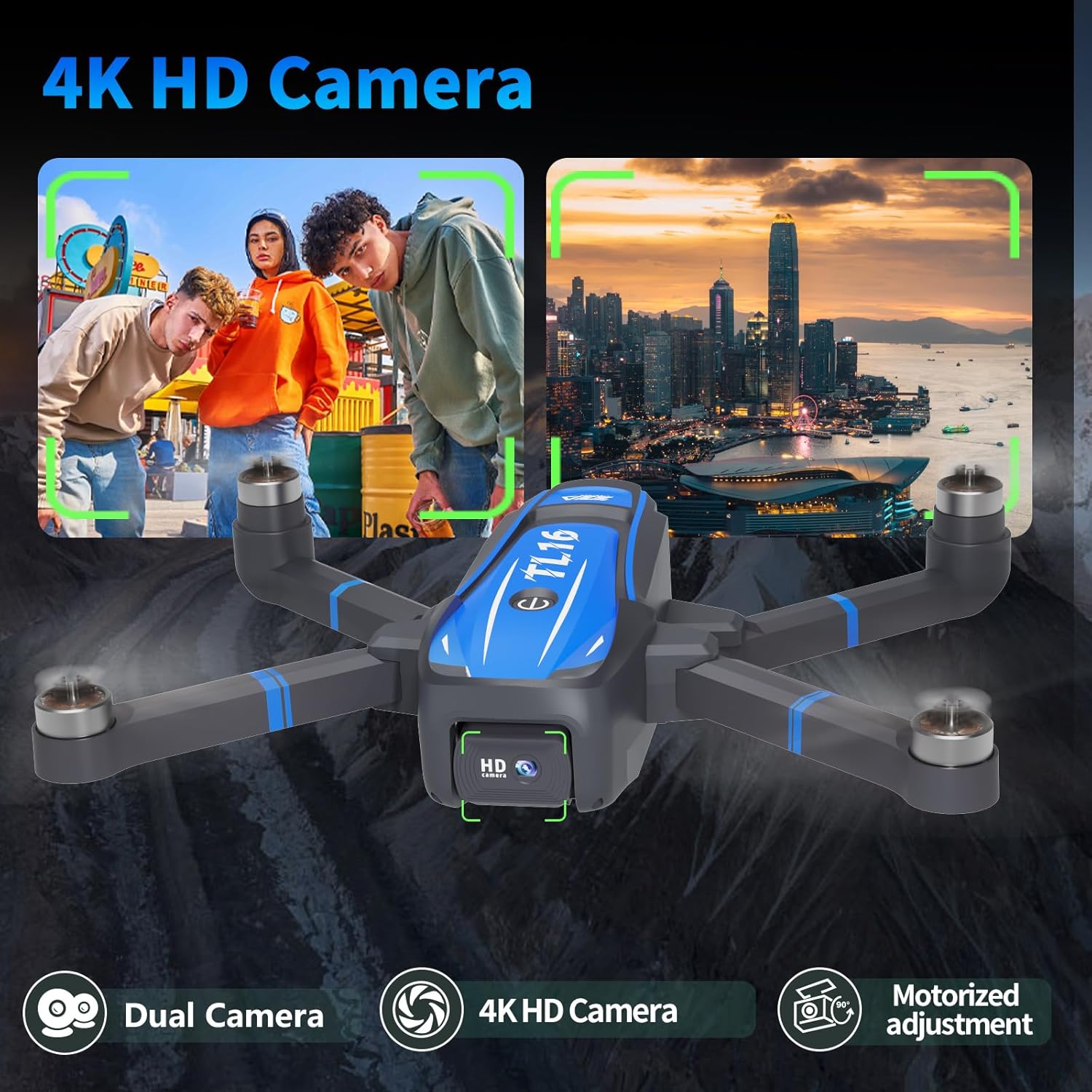
Image: The Toladrone TL16 drone, showcasing its 4K HD camera and dual camera capabilities.
2. What's in the Box
Verify that all components are present in the package before proceeding with setup.
- 1x Remote Control
- 1x Drone
- 1x Modular Battery
- 1x Screwdriver
- 1x Carrying Case
- 1x Instruction Manual
- 1x Charging Cable
- 4x Propeller

Image: All included items in the Toladrone TL16 package, neatly arranged.
3. Setup
3.1 Battery Installation and Charging
The TL16 drone uses a modular battery for convenient and safe operation. Ensure the battery is fully charged before first use.
- Insert the modular battery into the designated compartment on the drone until it clicks securely into place.
- To charge, connect the charging cable to the battery and a suitable USB power source. The charging indicator will show the charging status.

Image: The modular battery being inserted into the drone, highlighting its 3.7V Lithium, 1800mAh capacity, and 16-minute flight time.
3.2 Propeller Installation
If propellers are not pre-installed, attach them according to the markings (A and B) on the propellers and motor arms. Ensure they are securely fastened.
3.3 Remote Control Setup
Insert the required batteries into the remote control. Power on the remote control by pressing the power button. The indicator lights will illuminate.
3.4 App Installation
For advanced features and real-time viewing, download the official Toladrone app. Scan the QR code provided in the physical manual or search for the app on your device's app store (iOS/Android).
4. Operating Instructions
4.1 Power On/Off and Pairing
- Place the drone on a flat, level surface.
- Press and hold the power button on the drone until the indicator lights flash.
- Power on the remote control. The remote will automatically pair with the drone. A solid light on both devices indicates successful pairing.
4.2 Takeoff and Landing
After pairing, push both joysticks down and outwards to unlock the motors. Press the one-key takeoff/landing button on the remote for automatic takeoff or landing.
4.3 Flight Modes and Features
- Headless Mode: In headless mode, the drone's orientation is relative to the pilot, making it easier for beginners to control. Activate this mode via the remote control.
- 3 Speed Modes: Adjust the drone's speed to suit your skill level or environmental conditions. Select between low, medium, and high speeds using the dedicated button on the remote.
- Optical Flow Positioning: This feature provides stable hovering and altitude hold, especially useful in indoor environments or areas with limited GPS signal.
- 360° Flip: Execute impressive aerial stunts with a single button press. Ensure sufficient altitude and clear surroundings before performing flips.
- Trajectory Flight: Use the smartphone app to draw a custom flight path on your screen, and the drone will automatically follow the designated route.
- Gravity Control: With the app, tilt your smartphone to control the drone's direction, offering an intuitive flying experience.

Image: The drone operating in headless mode, simplifying flight control by maintaining orientation relative to the pilot.
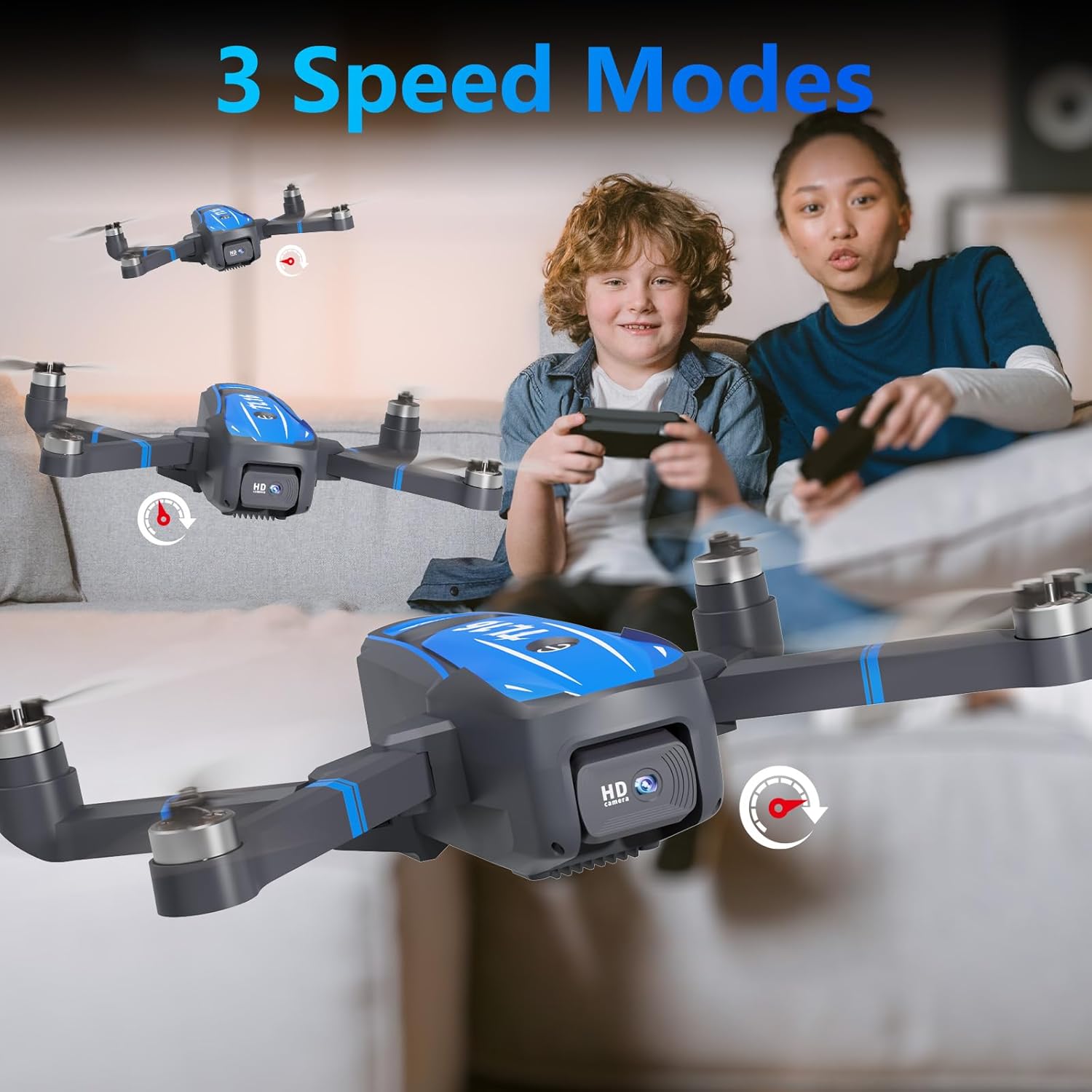
Image: The drone demonstrating its three-speed modes, suitable for various flying conditions and pilot experience levels.

Image: The drone executing a 360° flip, showcasing its acrobatic capabilities.
4.4 Camera Operation
The TL16 drone is equipped with a 4K HD camera and a 90° motorized adjustable lens for capturing high-quality photos and videos.
- Photo/Video Capture: Use the dedicated buttons on the remote control or the app interface to take photos or start/stop video recording.
- Lens Adjustment: Adjust the camera angle vertically or horizontally via the remote or app to frame your shots.
- Gesture Control: Perform specific hand gestures in front of the camera to trigger photo or video capture. Refer to the app for specific gesture commands.
- WiFi Real-time Transmission: Connect your smartphone to the drone's WiFi network to view live footage and transfer media directly to your device.
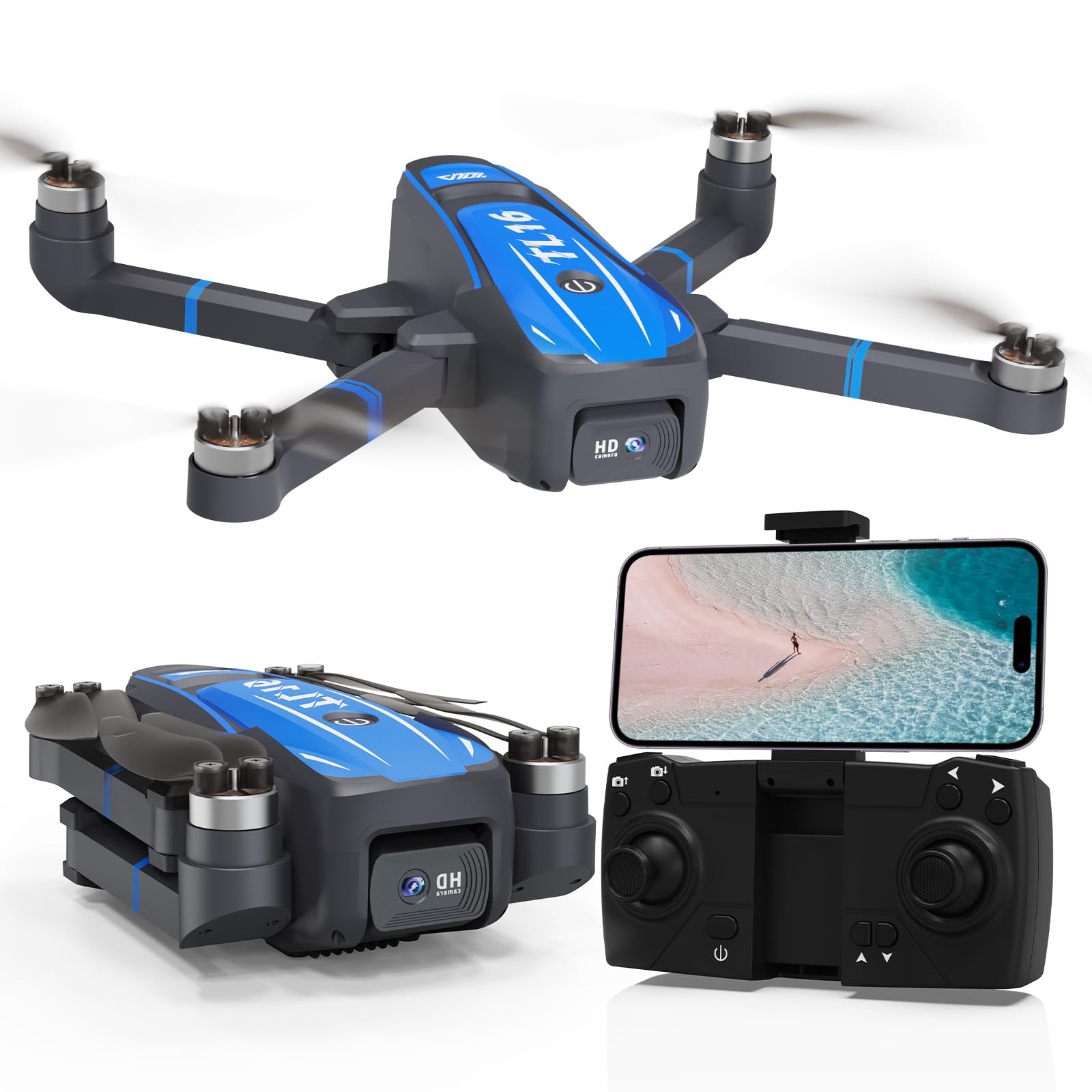
Image: The drone's 4K HD camera capturing both landscape and portrait shots, demonstrating its versatility.
4.5 Brushless Motor and Wind Resistance
The drone's brushless motors provide smoother flight, lower noise, and extended motor lifespan. This design, combined with Level 3 wind resistance, enhances stability during outdoor flights.

Image: Illustration of the brushless motor and the drone's ability to withstand Level 3 wind conditions.
4.6 Official Product Videos
Video: TL16 Drone Introduction Video. This video provides a general overview of the drone's features and capabilities.
Video: TL16 Drone Video. This video demonstrates various flight functions and camera usage of the TL16 drone.
5. Maintenance
5.1 Cleaning
Regularly clean the drone's body and propellers with a soft, dry cloth. Avoid using liquids or harsh chemicals that could damage electronic components.
5.2 Propeller Replacement
If propellers are damaged, replace them immediately using the provided screwdriver and spare propellers. Ensure the correct 'A' and 'B' propellers are installed on their respective motor arms.
5.3 Battery Care
- Always use the original charging cable.
- Do not overcharge or over-discharge the battery.
- Store the battery in a cool, dry place away from direct sunlight and extreme temperatures.
- If storing for extended periods, charge the battery to approximately 50-60% capacity.
6. Troubleshooting
- Drone not responding: Ensure the drone and remote are fully charged and properly paired. Re-pair if necessary.
- Unstable flight: Perform a gyro calibration on a flat surface. Check for damaged propellers and replace if needed.
- Camera not working: Ensure the camera is properly connected and the app is updated. Check storage space on your device.
- Short flight time: Ensure the battery is fully charged. Flight time can be affected by aggressive flying or strong winds.
7. Specifications
| Feature | Detail |
|---|---|
| Brand | Toladrone |
| Model Name | TL16 |
| Age Range | Teenagers, Adults |
| Color | Blue-1 |
| Video Capture Resolution | 4K |
| Effective Still Resolution | 8.3 MP |
| Connectivity Technology | Wi-Fi |
| Battery Capacity | 1800 Milliamp Hours |
| Battery Cell Composition | Lithium Polymer |
| Control Type | App Control, Remote Control |
| Material | Plastic |
| Item Dimensions (L x W x H) | 8.6"L x 7.1"W x 2.3"H |
8. Warranty and Support
Toladrone is committed to providing professional help and guidance. If you encounter any issues during the use of your drone, please contact our customer service team.

Image: A customer service representative ready to assist with inquiries.
Contact Email: Tola_support@163.com
Our professional technicians are available to answer your questions and provide technical support.