
1. Introduction
Thank you for choosing the taopodo L37-QSUS-GJ Multifunctional Cell Phone Stand with Wireless Bluetooth Speaker. This device combines a stable phone stand with a high-quality Bluetooth speaker, offering convenience for media consumption, video calls, and audio playback. This manual provides detailed instructions for setup, operation, and maintenance to ensure optimal performance and longevity of your product.
2. Product Overview
The taopodo L37-QSUS-GJ features a foldable design, an adjustable phone holder, and an integrated Bluetooth speaker. It is designed for compatibility with a wide range of smartphones and tablets.
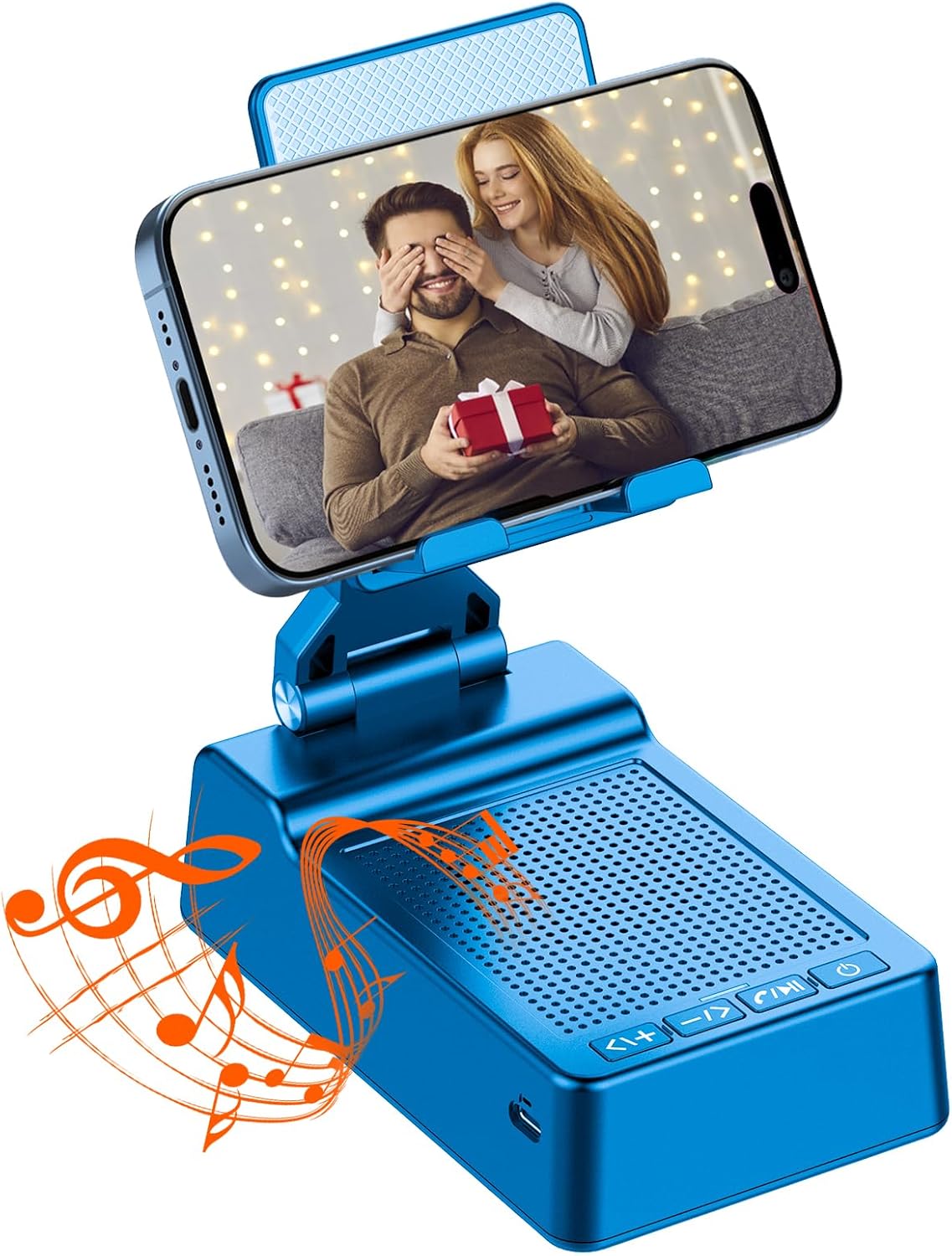
Image 1: The taopodo L37-QSUS-GJ Multifunctional Cell Phone Stand with Wireless Bluetooth Speaker. This image shows the device in its upright position, holding a smartphone, highlighting its primary function as both a stand and a speaker.
2.1 Key Features
- Integrated Bluetooth Speaker: Provides clear and rich audio for music and calls.
- Adjustable Phone Stand: Offers multiple viewing angles and height adjustments for ergonomic use.
- Anti-Slip Base: Equipped with silicone pads to ensure stability and prevent movement.
- Wide Compatibility: Supports most 4-13 inch smartphones and tablets.
- Foldable Design: Allows for easy portability and compact storage.
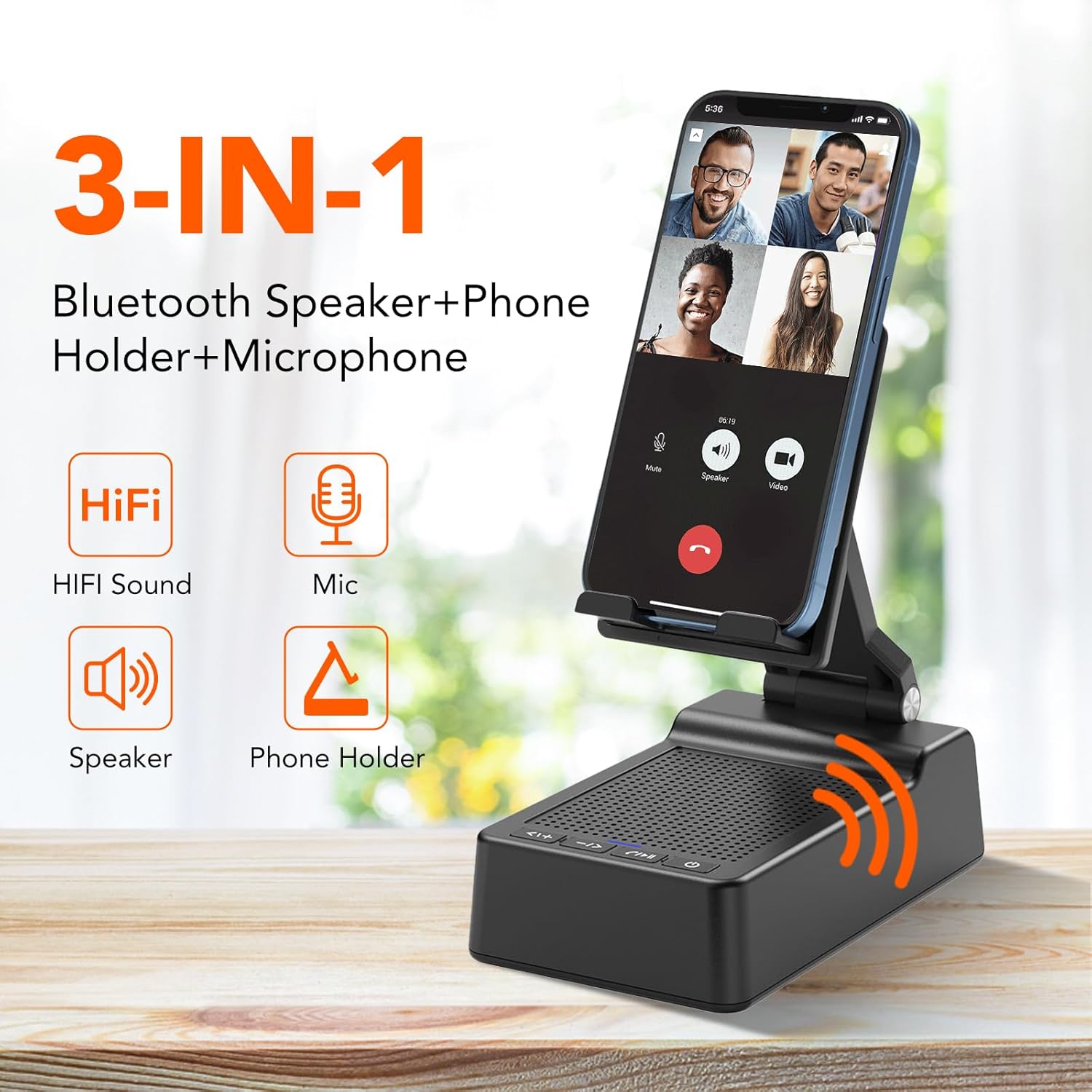
Image 2: This diagram illustrates the 3-in-1 functionality of the device, emphasizing its HiFi sound, built-in microphone, speaker, and phone holder capabilities.
2.2 Package Contents
- taopodo L37-QSUS-GJ Cell Phone Stand with Wireless Bluetooth Speaker x 1
- USB-A to Type-C charger cable x 1
- User manual x 1
3. Setup
3.1 Charging the Device
Before first use, fully charge the device using the provided USB-A to Type-C charging cable. The charging port is located on the side of the speaker base. A blue indicator light will typically show charging status and turn off or change color when fully charged.
3.2 Powering On/Off
- To Power On: Press and hold the power button (⏻) located on the speaker base until the indicator light illuminates.
- To Power Off: Press and hold the power button (⏻) again until the indicator light turns off.
4. Operating Instructions
4.1 Bluetooth Pairing
- Ensure the speaker is powered on. The blue indicator light will flash, indicating it is in pairing mode.
- On your smartphone or tablet, navigate to the Bluetooth settings.
- Search for available devices and select "L37" (or similar name) from the list.
- Once connected, the indicator light will remain solid blue, and you will hear an audible confirmation.
4.2 Music Playback and Call Controls
The speaker base features several control buttons:
- Play/Pause/Answer Call/End Call: Press the ▶/‖ button once to play or pause music. Press once to answer an incoming call, or press again to end an active call.
- Next Track/Volume Up: Press the ▶▶| button once to skip to the next track. Press and hold to increase the volume.
- Previous Track/Volume Down: Press the |◀◀ button once to go to the previous track. Press and hold to decrease the volume.
4.3 Adjusting the Phone Stand
The phone stand is designed for flexible adjustment:
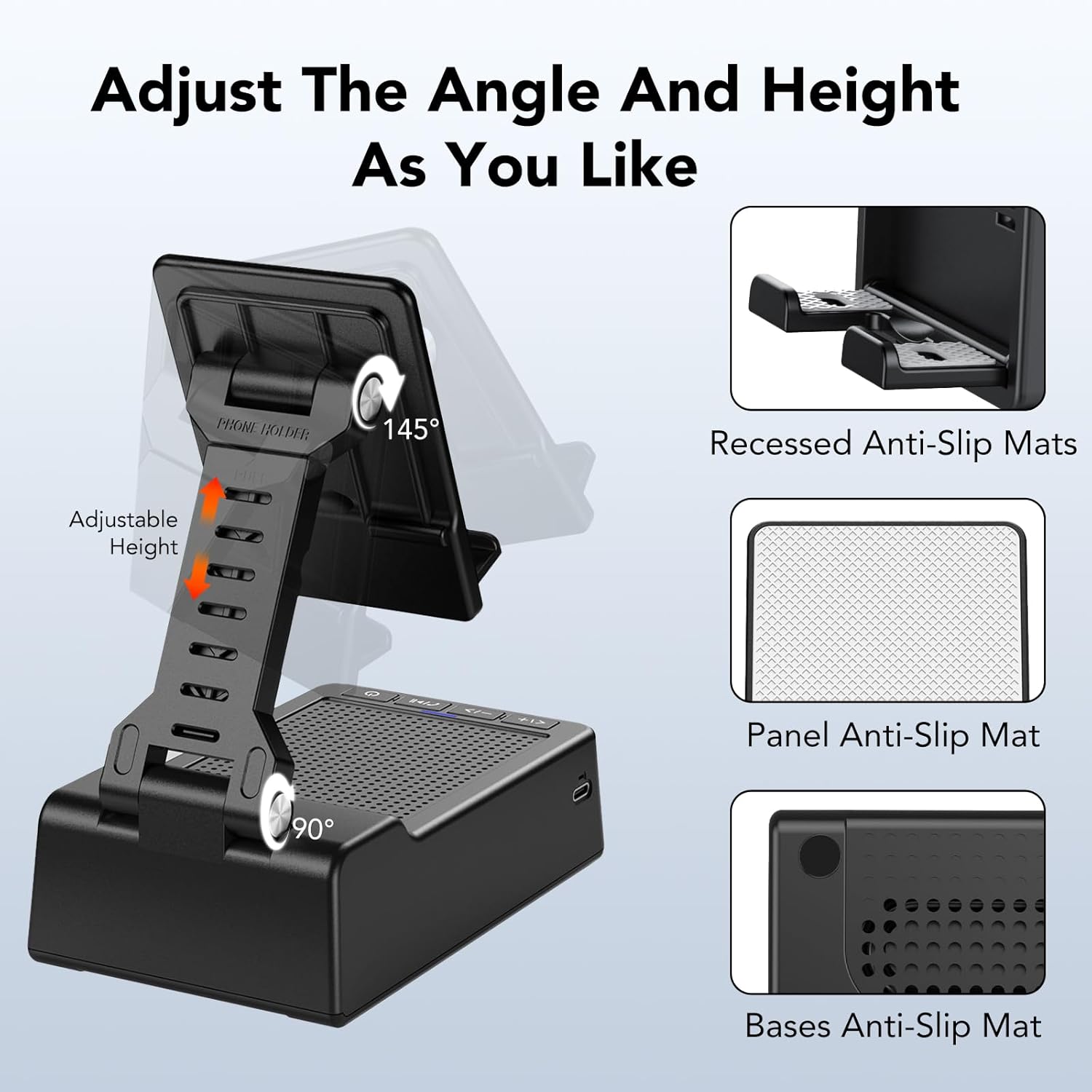
Image 3: This image demonstrates the stand's ability to adjust its angle up to 145 degrees and its height, ensuring a comfortable viewing experience. It also highlights the various anti-slip features.
- Angle Adjustment: Gently pivot the phone holder to achieve your desired viewing angle (up to 145 degrees).
- Height Adjustment: Extend or retract the stand's arm to adjust the height of your device.
- Device Placement: Place your smartphone or tablet securely on the holder. The anti-slip silicone pads on the hook structure and base ensure stability.

Image 4: The stand is shown accommodating both a smartphone and a tablet, illustrating its broad compatibility with devices ranging from 4 to 13 inches.
4.4 Folding for Portability
To fold the stand for easy transport or storage, collapse the adjustable arm and fold the phone holder flat against the speaker base. The compact design makes it convenient for travel.
5. Maintenance
- Cleaning: Use a soft, dry cloth to clean the surface of the device. Avoid using abrasive cleaners or solvents.
- Storage: Store the device in a cool, dry place away from direct sunlight and extreme temperatures.
- Avoid Water: This device is not waterproof. Keep it away from liquids to prevent damage.
6. Troubleshooting
6.1 Cannot Pair with Bluetooth
- Ensure the speaker is powered on and within range (typically 10 meters) of your device.
- Check if the speaker's indicator light is flashing, indicating pairing mode. If not, power cycle the speaker.
- Turn off and on your device's Bluetooth, then try searching again.
- If previously paired, try forgetting the device in your phone's Bluetooth settings and re-pairing.
6.2 No Sound or Low Volume
- Ensure both the speaker and your connected device's volume are turned up.
- Check if the device is properly connected via Bluetooth (solid blue indicator light).
- Test with a different audio source or device to rule out issues with the original source.
6.3 Stand Instability
- Ensure the stand is placed on a flat, stable surface.
- Verify that your device is correctly seated in the holder and not exceeding the recommended size/weight.
- Check the anti-slip pads for wear or damage.
7. Specifications
| Feature | Detail |
|---|---|
| Product Dimensions | 4 x 1.9 x 2.5 inches |
| Item Weight | 12.8 ounces |
| Model Number | L37-QSUS-GJ |
| Brand | taopodo |
| Color | Blue |
| Form Factor | Tower |
| Compatible Devices | Smartphones, Tablets |
| Compatible Phone Models | iPhone 12, Samsung Galaxy S21, Google Pixel 5, OnePlus 9, etc. |
8. Warranty and Support
For warranty information or technical support, please refer to the contact details provided on the product packaging or the official taopodo website. Keep your purchase receipt for warranty claims.