
1. Introduction
Thank you for choosing the ONIKUMA GAMING T27 Wireless Gaming Earbuds. These earbuds are designed to provide a superior audio experience for gaming and communication across multiple platforms, including PC, PlayStation, Meta Quest, Nintendo Switch, and mobile devices. Featuring ultra-low latency 2.4G wireless technology and Bluetooth 5.3, the T27 offers versatile connectivity and high-fidelity sound.
Please read this manual thoroughly before using the product to ensure proper operation and to maximize your gaming and audio experience.
2. What's in the Box
- ONIKUMA GAMING T27 Earbuds (Left and Right)
- Charging Case
- USB-C Dongle (2.4G Wireless Transmitter)
- USB Charging Cable
- User Manual
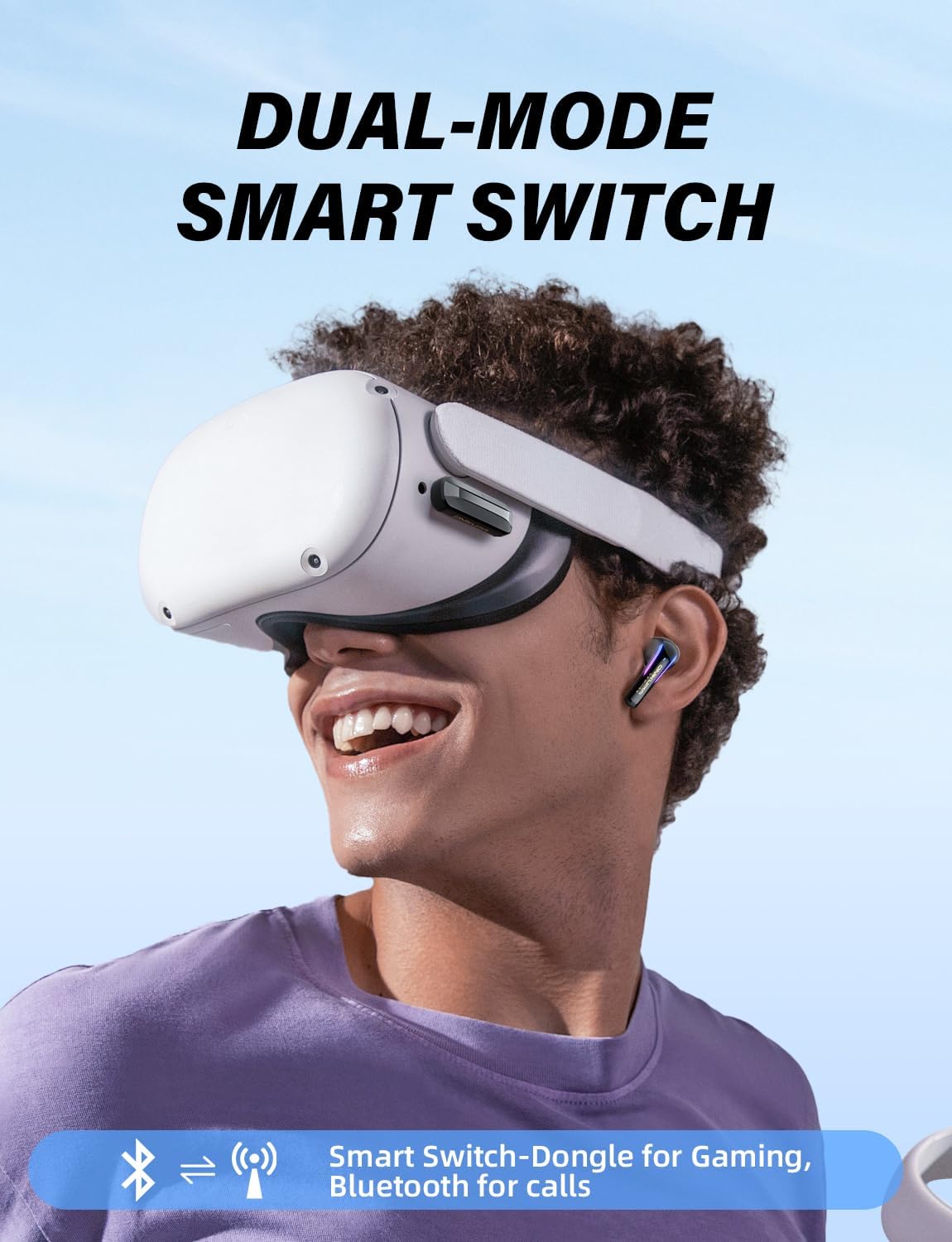
Image: Included components of the ONIKUMA GAMING T27 Wireless Gaming Earbuds.
3. Product Overview

Image: ONIKUMA GAMING T27 Earbuds, Charging Case, and USB-C Dongle.
Earbud Features:
- Touch Control Area: For managing playback, calls, and modes.
- LED Indicator: Displays connection status and battery level.
- ENC Microphones: Two built-in AI advanced mics for clear calls and noise reduction.
- Charging Contacts: For charging within the case.
Charging Case Features:
- Earbud Charging Slots: Securely holds and charges the earbuds.
- USB-C Charging Port: For charging the case.
- Battery Indicator: Shows the charging case's battery status.
USB-C Dongle:
- USB-C Connector: For direct connection to compatible devices.
- USB-A Adapter: For wider compatibility with USB-A ports.
- Indicator Light: Shows dongle connection status.
4. Setup and Connectivity
4.1 Initial Charging
Before first use, fully charge the earbuds and the charging case. Place the earbuds into the charging case and connect the case to a power source using the provided USB charging cable. The LED indicators will show charging status.
Charging Time: Approximately 1.5 hours for a full charge.

Image: Battery life and charging information for the T27 Earbuds.
4.2 Connecting to Devices
The T27 earbuds support dual-mode connectivity: 2.4G wireless via USB-C dongle and Bluetooth 5.3.

Image: T27 Earbuds connectivity options for various devices.
4.2.1 2.4G Wireless Connection (Recommended for Gaming)
- Insert the USB-C dongle into a compatible port on your device (PC, PS5/PS4, Meta Quest, Nintendo Switch, Steam Deck). Use the USB-A adapter if needed.
- The earbuds will automatically connect to the dongle when removed from the charging case. The dongle's indicator light will confirm connection.
- Ensure the audio output setting on your device is set to the ONIKUMA GAMING T27 or the connected USB audio device.
Attention for PS4/PS5 Users:
- Do not plug the dongle into the controller.
- Do not plug the dongle into the back of the PS4/PS5.
- Do not connect to PS4/PS5 via Bluetooth. Use the 2.4G dongle for optimal performance.

Image: Correct dongle connection for PS4/PS5 consoles.
4.2.2 Bluetooth Connection (Recommended for Mobile Devices)
- Remove the earbuds from the charging case. They will enter pairing mode (LEDs will flash).
- On your device (phone, tablet, laptop), enable Bluetooth and search for "ONIKUMA GAMING T27".
- Select the earbuds to pair. Once connected, the earbud LEDs will stop flashing.
4.3 Dual-Device Smart Connectivity
The T27 earbuds can connect to two devices simultaneously: one via 2.4G dongle and one via Bluetooth. This allows for seamless switching, for example, between gaming on a console and answering a call on your smartphone.

Image: Dual-device smart switch functionality.
5. Operating Instructions
5.1 Power On/Off
- Power On: Remove earbuds from the charging case. They will automatically power on.
- Power Off: Place earbuds back into the charging case. They will automatically power off and begin charging. Alternatively, long press the Multi-Function Button (MFB) on either earbud for 5 seconds to manually power off.
5.2 Touch Controls
The T27 earbuds feature intuitive touch controls on the outer surface of each earbud.

Image: T27 Earbuds touch control functions.
| Function | Action |
|---|---|
| Power On/Off | Long press MFB for 5 seconds |
| Play/Pause | Double click MFB |
| Volume Increase | Long press MFB (Right earbud) |
| Volume Decrease | Long press MFB (Left earbud) |
| Answer/Hang Up Call | Double click MFB |
| Reject Call | Long press MFB |
| Activate Voice Mode | Triple click MFB (Left/Right earbud) |
| Dongle Game Mode | Single click MFB (when connected via dongle) |
5.3 Game and Music Dual Mode
The T27 earbuds feature a sensitive switch to optimize audio performance for either gaming or music listening.
- Game Mode: Optimizes audio for spatial awareness, enhancing footsteps and gunshots for a competitive edge.
- Music Mode: Provides high-fidelity sound quality for an immersive listening experience.
Switching between modes is typically done via the touch controls or automatically detected by the earbuds.
5.4 Single and Dual Ear Use
The earbuds can be used individually (mono mode) or as a pair (stereo mode).
- Single Ear: Simply remove one earbud from the case. It will connect independently.
- Dual Ear: Remove both earbuds from the case. They will automatically pair with each other and then connect to your device.

Image: Illustration of single and dual earbud usage.
6. Maintenance and Care
6.1 Cleaning
- Regularly clean the earbuds, especially the ear tips and charging contacts, with a soft, dry, lint-free cloth.
- Do not use harsh chemicals, cleaning solvents, or strong detergents.
- Ensure the earbuds and charging case are dry before placing them back in the case or charging.
6.2 Storage
- Store the earbuds in their charging case when not in use to protect them and keep them charged.
- Avoid storing in extreme temperatures (hot or cold) or in highly humid environments.
6.3 Battery Care
- To prolong battery life, avoid fully discharging the earbuds and charging case frequently.
- Charge the device regularly, even if not in frequent use, to prevent deep discharge.
6.4 Water Resistance
The T27 earbuds feature a waterproof design (Water Resistance Level: Waterproof). While they are resistant to sweat and light splashes, they are not designed for submersion in water. Avoid exposing them to excessive moisture or liquids.
Image: T27 Earbuds demonstrating water resistance.
7. Troubleshooting
If you encounter issues with your ONIKUMA GAMING T27 earbuds, please refer to the following common solutions:
| Problem | Possible Cause | Solution |
|---|---|---|
| No sound from earbuds | Earbuds not powered on; Not connected; Low battery; Incorrect audio output setting on device. | Ensure earbuds are charged and removed from case. Verify connection (Bluetooth or dongle). Check device's audio output settings. |
| Earbuds not pairing/connecting | Out of range; Interference; Pairing mode not active; Previously paired device interfering. | Ensure earbuds are close to the device. Turn off Bluetooth on other nearby devices. Place earbuds back in case, then remove to re-enter pairing mode. Forget device in Bluetooth settings and re-pair. |
| Microphone not working | Microphone muted; Incorrect input device selected; Earbuds not fully connected. | Check if microphone is muted on your device or application. Ensure the T27 is selected as the input device in your system settings. Reconnect earbuds. |
| Sound quality is poor or distorted | Weak signal; Interference; Earbuds dirty; Incorrect mode. | Move closer to the connected device. Avoid strong electromagnetic interference. Clean earbud grilles. Ensure correct mode (Game/Music) is selected. |
| Dongle not recognized by console (PS4/PS5) | Incorrect USB port used. | Ensure dongle is plugged into a front USB port on the console, not the controller or rear ports. |
If the issue persists, please contact ONIKUMA GAMING customer support for further assistance.
8. Specifications
| Feature | Detail |
|---|---|
| Model Name | T27 Black 2 |
| Connectivity Technology | Bluetooth 5.3, 2.4G Wireless |
| Headphones Jack | USB C (for dongle) |
| Ear Placement | In Ear |
| Form Factor | In Ear |
| Control Type | Touch Control |
| Charging Time | 1.5 Hours |
| Earbuds Battery Life | 4-6 Hours |
| Total Playtime (with case) | Up to 28 Hours |
| Noise Control | Passive Noise Cancellation (ENC Mic for calls) |
| Water Resistance Level | Waterproof |
| Material | Acrylonitrile Butadiene Styrene (ABS) |
| Item Weight | 5 ounces |
| Compatible Devices | PC, Cellphones, Tablets, Laptops, PS4, PS5, Meta Quest, Steam Deck, Switch, VR |
9. Warranty and Support
ONIKUMA GAMING products are manufactured to high quality standards. For information regarding warranty coverage, terms, and conditions, please refer to the warranty card included with your purchase or visit the official ONIKUMA GAMING website.
For technical support, troubleshooting assistance, or any product-related inquiries, please contact ONIKUMA GAMING customer service through the contact information provided in your product packaging or on the official brand website.
Manufacturer: ONIKUMA GAMING
Date First Available: May 15, 2025


