
1. Introduction
The Edifier Retro Wood Bluetooth Speaker (Model: mp330) is a wireless portable speaker designed to deliver high-resolution audio with a vintage aesthetic. It features a 40W output, stereo pairing capabilities, and multiple input options including Bluetooth, USB, and TF card. This manual provides essential information for setting up, operating, and maintaining your speaker.
Key features include:
- Upgrade Retro Design in Details: Thickened spherical contact surface foot pads for vibration isolation, MDF wooden shell, and high-quality leather handles for comfortable grip and reduced wear.
- Bluetooth V5.4: Supports simultaneous connection of two Bluetooth devices for seamless audio streaming with stable connection up to 66ft away.
- Quality Sound with 360° Audio Experience: Hi-Res Audio certified, 24bit/96kHz high-resolution audio processing, 40W total output (18W+11W+11W RMS), Oval mid-low driver, tweeter with neodymium magnets, and Oval passive bass radiator.
- Multiple Input Modes: AUX, USB-C port, and TF card in addition to Bluetooth.
- EDIFIER ConneX Mobile App: Control playback, switch sound effects, customize EQ, and access manual settings.
- Long Battery Life: Built-in 4800 mAh Lithium-ion battery provides up to 19 hours of playback at 50% volume, with a charging time of 4 to 5 hours.

Image: The Edifier MP330 speaker featuring its handcrafted leather handle, designed for easy portability and comfortable grip.
2. What's in the Box
Upon unboxing, please ensure all components are present:
- Edifier MP330 Speaker x1
- USB-C to USB-C Cable x1
- Quick Start Guide x1
- Important Safety Instructions x1
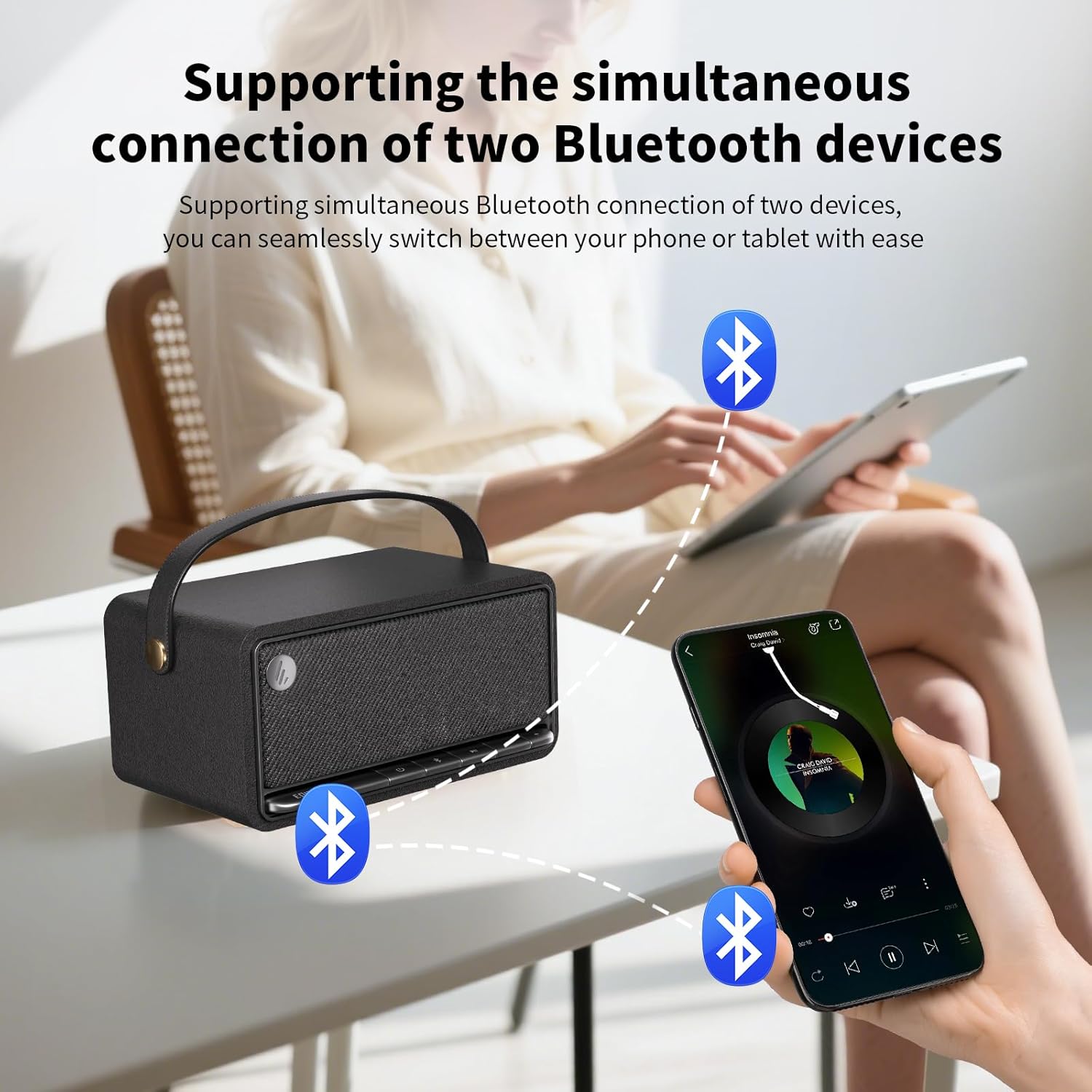
Image: The Edifier MP330 speaker with its included USB-C cable, quick start guide, and safety instructions.
3. Setup
3.1 Charging the Speaker
Before first use, fully charge the speaker. Connect the provided USB-C cable to the speaker's USB-C port and a compatible power adapter (not included). A full charge takes approximately 4 to 5 hours. The speaker provides up to 19 hours of playback at 50% volume.

Image: The Edifier MP330 speaker highlighting its 4800mAh battery and 19 hours of playtime.
3.2 Powering On/Off
Locate the power button on the front panel of the speaker. Press and hold the power button to turn the speaker on or off.
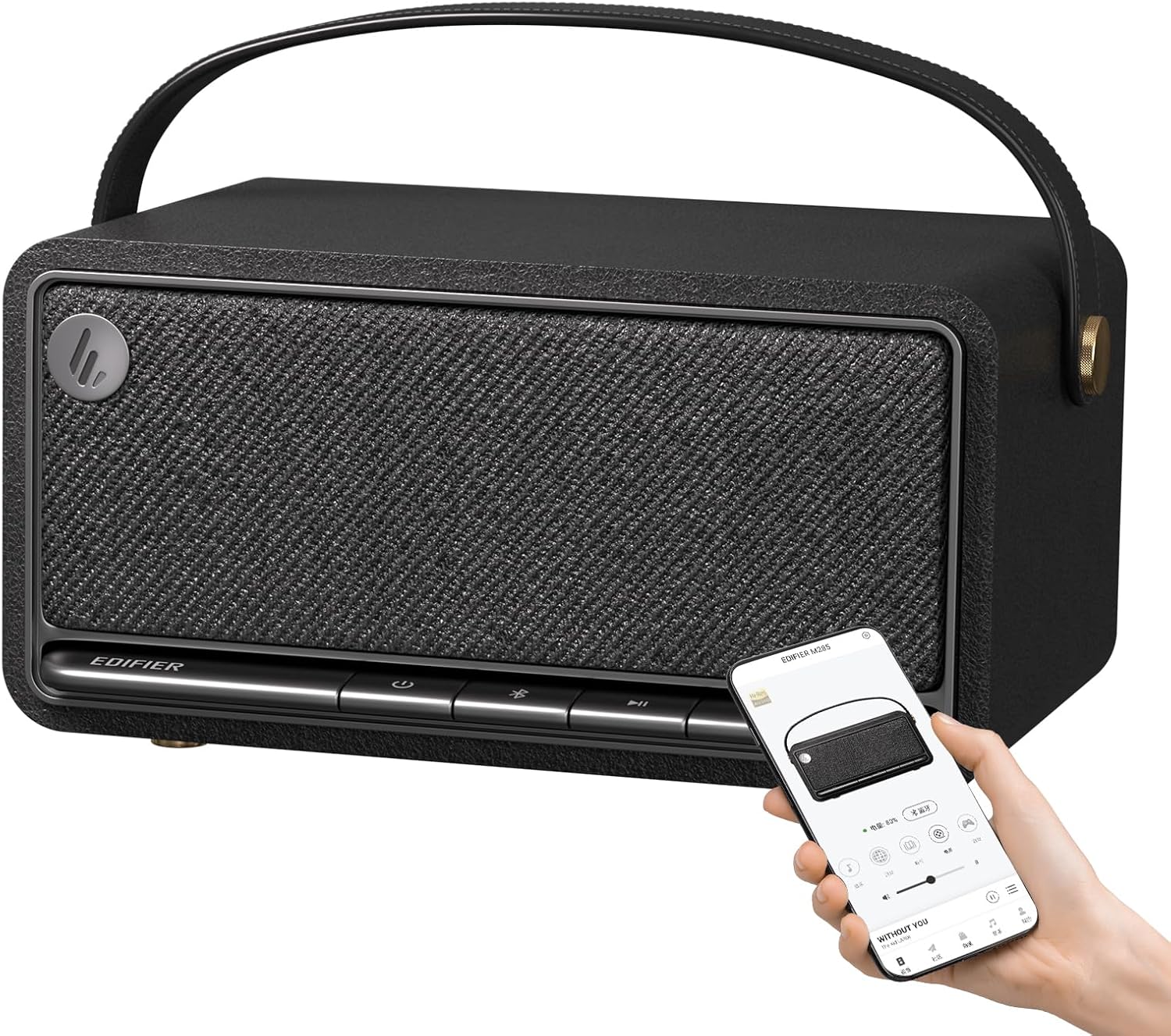
Image: The Edifier MP330 speaker's front panel with control buttons, including the power button, and a smartphone displaying the companion app.
3.3 Bluetooth Pairing
To pair your device via Bluetooth:
- Ensure the speaker is powered on and in Bluetooth mode. The Bluetooth indicator light will flash.
- On your device (smartphone, tablet, etc.), enable Bluetooth and search for "Edifier MP330" in the list of available devices.
- Select the speaker to connect. Once connected, the Bluetooth indicator light will become solid.

Image: The Edifier MP330 speaker illustrating its wireless connection capabilities via Bluetooth V5.4, USB-C, and TF card.
3.4 Stereo Pairing (TWS)
Two Edifier MP330 speakers can be paired together to create a stereo sound system:
- Ensure both speakers are powered on and not connected to any Bluetooth device.
- Press and hold the Bluetooth button on one speaker until it enters TWS pairing mode (refer to the quick start guide for specific indicator behavior).
- Repeat the process for the second speaker. The speakers will automatically connect to each other.
- Once paired, connect your device to one of the speakers via Bluetooth. Audio will now play in stereo across both units.

Image: Two Edifier MP330 speakers demonstrating Bluetooth stereo pairing, creating an immersive audio experience.
4. Operating the Speaker
4.1 Controls and Inputs
The speaker features an accordion-style keyboard on the front panel for easy control. In addition to Bluetooth, the speaker supports AUX, USB-C, and TF card inputs.
- Power Button: Press and hold to turn on/off.
- Bluetooth Button: Press to switch to Bluetooth mode, press and hold for pairing.
- Volume Up/Down: Adjust playback volume.
- Play/Pause: Control media playback.
- USB-C Port: For charging and audio input.
- TF Card Slot: For playing audio directly from a TF card.
- AUX Input: For connecting external audio devices via a 3.5mm audio cable.
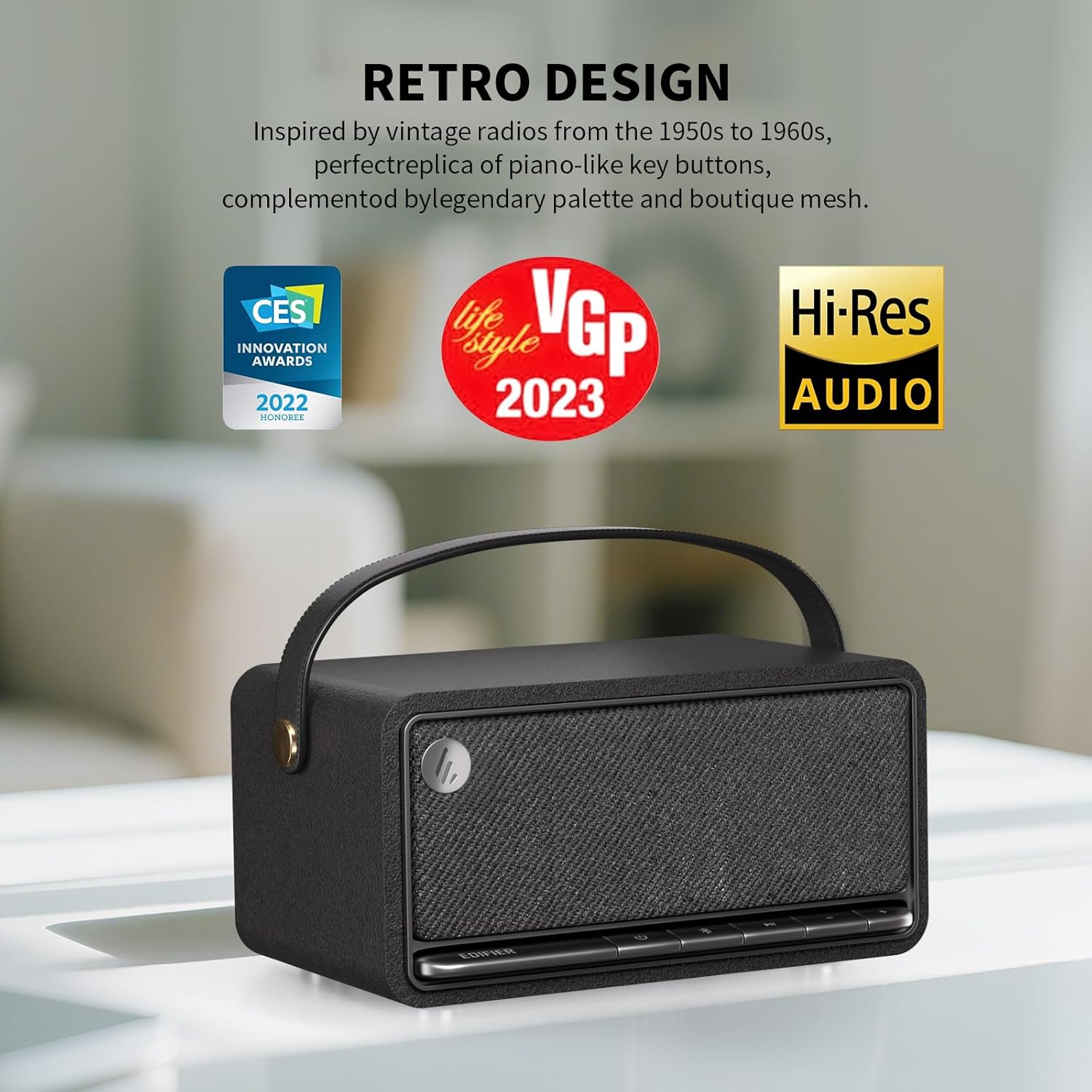
Image: The Edifier MP330 speaker's front panel, featuring piano-like key buttons for control, embodying its retro design.
4.2 EDIFIER ConneX Mobile App
Enhance your experience by downloading the EDIFIER ConneX mobile app. The app provides additional functionalities:
- Playback control.
- Sound effect switching (e.g., Music, Party, Listen, Movie, Game).
- EQ customization.
- Access to user manual and settings.

Image: A collage of screenshots from the EDIFIER ConneX app, demonstrating its various control and customization options for the speaker.
4.3 Simultaneous Device Connection
The Bluetooth V5.4 audio receiver supports the simultaneous connection of two Bluetooth devices. This allows you to seamlessly switch between audio sources from your mobile phone and tablet without re-pairing.
Image: The Edifier MP330 speaker demonstrating its ability to connect to two Bluetooth devices concurrently, allowing for easy switching between audio sources.
5. Maintenance
To ensure the longevity and optimal performance of your Edifier MP330 speaker, follow these maintenance guidelines:
- Cleaning: Use a soft, dry cloth to clean the speaker's surface. Avoid using abrasive cleaners, waxes, or solvents.
- Storage: Store the speaker in a cool, dry place away from direct sunlight and extreme temperatures.
- Water Exposure: The speaker is not waterproof. Avoid exposing it to water or high humidity.
- Handle Care: The high-quality leather handle should be kept clean and dry to prevent wear and erosion.
6. Troubleshooting
If you encounter issues with your speaker, refer to the following common problems and solutions:
| Problem | Possible Cause | Solution |
|---|---|---|
| Speaker does not power on. | Low battery or no charge. | Connect the speaker to a power source using the USB-C cable and allow it to charge for a few minutes before attempting to power on again. |
| No sound from the speaker. | Volume too low, incorrect input mode, or device not connected. | Increase the volume on both the speaker and your connected device. Ensure the correct input mode (Bluetooth, AUX, USB, TF card) is selected. Verify Bluetooth connection or cable connection. |
| Cannot pair via Bluetooth. | Speaker not in pairing mode, device too far, or interference. | Ensure the speaker's Bluetooth indicator is flashing (pairing mode). Move your device closer to the speaker. Turn off other Bluetooth devices nearby to reduce interference. Try forgetting the device on your phone and re-pairing. |
| Stereo pairing not working. | Speakers not properly paired for TWS. | Ensure both speakers are disconnected from other Bluetooth devices. Follow the TWS pairing instructions carefully, pressing and holding the Bluetooth button on both speakers until they connect to each other. |
7. Specifications
| Feature | Detail |
|---|---|
| Brand | Edifier |
| Model Name | mp330-black |
| Speaker Type | Outdoor (Portable) |
| Connectivity Technology | Bluetooth, USB-C, TF card |
| Wireless Communication Technology | Bluetooth V5.4 |
| Audio Output Mode | Stereo |
| Speaker Maximum Output Power | 40 Watts (RMS) |
| Frequency Response | 40 KHz (Hi-Res Audio Certified) |
| Battery Life | Up to 19 Hours (@ 50% volume) |
| Battery Capacity | 4800 mAh Lithium-ion |
| Charging Time | 4 to 5 hours |
| Product Dimensions | 8.14"D x 4.56"W x 5.62"H |
| Item Weight | 2.2 pounds (1 Kilogram) |
| Control Method | Touch (Accordion keyboard) |
| Special Features | Hi-Res Audio, Portable, Noise Cancelling, Stereo Pairing, ConneX App Support |
| Included Components | MP330 Speaker, USB-C to USB-C Cable, Quick Start Guide, Important Safety Instructions |

Image: A visual representation of the Edifier MP330 speaker with its key dimensions labeled.

Image: An exploded view of the Edifier MP330 speaker, illustrating its internal acoustic components for 360-degree audio experience.
8. Warranty and Support
The Edifier MP330 speaker comes with a Limited Warranty. For detailed warranty information and support, please refer to the Important Safety Instructions included in the box or visit the official Edifier website.
Optional protection plans may be available for extended coverage:
- 2-Year Protection Plan
- 3-Year Protection Plan
- Complete Protect (monthly billing option)
For further assistance, contact Edifier customer support or the seller, "edifier-gaming store".
9. Official Product Video
Watch the official product video for a visual guide on the Edifier MP330 speaker's features and usage.
Video: An official product video showcasing the Edifier MP330 Portable Bluetooth Speaker, highlighting its design, features, and various uses.


