
GUY-TECH 21V AC/DC Adapter
GUY-TECH 21V AC/DC Adapter User Manual
For OttLite PL-0064, PL-0064B, T5751B-FFP, T5751Z, T57G5B, T57G5Z, T57PNZ-CA, T57WGC LED Crane Desk Lamps
1. Introduction
This manual provides instructions for the safe and effective use of your GUY-TECH 21V AC/DC Adapter. This adapter is designed as a replacement power supply for various OttLite LED Crane Desk Lamps, including models PL-0064, PL-0064B, T5751B-FFP, T5751Z, T57G5B, T57G5Z, T57PNZ-CA, and T57WGC. Please read this manual thoroughly before use and retain it for future reference.
Key Features:
- Input: AC 100V - 240V (worldwide use)
- Output: 21V DC, 0.28A (280mA)
- Over Voltage Output Protection
- Over Current Output Protection
- Short Circuit Output Protection
- High power exchange efficiency
2. Safety Information
Observe the following safety precautions to prevent injury or damage to the product:
- Ensure the adapter's voltage and current specifications match your device's requirements before connecting.
- Do not expose the adapter to water, moisture, or extreme temperatures.
- Do not disassemble or modify the adapter.
- Avoid dropping or subjecting the adapter to strong impacts.
- Keep out of reach of children.
- Unplug the adapter from the power outlet when not in use for extended periods.
3. Package Contents
Verify that all items are present upon unpacking:
- 1 x GUY-TECH 21V AC/DC Adapter
4. Setup
Follow these steps to set up your AC/DC adapter:
- Verify Compatibility: Before connecting, confirm that your device (e.g., OttLite lamp) requires a 21V DC input and that the connector type matches the adapter's plug. This adapter features a standard barrel connector.
- Connect to Device: Insert the DC output plug of the adapter firmly into the power input port of your OttLite LED Crane Desk Lamp.
- Connect to Power Outlet: Plug the AC input prongs of the adapter into a standard AC 100V-240V wall outlet. Ensure the connection is secure.

Image 1: The GUY-TECH 21V AC/DC Adapter with its power cord. This image shows the adapter unit and the DC output plug, with the cord neatly coiled.

Image 2: A hand plugging the GUY-TECH AC/DC Adapter into a standard wall outlet. The adapter is shown securely connected to the power source.
5. Operating Instructions
Once the adapter is correctly connected to both the power outlet and your device, it will begin supplying power. The adapter operates automatically and does not require any user interaction beyond connection.
- The adapter is designed for continuous operation.
- Its high power exchange efficiency helps maintain a stable working temperature.
- Protection features (Over Voltage, Over Current, Short Circuit) are integrated to safeguard your connected device.

Image 3: A detailed view highlighting key components of the adapter, including the American plug, thick copper core wiring, and the flexibility of the power cord. This illustrates the internal quality and design.
6. Maintenance
The GUY-TECH AC/DC Adapter requires minimal maintenance. Follow these guidelines to ensure longevity:
- Cleaning: Disconnect the adapter from the power outlet and your device before cleaning. Use a soft, dry cloth to wipe the exterior. Do not use liquid cleaners or solvents.
- Storage: When not in use, store the adapter in a cool, dry place, away from direct sunlight and extreme temperatures. Avoid tightly coiling the cable to prevent damage.
- Inspection: Periodically inspect the cable and connectors for any signs of wear, fraying, or damage. If damage is observed, discontinue use and replace the adapter.
7. Troubleshooting
If you encounter issues with your adapter, refer to the following common problems and solutions:
| Problem | Possible Cause | Solution |
|---|---|---|
| Device not powering on. |
|
|
| Adapter feels warm during use. |
|
|
8. Specifications
| Feature | Detail |
|---|---|
| Brand | GUY-TECH |
| Input Voltage | AC 100V - 240V (Worldwide Use) |
| Output Voltage | DC 21V |
| Output Current | 0.28A (280mA) |
| Connector Type | Barrel Plug |
| Color | Black |
| Material | Composite, Metal, Plastic |
| Special Feature | Travel-friendly, Over Voltage Protection, Over Current Protection, Short Circuit Protection |
| Compatible Devices | OttLite PL-0064, PL-0064B, T5751B-FFP, T5751Z, T57G5B, T57G5Z, T57PNZ-CA, T57WGC LED Crane Desk Lamps |
| Certifications | CCC, CE, RoHS |
| Dimensions (Approximate) | 2.92 in (L) x 1.58 in (W) x 1.18 in (H) (Adapter body) |

Image 4: An illustration showing the approximate dimensions of the GUY-TECH AC/DC Adapter body: 2.92 inches in length, 1.58 inches in width, and 1.18 inches in height.
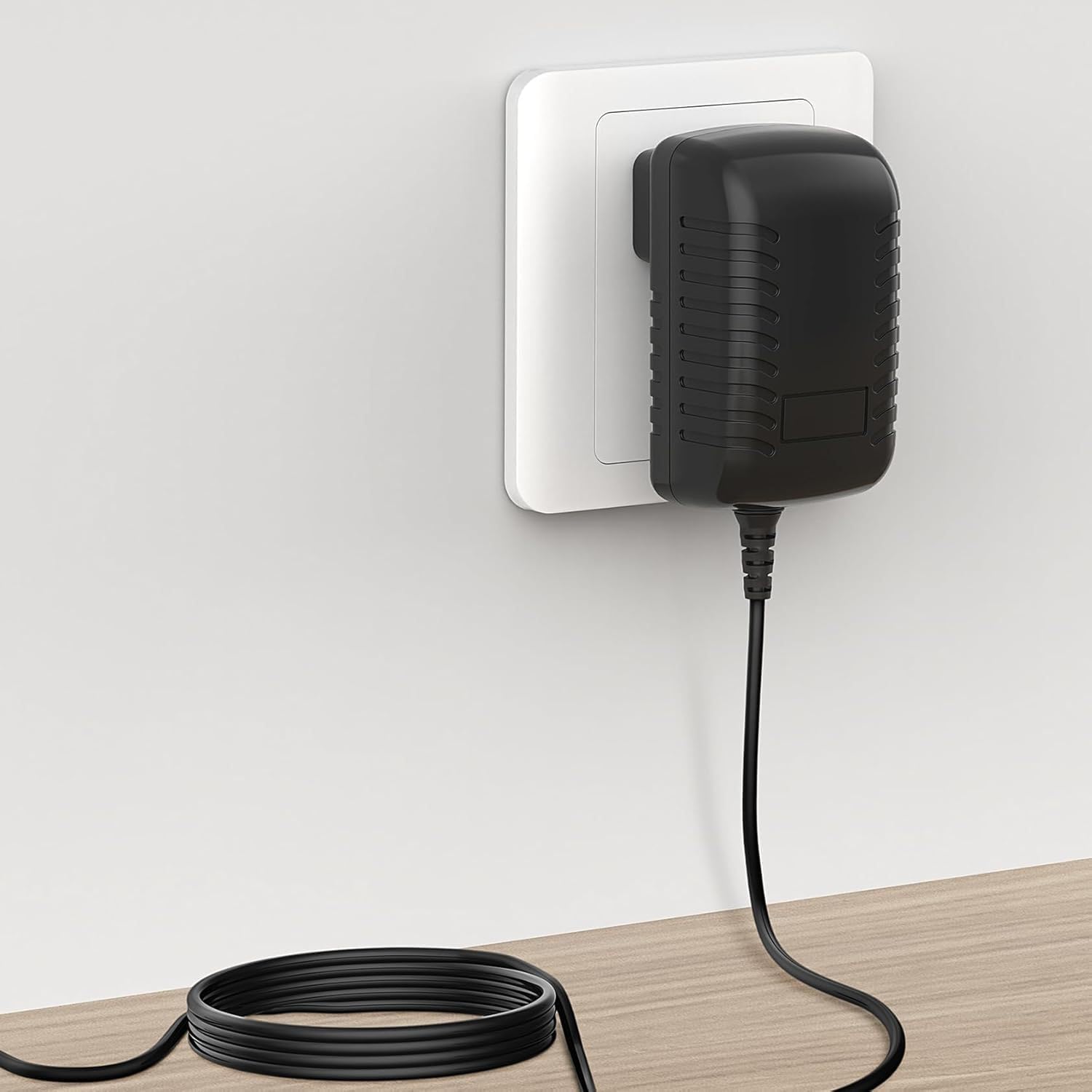
Image 5: The GUY-TECH AC/DC Adapter being easily placed into a pocket, demonstrating its compact and portable design for travel.
9. Warranty and Support
GUY-TECH products are manufactured with quality and reliability in mind. While specific warranty details are not provided in this manual, please retain your proof of purchase for any warranty claims.
For technical support or inquiries, please refer to the contact information provided by your retailer or visit the official GUY-TECH website (if available).
Related documents21V AC/DC Adapter

Ask a question about this manual
Ask about setup, troubleshooting, compatibility, parts, safety, or missing instructions. Manuals+ will review the question and use this page’s manual context to help answer it.