
1. Introduction
Thank you for choosing the Antarctic Star Countertop Ice Maker Machine. This manual provides essential information for the safe and efficient operation, maintenance, and troubleshooting of your new appliance. Please read these instructions thoroughly before first use and retain them for future reference.
2. Safety Instructions
To reduce the risk of fire, electric shock, or injury, always follow basic safety precautions when using this appliance.
- Ensure the power outlet voltage matches the appliance's rating.
- Do not immerse the power cord, plug, or any part of the appliance in water or other liquids.
- Unplug the appliance from the power outlet before cleaning, servicing, or when not in use.
- Do not operate any appliance with a damaged cord or plug, or after the appliance malfunctions or has been damaged in any manner.
- Place the ice maker on a stable, level surface, away from direct sunlight and heat sources. Ensure adequate ventilation around the unit.
- Use only potable water in the ice maker.
- Keep children away from the appliance.
- Do not use the appliance for purposes other than its intended use.
3. Product Overview
The Antarctic Star Countertop Ice Maker Machine is designed for convenient ice production, featuring a compact design and efficient operation.
3.1 Components
- Ice Maker Unit
- Ice Basket
- Ice Scoop
- Handle (for portability)
3.2 Key Features
- Rapid Ice Production: Produces 8 ice cubes in approximately 6 minutes, with a daily capacity of up to 26 lbs.
- Energy Efficient: Optimized motor and construction reduce energy consumption.
- Self-Cleaning Function: One-touch maintenance cycle for easy cleaning.
- Compact Design: Portable and suitable for various settings.
- Quiet Operation: Operates at less than 40dB.
- Two Ice Sizes: Choose between small and large ice cubes.

Image 3.1: Antarctic Star Countertop Ice Maker Machine. This image displays the main unit of the ice maker, including the transparent lid, control panel, and ice scoop.

Image 3.2: Compact Design of Ice Maker with Dimensions. This image illustrates the compact size of the ice maker, showing its dimensions as 8.66 inches wide, 10.39 inches deep, and 11.22 inches high.
4. Setup
4.1 Unpacking
- Carefully remove the ice maker from its packaging.
- Remove all packaging materials, including any tape or protective films.
- Inspect the appliance for any damage. If damaged, do not operate and contact customer support.
4.2 Placement
- Place the ice maker on a flat, stable, and heat-resistant surface.
- Ensure there is at least 4 inches (10 cm) of space around the unit for proper ventilation.
- Avoid placing the unit near heat sources (e.g., ovens, radiators) or in direct sunlight.
4.3 Initial Cleaning
Before first use, clean the interior of the ice maker. Refer to the 'Maintenance and Cleaning' section for detailed instructions.
5. Operating Instructions
5.1 Adding Water
- Open the lid of the ice maker.
- Remove the ice basket.
- Fill the water reservoir with potable water up to the MAX fill line. Do not overfill.
- Replace the ice basket and close the lid.
5.2 Powering On and Ice Production
- Plug the ice maker into a grounded electrical outlet.
- Press the 'ON/OFF' button on the control panel to start the ice making cycle.
- The ice maker will begin producing ice. The first batch may be smaller or irregularly shaped.
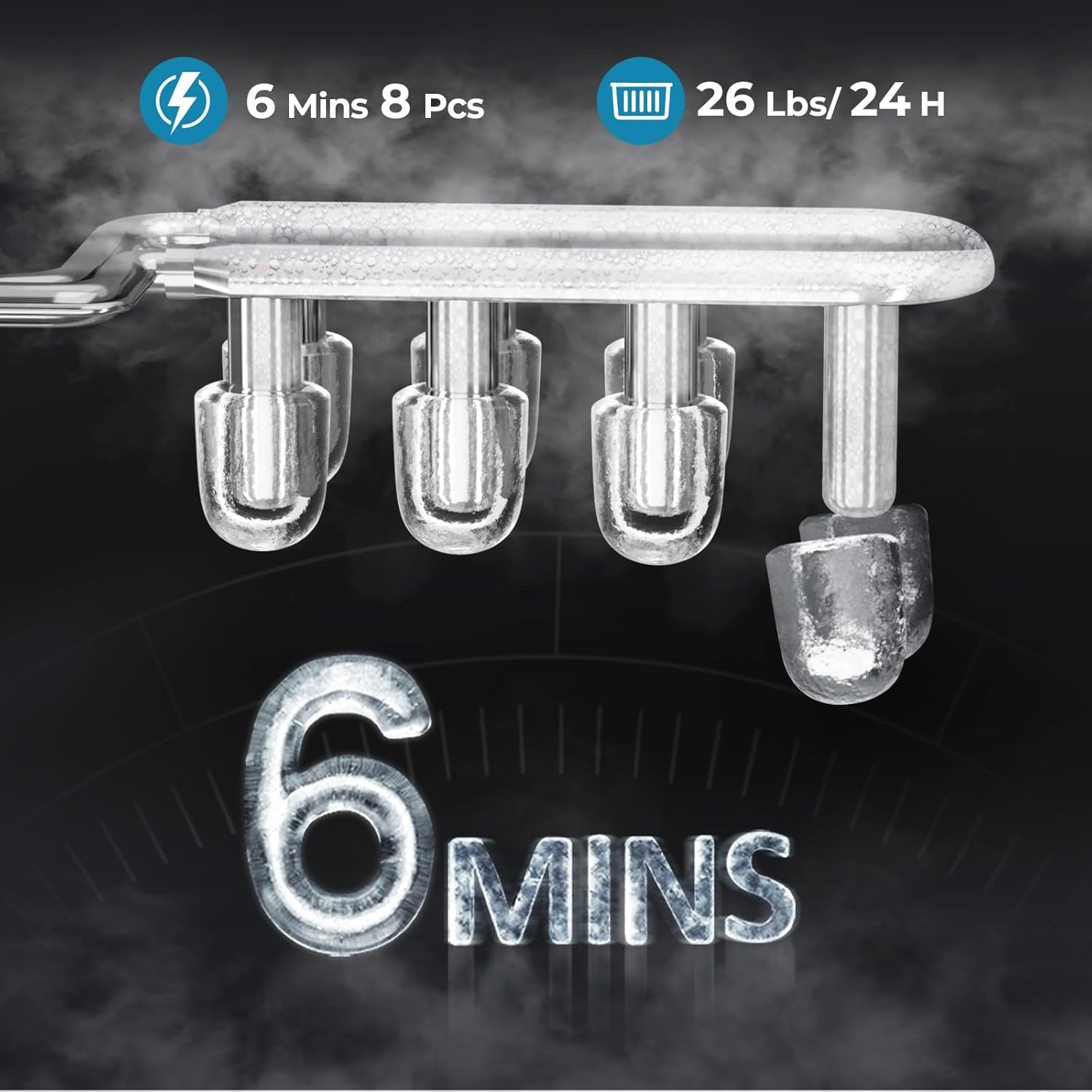
Image 5.1: Ice Production Speed and Capacity. This image highlights the ice maker's performance, showing it produces 8 ice cubes in 6 minutes and has a daily capacity of 26 lbs.
5.3 Selecting Ice Size
This ice maker offers two ice cube sizes:
- Small: Suitable for beverages like juice or milk tea.
- Large: Ideal for general cooling or larger drinks.
Press the 'SELECT' button on the control panel to toggle between small and large ice cube sizes. The corresponding indicator light will illuminate.

Image 5.2: Two Adjustable Ice Sizes. This image visually demonstrates the two available ice cube sizes, 'Small' and 'Large', with suggested uses for each.
5.4 Ice Collection
When the ice basket is full, the 'ICE FULL' indicator light will illuminate, and the ice making process will pause. Remove ice from the basket to resume production. If the water level is low, the 'ADD WATER' indicator will light up. Add more water to continue.
6. Maintenance and Cleaning
Regular cleaning ensures optimal performance and extends the lifespan of your ice maker.
6.1 Self-Cleaning Function
- Ensure the water reservoir is filled with clean water.
- Press and hold the 'CLEAN' button (or refer to your specific model's button for self-cleaning) for a few seconds to activate the self-cleaning cycle.
- The cycle typically runs for about 30 minutes.
- Once the cycle is complete, drain the water from the unit.

Image 6.1: Self-Cleaning Function of Ice Maker. This image illustrates the internal water circulation during the self-cleaning process, highlighting the ease of maintenance.
6.2 Manual Cleaning
- Unplug the ice maker before cleaning.
- Remove the ice basket and wash it with mild detergent and warm water. Rinse thoroughly.
- Drain any remaining water from the reservoir using the drain plug located at the bottom of the unit.
- Wipe the interior with a soft cloth dampened with a mixture of water and vinegar (or a mild food-grade cleaning solution).
- Wipe the exterior with a soft, damp cloth. Do not use abrasive cleaners or solvents.
- Ensure all parts are dry before reassembling and storing or reusing the unit.
7. Troubleshooting
If you encounter issues with your ice maker, refer to the following table for common problems and solutions.
| Problem | Possible Cause | Solution |
|---|---|---|
| Ice maker not working | No power; Unit not plugged in; Damaged power cord. | Check power supply; Ensure unit is plugged in; Contact customer support if cord is damaged. |
| No ice production | Water reservoir empty; 'ADD WATER' indicator on. | Fill water reservoir to MAX line. |
| Ice cubes are small or misshapen | First cycle; Water temperature too high; Air in water lines. | Discard first few batches; Use colder water; Run a cleaning cycle. |
| 'ICE FULL' indicator on, but basket not full | Ice sensor blocked or dirty. | Clean the ice sensor located near the ice basket. |
| Unusual noise | Unit not level; Internal components vibrating. | Ensure unit is on a level surface; Contact customer support if noise persists. |
8. Specifications
| Feature | Specification |
|---|---|
| Model | HZB-12/Q |
| Brand | Antarctic Star |
| Product Dimensions (D x W x H) | 10.39" x 8.66" x 11.22" |
| Weight | 12.7 Pounds |
| Water Reservoir Capacity | 1.2 Liters |
| Wattage | 88 watts |
| Ice Production Rate | 8 cubes in 6 minutes |
| Daily Ice Capacity | 26 lbs / 24 hours |
9. Warranty and Support
Antarctic Star products are manufactured to high-quality standards. For information regarding warranty coverage, technical support, or service inquiries, please refer to the warranty card included with your product or visit the official Antarctic Star website.


