
Introduction
Thank you for choosing the Black Shark T23 Wireless In-Ear Headphones. These headphones are designed to provide a high-quality audio experience with advanced features such as Bluetooth 5.4 connectivity, Environmental Noise Cancellation (ENC) for clear calls, and smart touch controls. This manual will guide you through the setup, operation, and maintenance of your new headphones.
Package Contents
Please check the package for the following items:
- Black Shark T23 Wireless In-Ear Headphones (Left and Right earbuds)
- Charging Case
- USB Charging Cable
- User Manual (this document)
- Multiple sizes of ear tips
Product Overview
The Black Shark T23 headphones feature an ergonomic in-ear design for comfortable wear and 12mm dynamic drivers for cinematic sound quality. The charging case extends battery life significantly.

Image: This image provides an overview of the Black Shark T23 earbuds, showcasing their smart control features, Environmental Noise Cancellation (ENC) for clear calls, and stable Bluetooth 5.4 connectivity.
Ergonomic Design and Comfort
The T23 earbuds are designed for a secure and comfortable fit, weighing only 4.4g per earbud. They come with soft silicone ear tips to ensure comfort even during extended use, making them suitable for various activities.

Image: The Black Shark T23 earbuds are shown with their ergonomic shape, highlighting the comfortable in-ear fit. The image also displays the white charging case, emphasizing the premium finish.
Sound Quality and Drivers
Equipped with 12mm dynamic drivers, the T23 delivers immersive stereo sound with deep bass, rich mids, and crisp treble, providing a cinematic audio experience. The frequency range is 20Hz - 20,000Hz.

Image: This image highlights the ergonomic comfort of the earbuds worn by a user and the cinematic sound quality, showing the black earbuds in their charging case.
Setup
Charging the Headphones
Before first use, fully charge the Black Shark T23 headphones and their charging case.
- Place the earbuds into the charging case.
- Connect the USB charging cable to the charging port on the case and to a power source.
- The indicator light on the charging case will show the charging status. A full charge provides up to 40 hours of total playback with the case, and 8 hours on a single earbud charge.

Image: The image displays the Black Shark T23 earbuds and their charging case, emphasizing the extended battery life of 40 hours with the case and 8 hours of playback per earbud charge.
Pairing with a Device (Bluetooth 5.4)
The Black Shark T23 uses Bluetooth 5.4 for a stable and low-latency connection.
- Open the charging case. The earbuds will automatically enter pairing mode.
- On your device (smartphone, tablet, laptop), go to Bluetooth settings.
- Search for "Black Shark T23" in the list of available devices and select it to connect.
- Once connected, you will hear an audible confirmation, and the indicator light on the case may change.

Image: This image highlights the advanced Bluetooth 5.4 technology, ensuring a stable and seamless wireless connection for the Black Shark T23 earbuds.
Operating Instructions
The Black Shark T23 headphones feature smart touch controls for easy management of audio and calls.
Smart Touch Controls
The touch-sensitive areas are located on the outer surface of each earbud. Refer to the diagram below for control functions:

Image: A visual guide to the smart touch controls on the Black Shark T23 earbuds. It shows that a single tap adjusts volume, a double tap controls music playback and calls, and a long press activates the voice assistant.
- Single Tap (Left Earbud): Decrease Volume
- Single Tap (Right Earbud): Increase Volume
- Double Tap (Either Earbud): Play/Pause Music, Answer/End Call
- Long Press (3 seconds, Either Earbud): Activate Voice Assistant
Environmental Noise Cancellation (ENC) for Calls
The built-in ENC technology effectively filters out ambient noise during calls, ensuring clear voice transmission even in noisy environments. This feature is automatically active during phone calls.
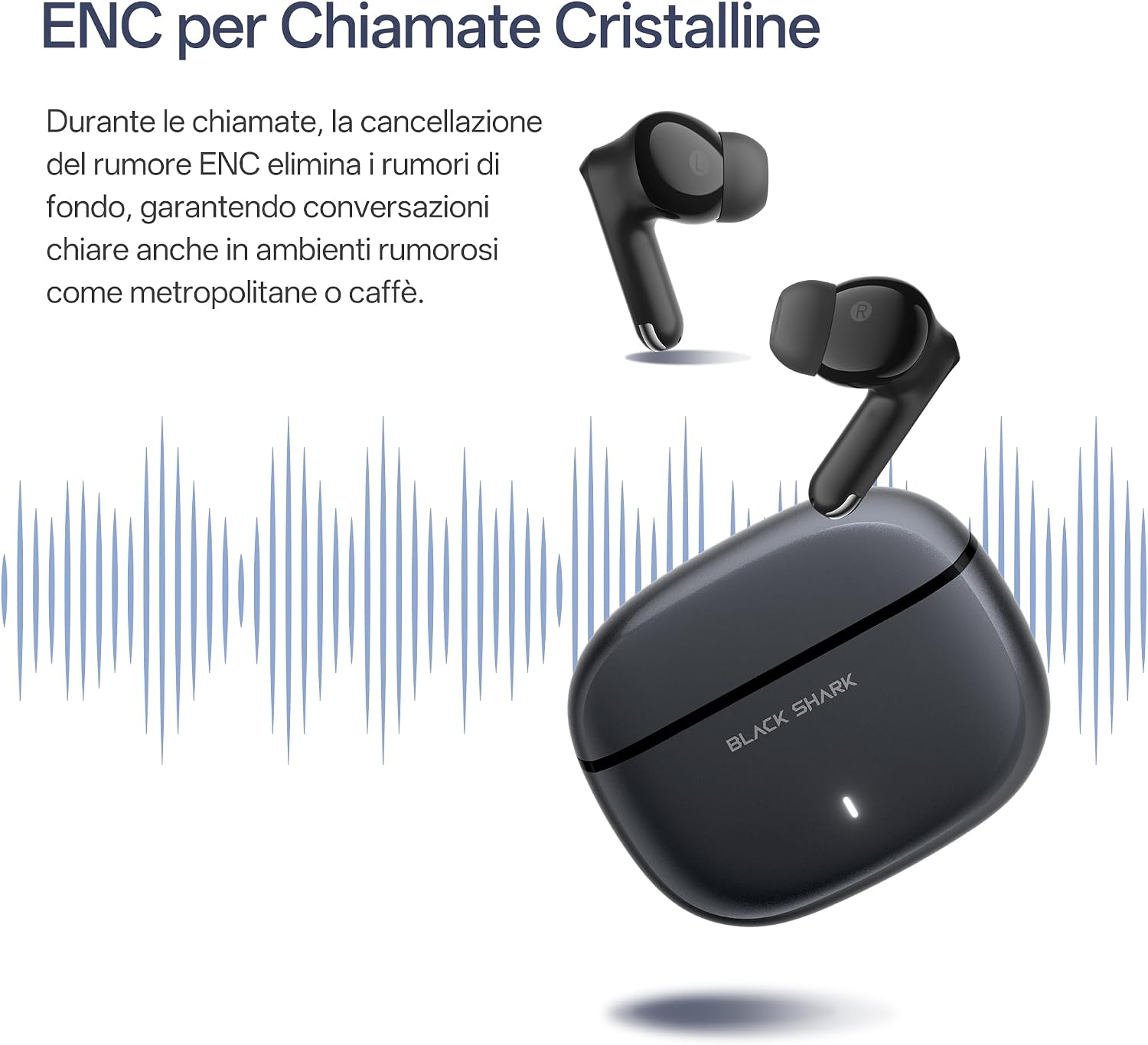
Image: This image demonstrates the Environmental Noise Cancellation (ENC) feature, showing how background noise is filtered out to ensure crystal-clear voice quality during calls with the Black Shark T23 earbuds.
Maintenance
To ensure the longevity and optimal performance of your Black Shark T23 headphones, follow these maintenance guidelines:
- Cleaning: Regularly clean the earbuds and charging case with a soft, dry, lint-free cloth. Do not use harsh chemicals or abrasive materials.
- Ear Tips: Remove and clean the silicone ear tips periodically with water and mild soap. Ensure they are completely dry before reattaching them to the earbuds.
- Charging Port: Keep the charging port free of dust and debris. Use a soft brush if necessary.
- Storage: When not in use, store the earbuds in their charging case to protect them and keep them charged. Avoid exposing them to extreme temperatures, humidity, or direct sunlight.
- Water Resistance: The earbuds have a waterproof rating. However, avoid submerging them in water or exposing them to high-pressure water jets. Dry them thoroughly if they get wet.
Troubleshooting
| Problem | Possible Solution |
|---|---|
| Earbuds not pairing | Ensure earbuds are charged. Place them back in the case, close, then open to re-enter pairing mode. Forget "Black Shark T23" from your device's Bluetooth list and try pairing again. |
| No sound from one earbud | Check if both earbuds are charged. Try resetting the earbuds (place in case and re-pair). |
| Low volume or poor sound quality | Adjust volume on both your device and the earbuds. Ensure ear tips are properly sealed in your ear. Clean any debris from the earbud speakers. |
| Earbuds not charging | Ensure the charging cable is securely connected and the power source is working. Clean the charging contacts on both the earbuds and the case. |
| Touch controls unresponsive | Ensure your fingers are clean and dry. Try restarting the earbuds by placing them in the case and taking them out again. |
Specifications
- Model Name: Black Shark T23
- Model Number: T23
- Brand: Black Shark
- Connectivity Technology: Wireless (Bluetooth)
- Bluetooth Version: 5.4
- Ear Placement: In Ear
- Form Factor: In Ear
- Noise Control: Environmental Noise Cancellation (ENC) for calls
- Audio Driver Type: Dynamic Driver (12mm)
- Frequency Range: 20Hz - 20,000Hz
- Control Method: Touch
- Battery Life (Earbuds): Up to 8 hours (single charge)
- Total Battery Life (with Charging Case): Up to 40 hours
- Enclosure Material: Plastic
- Water Resistance Level: Waterproof
- Color: Black
- Weight (per earbud): Approximately 4.4g
Warranty and Support
For warranty information and customer support, please refer to the warranty card included in your product packaging or visit the official Black Shark website. Keep your proof of purchase for any warranty claims.
If you encounter any issues not covered in this manual, please contact Black Shark customer service for assistance.


