
1. Product Overview
The OxyGear V36 Wireless Lavalier Microphone system provides high-quality audio capture for various applications. Designed for ease of use, it features AI noise cancellation, long battery life, and wide compatibility with smartphones and other devices.

Image 1: The OxyGear V36 Wireless Lavalier Microphone system, showcasing the charging case, two microphones, and various adapters.

Image 2: An artistic representation of the compact design of the OxyGear V36 microphones and receiver, highlighting their advanced audio capabilities.
2. Package Contents
The OxyGear V36 Wireless Lavalier Microphone system includes the following components:
- 2 × Wireless Microphones (Transmitters)
- 1 × Receiver (with USB-C plug)
- 1 × Charging Case
- 1 × USB-C Charging Cable
- 1 × Lightning Converter
- 2 × Magnetic Clips
- 1 × Storage Bag
- 1 × User Manual
- 1 × Packing Box

Image 3: A visual breakdown of all components included in the OxyGear V36 Wireless Microphone package, neatly arranged.
3. Setup and Connection
The OxyGear V36 Wireless Lavalier Microphone is designed for true plug-and-play functionality, requiring no apps or Bluetooth pairing for basic operation.
3.1 Initial Setup
- Ensure both wireless microphones are charged. Place them in the charging case if needed.
- Identify the correct receiver for your device: the USB-C plug for Android/USB-C compatible devices or the Lightning converter for iPhone/iPad.
- Plug the receiver directly into your smartphone, tablet, or laptop.
- Press the power button on each microphone for 2 seconds to turn them on. They will automatically pair with the receiver.
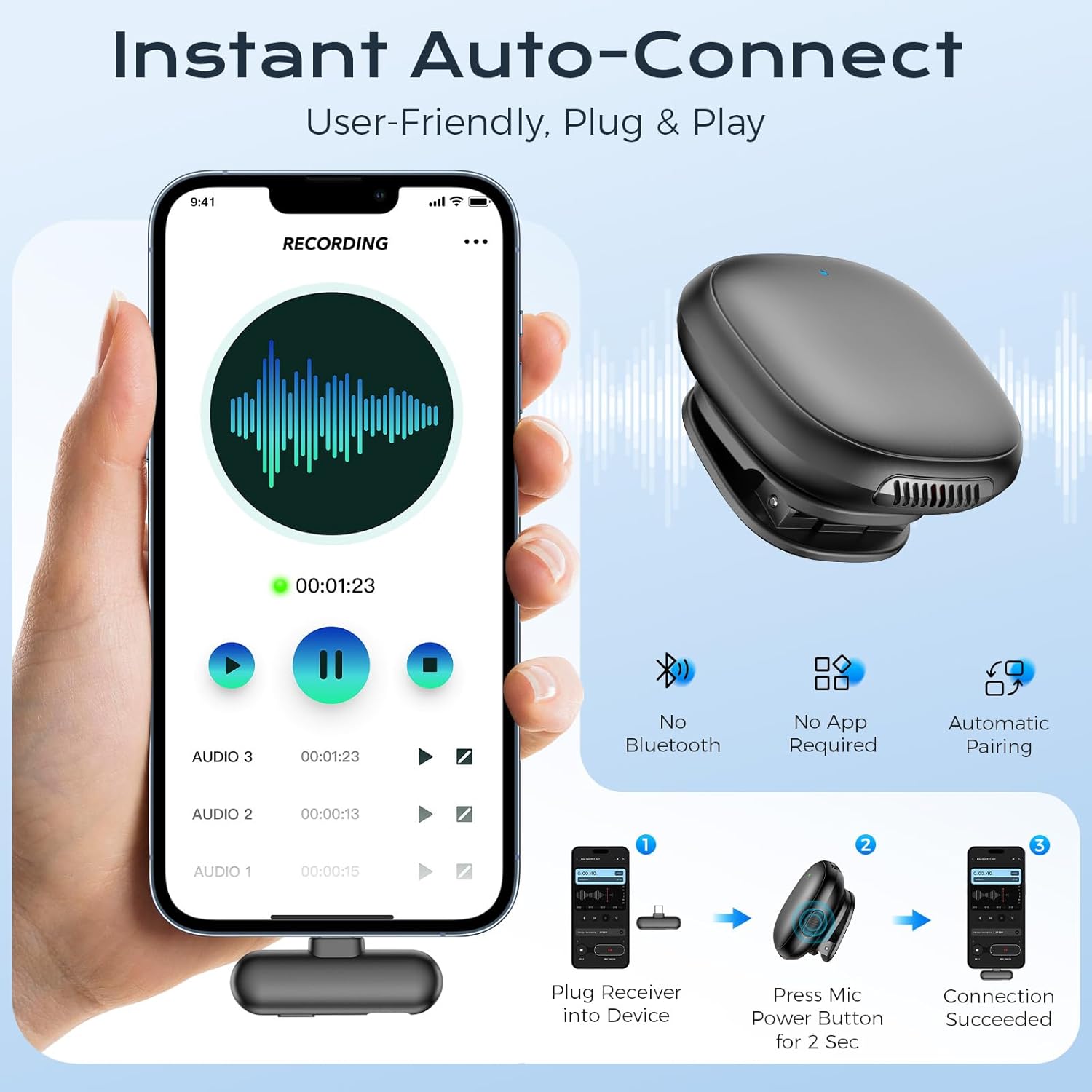
Image 4: Visual guide demonstrating the simple plug-and-play connection process for the OxyGear V36 microphone system.

Image 5: An infographic detailing the user-friendly, instant auto-connect feature, emphasizing no Bluetooth or app is required.
3.2 Device Compatibility
The OxyGear V36 is compatible with a wide range of devices:
- Smartphones: iPhone (with Lightning converter), Android (with USB-C receiver). Note: Some Android models may require enabling the 'OTG' function in settings.
- Tablets: iPad models (with Lightning converter), other tablets with USB-C.
- Laptops: Compatible with laptops featuring USB-C ports.

Image 6: The receiver with both Lightning and USB-C connectors, illustrating broad compatibility with various smartphone and tablet brands.

Image 7: An extensive list of compatible iPhone and iPad models, along with a note about enabling OTG for Android devices.
4. Operating Instructions
4.1 Wearing the Microphone
The ultra-lightweight microphones (0.38 oz) offer flexible wearing options:
- Magnetic Clip: Attach the detachable magnetic clip to the microphone. Place the microphone on your clothing, and use the magnetic backing on the inside of your clothing to secure it. This allows for free adjustment of the audio capture angle.
- Direct Clip: The microphone can also be directly clipped onto clothing without the magnetic backing if preferred.
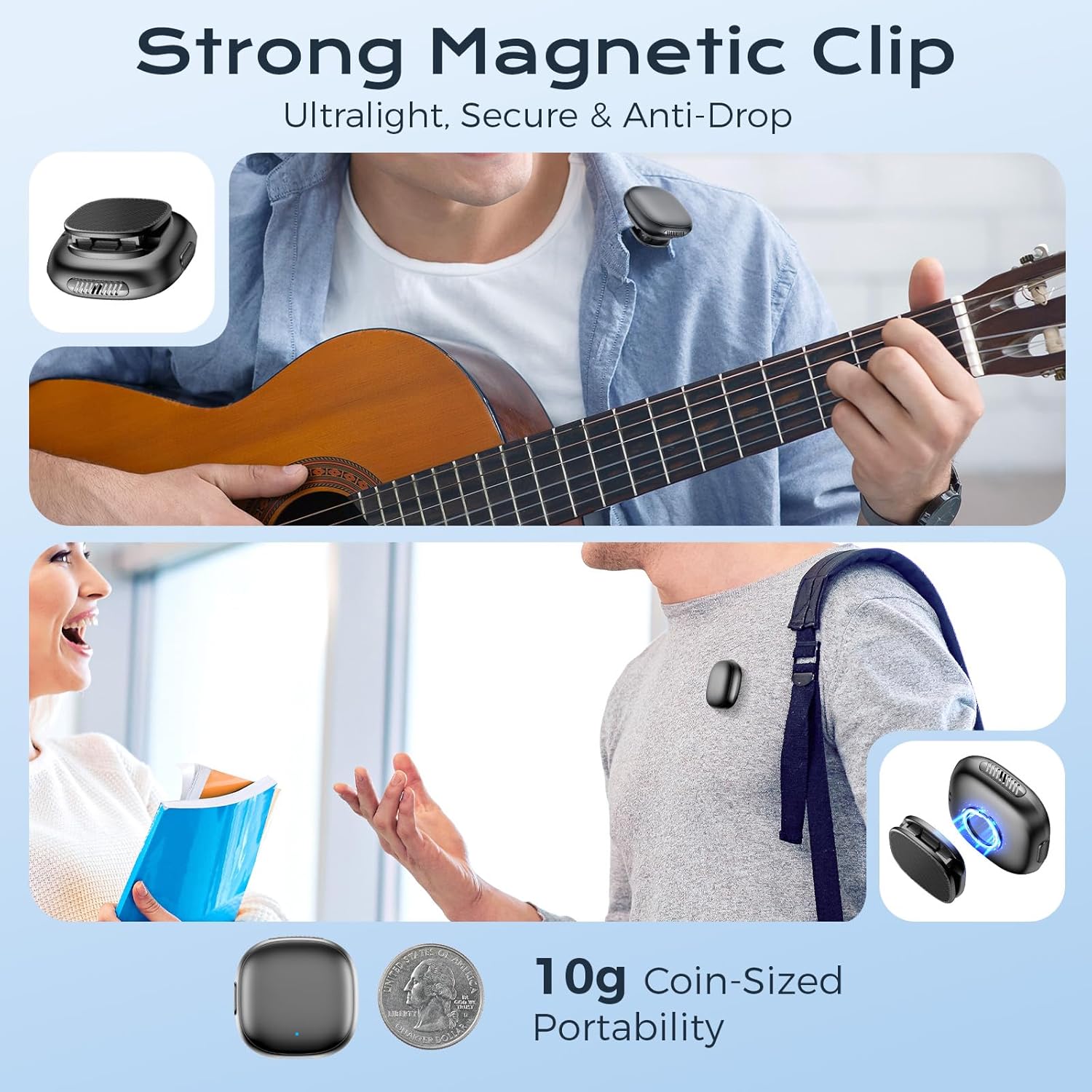
Image 8: Demonstrates the strong magnetic clip feature, showing how the microphone can be securely attached to clothing for discreet use.
4.2 Noise Cancellation Modes
The OxyGear V36 features AI-powered noise cancellation with multiple modes to optimize your audio quality:
- AI-Powered Noise Cancellation: One tap activates this mode (-80dB) to effectively reduce background noise while keeping your voice clear. Ideal for streaming, vlogging, and podcasting in noisy environments.
- DSP Noise Cancellation: (Green light indicator) Provides intelligent audio tuning for flawless sound.
- Hi-Fi Sound: (Blue light indicator) Produces immersive, lifelike audio fidelity for high-quality recordings.

Image 9: Illustrates the three distinct AI-powered noise cancellation modes available on the microphone, each indicated by a different light color.

Image 10: An infographic detailing the three sound modes: AI-Powered Noise Cancellation, High-Fidelity Audio, and DSP Smart Noise Reduction, explaining their functions.
4.3 Wireless Range
Experience stable and uninterrupted audio transmission with an unbreakable 164ft (50m) wireless range. This ensures crystal-clear sound even at maximum distance, with zero latency and interference.
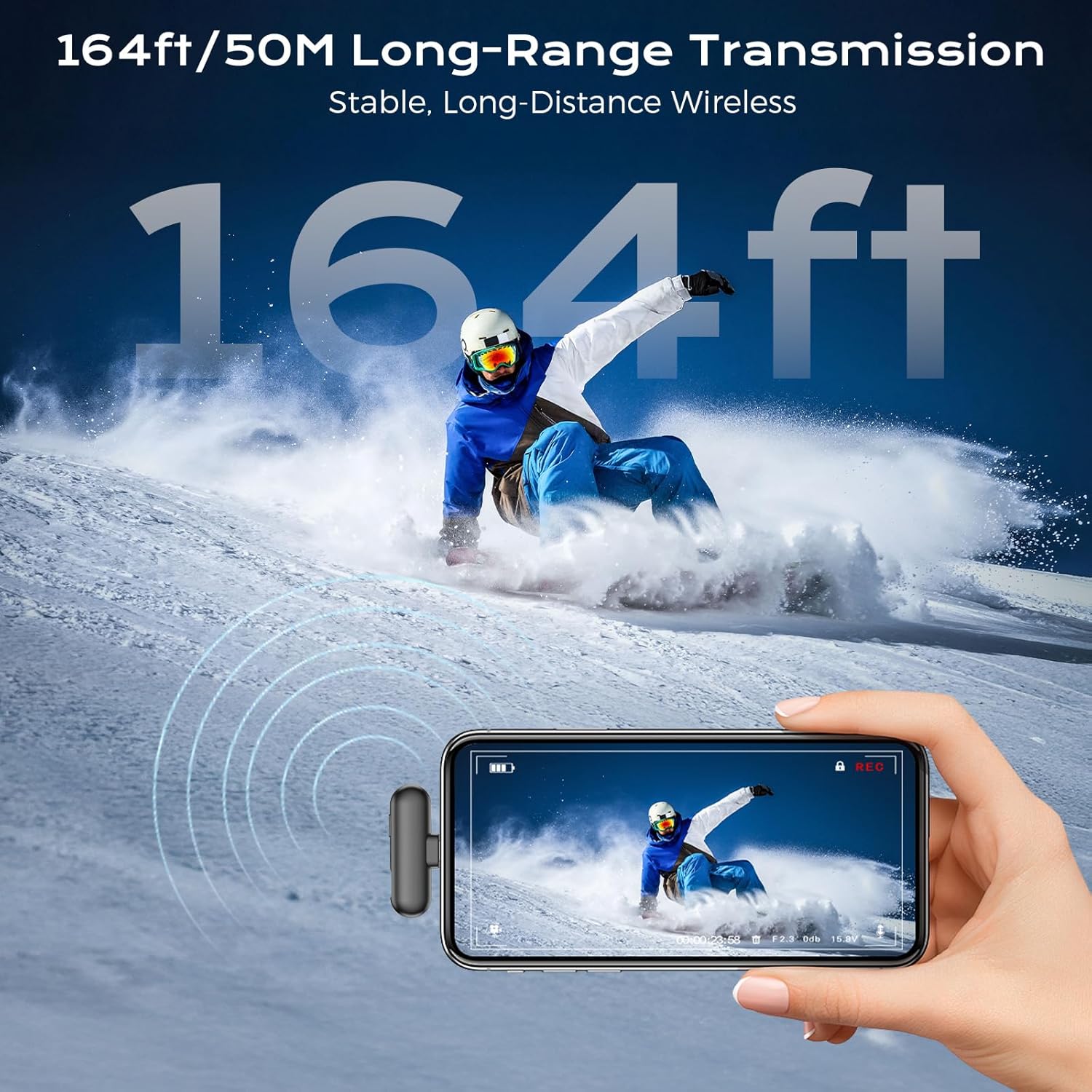
Image 11: Illustrates the impressive 164ft (50m) long-range transmission capability of the microphone system in an outdoor setting.

Image 12: An infographic highlighting the stable, long-distance wireless transmission of 164ft/50m, ensuring flawless audio with zero dropouts.
5. Maintenance and Charging
The magnetic charging case ensures your microphones are always ready for use.
- Charging Case: The magnetic charging case securely holds and charges both wireless lavalier microphones.
- Battery Life: The system provides up to 35 total hours of battery life with the charging case (8 hours per microphone on a single charge).
- Recharge Time: The charging case fully refuels in just 2 hours, making it ideal for all-day shoots.

Image 13: Displays the charging case and highlights the impressive 40-hour marathon battery life, ensuring extended recording sessions.

Image 14: An infographic detailing the battery performance: 40 hours with the charging case, 8 hours on a single charge, and 16 hours usage time for dual microphones.
6. Troubleshooting
If you encounter any issues with your OxyGear V36 Wireless Lavalier Microphone, please refer to the following common troubleshooting steps:
- No Sound: Ensure the receiver is fully plugged into your device and the microphones are powered on and paired (solid blue light). Check your device's audio input settings.
- Poor Sound Quality: Verify the microphone is positioned correctly, angled towards your mouth. Experiment with different noise cancellation modes to suit your environment.
- Intermittent Connection/Short Range: Ensure there are no major obstructions between the microphone and receiver. Avoid strong electromagnetic interference sources.
- Microphone Not Charging: Place microphones securely in the charging case. Ensure the charging case itself is charged via the provided USB-C cable.
For further assistance, please contact customer support.
7. Specifications
| Feature | Detail |
|---|---|
| Brand | OxyGear |
| Model Name | AI Wireless Microphone |
| Item Model Number | V36 |
| Connectivity Technology | Bluetooth |
| Special Feature | Noise Reduction |
| Compatible Devices | Laptops, Smartphone, Tablets |
| Recommended Uses | Podcast, Recording, Streaming, Vlogging |
| Connector Type | Lightning, USB Type C |
| Material | Acrylonitrile Butadiene Styrene (ABS) |
| Color | Black |
| Item Weight | 3.14 Ounces |
| Product Dimensions | 3.1 x 3.1 x 1.1 inches |
| Battery Type | Lithium Ion (1 A battery included) |
| Frequency Response | 20 KHz |
8. Warranty and Support
OxyGear products are designed for durability and performance. For warranty information or technical support, please refer to the contact details provided in your product packaging or visit the official OxyGear website.
For any inquiries, please contact:
- Email: [Insert Customer Support Email Here]
- Website: [Insert Official Website Here]