
Introduction
Thank you for choosing the HONOR CHOICE Earbuds X7 Lite. These wireless earbuds are designed to provide a high-quality audio experience with features such as Active Noise Cancellation (ANC) and extended battery life. This manual will guide you through the setup, operation, maintenance, and troubleshooting of your new earbuds.
Package Contents
Ensure all items are present in your package:
- HONOR CHOICE Earbuds X7 Lite (Left and Right Earbuds)
- Charging Case
- User Manual (this document)
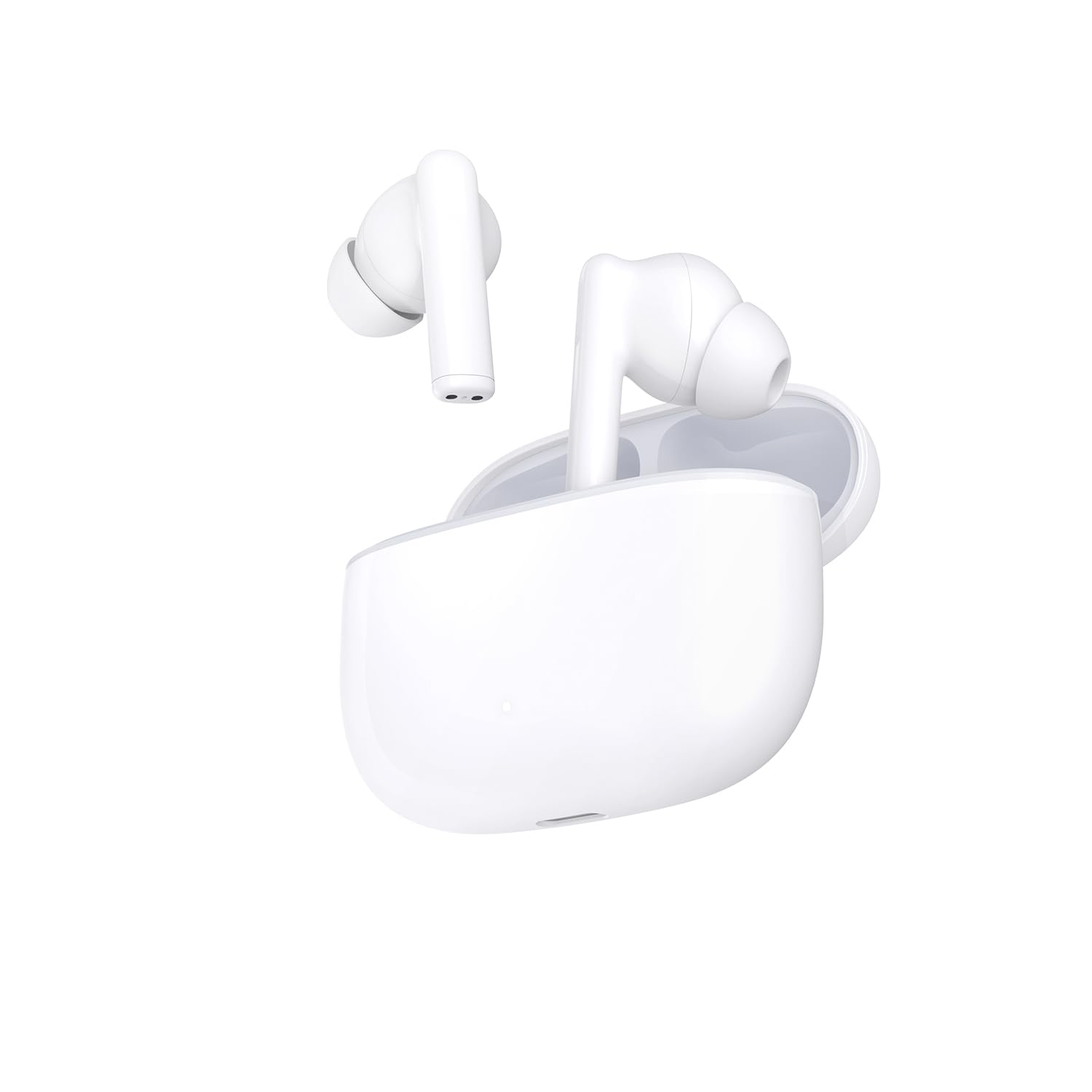
Image: The HONOR CHOICE Earbuds X7 Lite, showing both earbuds inside their charging case.
Setup
1. Charging the Earbuds and Case
Before first use, fully charge the earbuds and the charging case. The charging case has a 500 mAh battery capacity.
- Place the earbuds into the charging case.
- Connect the charging case to a power source using a compatible USB-C cable (not included).
- The indicator light on the case will show charging status.
A full charge provides up to 7 hours of music playback for the earbuds and a total of 38 hours with multiple charges from the case.
2. Pairing with a Device
The HONOR CHOICE Earbuds X7 Lite utilize Bluetooth 5.4 for a stable and efficient connection.
- Open the charging case. The earbuds will automatically enter pairing mode (or press and hold the function button on the case if available, refer to specific product instructions for button location).
- On your device (smartphone, tablet), go to Bluetooth settings and ensure Bluetooth is enabled.
- Search for available devices and select "HONOR CHOICE Earbuds X7 Lite" from the list.
- Once connected, you will hear an audio prompt, and the indicator light on the case may change.

Image: The HONOR CHOICE Earbuds X7 Lite charging case with the lid open, showing the earbuds inside, ready for pairing.
Operating Instructions
Touch Controls
The earbuds feature touch-sensitive controls. Specific functions may vary, but common operations include:
- Play/Pause: Single tap on either earbud.
- Next Track: Double tap on the right earbud.
- Previous Track: Double tap on the left earbud.
- Answer/End Call: Single tap on either earbud.
- Reject Call: Press and hold on either earbud.
- Activate/Deactivate Active Noise Cancellation (ANC): Press and hold on either earbud (or specific gesture as per product guide).
Active Noise Cancellation (ANC)
The earbuds are equipped with ANC technology to reduce ambient noise. This feature is particularly effective in isolating environmental sounds and includes an algorithm for wind noise control.
- To toggle ANC on/off, use the designated touch control gesture (e.g., press and hold).
- ANC can significantly enhance your listening experience in noisy environments.

Image: A close-up view of a single HONOR CHOICE Earbud X7 Lite, highlighting its design and in-ear fit.
Maintenance
Proper maintenance ensures the longevity and optimal performance of your earbuds.
- Cleaning: Regularly clean the earbuds and charging case with a soft, dry, lint-free cloth. Do not use abrasive materials or harsh chemicals.
- Storage: When not in use, store the earbuds in their charging case to protect them from dust and damage.
- Water Resistance: The earbuds are water-resistant. However, they are not waterproof. Avoid prolonged exposure to water or submersion. Dry them thoroughly if they get wet.
- Battery Care: Avoid fully discharging the battery frequently. Charge the case and earbuds regularly, even if not in constant use, to maintain battery health.
Troubleshooting
If you encounter issues with your HONOR CHOICE Earbuds X7 Lite, try the following solutions:
| Problem | Solution |
|---|---|
| Earbuds not pairing | Ensure earbuds are charged. Place them in the case, close, then open the lid to re-enter pairing mode. Check your device's Bluetooth settings. |
| No sound from one earbud | Check battery level of both earbuds. Try re-pairing the earbuds. Ensure both earbuds are properly seated in your ears. |
| Low volume | Adjust volume on your connected device. Clean any debris from the earbud speakers. |
| ANC not working effectively | Ensure ANC is activated. Adjust earbud fit to create a good seal in your ear canal. |
| Charging issues | Ensure the charging cable and adapter are working. Clean the charging contacts on the earbuds and case. |
Specifications
| Feature | Detail |
|---|---|
| Brand | HONOR |
| Model Name | HONOR CHOICE Earbuds X7 Lite |
| Model Number | 5504ABRR |
| Color | WHITE |
| Ear Placement | In-ear |
| Noise Control | Active Noise Cancellation |
| Connectivity Technology | Bluetooth 5.4 |
| Wireless Communication Technology | Bluetooth |
| Control Method | Button |
| Battery Life (Earbuds) | Up to 7 hours (music playback) |
| Total Battery Life (with case) | Up to 38 hours |
| Charging Case Battery Capacity | 500 mAh |
| Frequency Range | 20 Hz - 20,000 Hz |
| Material | Plastic |
| Water Resistance Level | Water Resistant |
| Compatible Devices | Tablets, Phones |
Warranty and Support
The HONOR CHOICE Earbuds X7 Lite come with a 2-year manufacturer's warranty. Please retain your proof of purchase for warranty claims.
For further assistance, technical support, or warranty inquiries, please refer to the official HONOR support channels or visit their website.


