
1. Introduction
This manual provides essential information for the safe installation, operation, and maintenance of your RAPSUAR 30-inch Wall Mount Range Hood. Please read these instructions thoroughly before installation and use, and retain them for future reference.
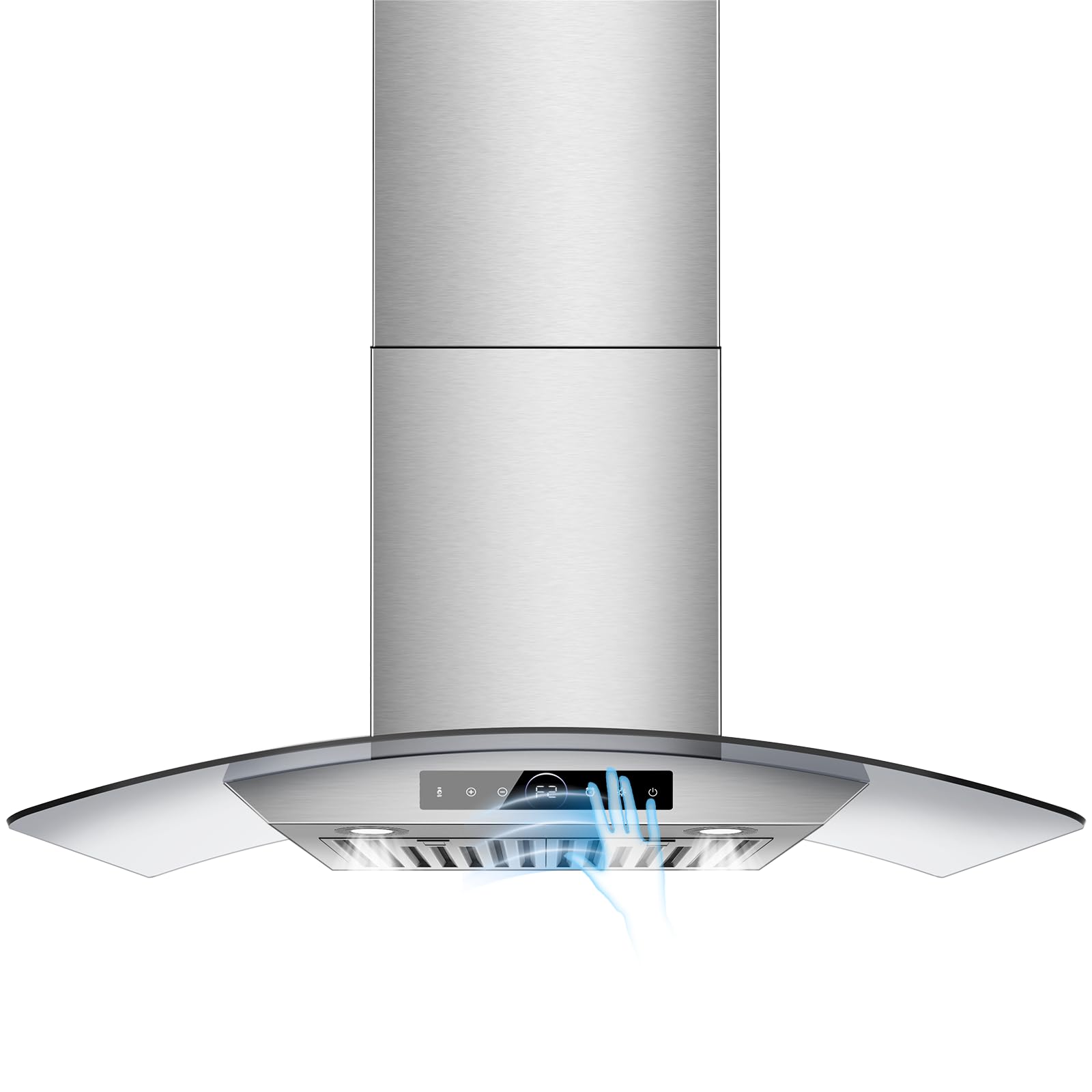
Image 1.1: The RAPSUAR 30-inch Wall Mount Range Hood in a kitchen setting.
2. Safety Information
WARNING: To reduce the risk of fire, electric shock, or injury, observe the following:
- Install this range hood in accordance with all specified instructions.
- Ensure proper ventilation is provided for combustion gases from fuel-burning equipment to prevent back-drafting.
- Do not operate any fan with a damaged cord or plug. Discard fan or return to an authorized service facility for examination and/or repair.
- Always disconnect power to the unit before servicing or cleaning.
- Clean grease filters regularly. Grease accumulation can lead to fire.
- Never leave surface units unattended at high settings. Boil-overs cause smoking and greasy spill-overs that may ignite.
- Use appropriate size cookware. Always use cookware appropriate for the size of the surface element.
3. What's in the Box
Verify that all components are present before beginning installation:
- Range Hood Unit
- LED Lights (pre-installed)
- Grease Filters (Baffle Filters)
- Oil Cup
- Installation Hardware (screws, anchors, etc. - not explicitly listed but implied for installation)
- User Manual (this document)
4. Specifications
| Feature | Specification |
|---|---|
| Brand | RAPSUAR |
| Model Number | GRTJJD20185641 |
| Product Dimensions (D x W x H) | 19.7" x 30" x 21.05" |
| Mounting Type | Wall Mount |
| Air Flow Capacity | 1200 CFM |
| Noise Level | 50 dB (max) |
| Control Type | Touch, Gesture |
| Number of Speeds | 4 |
| Lighting | 2 LED Lights, Dimmable |
| Filter Type | Baffle (Dishwasher-Safe) |
| Ventilation Type | Ducted |
| Material | Stainless Steel |
| Voltage | 110 Volts |
| Wattage | 235 Watts |

Image 4.1: Product dimensions and adjustable chimney height.
5. Setup and Installation
This range hood is designed for wall-mounted, ducted installation. Professional installation is recommended. Ensure you have the necessary tools and follow local building codes.
5.1 Pre-Installation Checklist
- Verify all components are present and undamaged.
- Ensure the wall structure can support the weight of the range hood.
- Confirm electrical supply meets the product specifications (110V, 60Hz).
- Plan the ductwork route for optimal exhaust.
5.2 Installation Steps (General)
- Mounting Bracket Installation: Securely attach the mounting bracket to the wall, ensuring it is level and at the correct height above the cooking surface.
- Duct Connection: Connect the range hood's exhaust outlet to your home's ductwork. Ensure all connections are sealed to prevent air leaks.
- Electrical Connection: Connect the range hood to a grounded electrical outlet. Consult a qualified electrician if unsure.
- Attach Chimney: Install the decorative chimney sections, adjusting their height as needed.
- Install Filters and Oil Cup: Insert the baffle filters and the oil cup into their designated slots.
6. Operating Instructions
Your RAPSUAR range hood features both touch and gesture controls for convenient operation.
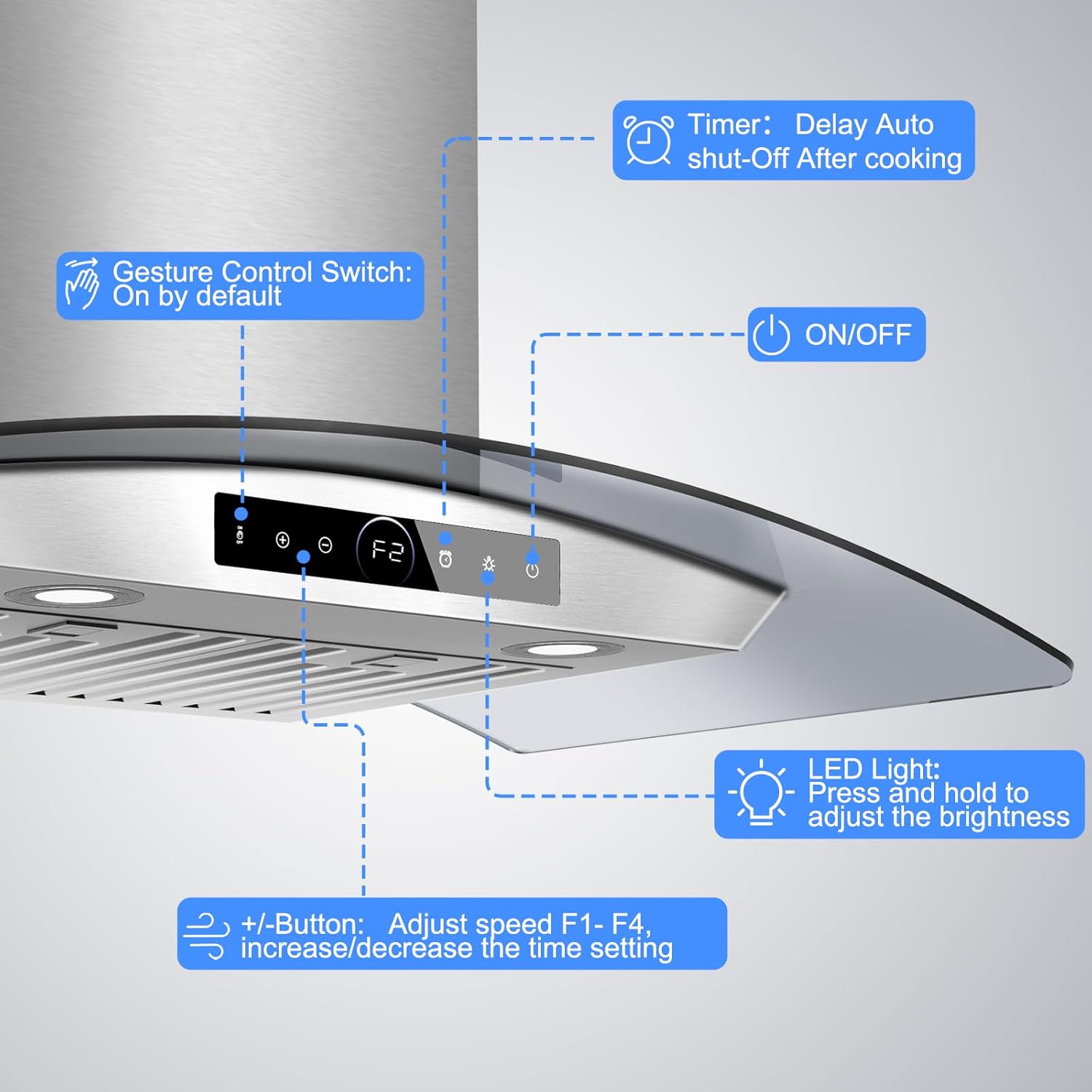
Image 6.1: Control panel overview.
6.1 Power On/Off
- Touch Control: Press the Power button (usually indicated by a circle with a vertical line) on the control panel to turn the unit on or off.
6.2 Fan Speed Adjustment
The range hood has 4 adjustable fan speeds (F1-F4).
- Touch Control: Use the + and - buttons on the control panel to increase or decrease the fan speed.
- Gesture Control: With gesture control enabled, wave your hand to the right to increase fan speed and to the left to decrease fan speed.
Video 6.2: Demonstration of gesture control for fan speed adjustment.
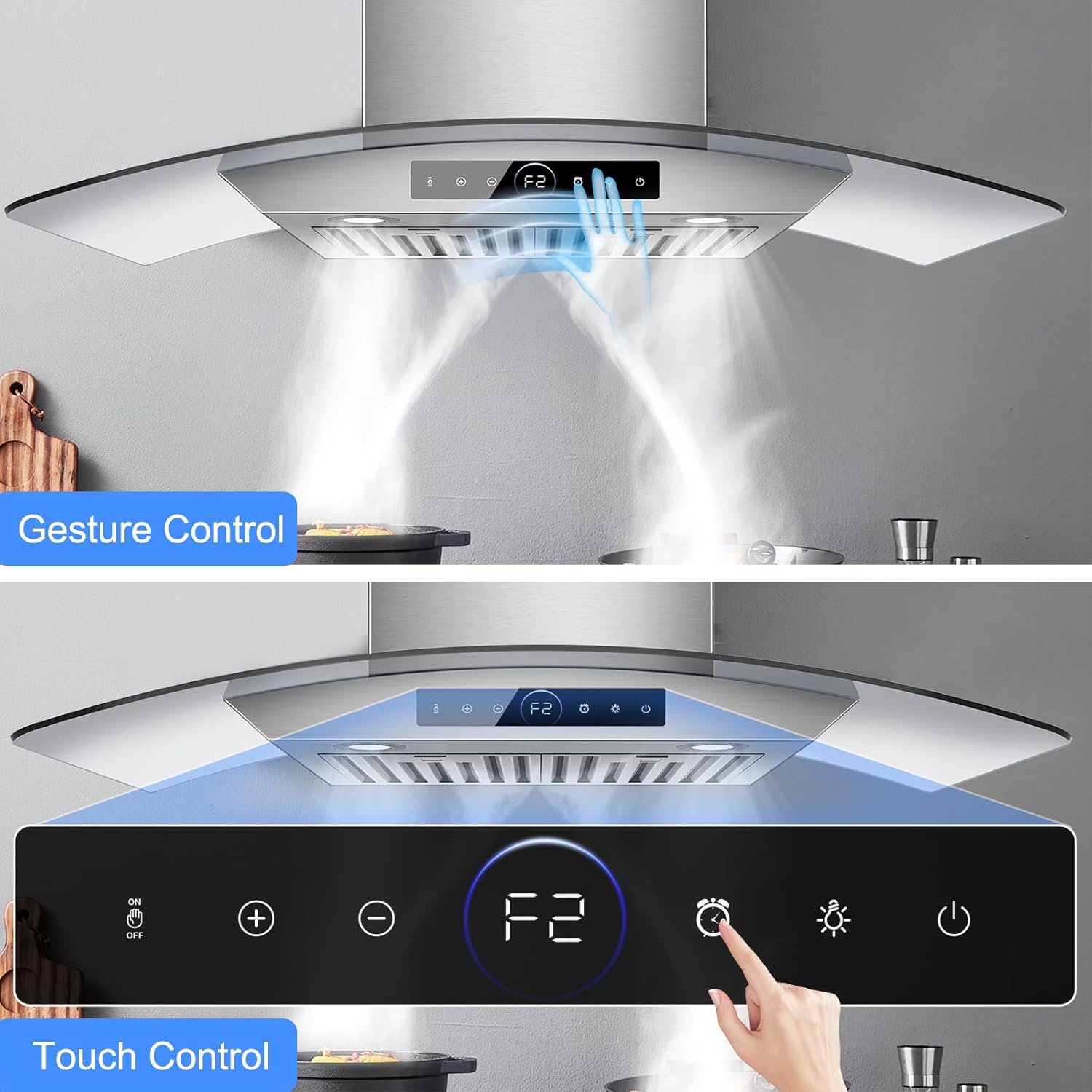
Image 6.3: Visual representation of gesture control in action.
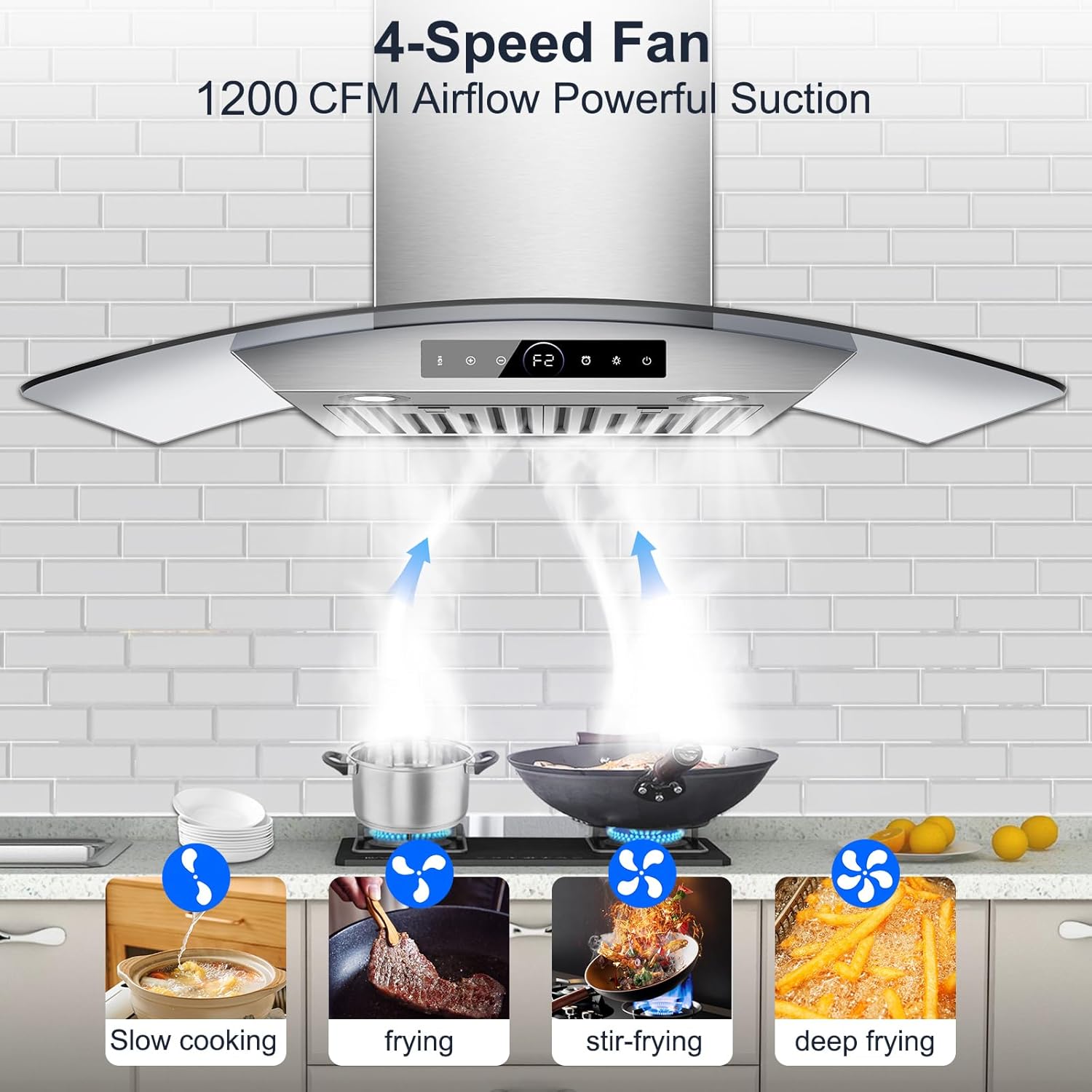
Image 6.4: The 4-speed fan effectively removing smoke from various cooking methods.
6.3 LED Lighting
The range hood is equipped with 2 warm-toned LED lights, and their brightness is adjustable.
- Adjust Brightness: Press and hold the Light button (indicated by a light bulb icon) to adjust the brightness. Release and press again to change direction of adjustment (brighter/dimmer).
Video 6.5: Instructions on how to adjust the LED light brightness.
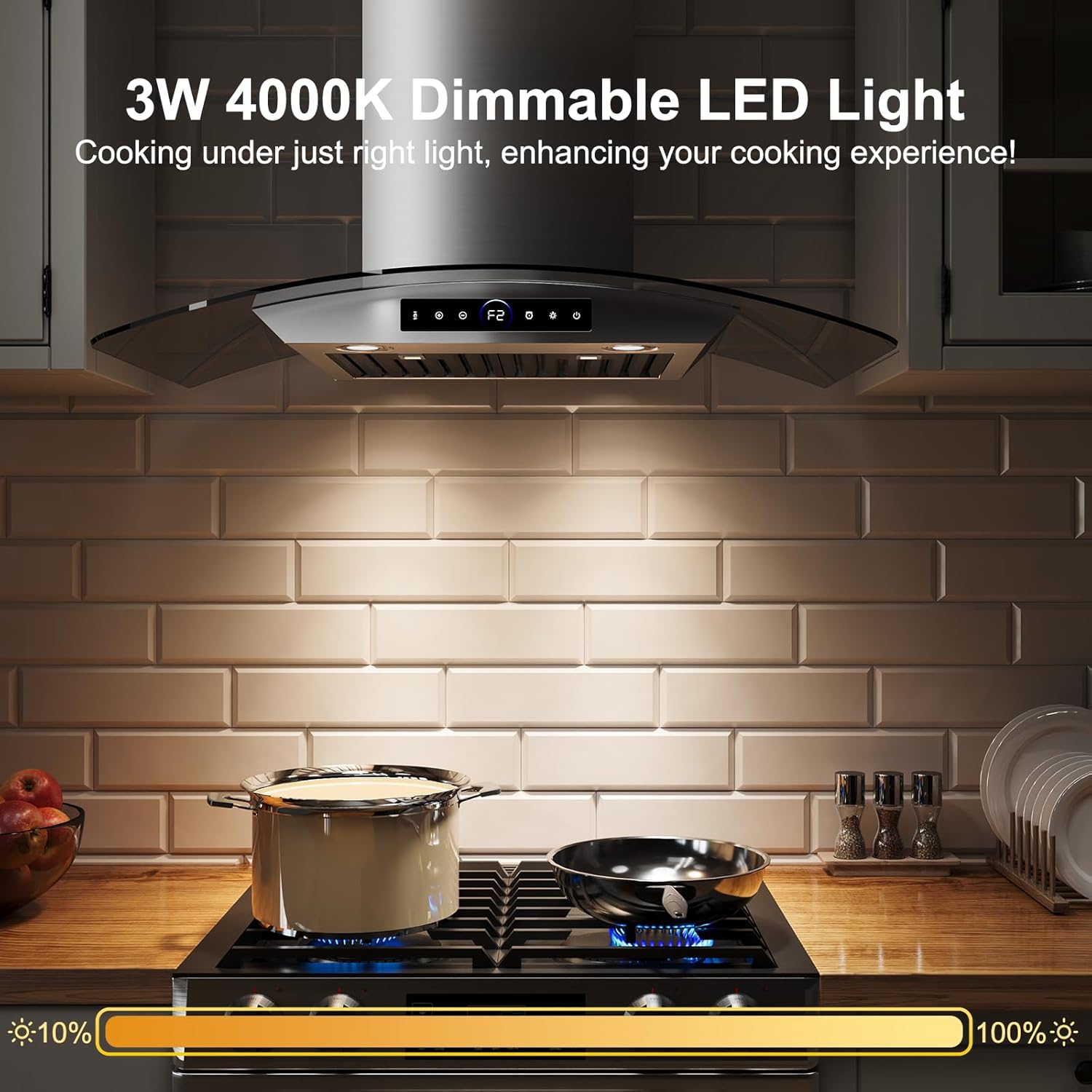
Image 6.6: Dimmable LED lights providing adjustable illumination for the cooking area.
6.4 Timer Function and Delayed Shut-off
The range hood includes a timer for automatic shut-off.
- Set Timer: Press and hold the Timer button (indicated by a clock icon) to set the desired shut-off time, up to 15 minutes.
- Delayed Shut-off: Touch the Timer button briefly to activate the 180-second delayed shut-off mode. This helps clear residual smoke and odors after cooking.
Video 6.7: Guide on using the delayed shutdown and timed shutdown functions.
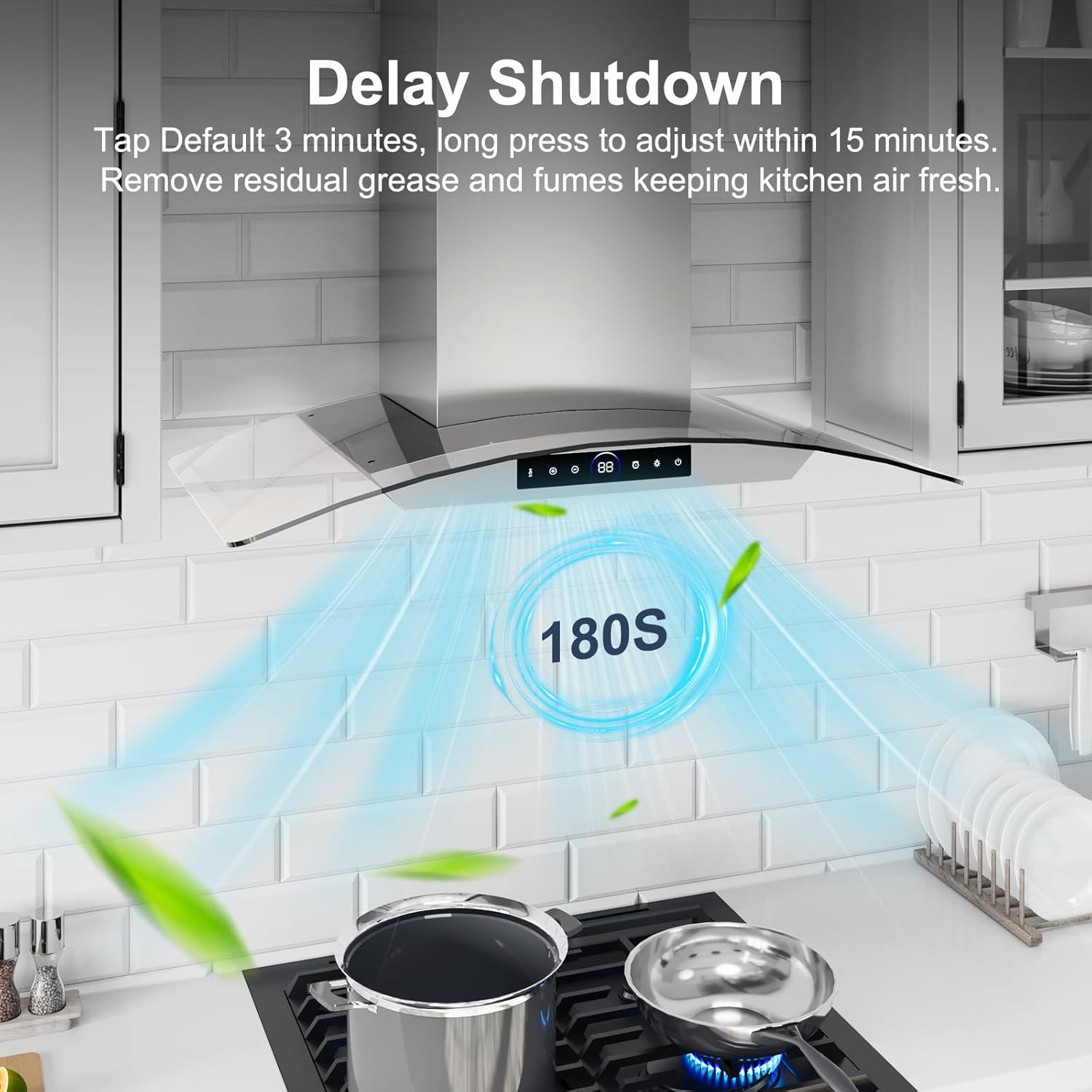
Image 6.8: Delayed shutdown feature in operation, clearing the air.
7. Maintenance
Regular maintenance ensures optimal performance and longevity of your range hood.
7.1 Cleaning Baffle Filters
The stainless steel baffle filters are designed to capture grease and are dishwasher-safe for easy cleaning.
- Removal: Carefully unlatch and remove the baffle filters from the range hood.
- Cleaning: Wash the filters by hand with warm, soapy water or place them in a dishwasher.
- Reinstallation: Ensure filters are completely dry before reinserting them into the range hood.

Image 7.1: Baffle filters are easy to remove and clean.

Image 7.2: Cleaning options for baffle filters and the range hood surface.
7.2 Emptying the Oil Cup
The detachable oil cup collects grease buildup and should be emptied regularly.
- Removal: Carefully slide out the oil cup from its position.
- Emptying: Dispose of the collected grease responsibly.
- Cleaning: Wash the oil cup with warm, soapy water.
- Reinstallation: Ensure the oil cup is dry before reinserting it.

Image 7.3: Detachable oil cup for collecting grease.
7.3 Exterior Cleaning
Clean the stainless steel exterior with a soft cloth and a non-abrasive stainless steel cleaner. Avoid harsh chemicals or abrasive pads that can scratch the surface.
8. Troubleshooting
Before contacting customer support, refer to the following common issues and solutions:
| Problem | Possible Cause | Solution |
|---|---|---|
| Range hood does not turn on | No power supply; Power cord unplugged; Circuit breaker tripped | Check power connection; Reset circuit breaker; Ensure unit is plugged in |
| Low suction power | Grease filters clogged; Ductwork obstructed; Incorrect fan speed setting | Clean or replace filters; Check ductwork for blockages; Increase fan speed |
| Excessive noise | Loose parts; Obstruction in fan; Improper installation | Check for loose screws; Remove any obstructions; Re-check installation |
| Lights not working | LED bulbs faulty; Loose wiring | Replace LED bulbs (if replaceable); Check electrical connections (consult technician) |
| Gesture control unresponsive | Gesture control disabled; Sensor obstructed | Ensure gesture control is enabled via touch panel; Clean sensor area |
9. Warranty and Support
For warranty information or technical support, please contact the seller, Lingmou, directly through your purchase platform. Keep your purchase receipt as proof of purchase.
Extended protection plans may be available for purchase separately. Refer to your purchase details for more information on these plans.