
Introduction
This manual provides detailed instructions for the safe and efficient operation of your REVASRI Laser Distance Measurer, Model DE-KL20. Please read this manual thoroughly before using the device to ensure proper functionality and to prevent damage.
Safety Information
Laser Radiation: This device emits Class 2 laser radiation. Do not stare directly into the laser beam. Avoid direct eye exposure. The laser output is less than 1mW at 635nm.
- Do not attempt to modify the device. Unauthorized modifications can lead to laser radiation exposure.
- Keep the device out of reach of children.
- Do not use the device in explosive environments or near flammable materials.
- Ensure the battery compartment is securely closed to prevent water or dust ingress.
Package Contents
Verify that all items are present in the package:
- REVASRI Laser Distance Measurer × 1
- Packaging Box × 1
- Portable Keychain × 1
- User Manual × 1
- AAA Alkaline Batteries × 2
Product Overview
The REVASRI Laser Distance Measurer is designed for simple and accurate measurements. It features a clear display and intuitive two-button operation.
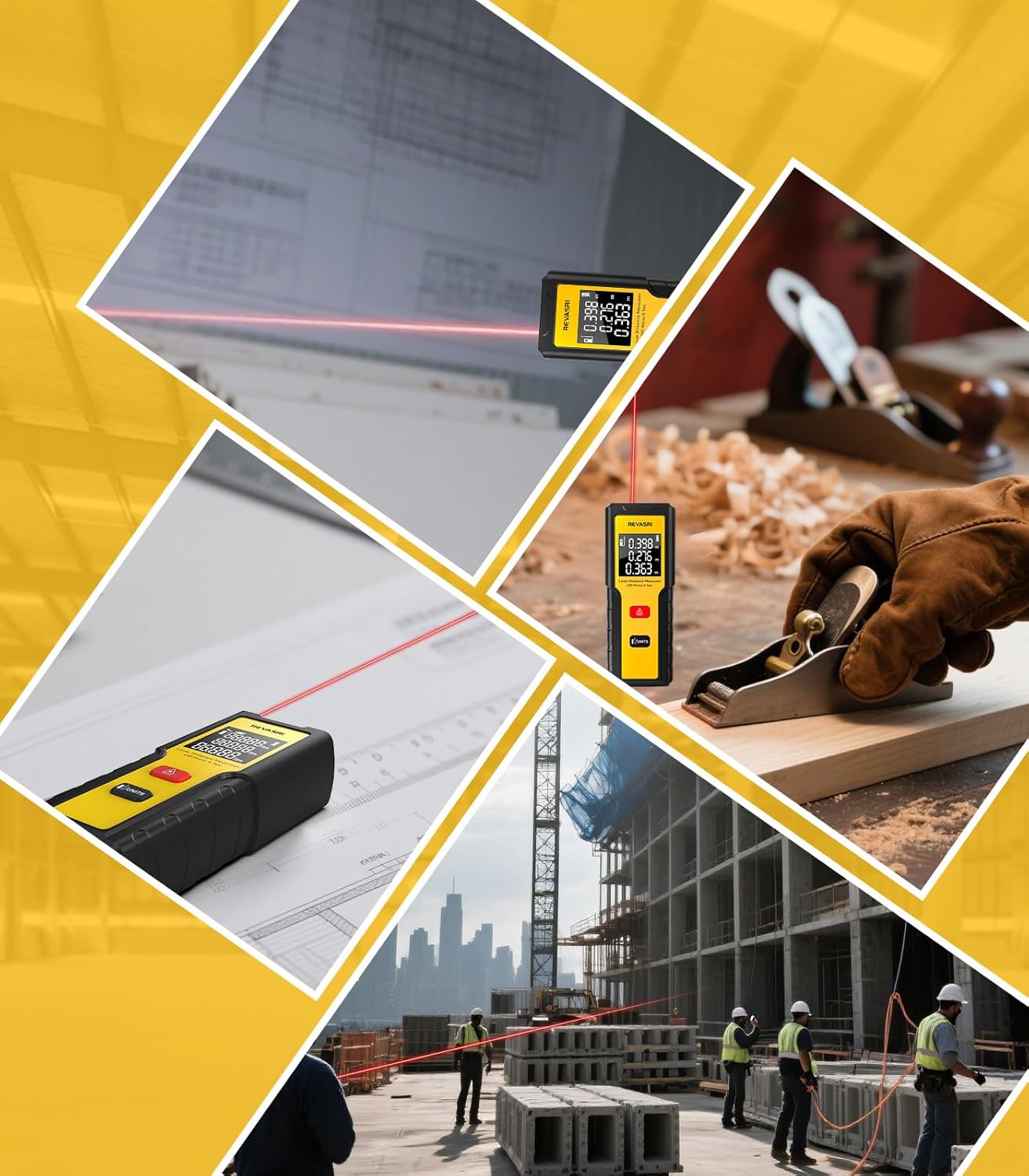
Image: Front view of the REVASRI Laser Distance Measurer, highlighting its two buttons (Measure and Function/Units) and the digital display showing measurement values.
Key Features:
- Clear Display Interface: Provides easy-to-read measurement results.
- Two-Button Operation: Simplifies usage for distance and area measurements.
- Compact Design: Small and lightweight for portability.
- Ergonomic Grip: Designed for comfortable handling.
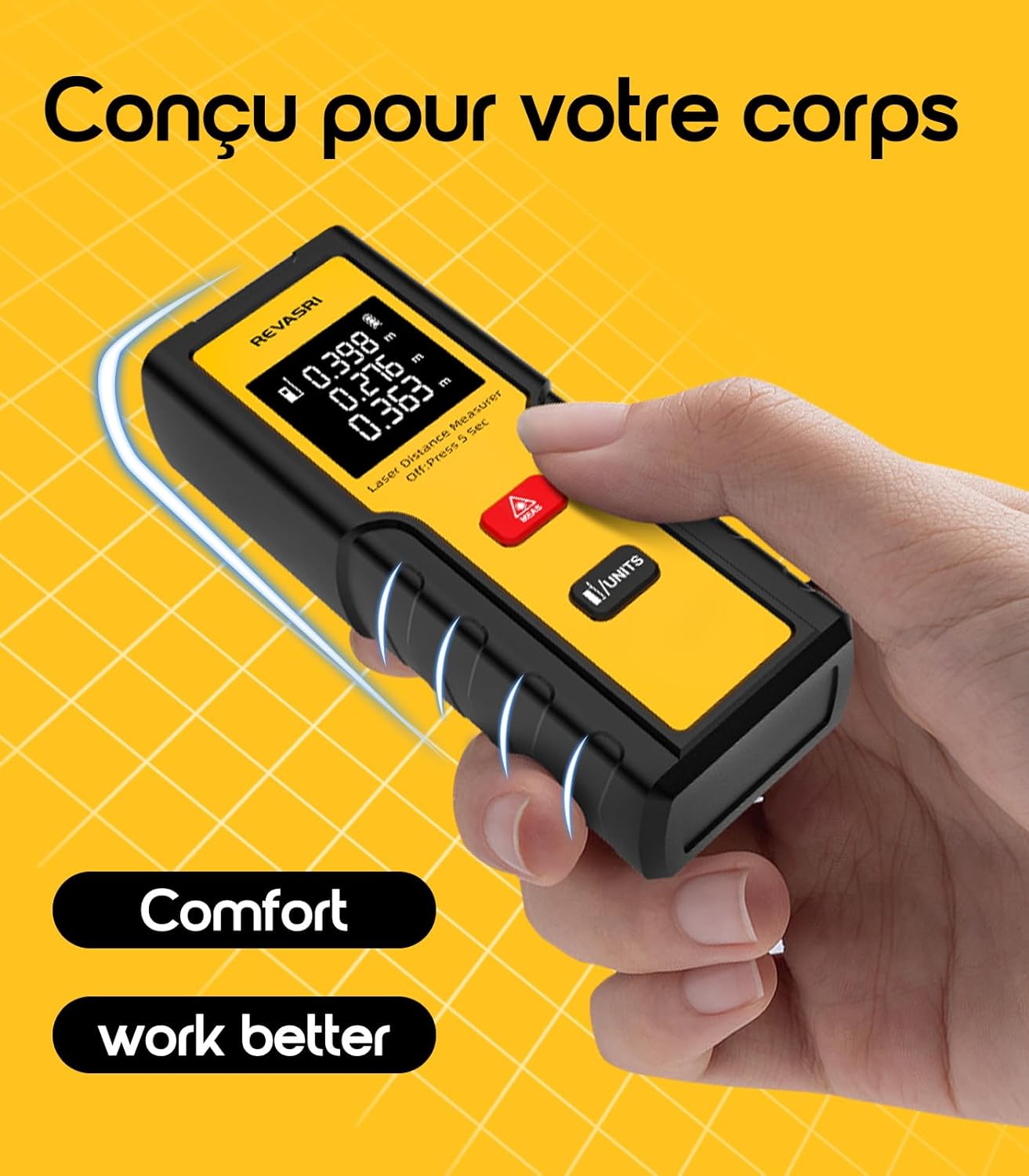
Image: A hand comfortably holding the REVASRI Laser Distance Measurer, demonstrating its ergonomic design for improved grip and ease of use.
Setup
1. Battery Installation
The device requires two AAA alkaline batteries (included).
- Locate the battery compartment cover on the back of the device.
- Slide the cover open.
- Insert the two AAA batteries, ensuring correct polarity (+ and -).
- Close the battery compartment cover securely.
Note: Remove batteries if the device will not be used for an extended period to prevent leakage.
Operating Instructions
The REVASRI Laser Distance Measurer features two main buttons for all operations.
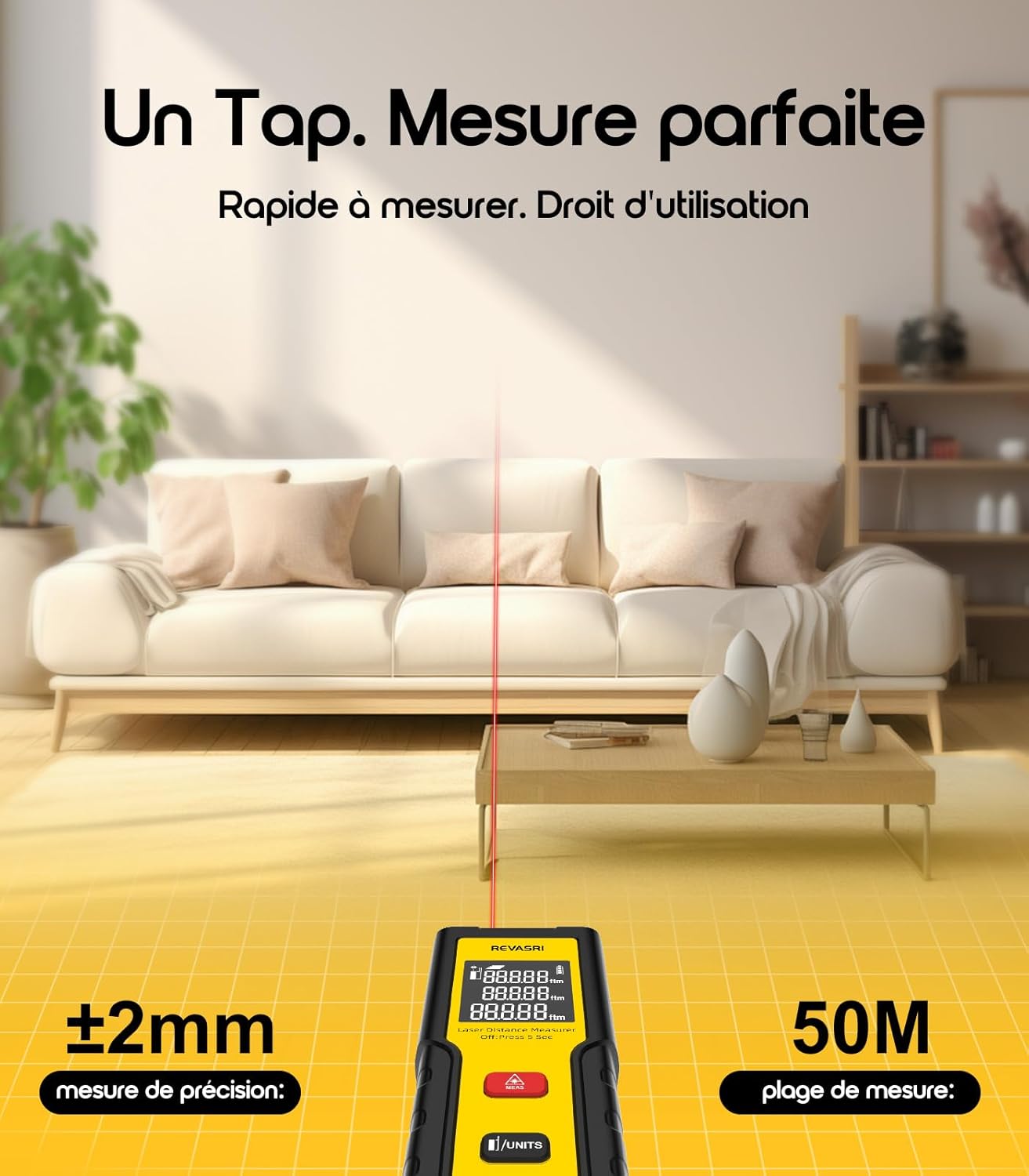
Image: The laser distance measurer emitting a red laser beam towards a wall, demonstrating its use for taking measurements.
1. Power On/Off
- Power On: Press the MEAS button once to turn on the device and activate the laser.
- Power Off: Press and hold the MEAS button for 5 seconds to turn off the device. The device will also automatically power off after 30 seconds of inactivity.
2. Single Distance Measurement
- Turn on the device by pressing the MEAS button. The laser will activate.
- Aim the laser beam at the target point.
- Press the MEAS button again to take a single measurement. The measured distance will be displayed on the screen.
3. Continuous Measurement Mode
This mode allows for dynamic measurement, displaying real-time distance as you move the device.
- Turn on the device.
- Press and hold the MEAS button for 3 seconds. The device will enter continuous measurement mode, and the display will update in real-time.
- To exit continuous measurement mode, press the MEAS button once.
4. Area Measurement
The device can calculate the area of a rectangular space.
- Turn on the device.
- Press and hold the /UNITS button for 3 seconds to switch to area measurement mode. An icon indicating area measurement will appear on the display.
- Measure the first side (e.g., length) by aiming the laser and pressing MEAS.
- Measure the second side (e.g., width) by aiming the laser and pressing MEAS again.
- The calculated area will be displayed on the screen.
- To exit area measurement mode, press the /UNITS button once.
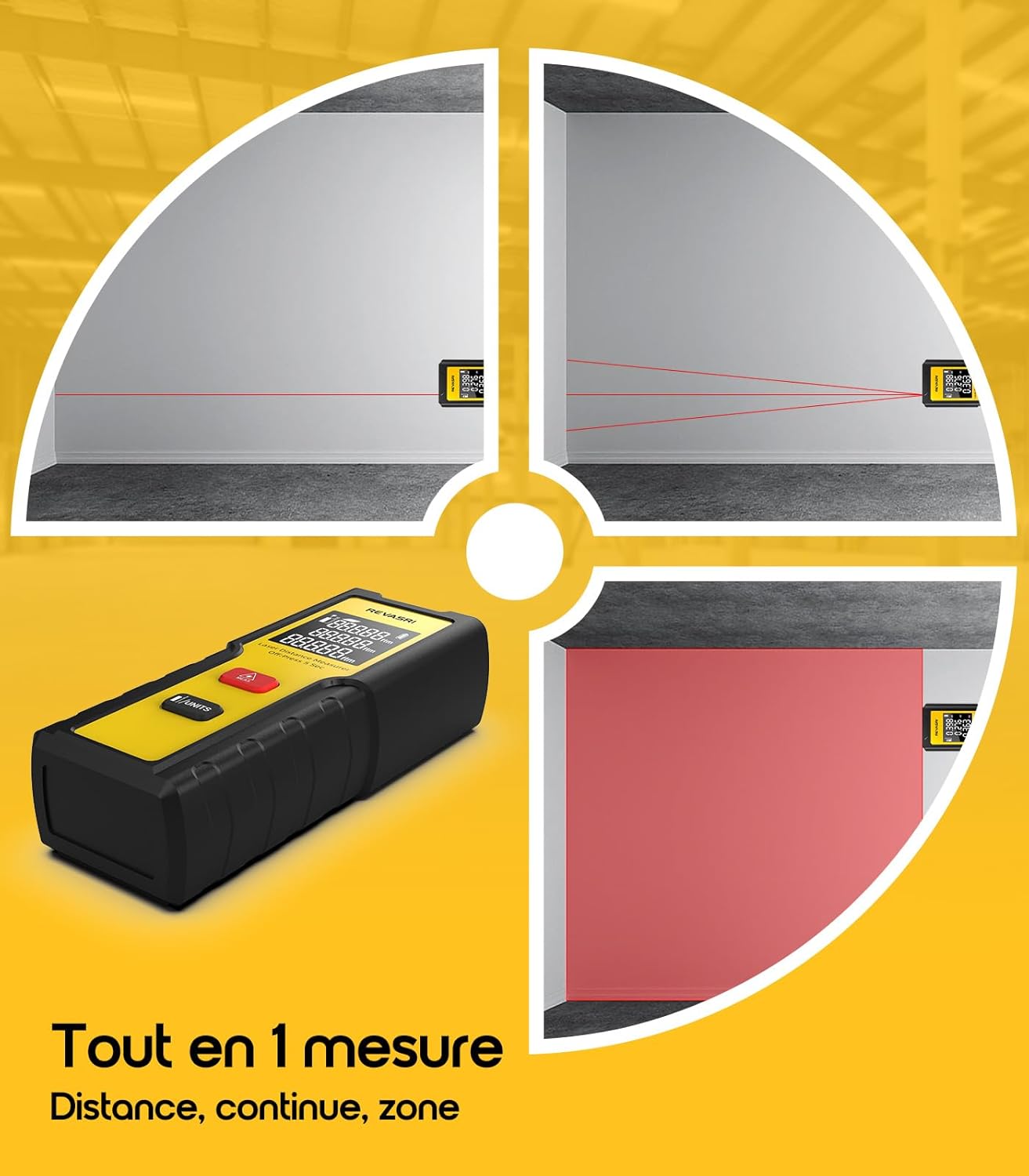
Image: A diagram illustrating how to perform distance measurement (single line) and area measurement (two lines forming a rectangle) using the device.
5. Switching Measurement Units (Meters/Feet)
The device supports switching between meters (M) and feet (F).
- Press and hold the /UNITS button for 5 seconds. The unit displayed on the screen will change (e.g., from 'm' to 'ft').
6. Changing Measurement Reference Point
The device can measure from its front or rear edge.

Image: Diagrams illustrating the two measurement reference points: measuring from the front edge (excluding device length) and measuring from the rear edge (including device length). Also shows unit display options for meters and feet.
- Front Reference: The measurement starts from the front edge of the device. The device's length is not included in the measurement. This is typically the default setting.
- Rear Reference: The measurement starts from the rear edge of the device. The device's length is included in the measurement.
- To switch the reference point, refer to the specific instructions in the included paper manual, as this function is usually tied to a specific button press combination not explicitly detailed in the feature bullets for this model.
Maintenance
- Cleaning: Use a soft, damp cloth to clean the device. Do not use abrasive cleaners or solvents.
- Lens Care: The laser lens is sensitive. Clean it gently with a soft cloth, similar to cleaning camera lenses.
- Storage: Store the device in a dry, cool place, away from direct sunlight and extreme temperatures.
- Battery Replacement: Replace batteries when the low battery indicator appears on the display.
Troubleshooting
| Problem | Possible Cause | Solution |
|---|---|---|
| Device does not power on. | Batteries are dead or incorrectly installed. | Check battery polarity or replace with new AAA batteries. |
| Inaccurate measurements. |
|
|
| Laser does not activate. | Device in standby mode or low battery. | Press MEAS button. Check/replace batteries. |
Specifications
| Feature | Detail |
|---|---|
| Model Number | DE-KL20 |
| Measurement Range | Up to 50 meters |
| Measurement Accuracy | ± 2 mm |
| Measurement Units | Meters (m), Feet (ft) |
| Laser Class | Class 2 |
| Laser Type | 635nm, <1mW |
| Battery Type | 2 x AAA Alkaline Batteries |
| Automatic Laser Shut-off | 30 seconds |
| Automatic Device Shut-off | 30 seconds |
| Product Dimensions (L x W x H) | 3.7 x 2.4 x 10 cm |
| Product Weight | 110 grams |
| Main Material | Plastic |
| Color | Lemon |
Warranty and Support
REVASRI products are manufactured to high-quality standards. For information regarding warranty coverage or technical support, please refer to the contact details provided with your purchase documentation or visit the official REVASRI website.
Please retain your proof of purchase for warranty claims.