
1. Introduction
This manual provides essential information for the proper installation, operation, and maintenance of the Xqscvqwfa Motherboard Inverter, models DB41-01301A and DB92-03526B. This component is designed for use in compatible Samsung air conditioning units. Please read these instructions carefully before proceeding with any installation or service to ensure safe and correct usage.
2. Product Overview
The Motherboard Inverter is a critical control board for air conditioning systems, responsible for managing the compressor and fan motor operations to optimize energy efficiency and performance. Key features of this product include:
- Convenient fault self-diagnosis capabilities.
- Fast start-up and responsive operation.
- Multiple integrated safety protection mechanisms.
- Excellent anti-interference performance for stable operation.
- Standardized interface for quick installation without complex debugging.
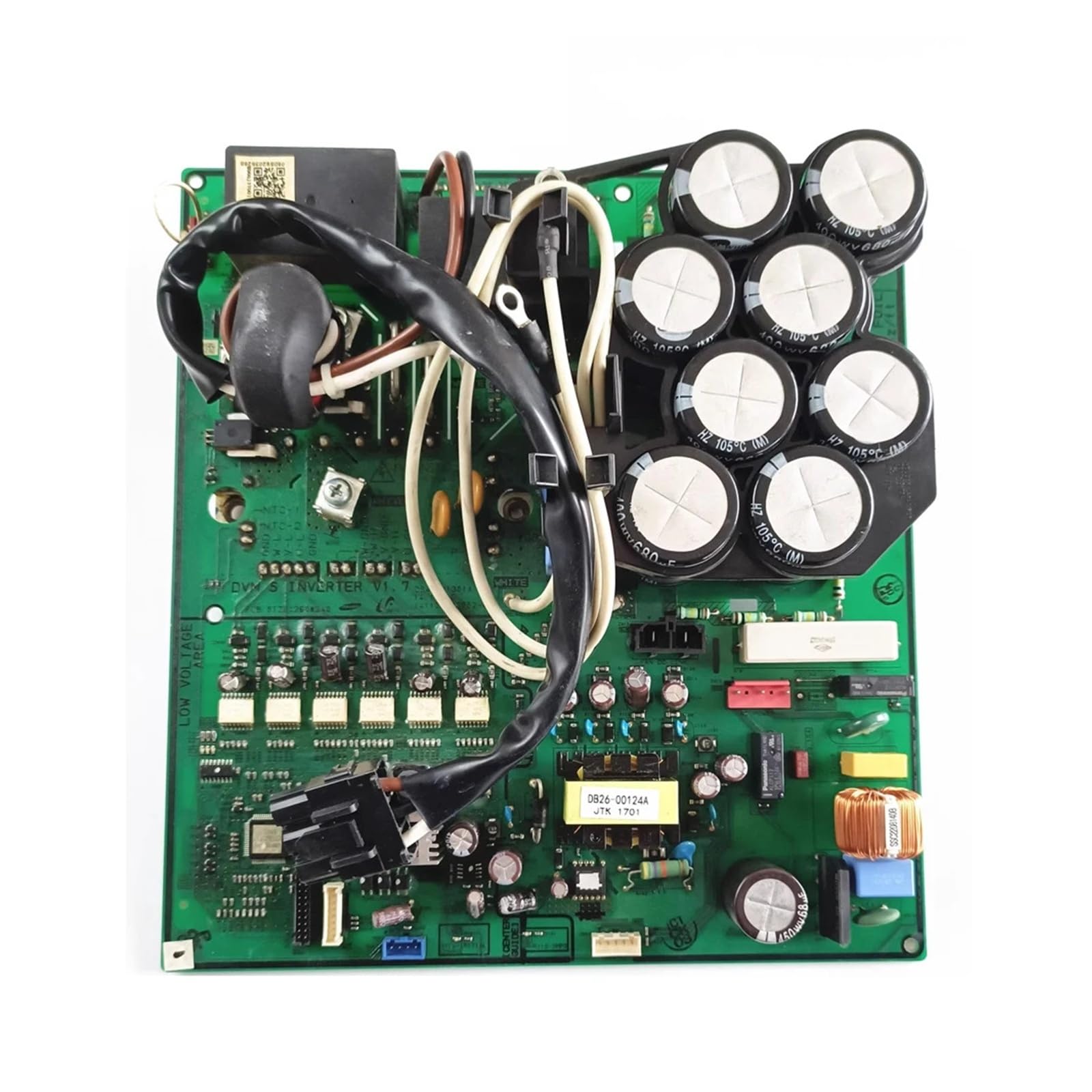
Figure 1: Overall view of the Motherboard Inverter. This image displays the green circuit board with various electronic components and a metal shield.
3. Setup and Installation
Installation of this motherboard inverter requires technical knowledge and should ideally be performed by a qualified technician. Improper installation can lead to damage to the unit or personal injury.
3.1 Safety Precautions
- Always disconnect power to the air conditioning unit at the main circuit breaker before beginning any installation or service work.
- Wear appropriate personal protective equipment (PPE), including anti-static gloves, to prevent electrostatic discharge (ESD) damage to sensitive electronic components.
- Ensure the work area is dry and well-lit.
3.2 Component Identification
Before installation, verify that the replacement board matches the original board's model number. The model number is typically printed directly on the circuit board.

Figure 2: Close-up of the circuit board highlighting the model number DB41-01301A. This helps in verifying the correct part.
3.3 Installation Steps (General)
- Access the existing motherboard: Carefully open the air conditioner unit's casing to expose the internal components.
- Document connections: Before disconnecting, take clear photos or make diagrams of all wire connections to the old motherboard. This is crucial for correct reassembly.
- Disconnect and remove: Gently disconnect all wiring harnesses and mounting screws securing the old motherboard. Remove the old board.
- Install new motherboard: Position the new Xqscvqwfa Motherboard Inverter in place and secure it with the mounting screws.
- Reconnect wiring: Carefully reconnect all wiring harnesses to their corresponding ports on the new motherboard, referring to your documentation from step 2. Ensure all connections are firm and correct.
- Close unit: Securely close the air conditioner unit's casing.
- Restore power: Reconnect power to the air conditioning unit at the main circuit breaker.
- Test operation: Power on the air conditioner and test its functions to ensure proper operation.
4. Operating Instructions
As a component part, the Motherboard Inverter operates automatically within the air conditioning system. Once correctly installed, its function is integrated into the overall operation of the air conditioner. Users interact with the air conditioner's main control panel, and the motherboard manages the internal processes, such as compressor speed and fan operation, based on user settings and environmental conditions.
The board's