
1. Introduction
Thank you for purchasing the Colorcool S7 MP3 Player. This device is designed to provide a versatile and portable music experience with advanced features such as Bluetooth 5.4, a built-in speaker, FM radio, and voice recording. This manual will guide you through the setup, operation, and maintenance of your new MP3 player to ensure optimal performance and enjoyment.
2. Package Contents
Please check the package carefully to ensure all items are present:
- 1 x Colorcool S7 Bluetooth MP3 Player
- 1 x MP3 Player Case
- 1 x Type-C Charging Cable
- 1 x Wired Earphone
- 1 x User Manual (this document)
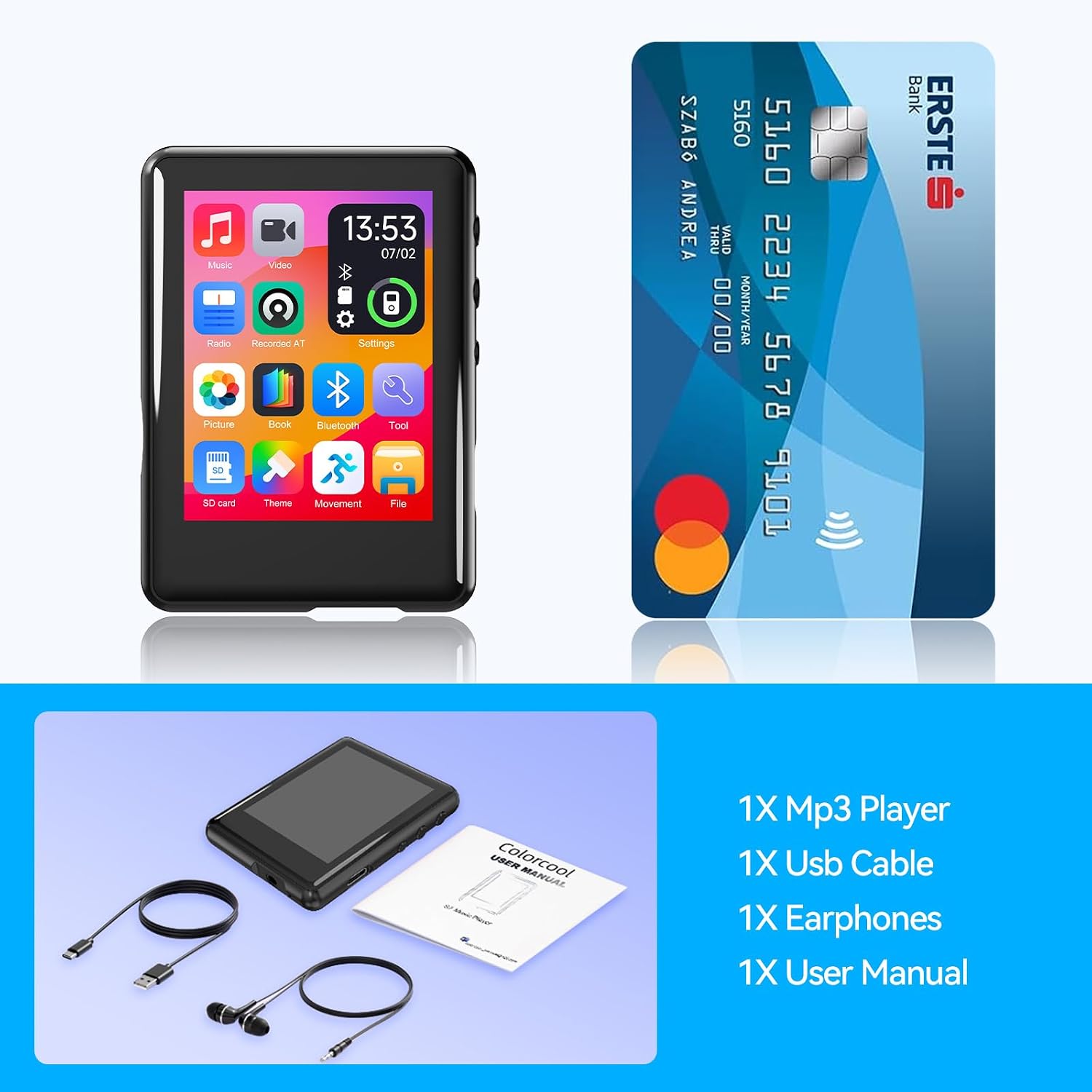
Image showing the contents of the Colorcool S7 MP3 Player package: the MP3 player, a USB-C charging cable, wired earphones, and the user manual.
3. Product Overview
The Colorcool S7 MP3 Player features a sleek design with a full touch screen and intuitive side controls. Familiarize yourself with the device's layout:

Front and back view of the Colorcool S7 MP3 Player, showcasing its full touch screen and side buttons.
Key Features
- Bluetooth 5.4: Stable and efficient wireless connectivity for headphones and speakers.
- Built-in Speaker: Enjoy audio without headphones, ideal for sharing or child-safe listening.
- Expandable Storage: 32GB internal memory, expandable up to 512GB with a TF card.
- FM Radio & Voice Recording: Tune into FM stations and record broadcasts or voice notes.
- 10-in-1 Multi-function: Music, video, e-book, radio, and more in one portable device.
- Full Touch Screen: Intuitive 2.4-inch display for easy navigation.
- High-Quality Audio: Professional intelligent digital noise reduction chip.

Diagram illustrating the 10-in-1 multi-functionality of the Colorcool S7 MP3 Player, including music, video, radio, e-book, and more.
4. Setup
4.1 Charging the Device
Before first use, fully charge your MP3 player. Connect the included Type-C charging cable to the device's charging port and the other end to a USB power adapter (not included) or a computer's USB port. The battery indicator on the screen will show charging status.
4.2 Power On/Off
- To Power On: Press and hold the Power button on the side of the device until the screen lights up.
- To Power Off: Press and hold the Power button until the power-off prompt appears, then confirm on the screen.
4.3 Loading Music and Files
The Colorcool S7 MP3 Player has 32GB of built-in memory and supports expansion up to 512GB via a Micro SD (TF) card.
- Via USB: Connect the MP3 player to your computer using the Type-C cable. The device will appear as a removable disk. Drag and drop your music, video, or e-book files into the appropriate folders on the device.
- Via Micro SD Card: Insert a Micro SD card into the designated slot on the device. You can transfer files directly to the card using a card reader or by connecting the MP3 player to a computer with the card inserted.

Visual representation of the Colorcool S7 MP3 Player's storage capacity, highlighting its 32GB built-in memory and expandability up to 512GB with a TF card.
5. Operating Instructions
5.1 Basic Navigation
The device features a full touch screen for navigation. Tap icons to open applications, swipe to scroll, and use the back button (if present on screen) or physical buttons to return to previous menus.
5.2 Music Playback
- Tap the "Music" icon on the home screen.
- Browse your music by artist, album, genre, or all songs.
- Tap a song to begin playback.
- Use the on-screen controls for play/pause, skip, volume adjustment, and repeat/shuffle modes.
5.3 Bluetooth Connectivity
The MP3 player supports Bluetooth 5.4 for connecting to Bluetooth headphones and speakers. Note: This device is unable to pair with Bluetooth on phones or PCs.
- Tap the "Bluetooth" icon on the home screen.
- Turn on Bluetooth.
- Ensure your Bluetooth headphones or speaker are in pairing mode.
- Select your device from the list of available devices to connect.

A person wearing headphones connected wirelessly to the Colorcool S7 MP3 Player, emphasizing its Bluetooth audio device compatibility (not for phones/PCs).
5.4 FM Radio
To use the FM radio, ensure the wired earphones are plugged in as they act as the antenna.
- Tap the "Radio" icon.
- Use the on-screen controls to scan for stations or manually tune.
- To record FM radio, select the recording option within the FM radio interface.

The Colorcool S7 MP3 Player displaying the FM radio interface, with earphones connected, indicating its radio and recording capabilities.
5.5 Voice Recording
- Tap the "Voice Recording" icon.
- Tap the record button to start recording.
- Tap again to pause/stop. Recordings are saved automatically.
5.6 Other Functions (E-book, Video Playback, etc.)
Explore other functions by tapping their respective icons on the home screen. The device supports various formats for e-books and videos. Refer to the on-screen instructions within each application for specific usage.
5.7 Settings
Access the "Settings" icon to customize your MP3 player. Options include:
- Equalizer: Adjust audio output for different music genres.
- Playback Mode: Set repeat, shuffle, or sequential playback.
- Speed Playback: Adjust playback speed for audio.
- Themes: Change the visual theme of the user interface.
- Date & Time: Set the device's clock.
- Language: Select your preferred language.
5.8 Built-in Speaker
The device features a built-in speaker, allowing audio playback without earphones. This is particularly useful for sharing music or for children's use with child-safe volume controls.

Three children listening to music from the Colorcool S7 MP3 Player's built-in speaker, demonstrating its child-safe volume and durable design.
6. Maintenance
6.1 Cleaning
- Use a soft, dry, lint-free cloth to clean the screen and body of the device.
- Do not use abrasive cleaners, alcohol, or chemical solvents.
6.2 Storage
- Store the device in a cool, dry place away from direct sunlight and extreme temperatures.
- If storing for an extended period, charge the battery to about 50% to preserve its lifespan.
6.3 Battery Care
- Avoid fully discharging the battery frequently.
- Do not expose the device to temperatures above 60°C (140°F) or below -10°C (14°F).
7. Troubleshooting
Device does not power on:
- Ensure the battery is charged. Connect to a power source and try again.
- Press and hold the Power button for at least 10 seconds to force a restart.
No sound from earphones/speaker:
- Check the volume level on the device.
- Ensure earphones are properly plugged in.
- If using Bluetooth, ensure the device is correctly paired and connected to the audio output.
Cannot connect to Bluetooth device:
- Ensure both devices are in pairing mode and within range.
- Confirm the MP3 player is not attempting to pair with a phone or PC, as this functionality is not supported.
- Turn Bluetooth off and on again on the MP3 player.
Files not recognized:
- Ensure files are in supported formats (MP3, WMA, APE, FLAC, WAV, DRM, ACELP for audio).
- Check if the files are corrupted.
- Verify that the Micro SD card is properly inserted and formatted.
8. Specifications
| Feature | Description |
|---|---|
| Model Name | S7 |
| Connectivity Technology | Aux, Bluetooth 5.4, USB |
| Memory Storage Capacity | 32 GB (expandable up to 512 GB via Micro SD) |
| Screen Size | 2.4 Inches |
| Special Features | Built-In Speaker, Equalizer, FM Radio, Touch Screen, Voice Recorder |
| Compatible Devices | Personal Computer (MAC needs OTG adapter) |
| Supported Media Type | Micro SD |
| Item Weight | 1.13 ounces |
| Package Dimensions | 7.48 x 5.2 x 0.75 inches |
9. Warranty and Support
For warranty information and technical support, please refer to the contact details provided on the product packaging or the official Colorcool website. Keep your purchase receipt as proof of purchase for warranty claims.