
ENGINE DETOX DM-58-CLMRA
ENGINE DETOX DM-58 GPS Smart Watch User Manual
Model: DM-58-CLMRA
1. Introduction
This user manual provides comprehensive instructions for the ENGINE DETOX DM-58 GPS Smart Watch. Please read this manual carefully before using the device to ensure proper operation and to maximize its features.
The DM-58 is an outdoor sport GPS smartwatch featuring a 1.43-inch AMOLED touch screen, 500mAh battery, and 5 ATM water resistance. It is designed to track various outdoor activities and monitor health metrics.
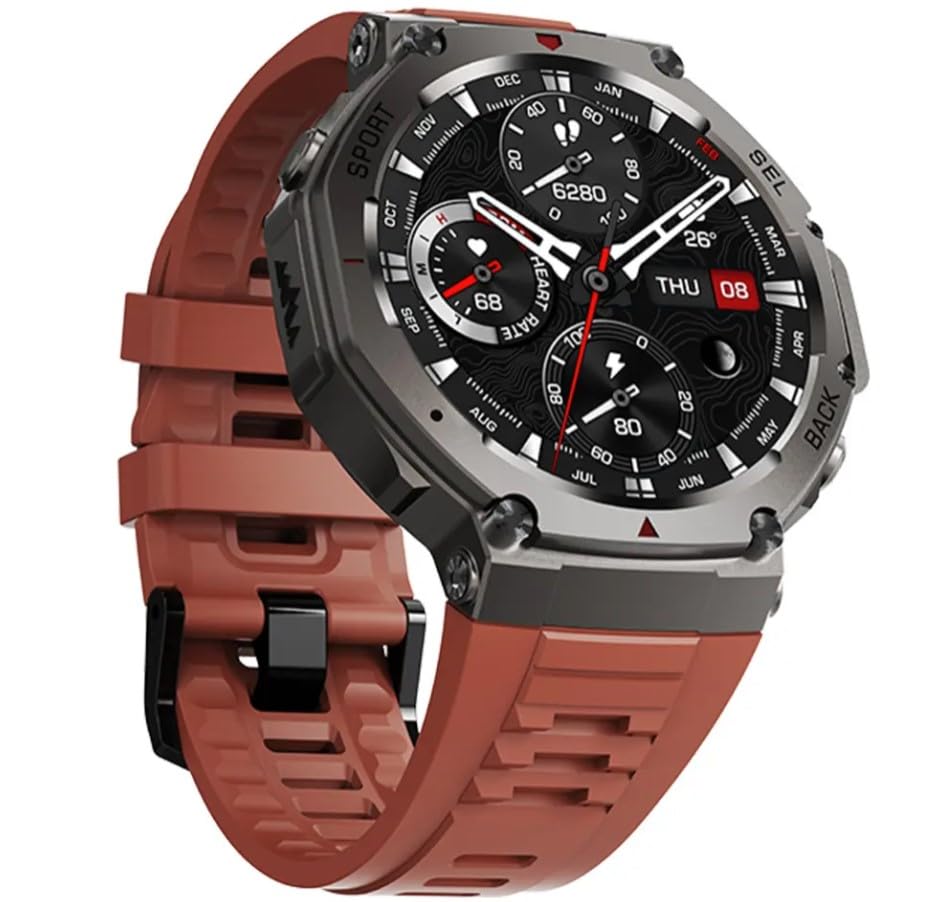
Image 1.1: Front view of the ENGINE DETOX DM-58 GPS Smart Watch with a brown strap.
2. Package Contents
Ensure all items are present in the package:
- ENGINE DETOX DM-58 GPS Smart Watch
- Charging Cable
- User Manual
3. Setup
3.1 Charging the Device
Before first use, fully charge your DM-58 smartwatch. Connect the magnetic charging cable to the charging contacts on the back of the watch and plug the USB end into a standard USB power adapter (5V/1A recommended) or a computer's USB port.
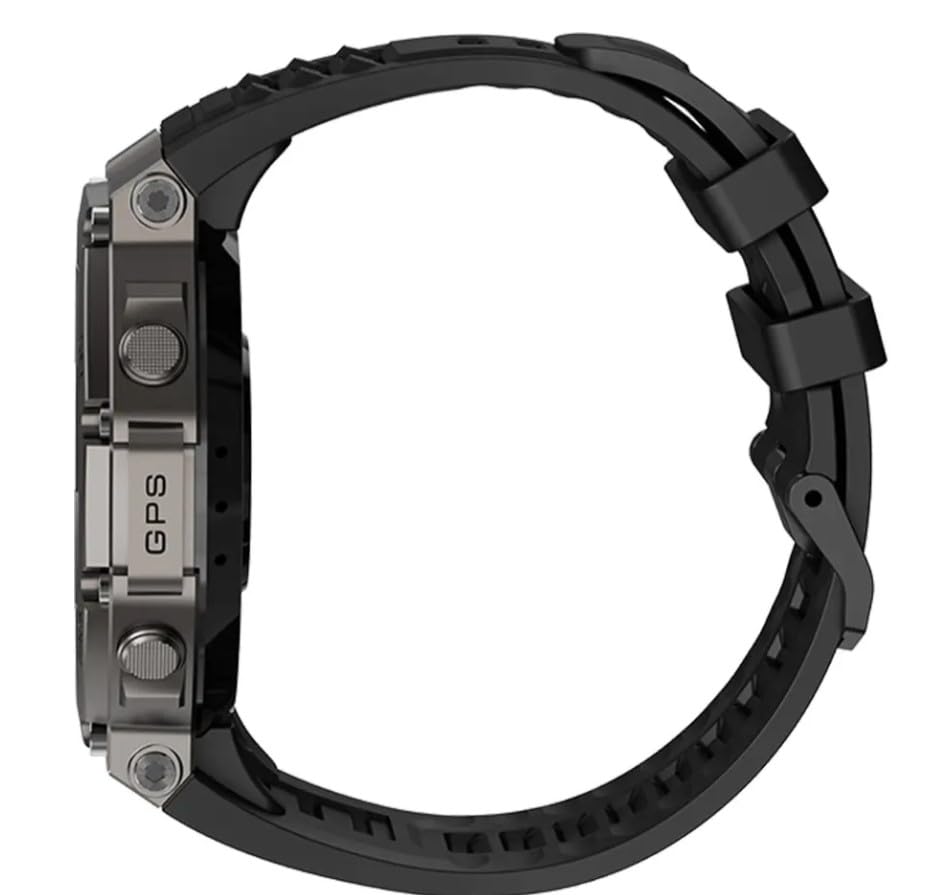
Image 3.1: Rear view of the DM-58 showing the optical heart rate sensor and charging contacts.
The watch display will show a charging indicator. A full charge typically takes 2-3 hours.
3.2 Powering On/Off
- Power On: Press and hold the power button (usually the top right button) for a few seconds until the screen lights up.
- Power Off: From the watch face, swipe down or navigate to the settings menu, then select "Power Off" or "Shutdown". Alternatively, press and hold the power button until the power off option appears.
3.3 Pairing with Your Smartphone
To unlock the full potential of your DM-58, pair it with your smartphone via the dedicated companion app. Search for "ENGINE DETOX Smart Watch App" (or similar, assuming a generic name) in your phone's app store (Google Play Store for Android, Apple App Store for iOS).
- Download and install the app.
- Enable Bluetooth on your smartphone.
- Open the app and follow the on-screen instructions to create an account or log in.
- In the app, navigate to "Add Device" or "Pair Device" and select "DM-58" from the list of available devices.
- Confirm the pairing request on both your phone and the watch.
Once paired, the watch will synchronize time, date, and receive notifications from your phone.
4. Operating the Smart Watch
4.1 Basic Navigation
The DM-58 features a 1.43-inch AMOLED full touch display for intuitive interaction.
- Swipe Up/Down: Access quick settings or notifications.
- Swipe Left/Right: Navigate through different widgets or main functions (e.g., heart rate, activity data, weather).
- Tap: Select an item or open an application.
- Press Side Buttons: The physical buttons on the side provide shortcuts to specific functions (e.g., Sport mode, Back, Select). Refer to the watch's on-screen prompts for specific button assignments.
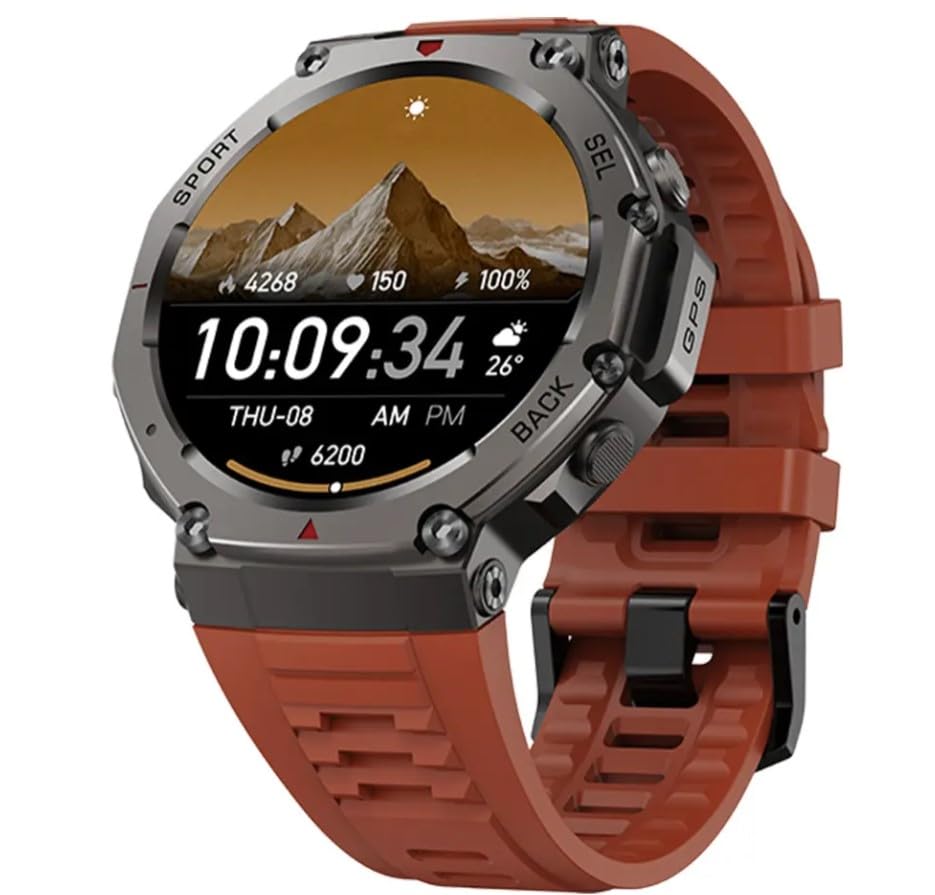
Image 4.1: Watch face showing time, date, step count, and battery level.
4.2 Health and Fitness Monitoring
The DM-58 tracks various health and fitness metrics:
- Heart Rate: Continuous heart rate monitoring. View real-time data on the watch or detailed trends in the app.
- Blood Oxygen (SpO2): Measure your blood oxygen saturation. Ensure the watch is snug on your wrist for accurate readings.
- Sleep Tracking: Automatically monitors your sleep patterns, including deep sleep, light sleep, and awake times.
- Steps & Calories: Tracks daily step count and estimated calories burned.
- Multiple Sport Modes: Select from various pre-set sport modes (e.g., running, cycling, hiking) for accurate tracking of specific activities.

Image 4.2: Watch face displaying health metrics such as heart rate, step count, and calories burned.
4.3 GPS Functionality
The built-in GPS with multi-satellite support (GPS/GLONASS) allows for accurate tracking of outdoor activities without needing your phone. Ensure you have a clear view of the sky for optimal GPS signal acquisition.
- Start a GPS-enabled activity (e.g., Outdoor Run) from the Sport modes.
- Wait for the GPS signal to lock before starting your activity for the most accurate route and distance tracking.
4.4 Smart Notifications and Music Control
- Notifications: Once paired, the watch will display incoming calls, SMS messages, and app notifications from your smartphone. Manage notification settings within the companion app.
- Music Control: Control music playback on your smartphone directly from your watch (play, pause, skip tracks, adjust volume).
5. Maintenance and Care
- Cleaning: Wipe the watch and strap regularly with a soft, damp cloth. Avoid using harsh chemicals or abrasive materials.
- Water Resistance: The DM-58 is 5 ATM water-resistant (up to 50 meters). It is suitable for swimming and showering but not for deep diving or high-pressure water activities. Do not operate buttons underwater.
- Charging Contacts: Keep the charging contacts on the back of the watch clean and dry to ensure proper charging.
- Storage: Store the watch in a cool, dry place when not in use. Avoid extreme temperatures.
6. Troubleshooting
| Problem | Possible Solution |
|---|---|
| Watch does not power on. | Ensure the watch is fully charged. Connect to the charger for at least 30 minutes. |
| Cannot pair with smartphone. | Ensure Bluetooth is enabled on your phone. Restart both the watch and phone. Make sure the app is updated. Forget the device in phone's Bluetooth settings and try pairing again. |
| Inaccurate heart rate/SpO2 readings. | Ensure the watch is worn snugly on your wrist, not too loose or too tight. Clean the sensor on the back of the watch. |
| GPS signal not acquired. | Move to an open outdoor area with a clear view of the sky. Wait a few minutes for the watch to acquire satellites. |
| Notifications not received. | Check app notification permissions on your phone. Ensure the watch is connected via Bluetooth. Check notification settings within the companion app. |
7. Specifications
| Feature | Detail |
|---|---|
| Model Name | DM-58-CLMRA |
| Display Type | AMOLED |
| Screen Size | 1.43 Inches |
| Battery Capacity | 500 mAh |
| Water Resistance | 5 ATM (up to 50 meters) |
| GPS | Built-in GPS (GPS/GLONASS) |
| Health Monitoring | Heart Rate, SpO2, Sleep Tracking, Steps, Calories |
| Special Features | Activity Tracker, Always On Display, Multisport Tracker, Music Player |
| Compatible Devices | Smartphone |
| Item Weight | 150 g |
| Product Dimensions | 4 x 5 x 2.5 cm |
8. Warranty and Support
For warranty information and technical support, please refer to the official ENGINE DETOX website or contact their customer service. Specific warranty terms may vary by region and retailer.
Please retain your proof of purchase for any warranty claims.
Ask a question about this manual
Ask about setup, troubleshooting, compatibility, parts, safety, or missing instructions. Manuals+ will review the question and use this page’s manual context to help answer it.