Introduction
This manual provides comprehensive instructions for the setup, operation, and maintenance of your UYXOERA SAGA DX Plus 5000-in-1 Multi-Game System Arcade Jamma Board. Please read this manual thoroughly before use to ensure proper functionality and to maximize your gaming experience.
Safety Information
To ensure safe operation and longevity of your device, always pay attention to proper ventilation and heat dissipation. Avoid blocking any vents on the unit. Do not expose the device to moisture or extreme temperatures. Disconnect power before cleaning or performing any maintenance.
What's in the Box
- 1x UYXOERA SAGA DX Plus Arcade Jamma Game Board
Setup
Connecting the System
The SAGA DX Plus board offers multiple connection options for video, audio, and power. Identify the appropriate ports on your board and connect them to your display and power source.

Image Description: This image displays the UYXOERA SAGA DX Plus arcade board from a top-down, angled perspective, highlighting its various input/output ports. Clearly labeled ports include 12V DC power input, HDMI output, AUX audio output, VGA output, Volume control, USB port for gamepads, and a 'Setting button'. The board also features a fan for cooling and a JAMMA connector slot.
- 12V DC: Connect the provided 12V DC power adapter.
- HDMI: For high-definition video and audio output to modern displays.
- VGA: For video output to VGA-compatible monitors.
- AUX: For analog audio output.
- USB: Connect external USB gamepads for additional players.
- Volume: Adjust the system's audio output level.
JAMMA Interface Connection
For integration into an arcade cabinet, connect the board via a standard JAMMA harness. Refer to the pinout table below for correct wiring.
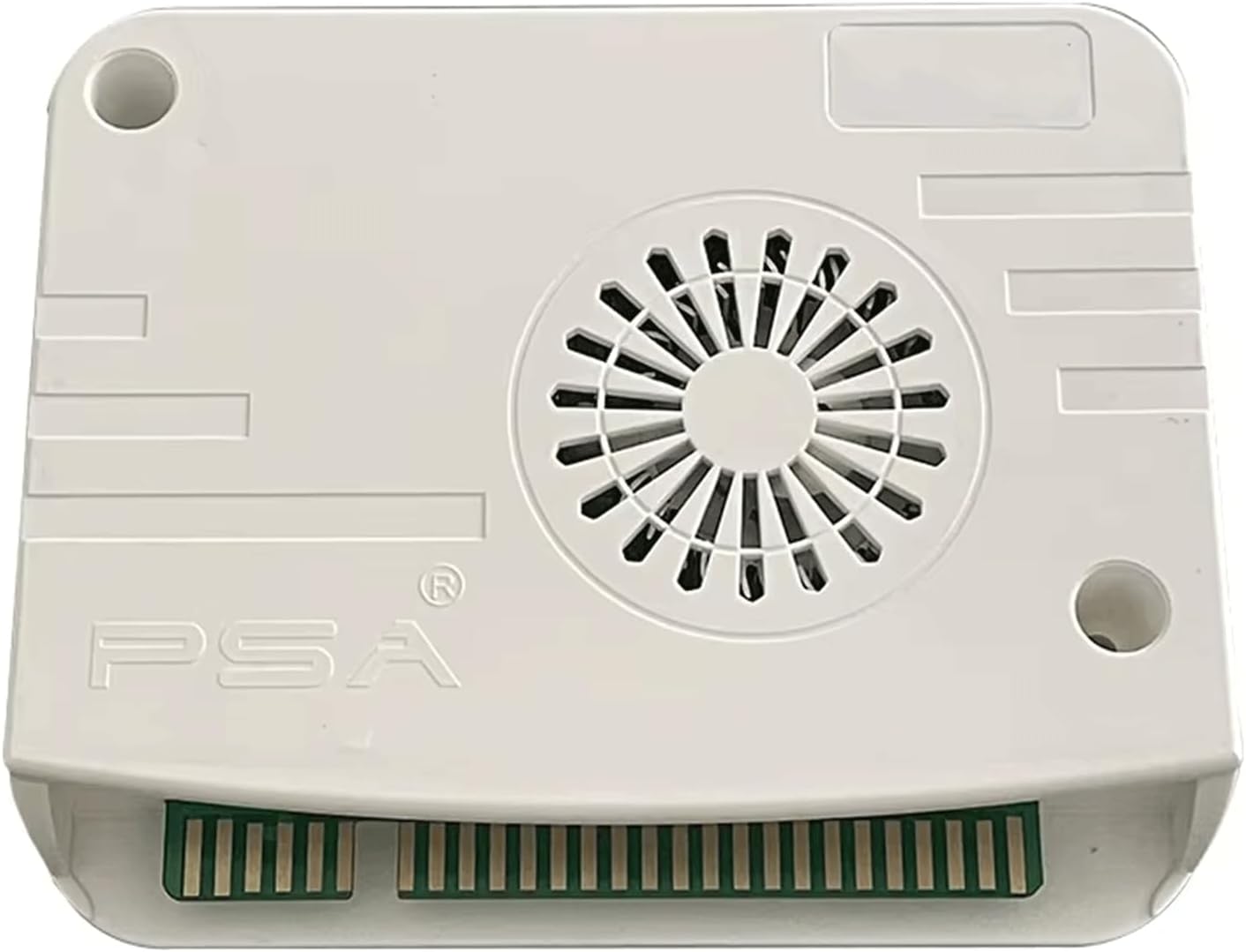
Image Description: This image displays a detailed table titled '1.1 JAMMA Interface Definition'. It lists pin assignments for both the 2P Table (Solder Side) and 1P Table (Parts Side) of a JAMMA connector. The table includes connections for Ground, +5V, +12V, N/C (Not Connected), Speaker, Video (Green, Sync, Red, Blue), Pause, Coin Switch #1, and various 1P and 2P controls (Start, Up, Down, Left, Right, Buttons #1-6).
Resolution and CRT Output Configuration
The system supports 15KHz CRT output. To configure the video output for CRT displays:
- Ensure the system is powered off.
- Press and hold the 'SET' button (located near the USB port).
- While holding the 'SET' button, power on the system.
- Observe the monitor output. If the display is incorrect, power off the system and repeat the process.
- When successful, the LED indicator on the board will shift from green to yellow, indicating a change in display mode. Multiple modes exist; repeat until the desired output is achieved.
Operating Instructions
Basic Navigation
The SAGA DX Plus features an intuitive interface for game selection and management.
- Game Pause: During gameplay, press the designated pause button to temporarily halt the game.
- Save/Load States: The system allows you to save your game progress and load it later. Refer to the on-screen menu for specific instructions.
- Favorites List: Mark your preferred games to quickly access them from a dedicated favorites list.
- Recent Games: The system tracks recently played games for easy re-selection.
- Search Function: Use the search feature to quickly locate specific games within the extensive library.
- Language Switching: The system supports one-key language switching for menu navigation.
Multiplayer Gaming
The system supports up to 4 players using external USB controllers. Connect additional gamepads to the USB port(s) on the board.
Customization Options
Enhance your gaming experience with various customization settings:
- Customizable Buttons: Remap control buttons to your preference through the system settings.
- Game Classification: Organize games by genre, system, or other categories for easier browsing.
- Image Enhancement: Adjust display settings for improved visual quality.
Maintenance
Keep the SAGA DX Plus board clean and free from dust. Use a soft, dry cloth for cleaning. Do not use liquid cleaners or solvents. Ensure adequate airflow around the unit to prevent overheating. Store the board in a cool, dry place when not in use.
Troubleshooting
Common Issues
- No Display/Incorrect Resolution: Verify all video cables (HDMI/VGA) are securely connected. If using a CRT, follow the resolution configuration steps in the Setup section.
- Performance or Sound Issues: Ensure the power supply is stable. Some games may have specific emulation requirements; try adjusting game settings if available.
- Controllers Not Responding: Check USB connections for external gamepads. Ensure JAMMA harness is correctly wired according to the pinout table.
- System Overheating: Ensure the board's fan is unobstructed and operating. Provide sufficient ventilation around the unit.
Specifications
| Feature | Detail |
|---|---|
| Model Number | DX 5000 IN 1 |
| Hardware Interface | HDMI, VGA |
| Video Output Resolution | HD 1280x720P |
| Supported Emulators | MAME, FC, SFC, PCE, MD |
| Player Support | Up to 4 players (with external USB controllers) |
| Memory Storage Capacity | 32 GB |
| Material | Plastic |
| Product Dimensions | 6 x 5 x 7 inches |
| Item Weight | 8 ounces |
| Manufacturer | UYXOERA |
| UPC | 762949758076 |
Warranty and Support
For warranty information and technical support, please refer to the documentation provided with your purchase or contact UYXOERA customer service directly. Keep your purchase receipt as proof of purchase.