
1. Introduction
The GDSAFS Talkbuds Translator Earbuds are designed to provide seamless real-time translation, high-quality audio for music, and clear communication for calls. This device aims to enhance social interactions and simplify communication across language barriers, supporting up to 144 languages and accents.
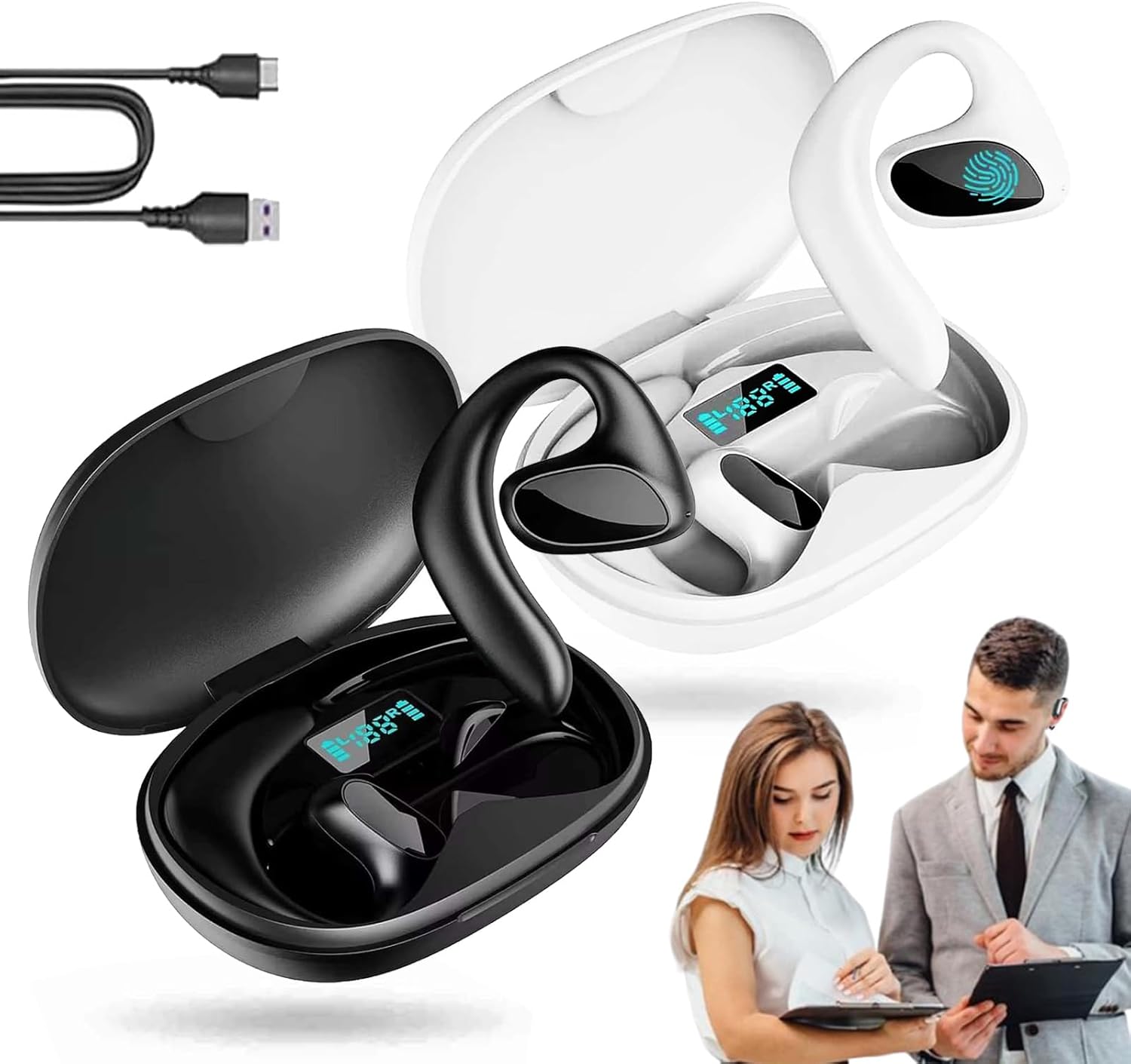
Image 1.1: GDSAFS Talkbuds Translator Earbuds in their charging cases, illustrating the product's design and intended use for communication.
2. Package Contents
Please verify that all items are present in your package:
- 1 × Talkbuds Translator Earbuds
- 1 × Type-C Charging Cable
- 1 × Headphone Storage Box (Charging Case)
- 1 × User Manual
3. Specifications
| Feature | Description |
|---|---|
| Product Name | Talkbuds Translator |
| Model Number | ffdgd-1136 |
| Connectivity Technology | Wireless (Bluetooth) |
| Bluetooth Version | BT5.3 |
| Microphone | Built-in silicone microphone |
| Music Playback Time | Up to 8 hours |
| Talk Time | Up to 6 hours |
| Charging Time | Approx. 1.5 hours |
| Charging Port | Type-C |
| Translation Support | 144 Languages & Accents |
| Audio Quality | 360° Hi-Fi Stereo Sound, Noise Reduction |
| Compatibility | AI Translate App (via QR code on box) |
4. Setup
4.1 Charging the Earbuds
Before first use, fully charge the Talkbuds and their charging case. The charging case provides additional battery life for the earbuds.
- Place the earbuds into the charging case.
- Connect the Type-C charging cable to the charging port on the case and to a power source.
- The charging indicator on the case will show charging status. A full charge typically takes approximately 1.5 hours.

Image 4.1: Battery life illustration, showing the capacity of the earbuds and charging case, and estimated usage time.
4.2 Bluetooth Pairing
The Talkbuds utilize Bluetooth 5.3 for a stable and fast connection to your device.
- Ensure the earbuds are charged and removed from the charging case to enter pairing mode.
- On your smartphone or tablet, enable Bluetooth and search for available devices.
- Select "GDSAFS Talkbuds" (or similar name) from the list to pair.
- Once paired, the earbuds are ready for use with the AI Translate App and for audio playback.

Image 4.2: Visual guide for Bluetooth pairing and app integration.
4.3 AI Translate App Installation
For translation functionalities, download and install the dedicated AI Translate App. A QR code for the app can be found on the product packaging or in the included user manual.
5. Operating Instructions
5.1 Translation Modes
The Talkbuds support various translation modes via the AI Translate App:
- Touch Mode: Tap the earbud to initiate translation.
- Speaker Mode: One person wears an earbud, the other holds the phone, and the phone's speaker plays the translation.
- Free Talk Mode: Both users wear an earbud for continuous, natural conversation.
- Offline Mode: Supports translation without an internet connection for selected languages (requires prior download within the app).

Image 5.1: Overview of the four smart voice translator earbud modes.

Image 5.2: Demonstrating two-way simultaneous interpretation with low latency.
5.2 Audio Playback and Calls
Beyond translation, the Talkbuds function as standard wireless earbuds, offering 360° Hi-Fi stereo sound and noise reduction for an immersive listening experience.
- Music: Stream audio from your paired device.
- Phone Calls: Make and receive calls with the built-in microphone.
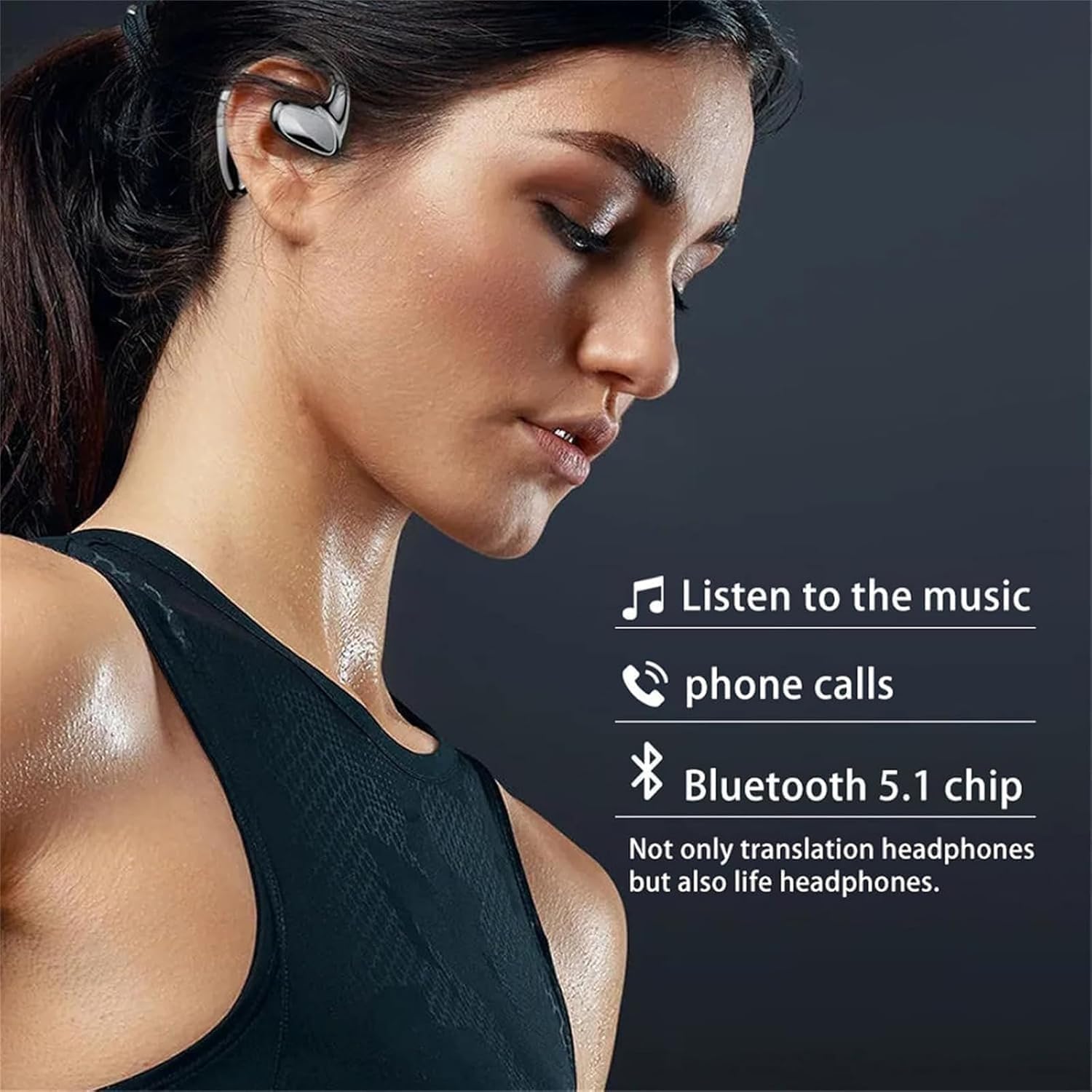
Image 5.3: Highlighting the multi-functional capabilities for music and calls.

Image 5.4: Illustrating the extensive language support for translation.
6. Maintenance
To ensure the longevity and optimal performance of your Talkbuds Translator Earbuds, follow these maintenance guidelines:
- Cleaning: Gently wipe the earbuds and charging case with a soft, dry, lint-free cloth. Avoid using abrasive materials or harsh chemicals.
- Storage: When not in use, store the earbuds in their charging case to protect them from dust and damage.
- Avoid Moisture: Do not expose the earbuds or charging case to water or excessive moisture.
- Temperature: Avoid extreme temperatures, both hot and cold, as these can affect battery life and component integrity.
7. Troubleshooting
If you encounter issues with your Talkbuds, refer to the following common solutions:
- Earbuds not pairing: Ensure earbuds are charged, Bluetooth is enabled on your device, and the earbuds are in pairing mode. Try restarting both the earbuds (by placing them back in the case and taking them out) and your device.
- No sound: Check the volume levels on both your device and the earbuds. Ensure the earbuds are properly connected via Bluetooth.
- Translation not working: Verify that the AI Translate App is correctly installed and configured. Ensure you have an active internet connection for online translation modes, or that offline language packs are downloaded for offline use. Check app permissions.
- Poor sound quality: Ensure the earbuds are clean and properly seated in your ears. Check for interference from other wireless devices.
- Charging issues: Confirm the Type-C cable is securely connected to both the case and the power source. Try a different charging cable or power adapter.
8. Warranty and Support
For product support, technical assistance, or warranty inquiries, please contact GDSAFS customer service through the platform where you purchased the product. Refer to your purchase documentation for specific warranty terms and conditions.
Protection plans may be available for extended coverage. Please check with your retailer for details.